How we cut our video production time from 2 weeks to 2 days
From Midjourney style references to AI animation and generated sound effects — the step-by-step workflow that's replacing traditional video advertisement production. See the exact AI workflow a SaaS marketing team used to cut production time and costs by 95%
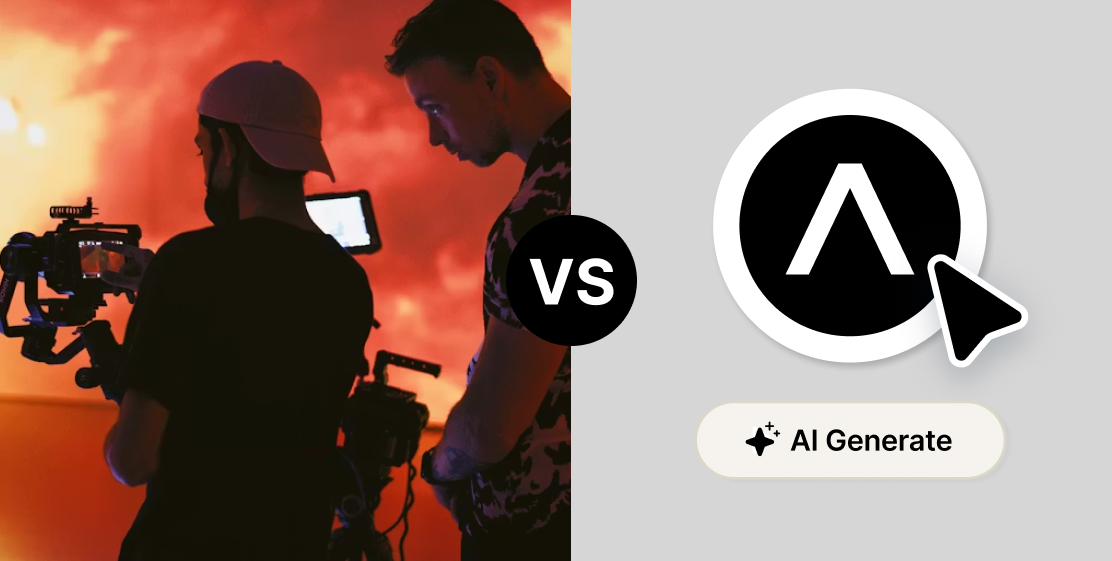
A sales-tech company was spending tens of thousands on video ads. Then one marketing team changed everything.
There's a moment every marketing team dreads: you have a killer concept for a video ad, everyone's excited about it, and then someone pulls up the calendar and the budget doc and the energy just goes away. Booking a production agency, writing briefs, coordinating shoot days, waiting for revisions. By the time the ad is live, the cultural moment it was meant to catch has moved on — and you've spent $20,000 to find out whether it worked.
That was the reality for one of our users, a fast-growing SaaS company building tools for sales teams. Their product is deeply embedded in how their users work every day, the kind of platform where salespeople live. They knew that video was their best channel. The problem was the machine required to produce it. Until their marketing tram decided to try something different.
→ The old way was costing more than money
Before, the team's video production process looked like this: concept in a team meeting, brief to an external agency, back-and-forth on creative direction, filming day, editing round one, editing round two, legal review, final export. Two to three weeks minimum, often longer. And the cost? Easily five figures for a single finished ad.
That's not just a budget problem. It's a speed problem. By the time an ad cleared the production pipeline, they'd often find a competitor had already run something similar, or the product had been updated and the messaging was off. Worse: if the ad didn't perform, there was no budget left to test a different angle.
The team wanted to move faster. They just didn't know how fast was actually possible.
→ The new workflow: from concept to published ad in 72 hours
The designer — one person, sitting at his desk, no production crew — now produces finished video ads in two to three days. Here's exactly how.
Step 1: Lock the visual style in Midjourney
Everything starts in Midjourney. Before touching a single frame, the designer finds a visual style that fits the campaign. Midjourney has a feature called style reference (--sref) that lets you lock in a specific aesthetic — a color palette, a lighting quality, an illustration style — and apply it consistently across every image you generate. Once you find a style code that works, you can produce dozens of visually coherent images without drift.
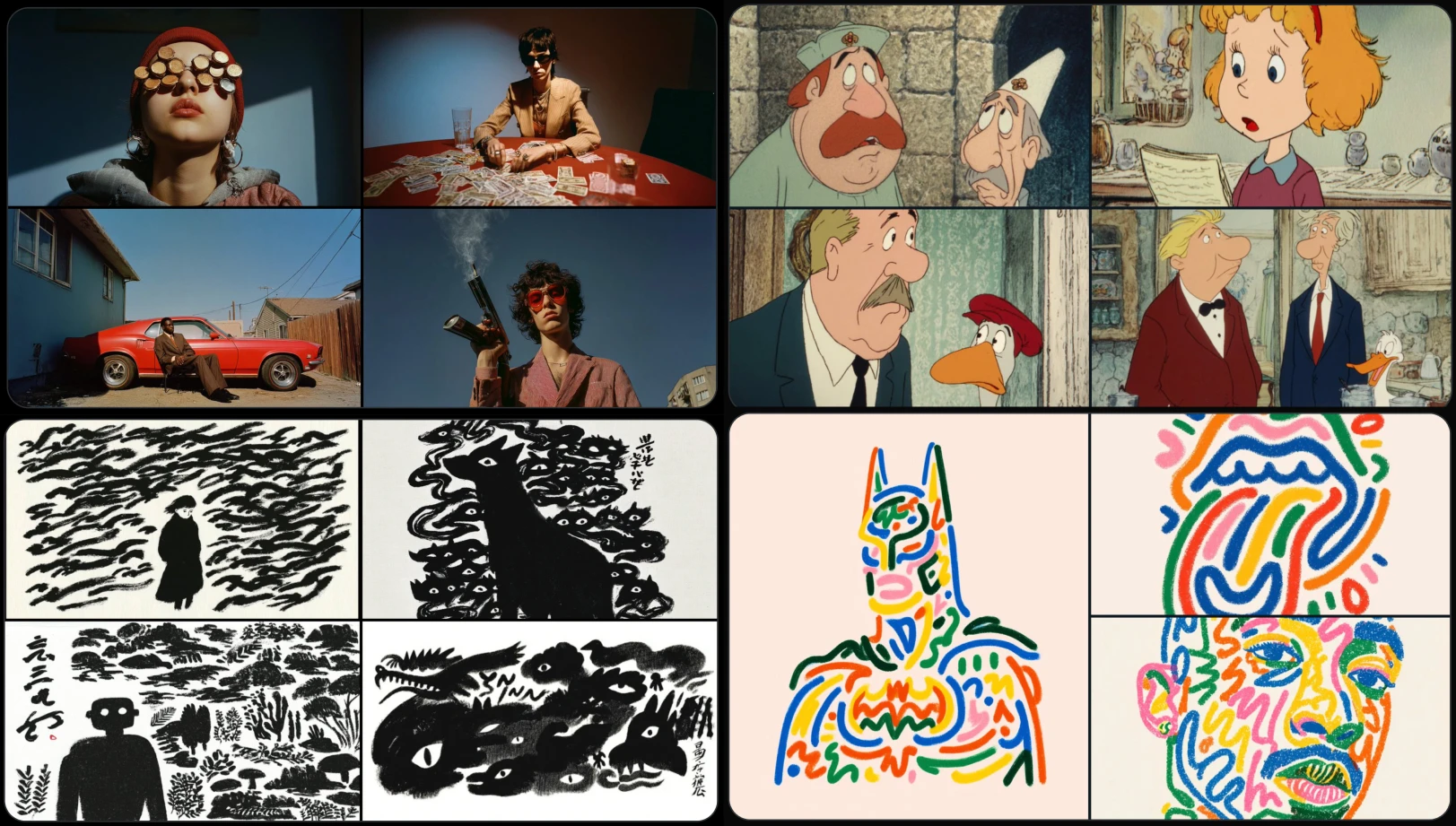
If you can't find the right style code in Midjourney's library, you can upload your own reference images and let the model build from there. For a brand that needs to stay on-model across a series of ads, this is game-changing.
This is also where the storyboard happens. Before generating anything, the designer thinks through the narrative arc of the ad — the hook, the payoff, the CTA moment — and maps it to a sequence of images. It's old-school storyboarding logic applied to a completely new toolset.
Step 2: Animate everything inside Artificial Studio
Once the images are ready, they come into Artificial Studio — and this is where the ad actually comes to life.
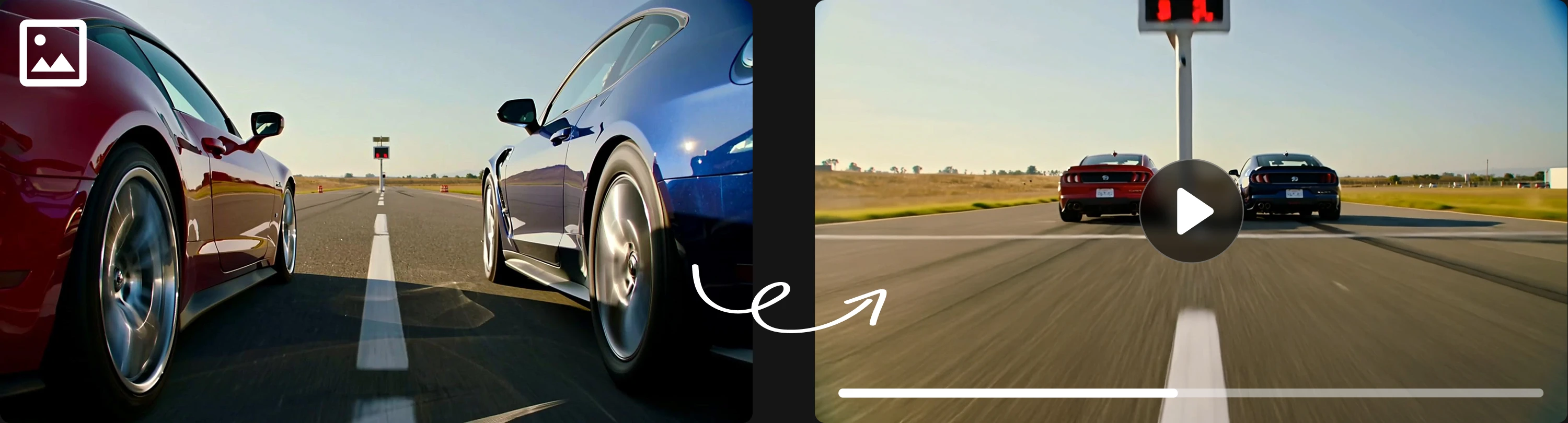
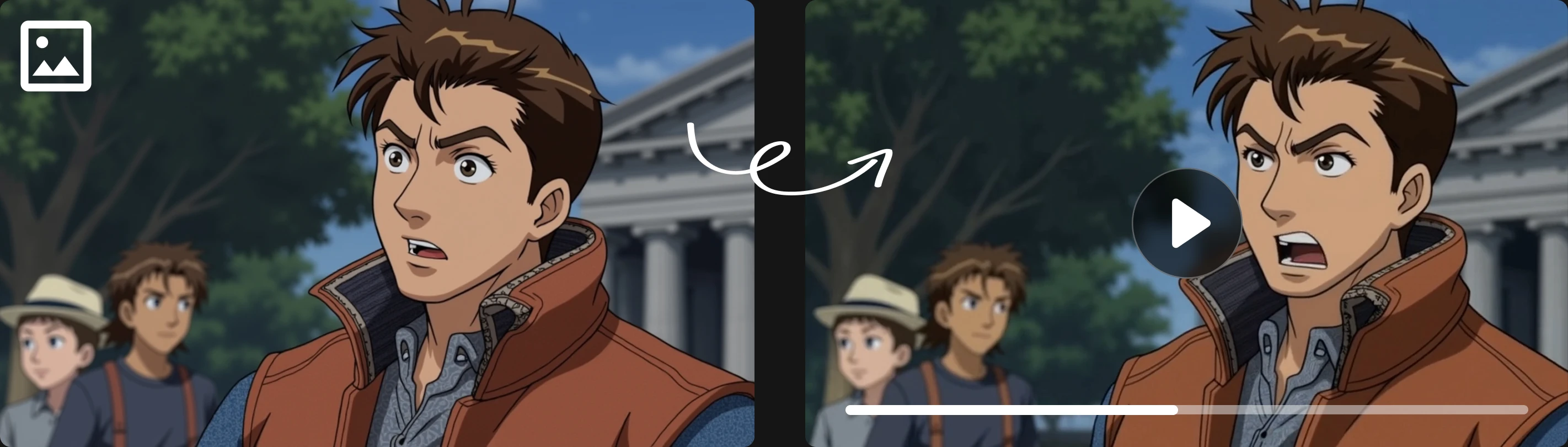
The model doing most of the heavy lifting here is Kling 2.5 Turbo in the tool Animate image, one of the best image-to-video models available right now. It's fast, the motion quality is genuinely impressive, and it costs a fraction of what you'd expect (We have many amazing models and we constantly update them). We're talking a couple of dollars per ad, not per day of production.
Before animating, the designer often needs to make small adjustments to images: crop a composition, clean up an element, extend a background, edit a character. That happens inside Artificial Studio too, using image editing tools like Nano Banana Pro, without ever leaving the platform. No exporting to Photoshop, no switching tabs, no breaking the creative flow.
Step 3: Add sound, the thing most teams get wrong!
Here's where a lot of AI-generated ads fall apart: the audio. Stock music libraries have been picked clean, generic sound effects feel generic and finding specific sounds (the exact gasp of a man genuinely surprised, the particular cackle of a villain, a perfectly timed explosion with the right decay) is either impossible or prohibitively expensive to commission.
Artificial Studio generates Sound Effects from text prompts. You describe what you need, and it builds it. A creaking door, a crowd going from polite applause to full cheering. The designer now has audio that was literally imagined into existence, tuned to fit the exact moment in the video.
Voiceovers go through the same platform. No voice actor scheduling, no recording booth, no waiting for a file in your inbox. Just the best models like ElevenLabs and OpenAI voices.
Audio is just as important as visuals, yet many platforms overlook it like Krea AI, Higgsfield and RunwayML, forcing users to spend money on multiple subscriptions to access essential tools and fragmenting their creative workflow. In contrast, Artificial Studio enables users to build complete content without leaving the platform.
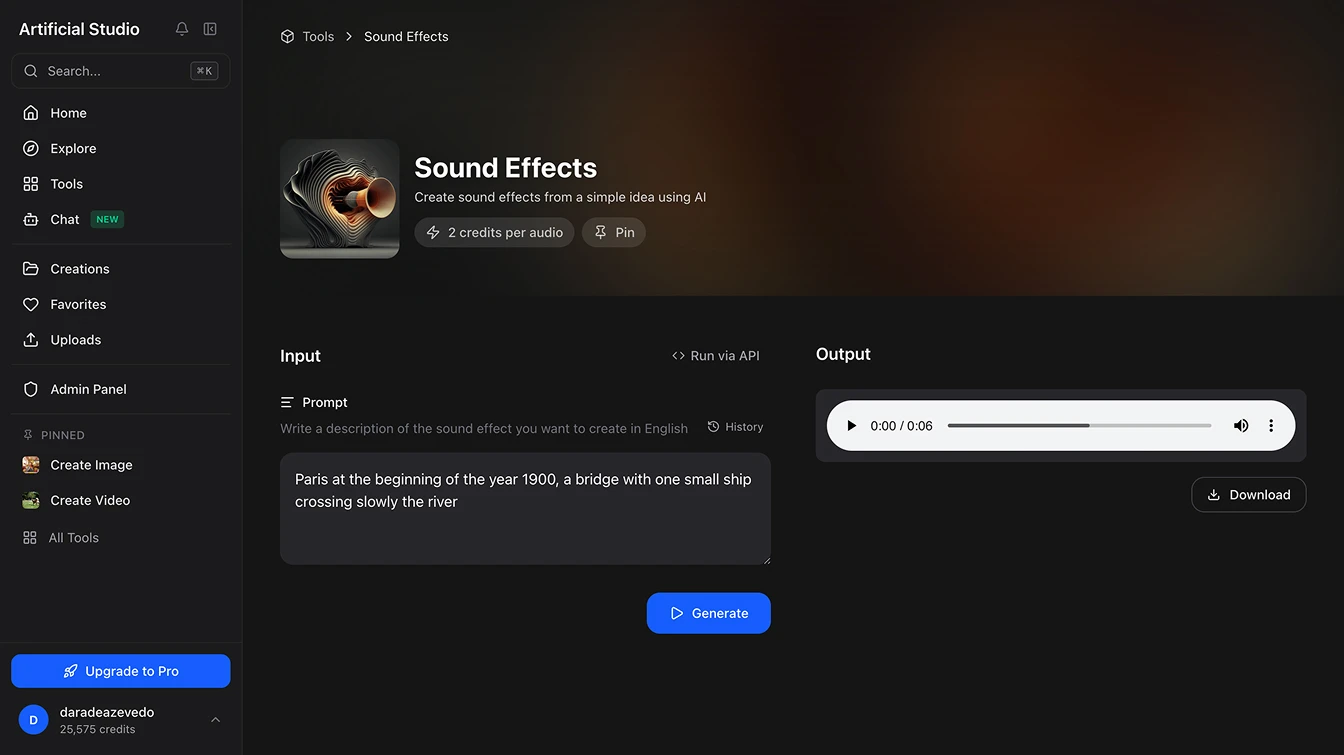
Lastly, the only thing left to do is download all the AI-generated creations and combine them using editing software such as CapCut or Adobe Premiere Pro.
→ How they cut content production time from 2 weeks to 2 days
The obvious win is cost.
What used to require a production agency, a crew, a post-production team, and weeks of calendar coordination now happens with one person and a browser tab. The cost per finished ad has dropped by roughly 95%.
But the less obvious win is iteration speed.
When producing an ad takes two days instead of three weeks, you can test three different hooks on the same concept. You can run two versions with different CTAs and let the data decide. You can pull an underperforming ad and have a replacement live before the week ends. This team went from publishing one or two video ads a quarter to producing and testing multiple versions per month.
The results have been visible: hundreds of likes, comments, and shares on ads that feel genuinely surprising — not polished-but-forgettable, but actually funny, or strange, or emotionally sharp.
Which brings us to the thing worth saying clearly:
→ The tool executes. The idea still has to come from somewhere
We've written about this before, and it's worth repeating: the creative instinct is not something a platform replaces. The reason these ads are resonating isn't Kling 2.5 Turbo. It's because a creative person thought of something that makes people laugh or stop scrolling — and then had the tools to execute it without waiting for a production budget to be approved.
Artificial Studio compresses the distance between idea and finished asset. It does not supply the idea. The teams winning with this workflow are the ones who show up with strong creative instincts and use AI to move at a speed that those instincts deserve.
→ One more thing: you can plug this directly into your product!
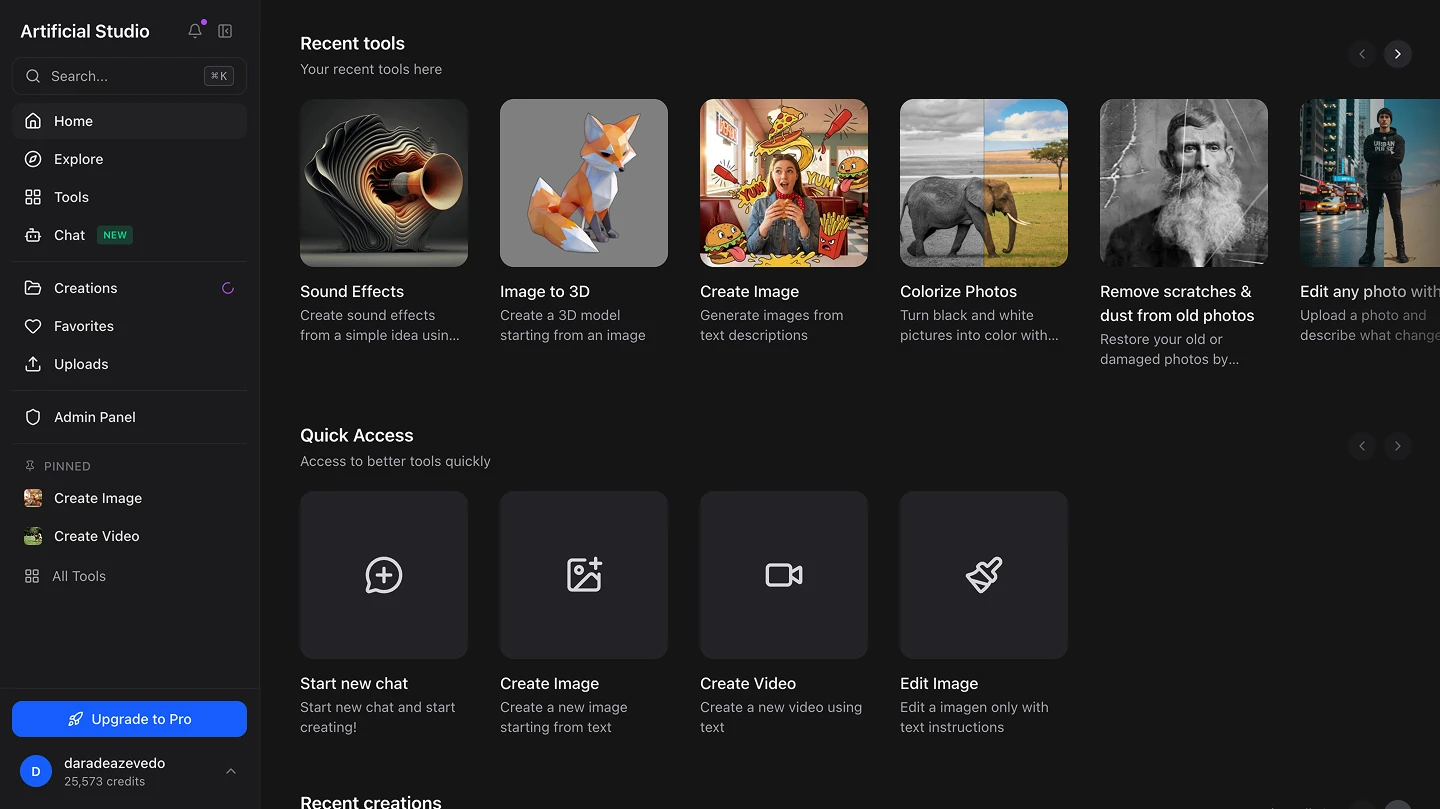
For teams that want to go deeper — integrating AI generation directly into internal tools, automating asset production at scale, or building creative workflows into their own products — Artificial Studio has a full API with access to all 50+ AI tools on the platform.
It's well-documented, straightforward to implement, and built for teams that don't want to string together a dozen separate API integrations. One endpoint. Everything you need. See the API docs
Want to try the workflow yourself? Start with Artificial Studio →