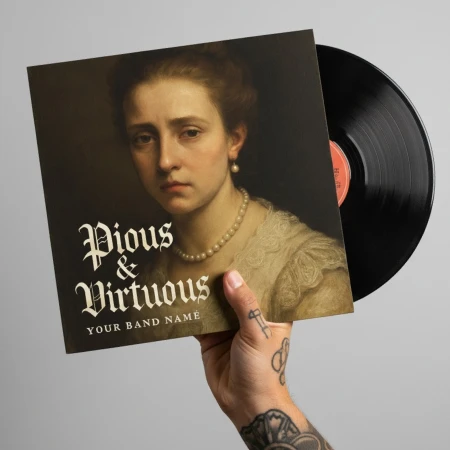
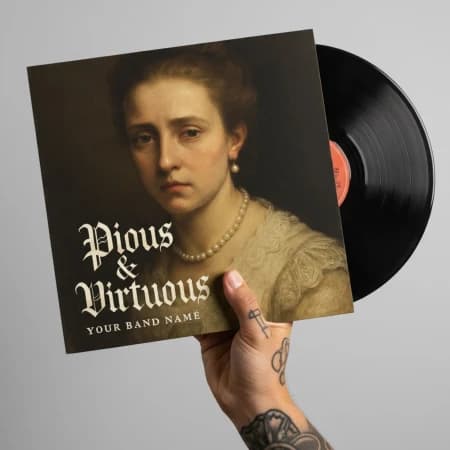
Album Cover Creator
Related AI Tools









How to use Album Cover Creator
Enter Album Details
Input your album title and artist/band name to personalize your cover. These text elements will be incorporated into the final design.
Select Style and Genre
Choose your music genre and preferred visual style from the available options. Select the mood or atmosphere that best matches your music.
Add Custom Description
Provide additional details or specific visual elements you want included in your album cover. Click generate to create your professional artwork.
Why use Album Cover Creator?
Genre-Specific Design
Create album covers tailored to your specific music genre, whether it's rock, hip-hop, electronic, jazz, or any other style. The AI understands genre conventions and creates artwork that resonates with your target audience. Each design captures the essence of your musical style.
Professional Quality Artwork
Generate high-quality album covers that meet industry standards for both digital streaming platforms and physical releases. The artwork is optimized for various formats and sizes. Your covers will look professional alongside major label releases.
Complete Creative Control
Customize every aspect of your album cover including mood, atmosphere, and visual style. Add specific descriptions to achieve your exact vision. The tool gives you creative freedom while maintaining professional design principles.