Create Emoji
Create Emoji

Create Emoji

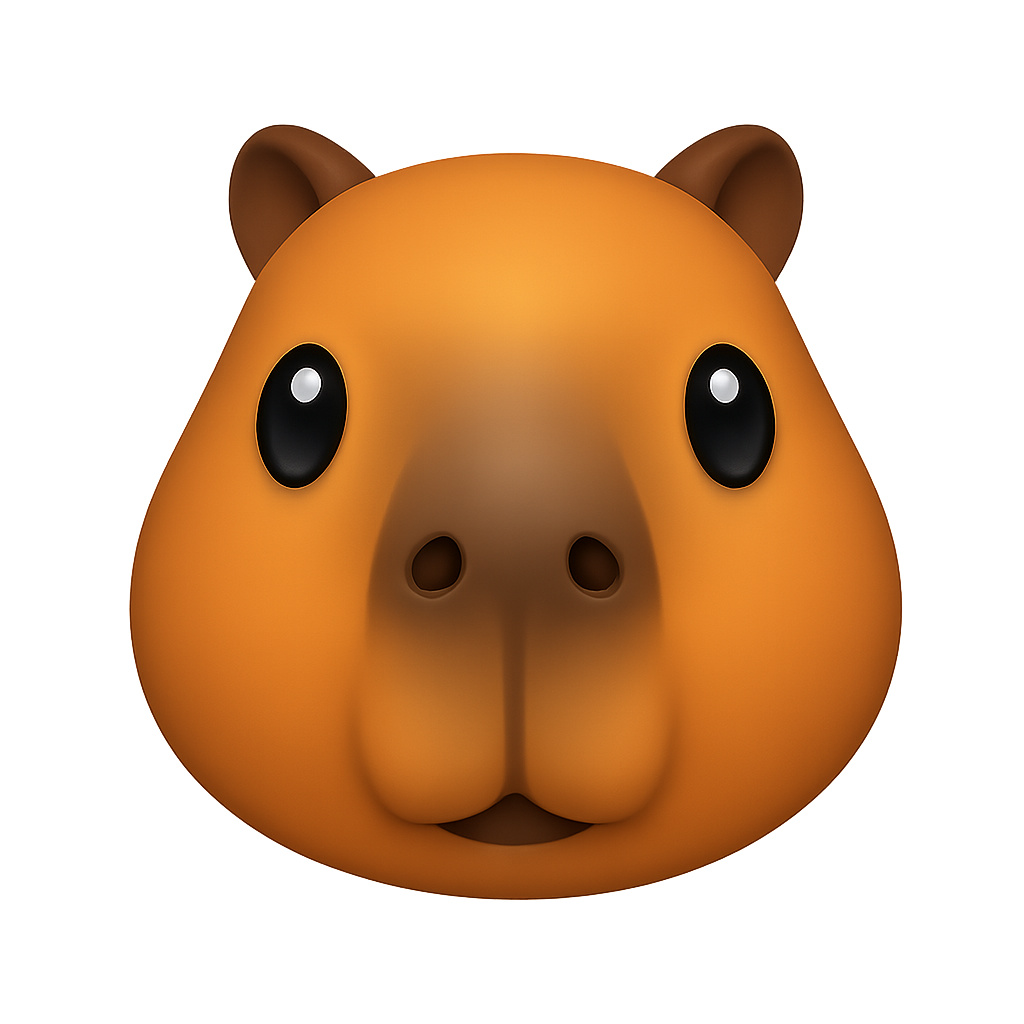
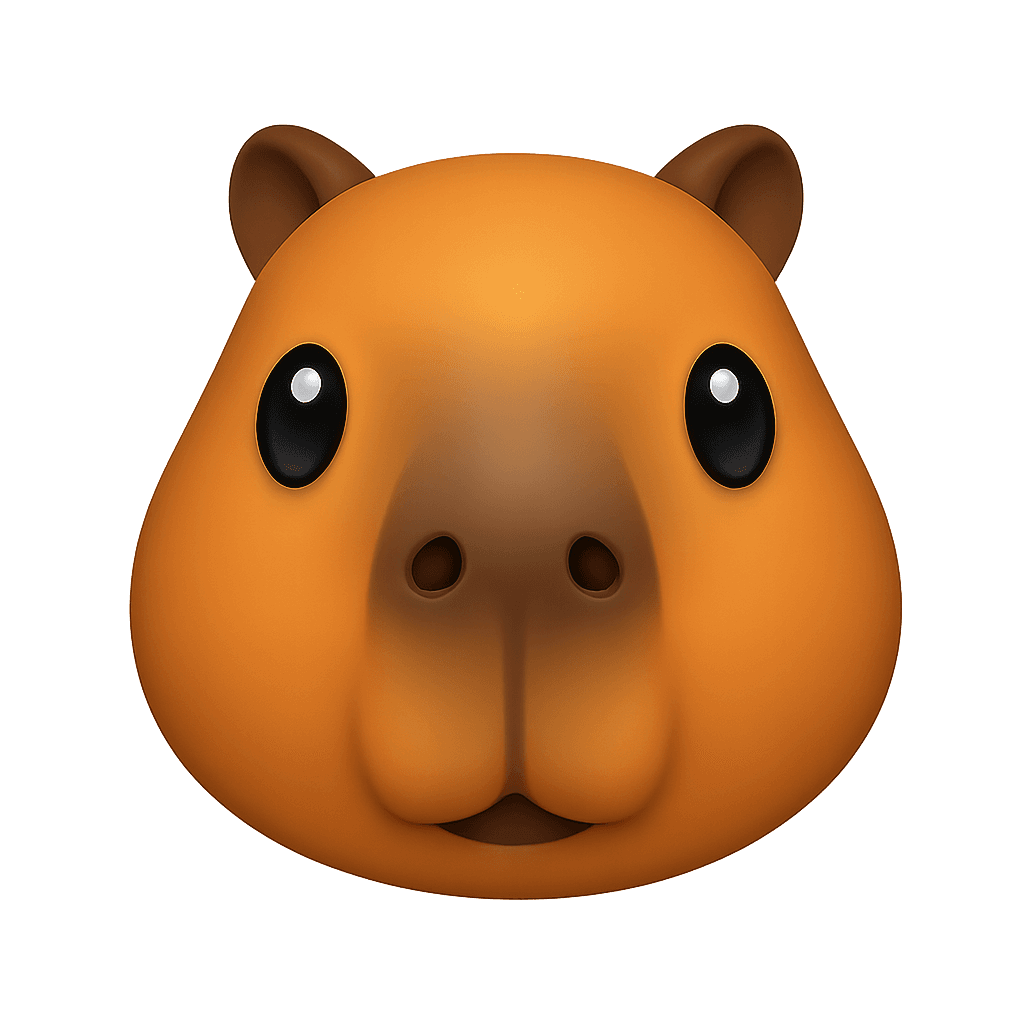
Generate custom emojis from text descriptions using AI
5 credits per image
Input
Prompt
Aspect Ratio
Output
Click "Generate" to start creating...
Examples

How to use AI Custom Emoji Generator

1

Enter Your Emoji Description

Type a text description of the emoji you want to create in the prompt field. Be specific about colors, expressions, objects, or themes you want to include.

2

Generate Your Custom Emoji

Click generate and let the AI create your unique emoji based on your description. The AI will interpret your text and design a custom emoji that matches your vision.

3

Download and Use

Once your custom emoji is generated, download it and use it across social media platforms, messaging apps, or any digital content where you need personalized expressions.

Why use AI Custom Emoji Generator?

Personalized Digital Expression

Create emojis that perfectly match your personality, brand, or specific needs. Express emotions and concepts that standard emoji sets don't cover with custom-designed symbols.

Perfect for Content Creation

Enhance your social media posts, messaging, and digital content with unique emojis that stand out. Custom emojis help build brand recognition and make your communications more memorable.

Instant AI-Powered Design

No design skills required - simply describe what you want and get professional-quality custom emojis in seconds. The AI understands complex descriptions and creates detailed, expressive emoji designs.

Frequently Asked Questions

How much does it cost to create custom emojis?
Artificial Studio uses a credit-based pricing system. Visit artificialstudio.ai/pricing for current rates and credit packages available for emoji generation.
What file formats are the generated emojis in?
The custom emojis are generated in common image formats suitable for use across different platforms and applications. You can easily download and use them wherever you need custom emoji expressions.
How does the emoji generator work?
Simply enter a text description of the emoji you want to create in the prompt field. The AI analyzes your description and generates a unique custom emoji that matches your specifications, including colors, expressions, objects, and themes.
Can I use the generated emojis commercially?
Yes, you can typically use AI-generated emojis for commercial purposes. Check Artificial Studio's terms of service for specific usage rights and any restrictions that may apply to your use case.
How long does it take to generate a custom emoji?
Custom emoji generation typically takes a few seconds. The AI quickly processes your text description and creates your personalized emoji design almost instantly.
Can I create emojis with specific emotions or expressions?
Absolutely! You can describe specific emotions, facial expressions, gestures, or moods in your prompt. The AI can generate emojis showing happiness, sadness, excitement, surprise, or any other emotion you specify.
What makes a good emoji description prompt?
The best prompts are specific and descriptive. Include details about colors, expressions, objects, styles, or themes you want. For example, 'smiling cat wearing sunglasses with rainbow background' works better than just 'cat emoji'.
Can I create emojis of objects or symbols, not just faces?
Yes! The emoji generator can create custom emojis of objects, symbols, animals, food, activities, or any concept you can describe. It's not limited to facial expressions and can handle a wide variety of emoji types.

Related AI Tools