Try on Clothes
Try on Clothes

Try on Clothes

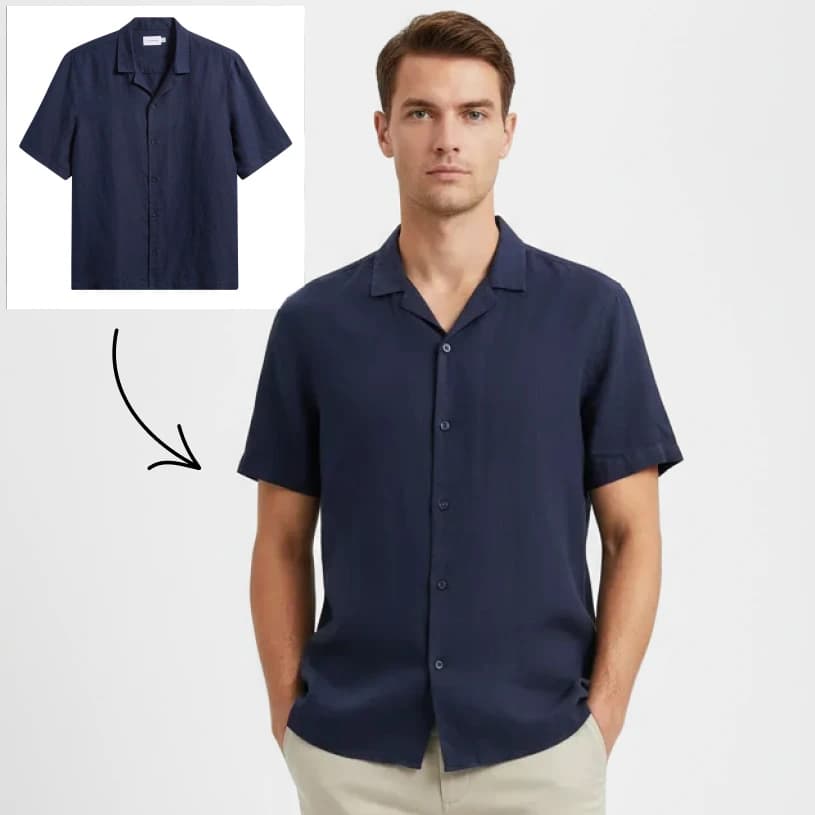
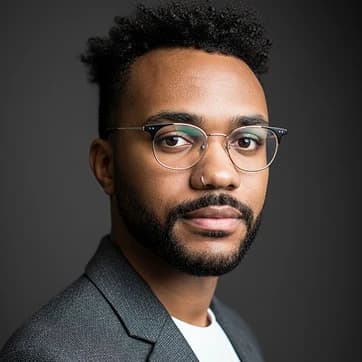
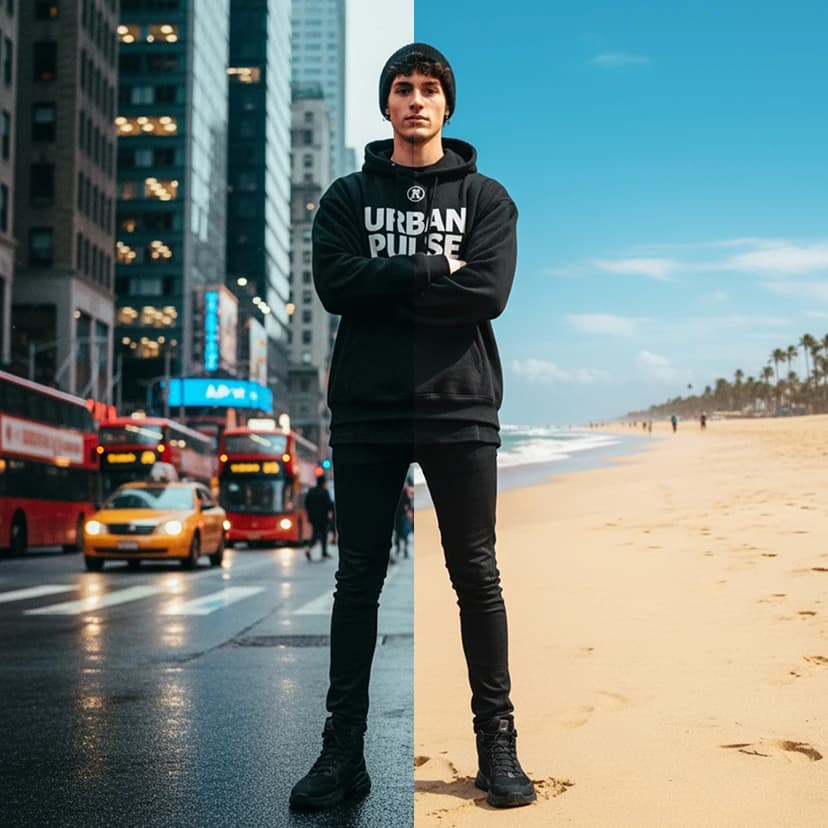
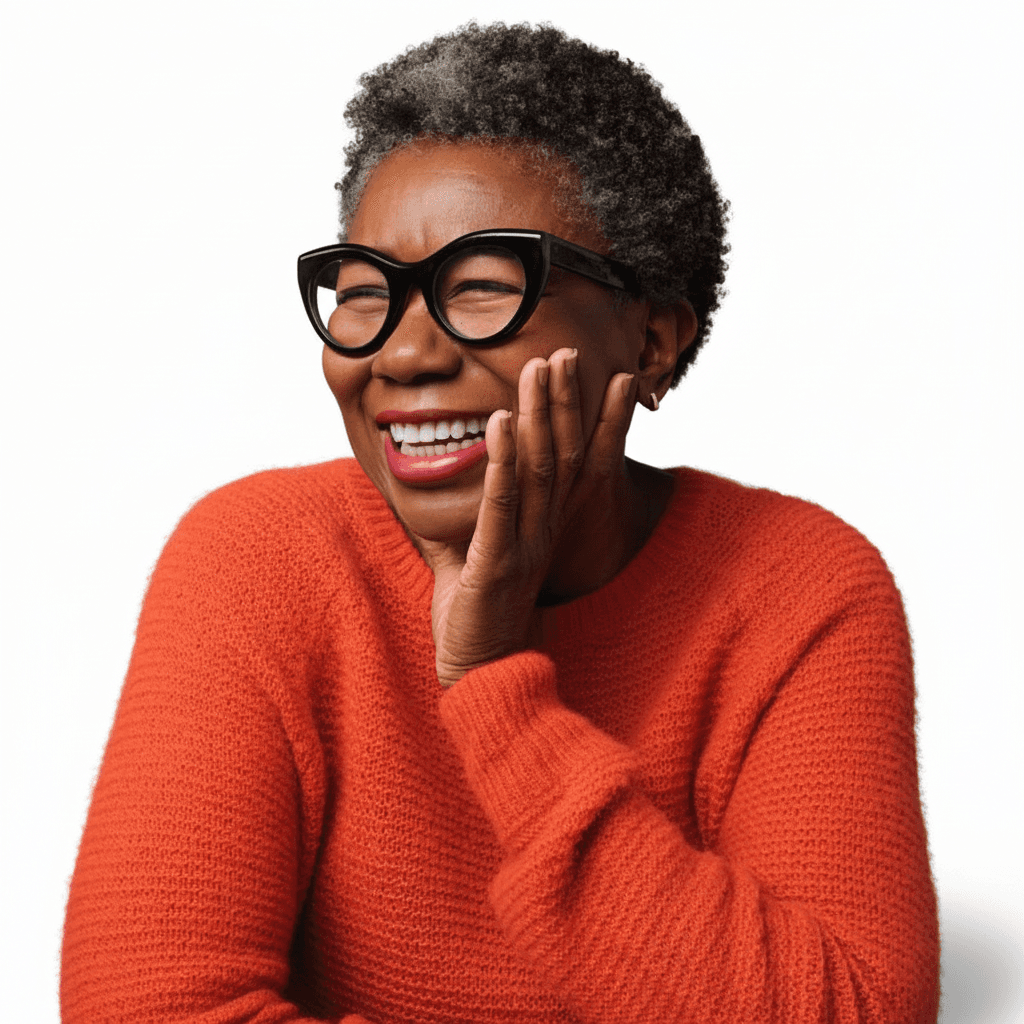
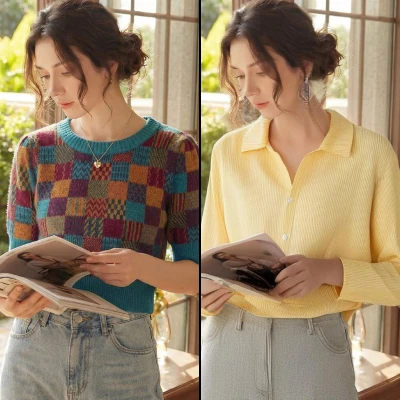
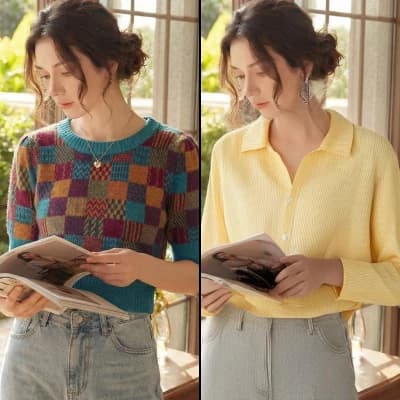
Virtually try on clothes by combining a person photo with a garment photo
16 credits per image
Input
Model
Person Image
Select a photo of the person
Garment Image
Select a photo of the garment
Output
Click "Generate" to start creating...
Examples

How to use Virtual Try On Clothes with AI

1

Upload Your Photo

Start by uploading a clear photo of yourself. Make sure you're facing forward with good lighting for the best results.

2

Add the Garment

Upload a photo of the clothing item you want to try on. The AI works with various types of garments from shirts to dresses.

3

Generate Your Virtual Try-On

Select your preferred AI model and let the technology blend the garment onto your photo. Get your result in seconds.

Why use Virtual Try On Clothes with AI?

Shop with Confidence

See exactly how clothes will look on your body before making a purchase. Reduce returns and buyer's remorse by getting a realistic preview of fit and style. Perfect for online shopping when you can't physically try items on.

Multiple AI Models Available

Choose from advanced models like Fashn 1.6, Kling Kolors, and Nano Banana 2 Try On for different styling approaches. Each model offers unique strengths in fabric rendering, fit accuracy, and garment positioning.

Instant Fashion Visualization

Transform your shopping experience with immediate results. No need to visit physical stores or wait for deliveries to see how clothes look. Great for styling experiments and wardrobe planning.

Frequently Asked Questions

How much does virtual try-on cost?
Artificial Studio uses a credit-based pricing system. Visit the pricing page at artificialstudio.ai/pricing for current rates and available credit packages.
What photo formats can I upload?
The tool accepts common image formats. For best results, use high-quality photos with good lighting and clear visibility of both the person and garment.
How does the virtual try-on work?
Upload a photo of yourself and a photo of the garment you want to try on. Our AI analyzes both images and realistically blends the clothing onto your body, considering fit, drape, and positioning.
How long does it take to generate results?
Virtual try-on results typically generate within a few seconds. Processing time may vary slightly depending on image complexity and selected AI model.
Can I use the try-on images commercially?
Usage rights depend on your Artificial Studio subscription plan. Check the terms of service for specific commercial usage guidelines and any attribution requirements.
Which AI model should I choose?
Different models excel at different aspects - Fashn 1.6 offers the latest improvements, while Kling Kolors excels at color accuracy. Experiment with different models to find your preferred results.
What types of clothing work best?
The tool works with most garment types including shirts, dresses, jackets, and pants. Clear, well-lit product photos with the garment laid flat or on a model typically produce the best results.
Do I need professional photos?
While professional photos can enhance results, regular smartphone photos work well too. Ensure good lighting, clear visibility, and that you're facing forward in your reference photo for optimal try-on accuracy.

Related AI Tools