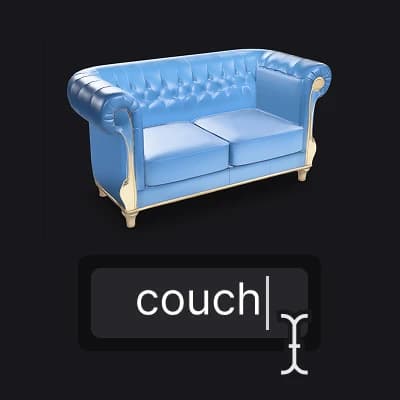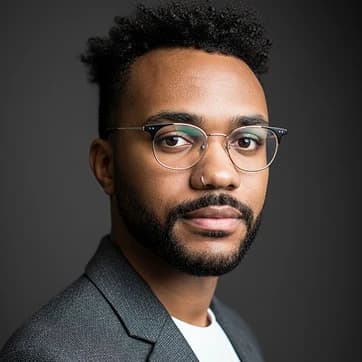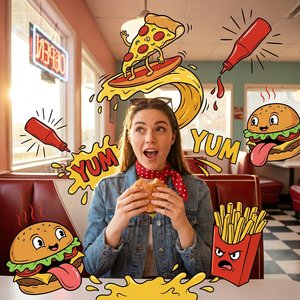

Create Image
Create Image

Create Image

Generate images from text descriptions
7 credits per image
Input
Model
Prompt
Aspect Ratio
Output
Click "Generate" to start creating...
Examples

How to use AI Image Generator from Text

1

Choose Your AI Model

Select from over 20 advanced AI models including Flux 2 Max, Stable Diffusion 3, Ideogram V3, and more. Each model offers unique styles and capabilities for different creative needs.

2

Enter Your Text Description

Write a detailed description of the image you want to create. Be specific about style, colors, composition, and any other visual elements you have in mind.

3

Generate Your Image

Click generate and let the AI create your image. The process typically takes a few seconds, and you'll receive a high-quality result based on your prompt.

Why use AI Image Generator from Text?

Multiple AI Models Available

Access over 20 cutting-edge AI models including Flux 2 Max, Stable Diffusion 3, Ideogram V3, and Recraft v4. Each model excels at different styles, from photorealistic images to artistic creations. Switch between models to find the perfect match for your creative vision.

Unlimited Creative Possibilities

Transform any text description into stunning visual content. Create artwork, product mockups, character designs, landscapes, or abstract compositions. The AI understands complex prompts and can generate images in countless styles and formats.

Professional Quality Results

Generate high-resolution images suitable for commercial use, marketing materials, social media, or personal projects. The advanced AI models produce detailed, sharp images that rival professional photography and digital art.

Frequently Asked Questions

How much does it cost to generate AI images?
Artificial Studio uses a credit-based system for image generation. Visit the pricing page for current rates and available credit packages.
What AI models are available for image generation?
You can choose from over 20 models including Flux 2 Max, Stable Diffusion 3, Ideogram V3, Recraft v4, GPT Image, Playground v2, and many others. Each model has unique strengths for different types of image creation.
How does the AI image generator work?
Simply select your preferred AI model and enter a text description of the image you want to create. The AI processes your prompt and generates a unique image based on your specifications, typically within a few seconds.
Can I use the generated images commercially?
Yes, images created with Artificial Studio can typically be used for commercial purposes. However, always review the specific terms of service for detailed usage rights and any restrictions.
How long does it take to generate an image?
Image generation typically takes a few seconds, depending on the complexity of your prompt and the selected AI model. More detailed prompts or certain models may take slightly longer to process.
What makes different AI models unique?
Each model has distinct strengths - some excel at photorealistic images, others at artistic styles, and some specialize in specific subjects like people or landscapes. Experimenting with different models helps you find the best fit for your creative needs.
How detailed should my text prompt be?
More detailed prompts generally produce better results. Include information about style, colors, lighting, composition, and specific elements you want in your image. However, the AI can also work well with simple descriptions.
Can I create images in different art styles?
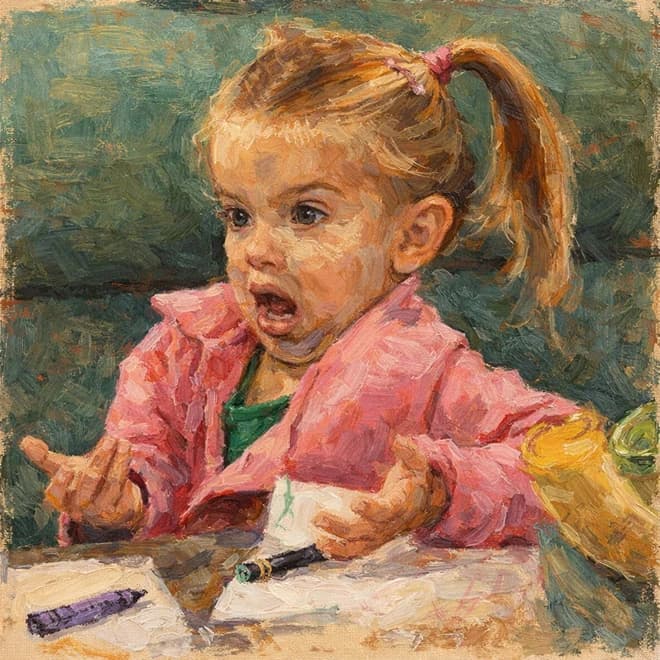
Absolutely! The various AI models support countless art styles including photorealistic, cartoon, anime, oil painting, watercolor, digital art, and many others. Specify your desired style in your text prompt for best results.

Related AI Tools