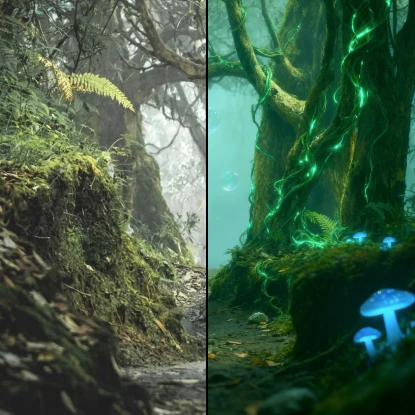
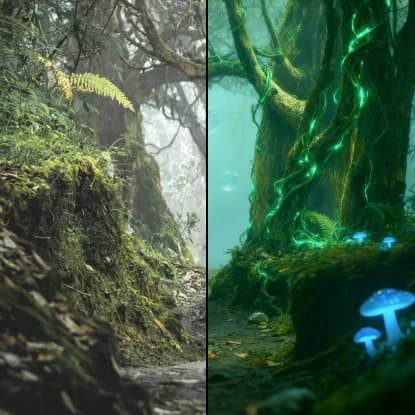
Image Reimagine
Related AI Tools
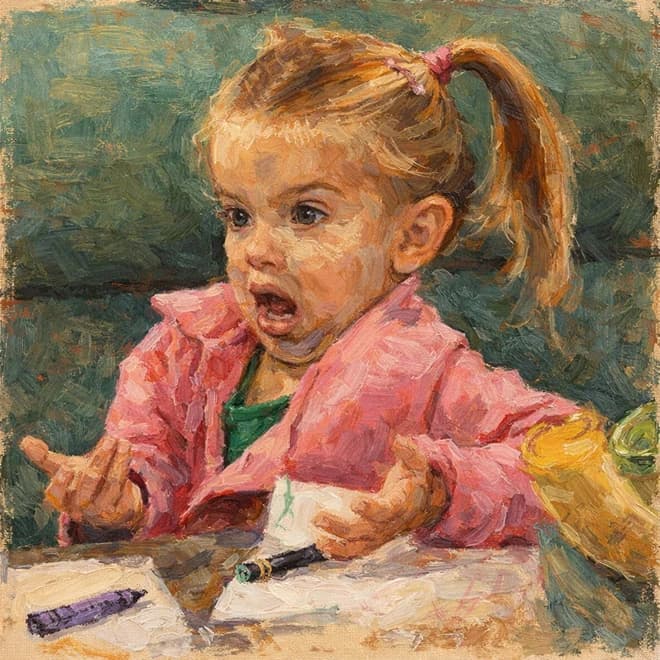



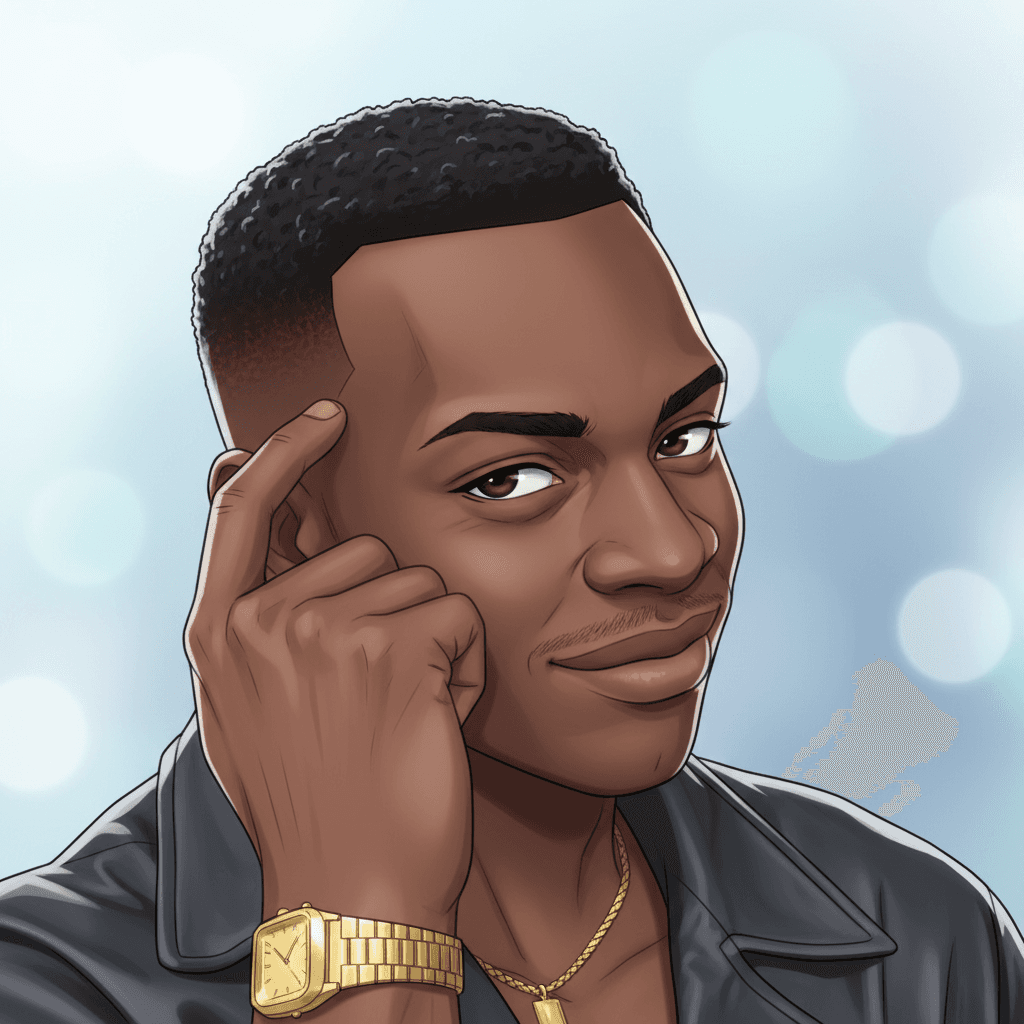
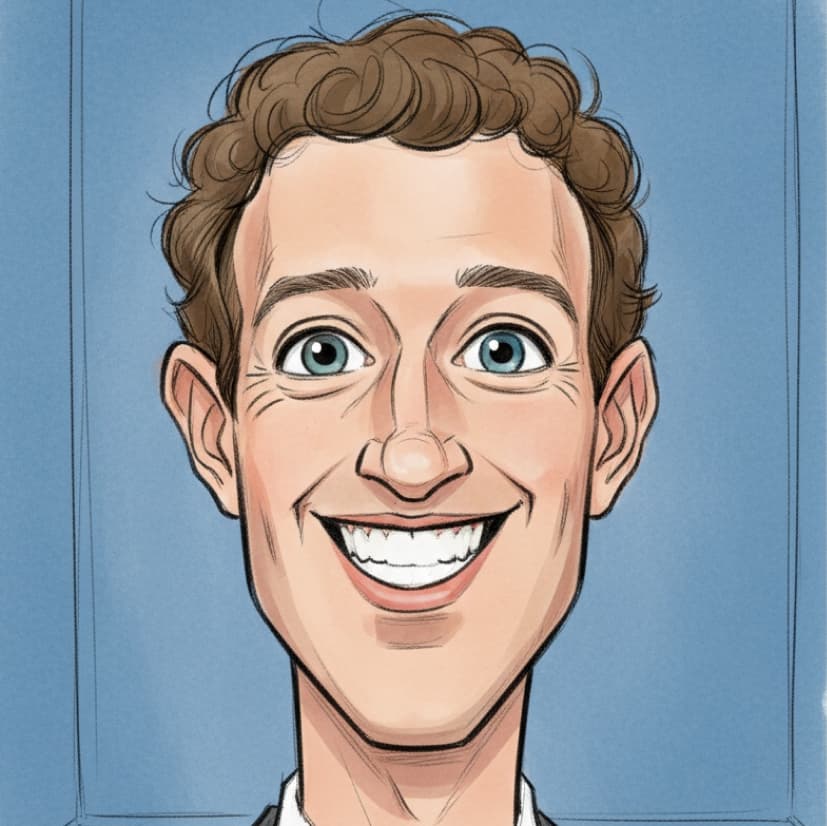
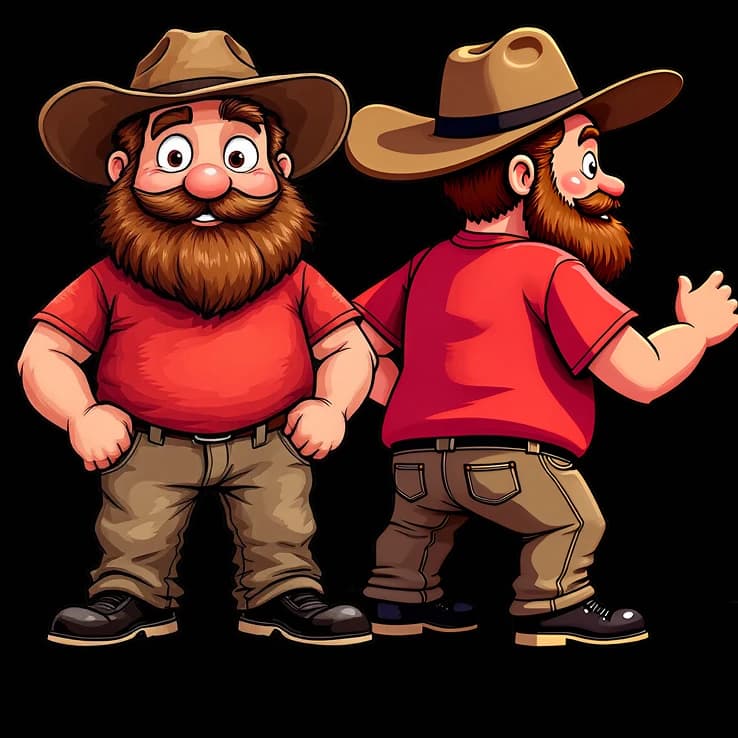
How to use Image Variations Generator
Upload Your Original Image
Select an image from your gallery or upload a new photo that you want to reimagine. The tool accepts various image formats for processing.
Choose Style and Creativity Settings
Select your preferred style direction and adjust the creativity level to control how dramatically different your variations will be. Add focus elements or additional instructions if desired.
Generate Your Image Variations
Click generate to create unique reimagined versions of your original image. The AI will produce creative variations based on your selected parameters.
Why use Image Variations Generator?
Endless Creative Possibilities
Transform any image into multiple unique variations with different artistic styles and interpretations. Perfect for exploring creative alternatives and finding the perfect version for your project. The customizable creativity levels give you control over how subtle or dramatic the changes will be.
Professional Quality Results
Powered by advanced Seedream 4.0 Edit technology, ensuring high-quality output that maintains the essence of your original image while adding creative flair. The AI understands composition, lighting, and artistic principles to create visually appealing variations.
Intuitive Customization Controls
Fine-tune your results with style direction options, creativity level adjustments, and optional focus elements. Add specific instructions to guide the AI toward your vision, making it easy to achieve exactly the look you want.