Add virtual furniture to rooms

Add virtual furniture to rooms

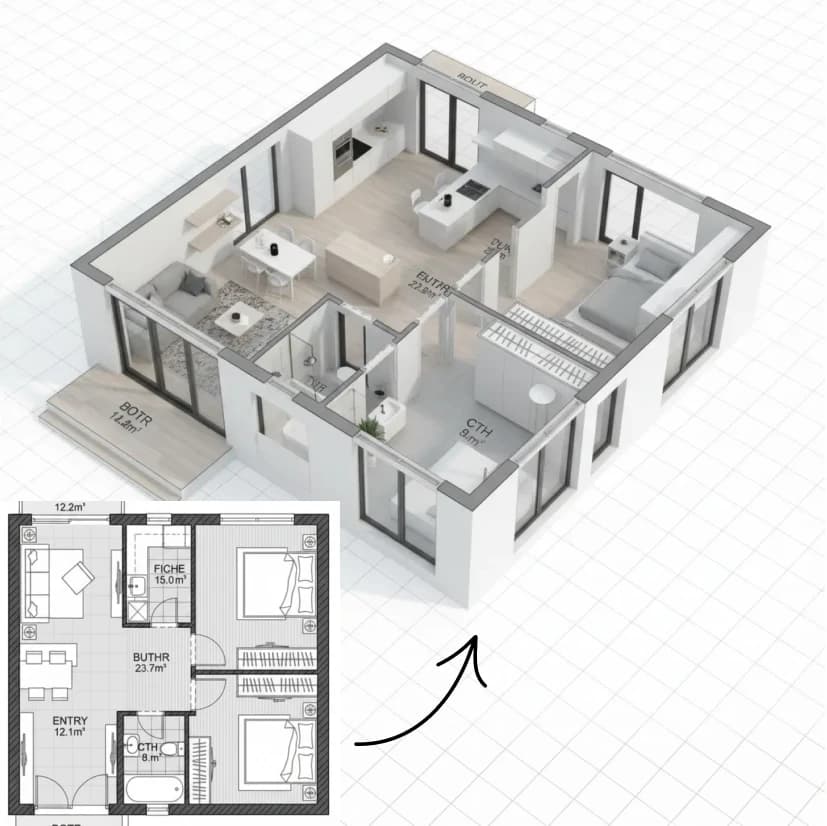
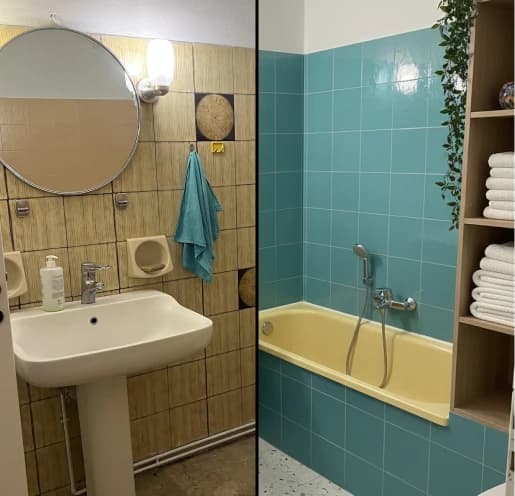
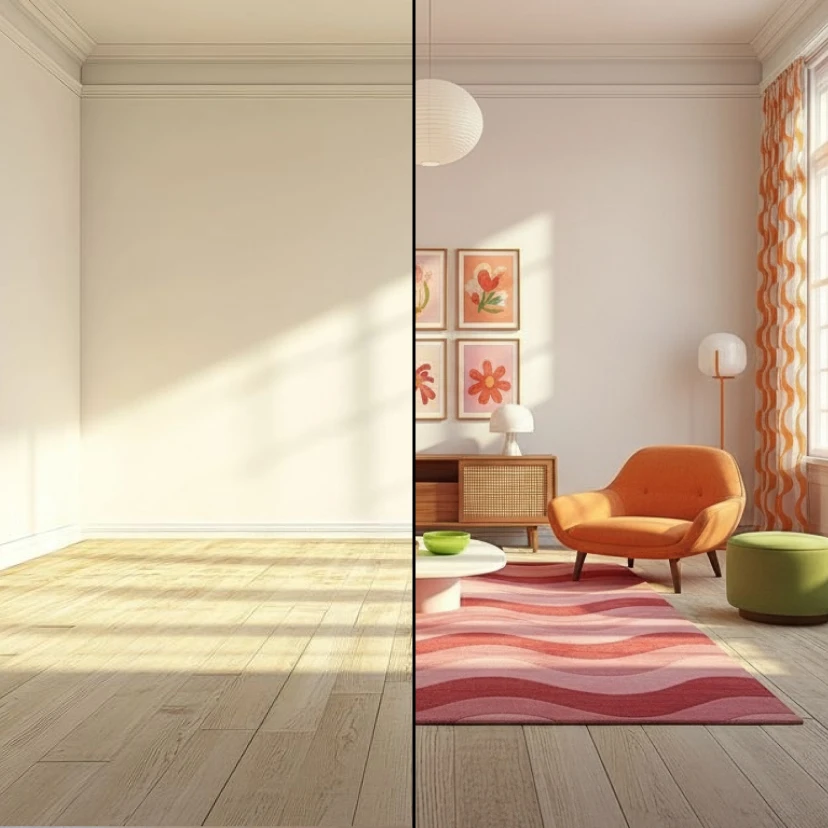
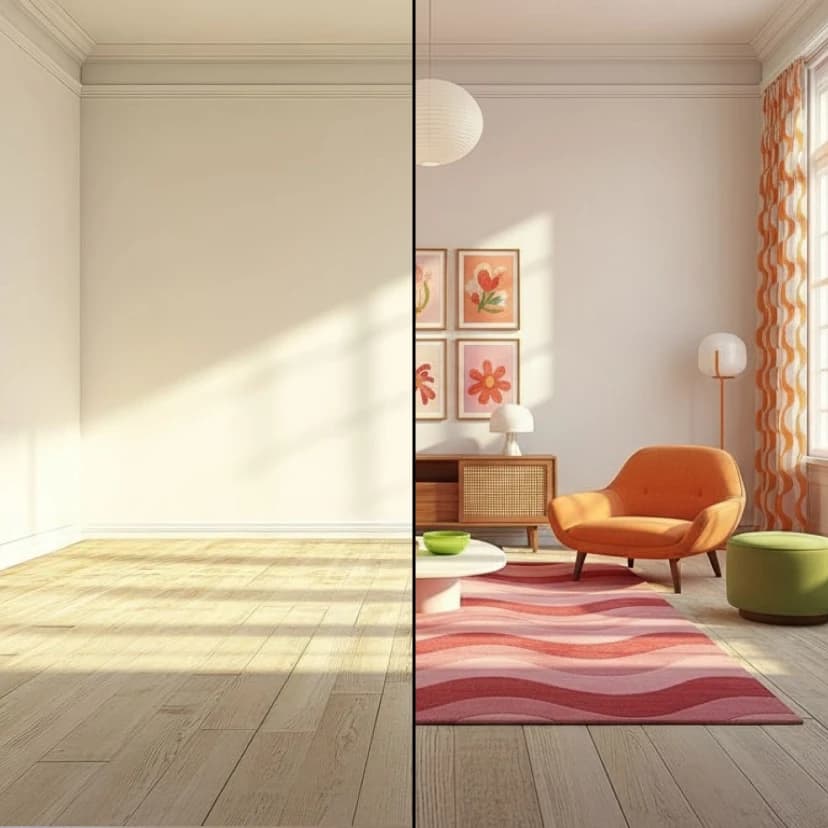
Stage any empty room by adding realistic furniture and decor. Customize what to add: sofas, tables, plants, beds, or any style you choose.
8 credits per image
Input
Prompt
Describe the changes you want to make
Images
Select one or more images to edit
Output
Click "Generate" to start creating...
Examples

How to use Add Virtual Furniture to Any Room with AI

1

Upload Your Empty Room Photo

Start by uploading a clear image of the empty room you want to stage.

2

Describe Your Furniture Vision

Enter a detailed prompt describing the furniture and decor you want to add, including style, colors, and specific pieces like sofas, tables, or plants.

3

Generate Your Staged Room

Our AI will create a realistic staged version of your room with the furniture seamlessly integrated into the space.

Why use Add Virtual Furniture to Any Room with AI?

Professional Real Estate Staging

Transform empty properties into inviting spaces that help potential buyers visualize themselves living there. Virtual staging is cost-effective compared to physical staging and can be done instantly for any room.

Flexible Design Experimentation

Try different furniture styles, layouts, and decor options without any physical constraints. Test modern, traditional, minimalist, or eclectic designs to find what works best for your space.

Instant Visual Results

Get professionally staged rooms in seconds rather than days or weeks. Perfect for real estate listings, interior design presentations, or personal home planning projects.

Frequently Asked Questions

How much does virtual furniture staging cost?
Artificial Studio uses a credit-based pricing system. Visit the pricing page for current rates and credit packages available.
What types of furniture can I add to rooms?
You can add any type of furniture including sofas, chairs, tables, beds, desks, plants, artwork, lighting fixtures, and decorative accessories. Simply describe what you want in your prompt.
How does the AI furniture staging work?
Upload your empty room photo and describe the furniture you want to add in the text prompt. Our AI analyzes the room's perspective, lighting, and dimensions to place realistic furniture that matches the space perfectly.
Can I use the staged room images commercially?
Yes, you can use the generated staged room images for commercial purposes including real estate listings, marketing materials, and client presentations.
How long does it take to stage a room?
Virtual furniture staging typically takes a few seconds to complete. You'll have your professionally staged room ready almost instantly.
What image formats are supported?
The tool supports common image formats for upload. Make sure your room photo is clear and well-lit for best staging results.
Can I stage multiple rooms at once?
Each staging generation handles one room at a time. For multiple rooms, you'll need to process each room photo separately with its own furniture description.
What if I don't like the initial furniture placement?
You can refine your prompt with more specific descriptions of furniture styles, colors, or arrangements and generate new variations until you achieve the desired look.

Related AI Tools