Colorize Photos
How to use AI Photo Colorization Tool
Upload Your Photo
Select and upload your black and white photograph to the colorization tool.
AI Processing
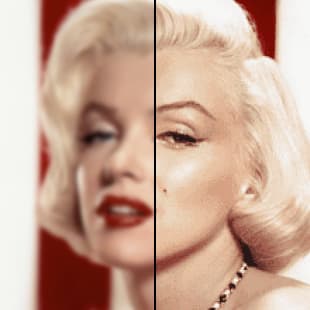
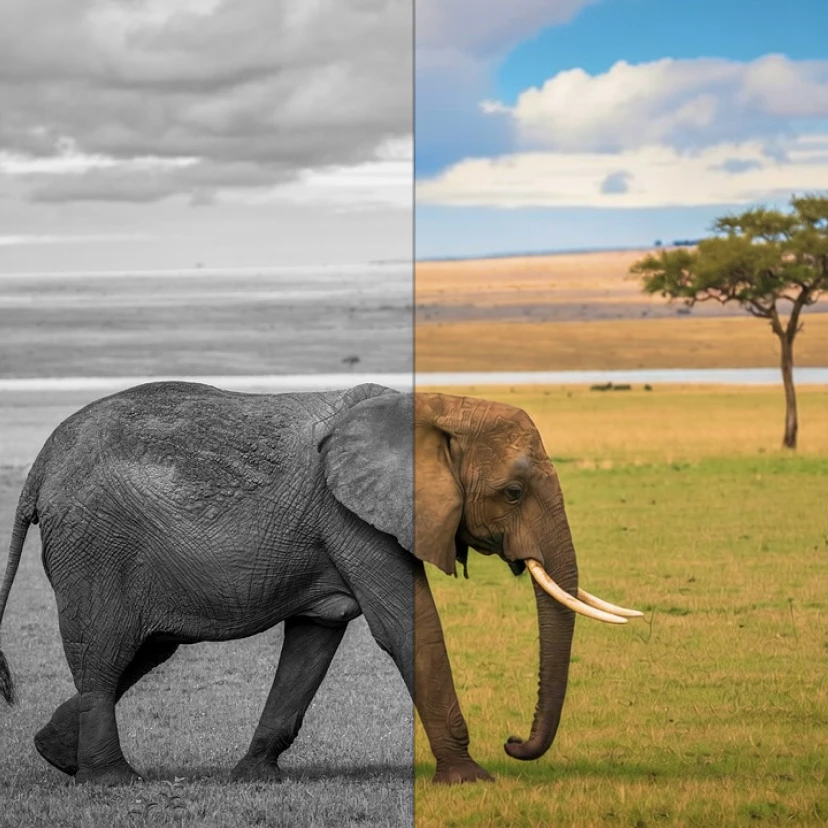
Our AI analyzes the image and applies realistic, historically accurate colors automatically.
Download Result
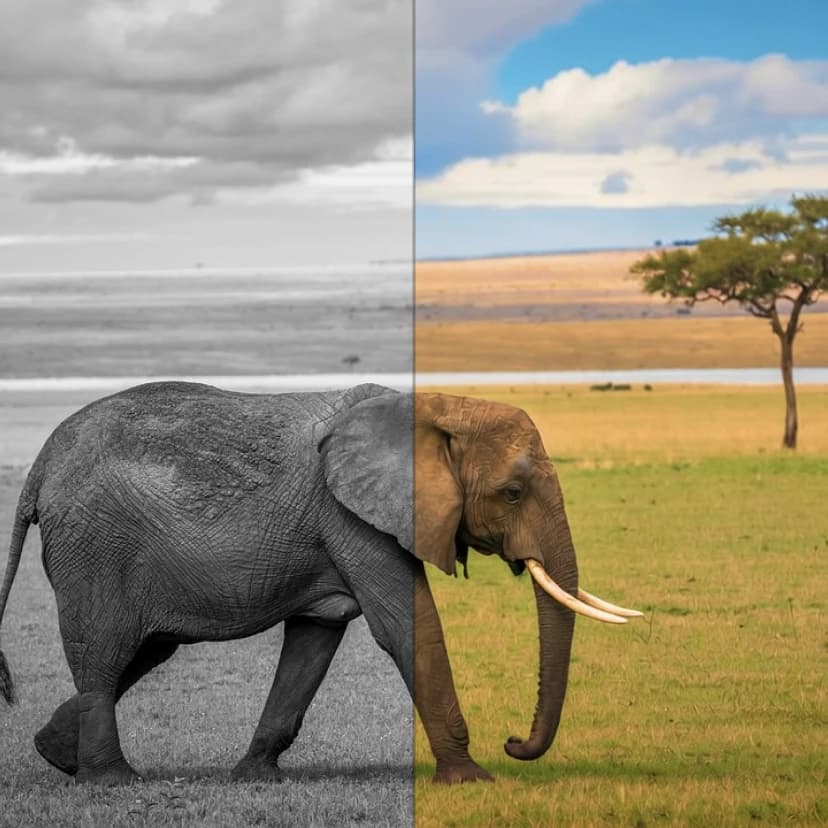
Get your newly colorized photo with vibrant, natural-looking colors in seconds.
Why use AI Photo Colorization Tool?
Historically Accurate Colors
Advanced AI ensures colors are realistic and appropriate for the time period of your photos. The system analyzes context, clothing, and objects to apply period-correct colorization that brings your vintage memories to life authentically.
Instant Results
Transform black and white photos to color in seconds without manual editing skills. Simply upload your image and let the AI handle the complex colorization process, saving you hours of manual work.
Preserve Family Memories
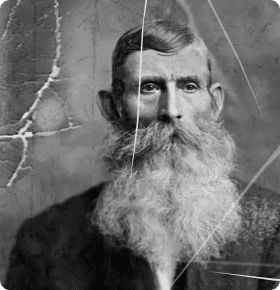
Breathe new life into old family photographs and historical images. Perfect for restoring vintage portraits, bringing ancestors to life in color, and creating meaningful gifts from cherished black and white memories.
Frequently Asked Questions
How much does it cost to colorize photos?
What photo formats can I colorize?
How does the AI colorization work?
Can I use colorized photos commercially?
How long does photo colorization take?
Will the colors look realistic?
Can I colorize very old or damaged photos?
Is there a limit to photo size or resolution?
Related AI Tools