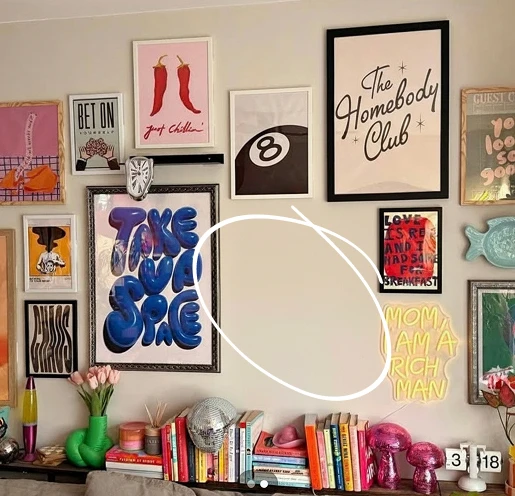
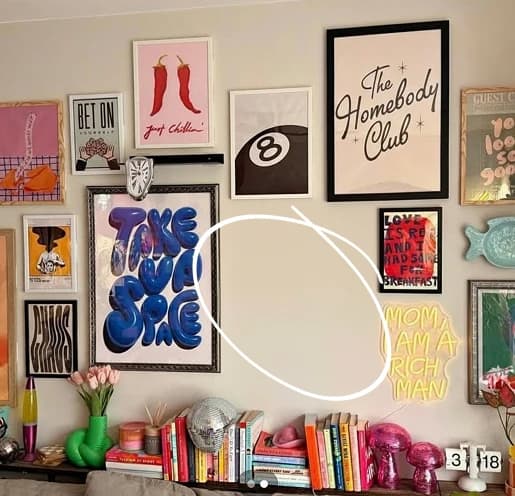
Remove unwanted objects from photos
Related AI Tools

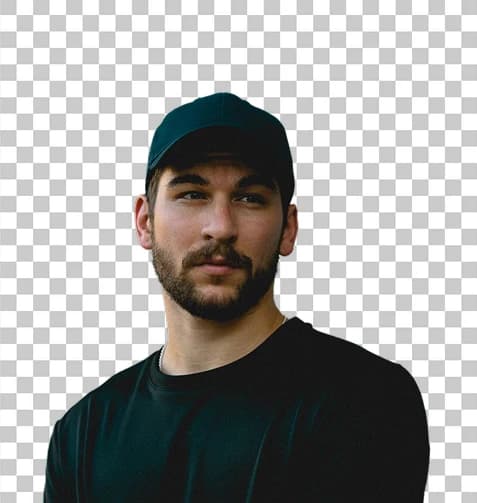
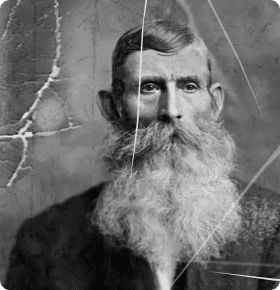


How to use Remove Unwanted Objects from Photos
Upload Your Photo
Select the image containing unwanted objects or people you want to remove.
Describe What to Remove
Enter a text prompt describing the specific objects or people you want to erase from your photo.
Generate Clean Result
AI automatically removes the unwanted elements and rebuilds the background naturally for a seamless result.
Why use Remove Unwanted Objects from Photos?
Perfect for Professional Photography
Clean up travel shots by removing tourists, enhance product photos by eliminating distractions, and create flawless real estate images. The AI intelligently rebuilds backgrounds to maintain natural lighting and perspective.
Smart Background Reconstruction
Unlike simple erasing tools, this AI understands context and seamlessly fills removed areas with appropriate background details. The result looks natural with proper shadows, textures, and continuity.
Versatile Content Creation
Transform cluttered photos into clean, professional images suitable for marketing materials, social media, portfolios, or personal keepsakes. Works effectively on portraits, landscapes, and product photography.