Remove Blur
Remove Blur

Remove Blur

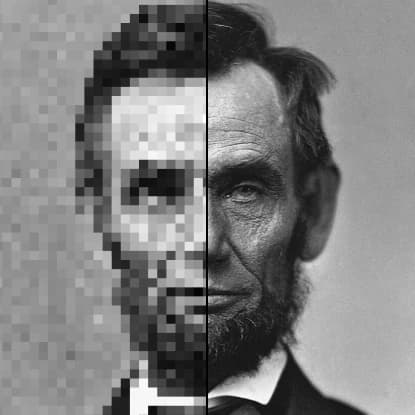
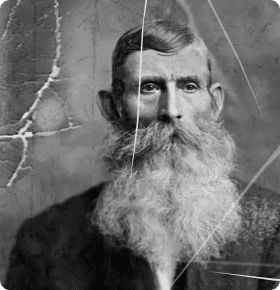
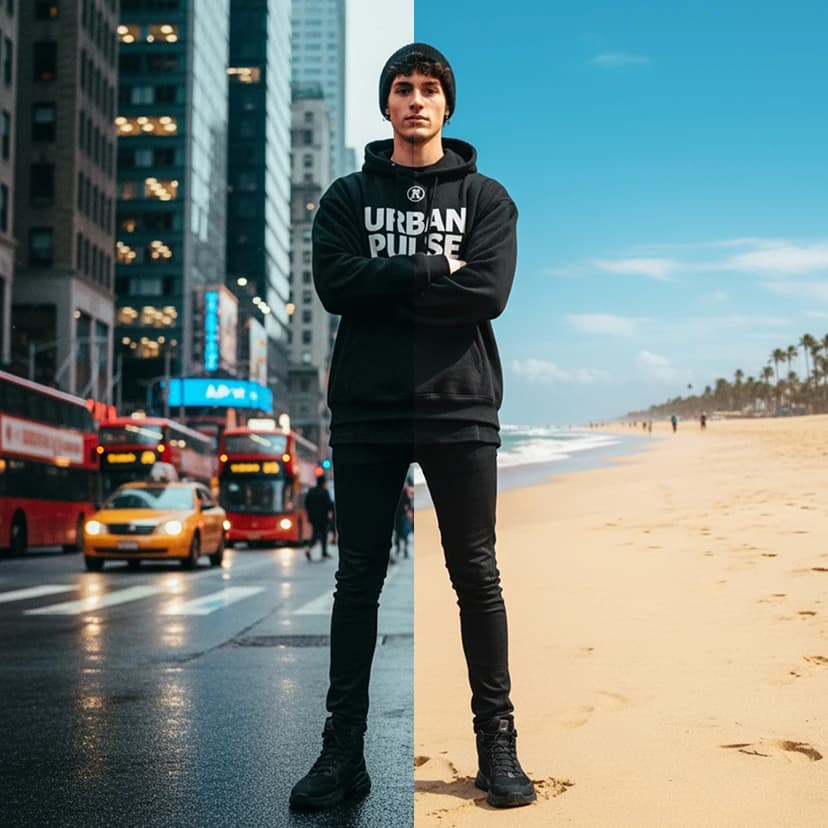
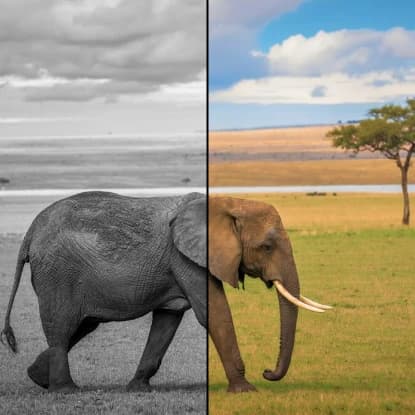
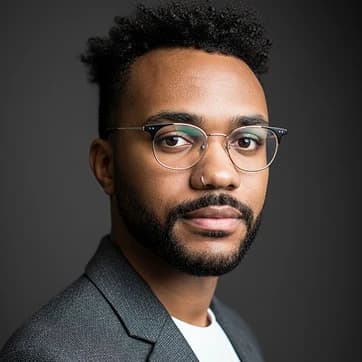
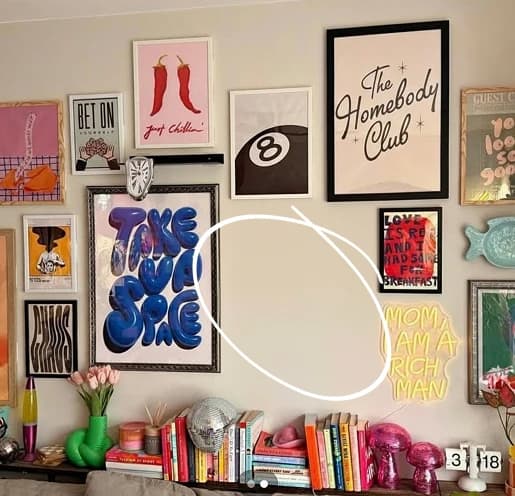
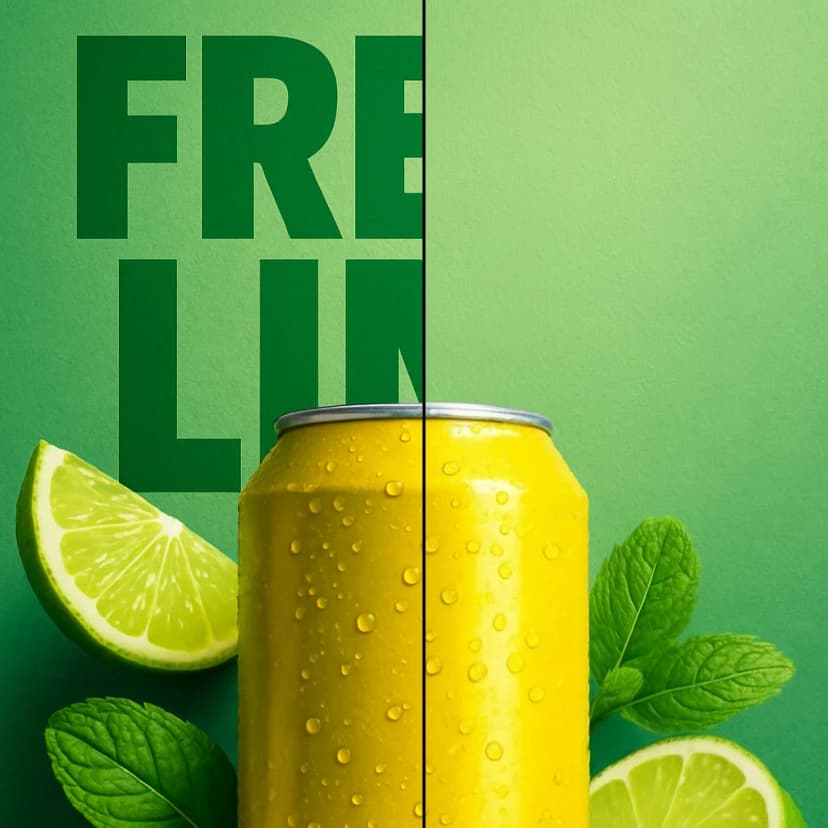
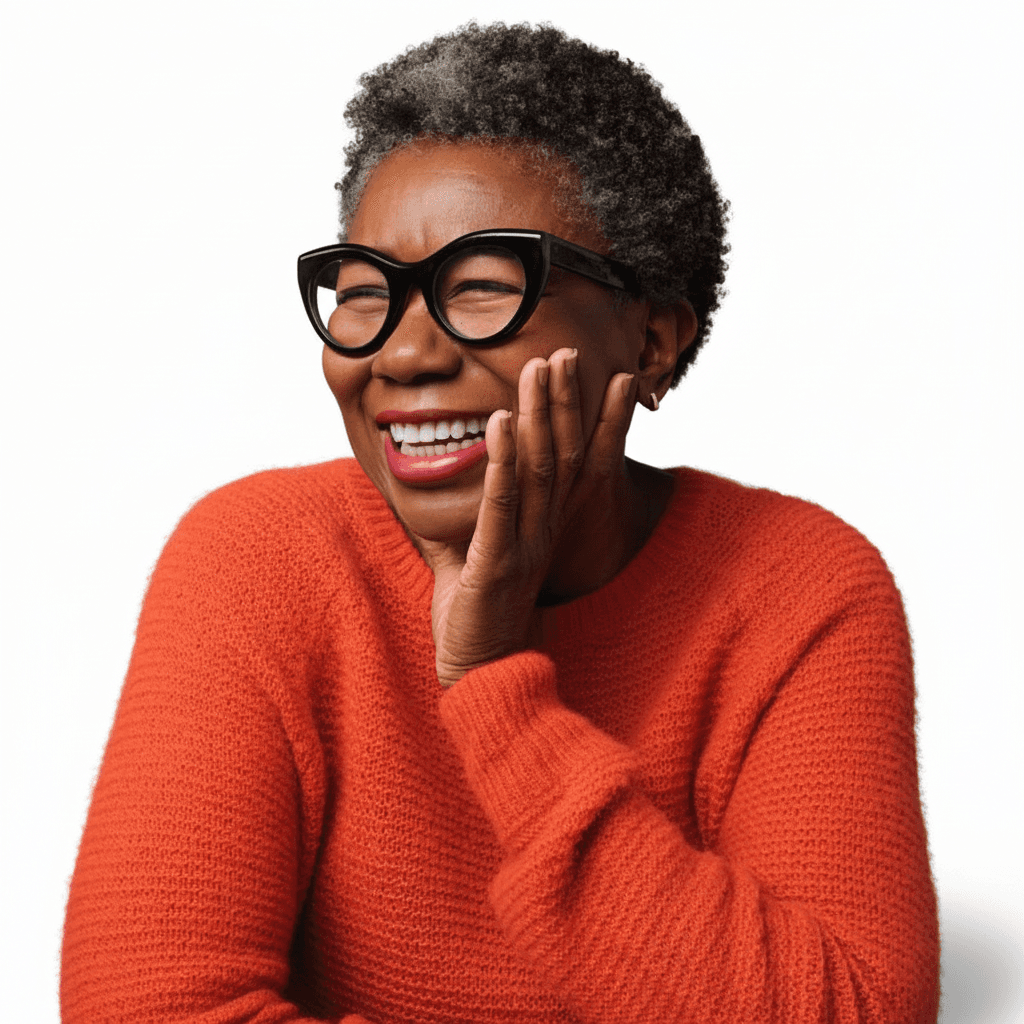
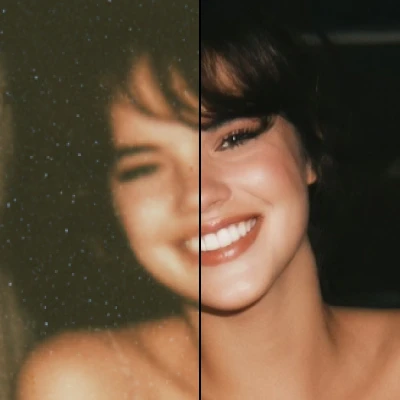
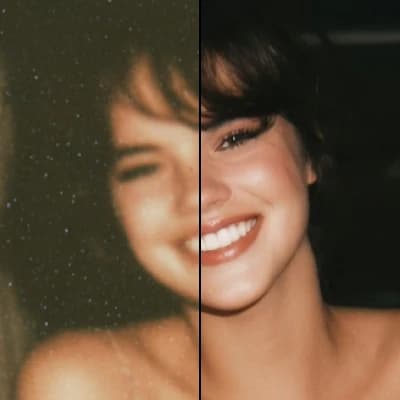
Make blurry pictures clear and sharp with AI-powered deblurring technology.
6 credits per image
Input
Image
Select an image to edit
Output
Click "Generate" to start creating...
Examples

How to use Remove Blur from Photos with AI

1

Upload Your Blurry Photo

Select and upload the blurry image you want to enhance from your device.

2

AI Processes Your Image

Our advanced AI technology analyzes the blur and applies intelligent deblurring algorithms to restore sharpness.

3

Download Your Clear Photo

Get your enhanced, crystal-clear image ready for download in high quality.

Why use Remove Blur from Photos with AI?

Rescue Blurry Photos

Save precious memories and important photos that were ruined by camera shake or motion blur. Our AI technology can recover details that seemed lost forever, bringing your images back to life with remarkable clarity.

Professional-Quality Results

Get studio-quality deblurring without expensive software or technical expertise. The AI analyzes blur patterns and applies sophisticated restoration techniques that rival professional photo editing tools.

Instant Enhancement

Transform blurry images into sharp, clear photos in just seconds. No complex settings or manual adjustments needed - the AI handles everything automatically for consistent, high-quality results.

Frequently Asked Questions

How much does it cost to remove blur from photos?
Artificial Studio uses a credit-based pricing system. Visit the pricing page for current rates and see which plan works best for your needs.
What image formats are supported?
The tool supports common image formats including JPEG, PNG, and other standard photo file types. Simply upload your blurry photo and the AI will process it automatically.
How does the AI deblurring work?
The AI analyzes your uploaded image to identify blur patterns and motion artifacts. It then applies advanced deblurring algorithms to restore sharpness and recover lost details, enhancing the overall image quality.
Can I use the deblurred photos commercially?
Yes, you can use the enhanced photos for commercial purposes. The deblurred images are yours to use as needed for business, marketing, or personal projects.
How long does it take to remove blur?
The deblurring process typically takes just a few seconds. The AI works quickly to analyze and enhance your photo, delivering sharp results almost instantly.
What types of blur can be removed?
The AI can handle various types of blur including motion blur from camera shake, slight focus issues, and general image softness. Results may vary depending on the severity and type of blur in your original photo.
Is there a limit to image size?
The tool can process standard photo sizes efficiently. For best results, use high-resolution images as they provide more detail for the AI to work with during the deblurring process.
Can severely blurred photos be fixed?
While the AI is quite powerful, results depend on the original image quality and blur severity. Photos with moderate blur typically see excellent improvement, while extremely blurred images may have limited enhancement potential.

Related AI Tools