
Storyboard Comic Generator
How to use Storyboard Comic Generator
Describe Your Story
Enter a short story description or narrative outline in the text prompt field. Include key plot points, characters, and scenes you want to visualize.
Generate Your Comic
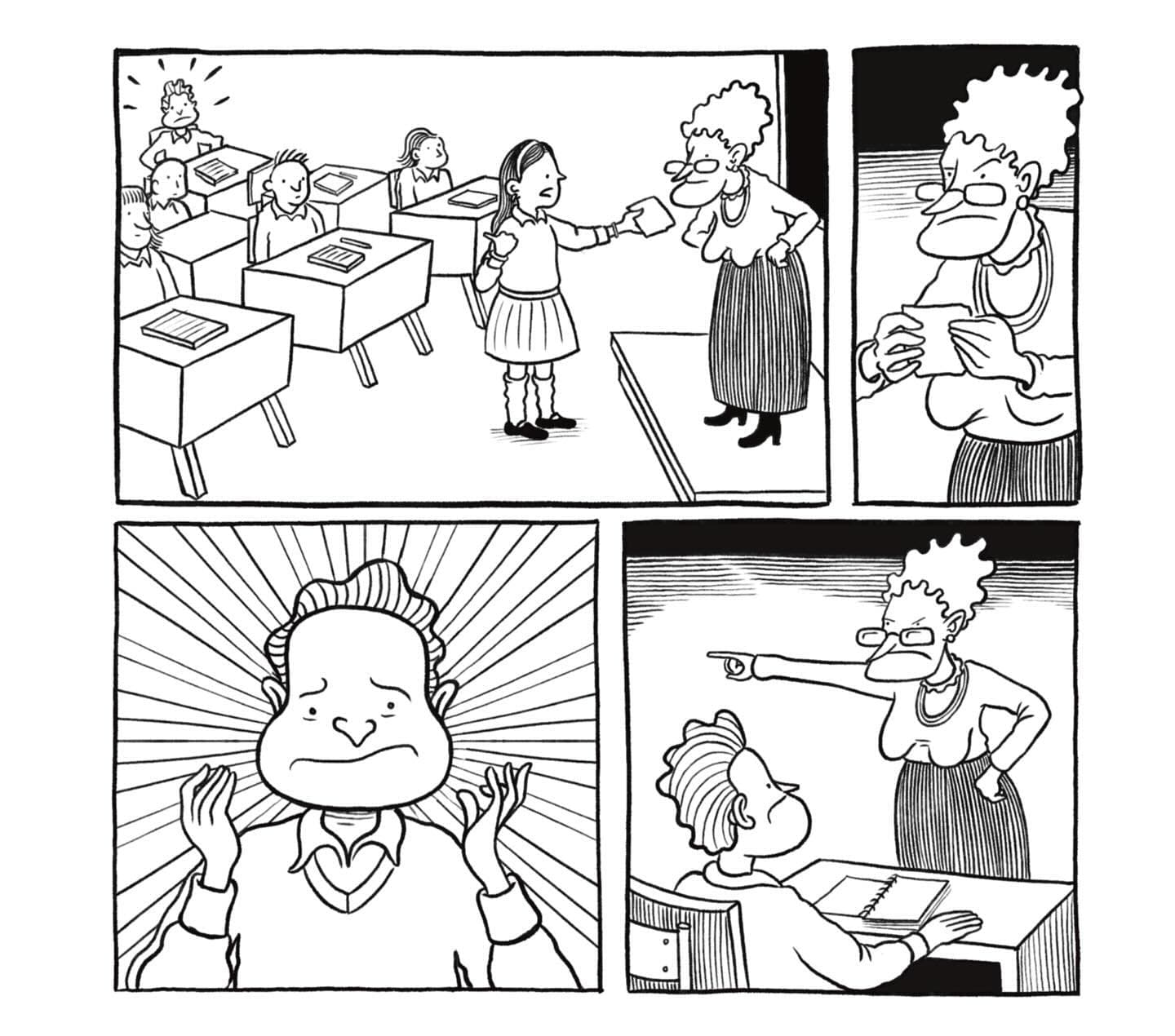
Click generate and let the AI transform your story into a sequential comic storyboard with clear, organized panels.
Review and Download
Review your generated storyboard comic and download the single-page layout for your creative projects or presentations.
Why use Storyboard Comic Generator?
Instant Visual Storytelling
Transform written stories into compelling visual narratives within seconds. Perfect for creators who want to quickly visualize their story concepts without drawing skills. The AI automatically arranges your story into logical, sequential panels that flow naturally from scene to scene.
Professional Comic Layout
Generate clean, organized storyboard layouts that follow professional comic conventions. Each panel is clearly defined with proper spacing and composition, making your stories easy to read and understand. Ideal for pitching ideas, creating prototypes, or planning larger comic projects.
Creative Development Tool
Speed up your creative process by quickly testing different story concepts and visual approaches. Great for writers, filmmakers, game developers, and educators who need to communicate narrative ideas visually. Turn abstract concepts into concrete visual references for team collaboration.
Frequently Asked Questions
How much does the storyboard comic generator cost?
What story formats work best with this tool?
How does the storyboard comic generator work?
Can I use the generated comics commercially?
How long does it take to generate a storyboard comic?
What makes a good story prompt for comic generation?
Can I create multi-page comics with this tool?
What comic styles does the generator support?
Related AI Tools