
Manga Panel Colorizer

Manga Panel Colorizer

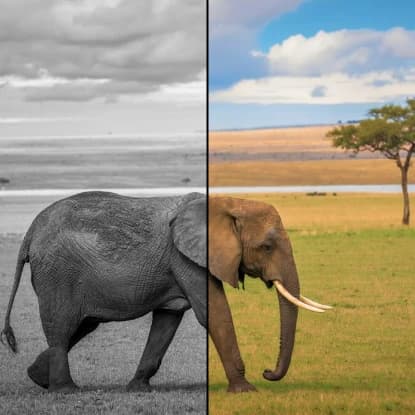
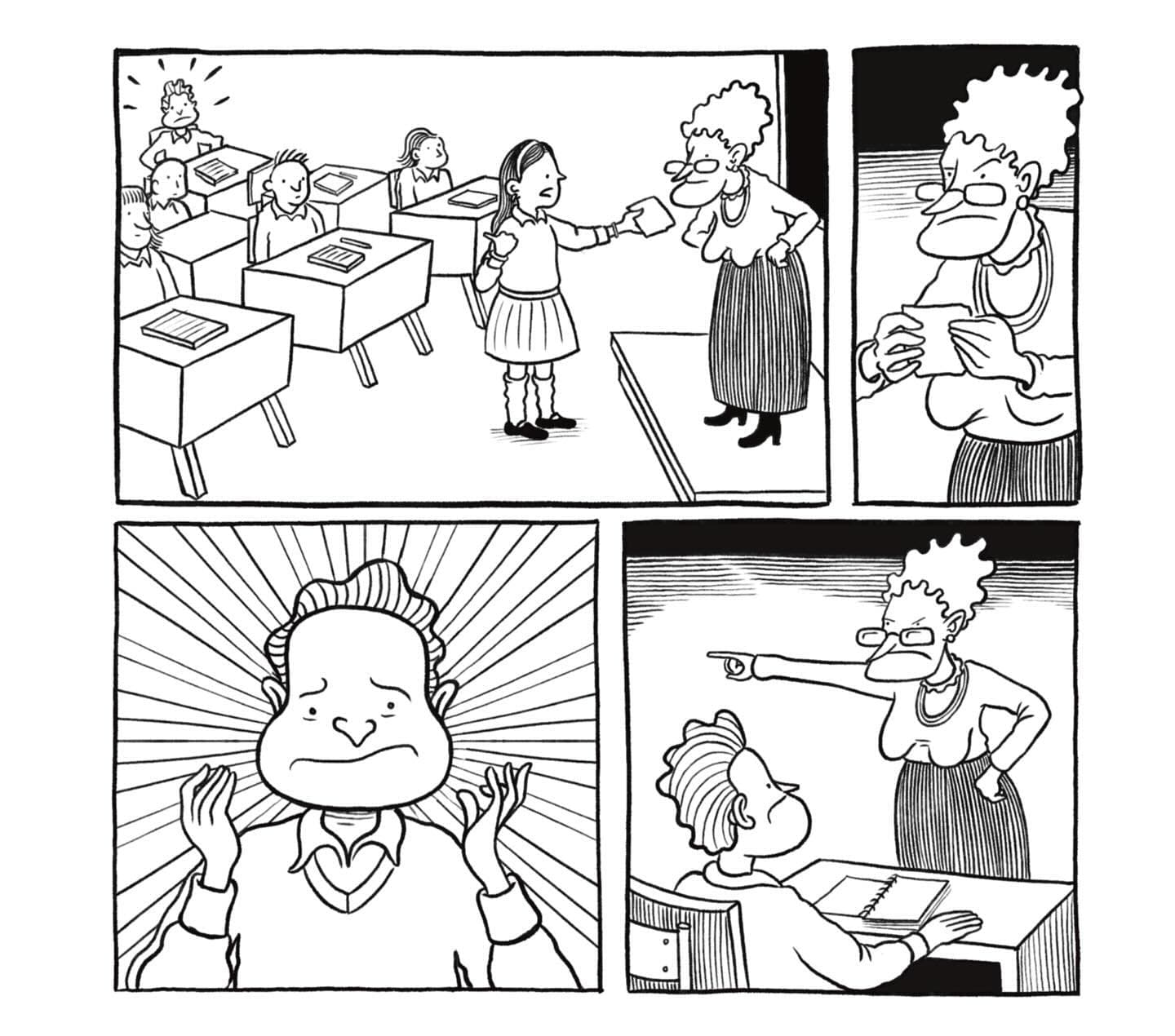
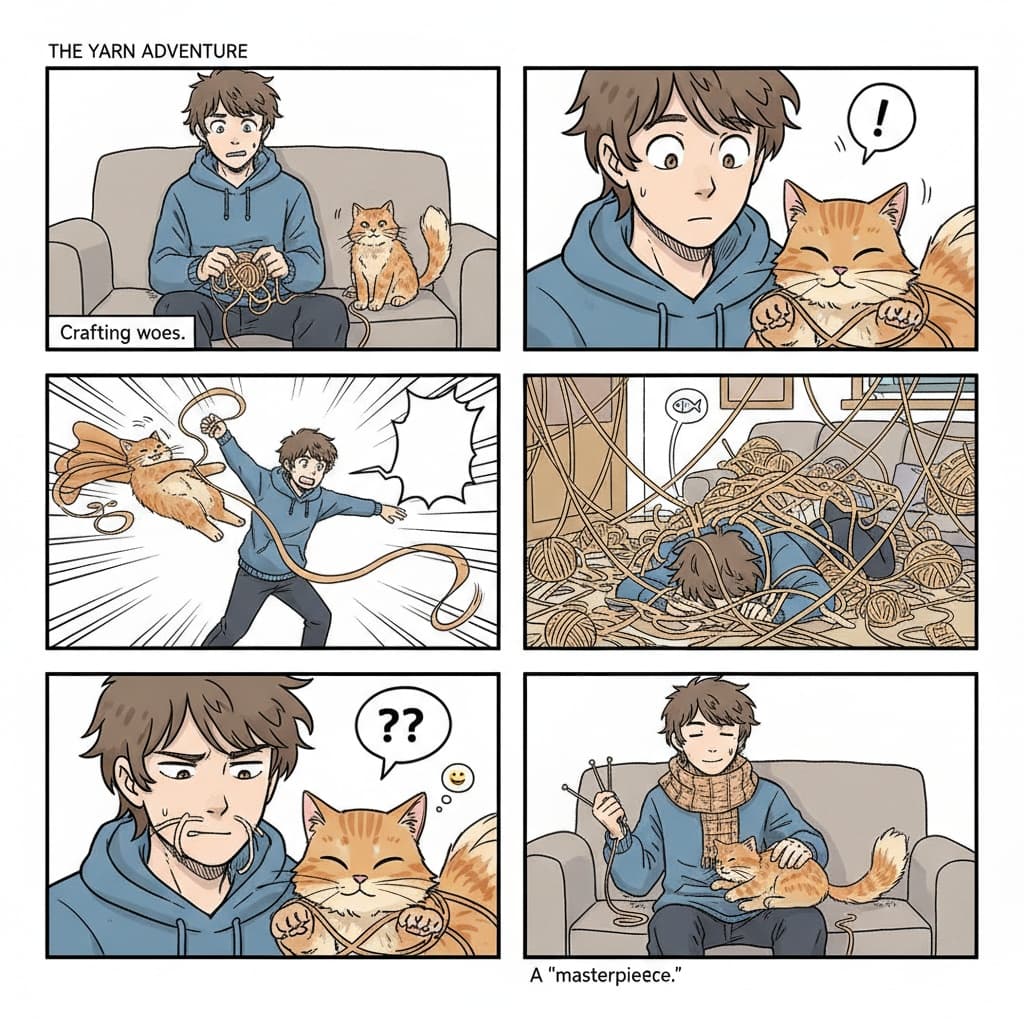
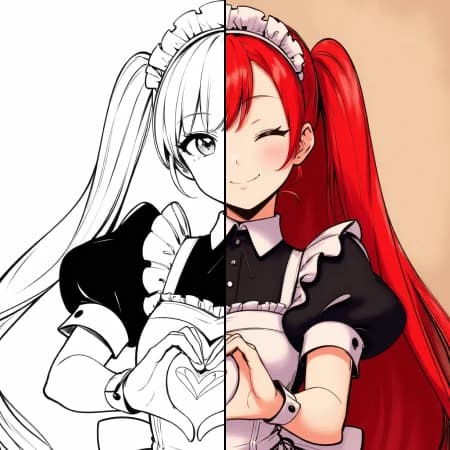
Upload a black-and-white manga panel and get a clean, cel-shaded color version while preserving line art, tones, and text.
8 credits per image
Input
Images
Select one or more images to edit
Output
Click "Generate" to start creating...
Examples

How to use Manga Panel Colorizer

1

Upload Your Manga Panel

Select and upload your black-and-white manga panel image. The tool accepts common image formats for processing.

2

Process Automatically

The AI analyzes your manga panel and applies cel-shaded coloring while preserving the original line art, tones, and text elements.

3

Download Colored Result

Your colorized manga panel will be ready in seconds. Download the high-quality colored version to use in your projects.

Why use Manga Panel Colorizer?

Preserve Original Artwork

The colorizer maintains the integrity of your original line art, screen tones, and text elements. Your manga's distinctive style and details remain untouched while gaining vibrant colors.

Professional Cel-Shaded Style

Get clean, professional cel-shaded coloring that matches traditional manga and anime aesthetics. The AI applies colors in distinct areas with smooth gradients typical of professional manga colorization.

Fast and Efficient Processing

Transform your black-and-white manga panels in seconds without manual coloring work. Perfect for manga creators, fans, and artists who want to experiment with colored versions of their favorite panels.

Frequently Asked Questions

How much does the manga colorizer cost?
Artificial Studio uses a credit-based pricing system. Visit the pricing page for current rates and available credit packages.
What image formats does the manga colorizer support?
The tool supports common image formats. Upload your black-and-white manga panel and the AI will process it automatically.
How does the manga panel colorizer work?
Simply upload your black-and-white manga panel image. The AI automatically analyzes the artwork and applies cel-shaded coloring while preserving the original line art, screen tones, and text elements.
Can I use the colorized manga panels commercially?
Usage rights depend on your subscription plan and the original manga's copyright status. Check the terms of service for commercial usage guidelines and ensure you have rights to the original manga content.
How long does manga colorization take?
The colorization process typically takes a few seconds. Processing time may vary depending on image complexity and current server load.
Will the colorizer affect text and speech bubbles?
No, the AI is designed to preserve text elements and speech bubbles in your manga panels. The colorization focuses on artwork areas while keeping text readable and unchanged.
Can I colorize multiple manga panels at once?
Each panel needs to be processed individually. Upload one manga panel at a time to ensure the best colorization results for each image.
What style of coloring does the tool use?
The colorizer applies clean cel-shaded coloring that matches traditional manga and anime aesthetics. This creates distinct color areas with smooth transitions typical of professional manga colorization.

Related AI Tools