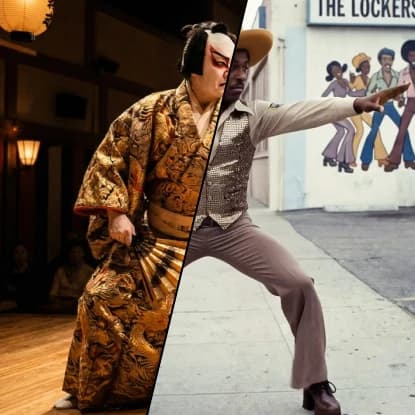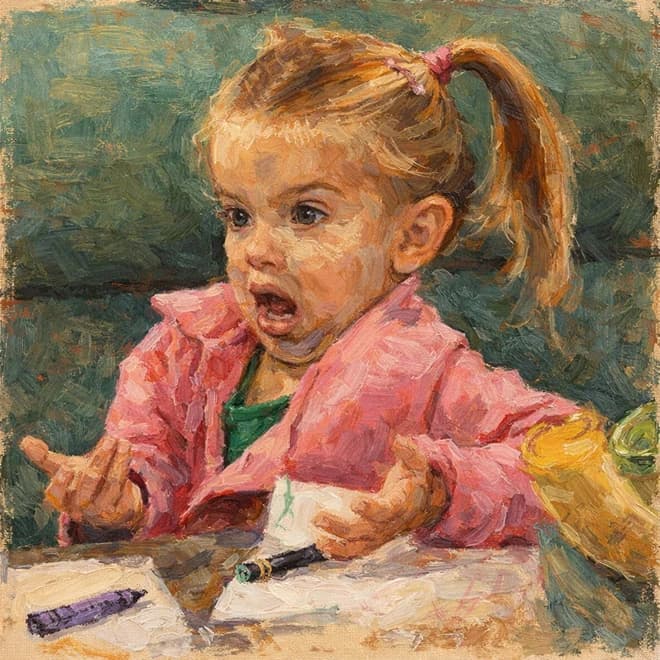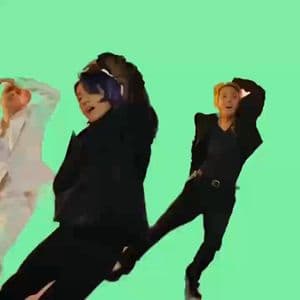

Character Replace
Character Replace

Character Replace

Replace characters in videos with new ones while preserving the original scene and lighting
15 credits per second
Input
Video
Upload the video where you want to replace the character
Character Image
Upload the image of the new character
Output
Click "Generate" to start creating...
Examples

How to use AI Character Replace for Videos

1

Upload Your Video

Select and upload the video file where you want to replace characters. The AI will analyze the scene and identify characters.

2

Choose Replacement Model

Select the Wan Character Replace model to process your video with advanced character replacement technology.

3

Generate New Video

Let the AI replace the characters while maintaining the original scene composition, lighting, and atmosphere.

Why use AI Character Replace for Videos?

Preserve Original Scene Quality

Advanced AI technology maintains the original lighting, shadows, and scene composition while seamlessly replacing characters. The background and environmental elements remain untouched, creating natural-looking results.

Professional Video Editing

Perfect for content creators, filmmakers, and video editors who need to replace actors or characters in post-production. Saves time and budget compared to traditional reshooting or complex VFX workflows.

Seamless Character Integration

The AI ensures new characters blend naturally into existing scenes with proper lighting adaptation and perspective matching. Results maintain video quality and visual consistency throughout the footage.

Frequently Asked Questions

How much does character replacement cost?
Artificial Studio uses a credit-based pricing system. Visit artificialstudio.ai/pricing for current rates and credit packages.
What video formats are supported?
The tool supports common video formats for character replacement processing. Upload your video file and the AI will handle the conversion automatically.
How does AI character replacement work?
The AI analyzes your video to identify characters, then replaces them with new ones while preserving the original scene's lighting, shadows, and composition. The Wan Character Replace model ensures seamless integration.
How long does video processing take?
Character replacement typically takes a few seconds to a few minutes depending on video length and complexity. Processing time varies based on the content and scene analysis required.
Can I use replaced character videos commercially?
Yes, you can use the generated videos for commercial purposes. However, ensure you have proper rights to the original video content before processing.
Does the tool preserve video quality?
Yes, the AI maintains the original video resolution and quality while performing character replacement. The scene composition and lighting remain intact for professional results.
What types of characters can be replaced?
The tool can replace human characters in videos while maintaining realistic lighting and scene integration. The AI works best with clear character visibility and good lighting conditions.
Can I replace multiple characters in one video?
The character replacement tool processes videos to identify and replace characters as detected by the AI model. Results depend on the video content and character visibility.

Related AI Tools