10 Best Higgsfield Alternatives in 2026
Tired of Higgsfield's billing issues and throttled plans? Compare the 10 best Higgsfield alternatives in 2026, with honest pros, cons and pricing for creatives.
Higgsfield became one of the fastest-growing AI video platforms in the world. But over the last year, a growing number of designers, filmmakers and marketers have started looking elsewhere, frustrated by throttled "unlimited" plans, surprise charges and a string of marketing scandals. If you're one of them, or you're thinking about it, this guide is for you.
Why creatives are leaving Higgsfield
Higgsfield grew faster than almost any AI startup in history. In early 2026 it was valued at $1.3 billion, claimed 15 million users and passed a $300 million annual revenue run rate, according to Forbes. The way it got there is exactly why so many designers, filmmakers and marketers are now looking for the exit.
"Unlimited" plans that weren't really unlimited
During a Black Friday 🛍 promotion, Higgsfield sold "unlimited" access to expensive models like Nano Banana for around $25 a month. After a handful of videos a day, generation slowed to a crawl, making the app unusable unless they bought extra credits. One user said: "The company just throttles your access".
Billing that catches people off guard
The most common complaint is about money leaving people's accounts when they didn't expect it. The low monthly prices Higgsfield advertises are only available on annual billing, which charges the full year upfront, and users report that the annual option is often selected by default at checkout.
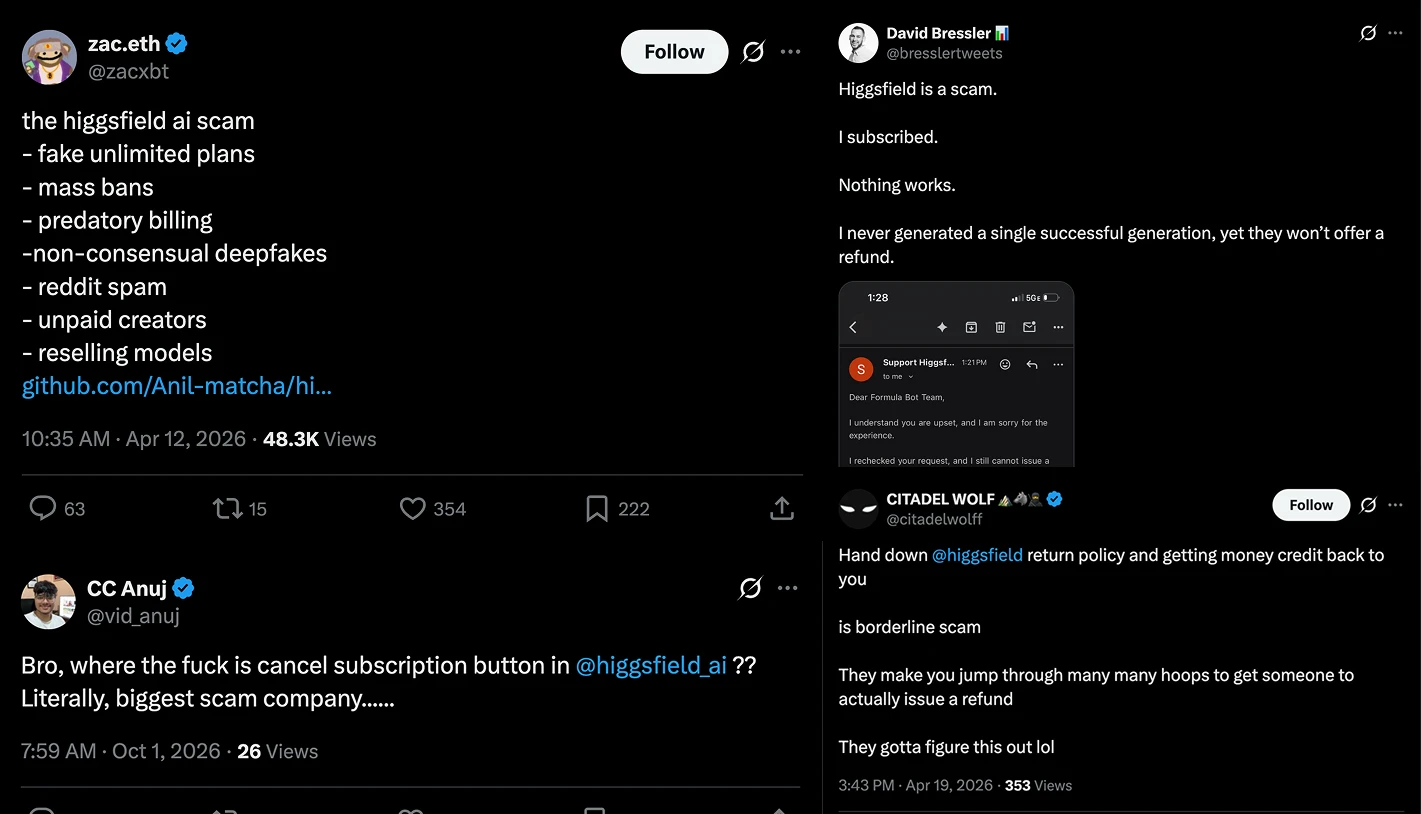
Credits don't roll over either: unused monthly credits disappear at each billing cycle, and top-up credits expire. Other users have described cancellations that were hard or technically impossible to complete, and account suspensions without notice that also locked them out of work they had already created, as reported by The Times of Central Asia.
We heard a version of this firsthand. A few days ago, our team spoke with a creator who was furious: he had paid for a full year upfront because the plan promised 3,000 credits per month. Once he was in, Higgsfield gave him 1,500 credits a month. In practice, he paid for the plan twice over to get what he had been promised, and he felt that he had been scammed.
Marketing that crossed the line
Forbes found that a media kit Higgsfield sent to creators, who were offered $200 to share it, included video templates that weren't made with AI at all and appeared to come from the stock site Envato.
Creators were also sent folders of racist and obscene clips featuring children's characters like Shrek and Moana, plus non-consensual deepfakes of public figures, to share as promotion. Higgsfield's cofounder admitted the company pushes the envelope because controversial content gets attention.
Around the same time, Higgsfield's X account was suspended for what the platform described as inauthentic behavior.
A rewards program that didn't always pay
Higgsfield Earn promised to pay creators for viral posts made with its tools. In the company's own Discord, creators complained about cash rewards they couldn't withdraw, submitted videos that vanished from the portal, and accounts banned without explanation.
1. Artificial Studio
Best for creatives and teams who want everything Higgsfield offers, plus audio, design and 3D, without the billing surprises.
Artificial Studio brings 60+ AI tools for image, video, music, audio, 3D and design into one platform, and it's used by more than 1,000,000 creators. You get the same video models people go to Higgsfield for (like Kling 3.0, Sora 2, Google Veo 3.1, SeeDance 2.0 and MiniMax H3, alongside image models like Nano Banana Pro, GPT Image 2.5, Seedream, Flux and Ideogram).
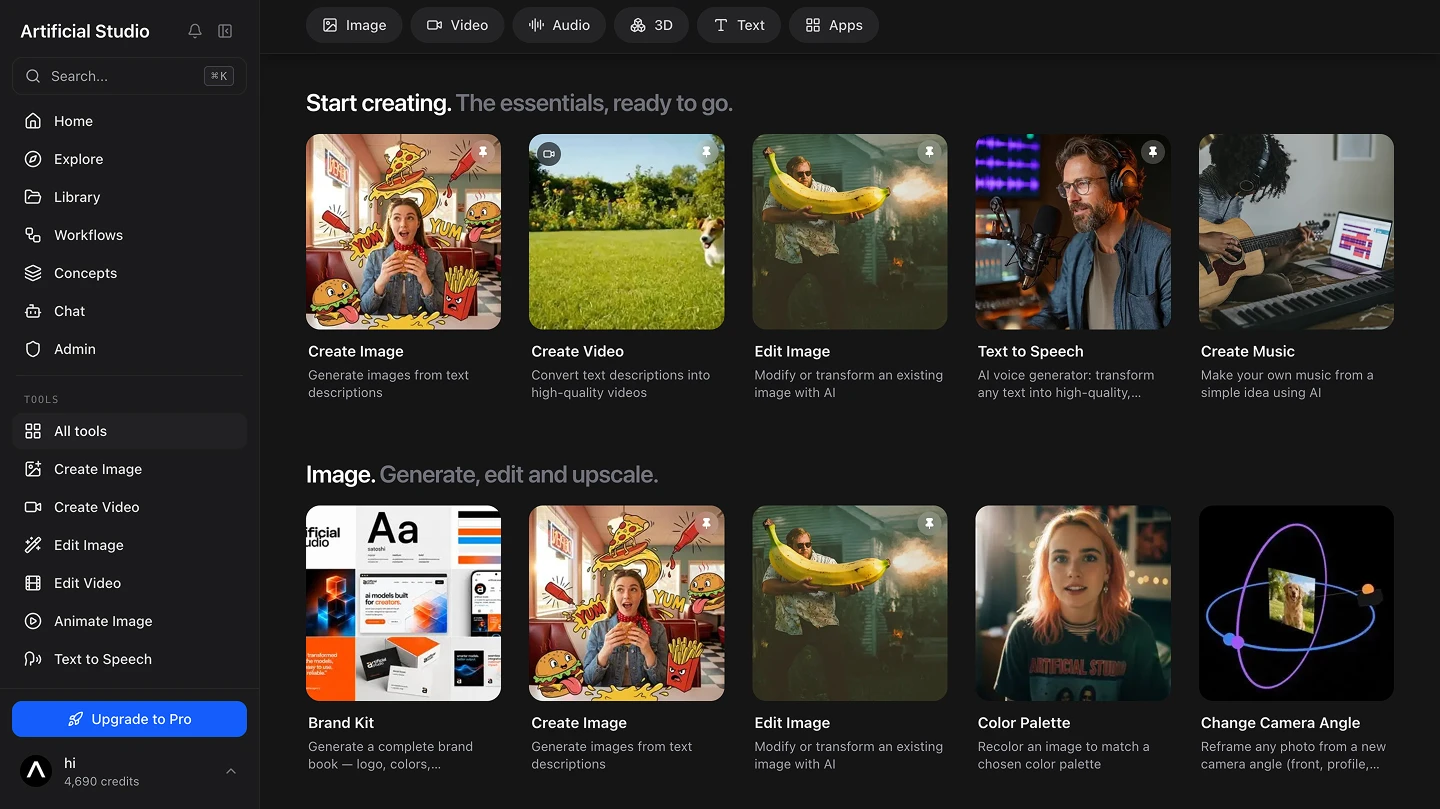
The difference is that the video is only one part of the workflow. You can add music, voiceover, sound effects and subtitles, translate a video into another language while keeping the speaker's voice, remove a video background, or turn a product photo into a 3D model, all without opening another app.
It's also genuinely easy to use. You can open any tool directly and follow the prompts, or describe what you need in the AI Chat and let it pick the right tool for you. Someone with no design background can get a usable result in their first session.
For consistency, which is what most marketing work depends on, there's Concepts. You upload four images of a character, a product or a visual style, save it, and then call it by name in any new image, the way you'd tag someone. The result can be animated right there. If your brand mascot or your product needs to look the same across fifty ads, this is the feature that makes it possible.
And it plugs into the tools you already use. Artificial Studio has an n8n integration for automations, plugins for Logic Pro and Ableton Live so musicians can generate audio inside their sessions, a Blender plugin, a documented API and an MCP server so you can use every tool directly from Claude or ChatGPT.
How it handles everything Higgsfield gets wrong
✅ Artificial Studio tells you exactly what each generation costs. Every model has a published credit price, so you know before you click. The free models, including Z-Image Turbo, Flux Schnell, Flux Klein and Luma Photon Flash, are credit-free on the Pro and Enterprise plans, with no hidden slowdown after a few uses.
✅ Artificial Studio credits never expire. The pricing page shows how many credits you get per year on each plan before you pay, so there is no gap between what you were promised and what lands in your account.
✅ Artificial Studio is clear about ownership: your uploads stay private, your content isn't used to train models, and everything you generate is yours for commercial use.
And where Higgsfield paid people to post shock content, Artificial Studio's growth comes from the people using it. If you want a closer look at the two platforms side by side, read our Artificial Studio vs. Higgsfield comparison.
2. Magnific (formerly Freepik)
Best for designers who want AI tools and a huge stock library under one subscription.
Freepik spent more than a decade as the go-to library for vectors, photos and templates. In April 2026 it renamed itself Magnific, and repositioned the whole company as an AI creative suite. Today it bundles image generation across models like Flux, Imagen, Seedream, Recraft and Nano Banana, video and audio tools, plus the stock catalog that made Freepik famous.
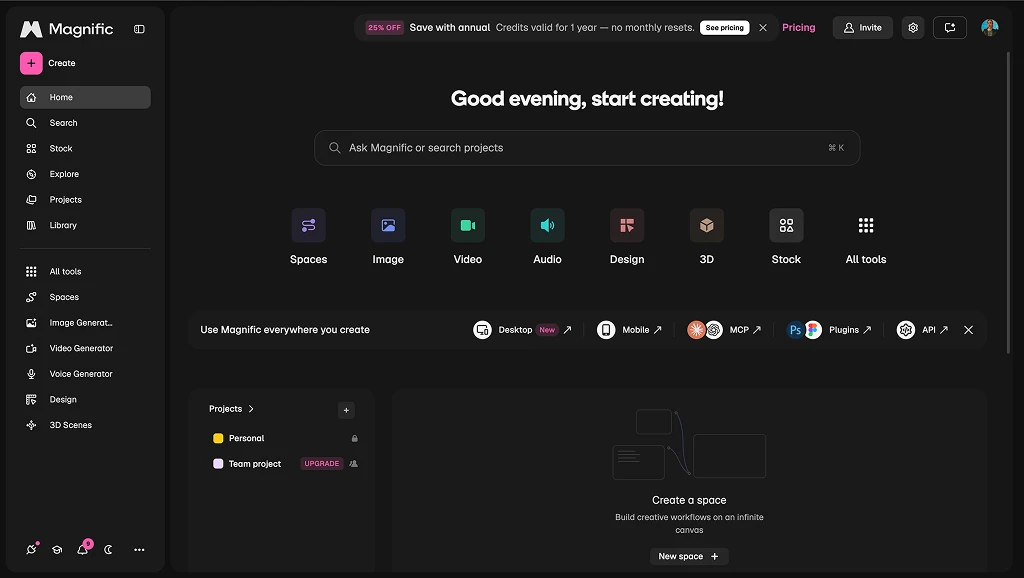
Where it falls short: it's one of the most famous names on this list, but also one of the hardest to find your way around. The catalog is crowded, every model has its own credit price, and it's often unclear which tool you should use or what a run will cost until you've spent the credits.
A review on Yespress sums up the main complaint as trust around the meter: unclear costs before a run, credits lost to bugs and slow support. One customer on Trustpilot described a single click on the video upscaler consuming a huge amount of credits with no clear cost warning beforehand. Others mention that credits reset every month, so you can't save them up for a big project.
Stock downloads and AI credits are counted separately, so compare both before you choose a plan.
3. Runway
Best for filmmakers and video teams who need precise control over every shot and have the budget for it.
Runway is one of the original AI video companies and still one of the most complete. Its own models, Gen-4.5 and Gen-4 Turbo, sit alongside an editing suite, Aleph for changing existing footage with text prompts, 4K upscaling and generative audio. If you want cinematic control over camera, lighting and character consistency across shots, few platforms go as deep.
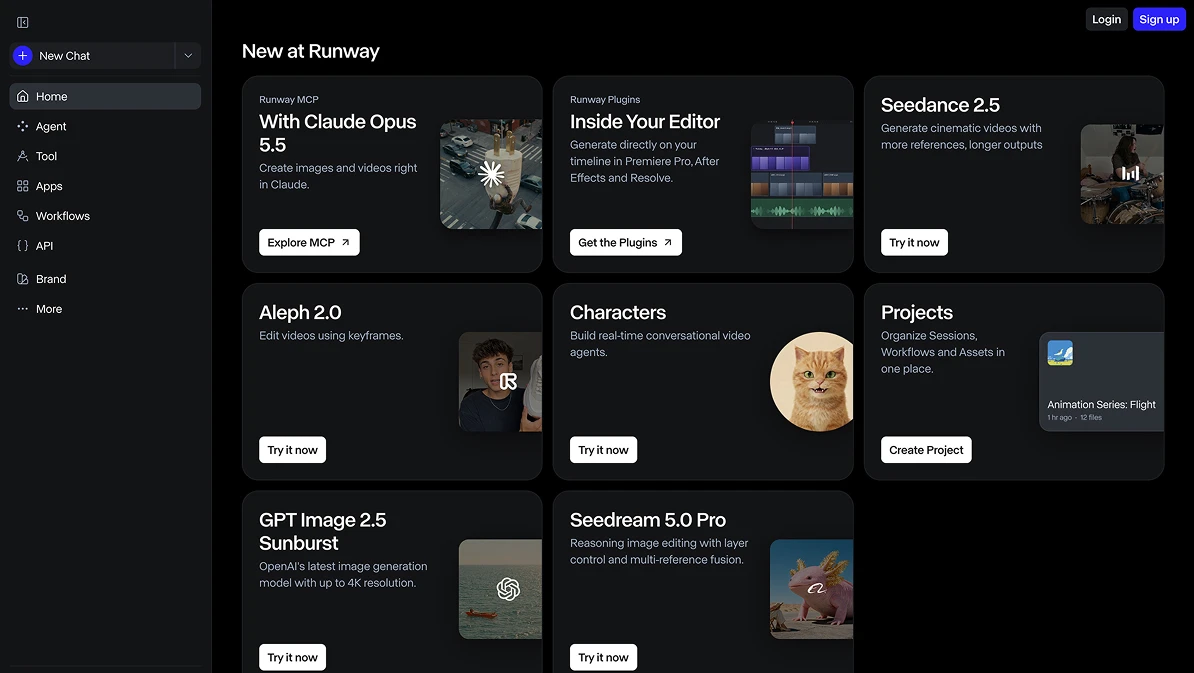
Where it falls short: that depth comes at a price, in money and in time. The interface is powerful but genuinely complex, and most reviewers warn about a steep learning curve before you get consistent results. It's also expensive 💸.
According to Creatify's breakdown of Runway's pricing, the Pro plan's 2,250 monthly credits buy about 187 seconds of Gen-4.5 video, which isn't much for a production month. Credits refresh each month with no rollover, and Runway removed its old Unlimited plan in 2026.
App credits and API credits are also kept in separate accounts, so a subscription can't pay for automated workflows.
Pricing: there's a free tier with watermarked exports, then Standard, Pro and Max plans, and custom pricing for Enterprise. Check how many seconds of your preferred model each plan really covers before you subscribe.
4. Kling AI
Best for creators who mainly need realistic, cinematic video and are happy to work with a single model family.
Kling is the video model a lot of people actually went to Higgsfield for, so going straight to the source is a natural move. Made by Kuaishou, Kling 3.0 launched in February 2026 and now generates native 4K clips of up to 15 seconds with sound, plus multi-shot sequences that are useful for pitches and previs. For realistic physical motion it's one of the strongest models available, and Kling reports more than 100 million users.
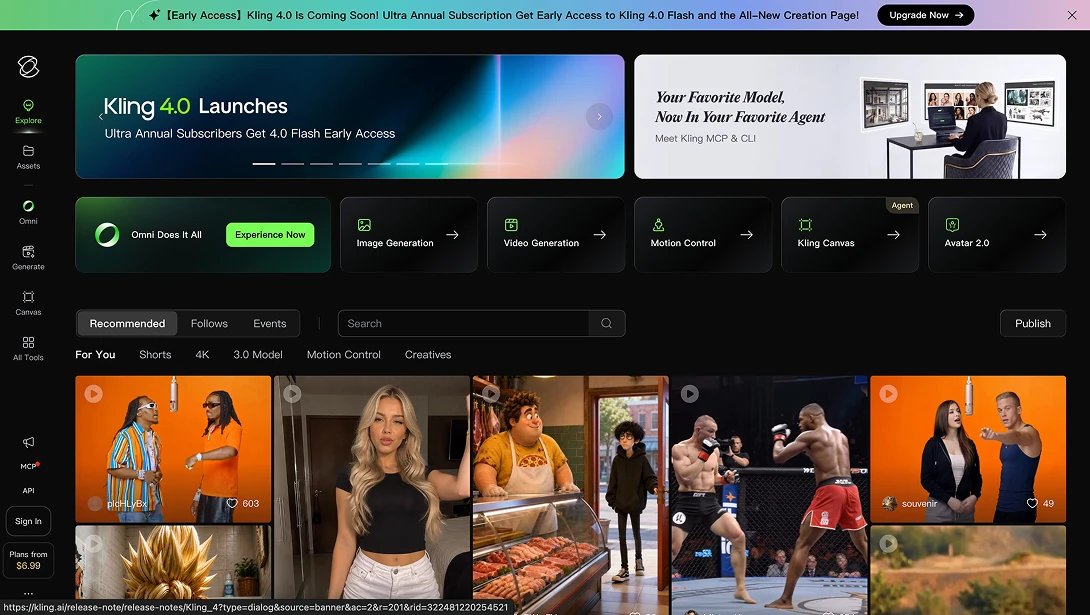
**Where it falls short: the output is excellent, but the experience around it **has many of the same problems people are trying to leave behind. Generation is slow, with one 2026 review putting the real-world range at 5 to 15 minutes per clip. On Trustpilot, paying users describe buying credits and then being told the queue is full unless they upgrade, losing credits on failed generations, and being charged again after cancelling.
And because Kling is a single model family, you'll still need other tools for audio, design, 3D and editing.
Pricing: there's a free tier with daily credits, then Standard, Pro and Premier plans. If you subscribe, start monthly and double-check the renewal terms before you pay.
5. Midjourney
Best for illustrators, art directors and concept artists who care most about how a still image looks.
Midjourney built its reputation on the best-looking AI images on the internet, and it still earns it. Its models produce images with a style and finish that many designers prefer over everything else, and the web app is simple: type a prompt, get four options, refine the one you like. The public gallery is also a great place to find inspiration and see the prompts behind other people's work 🔍
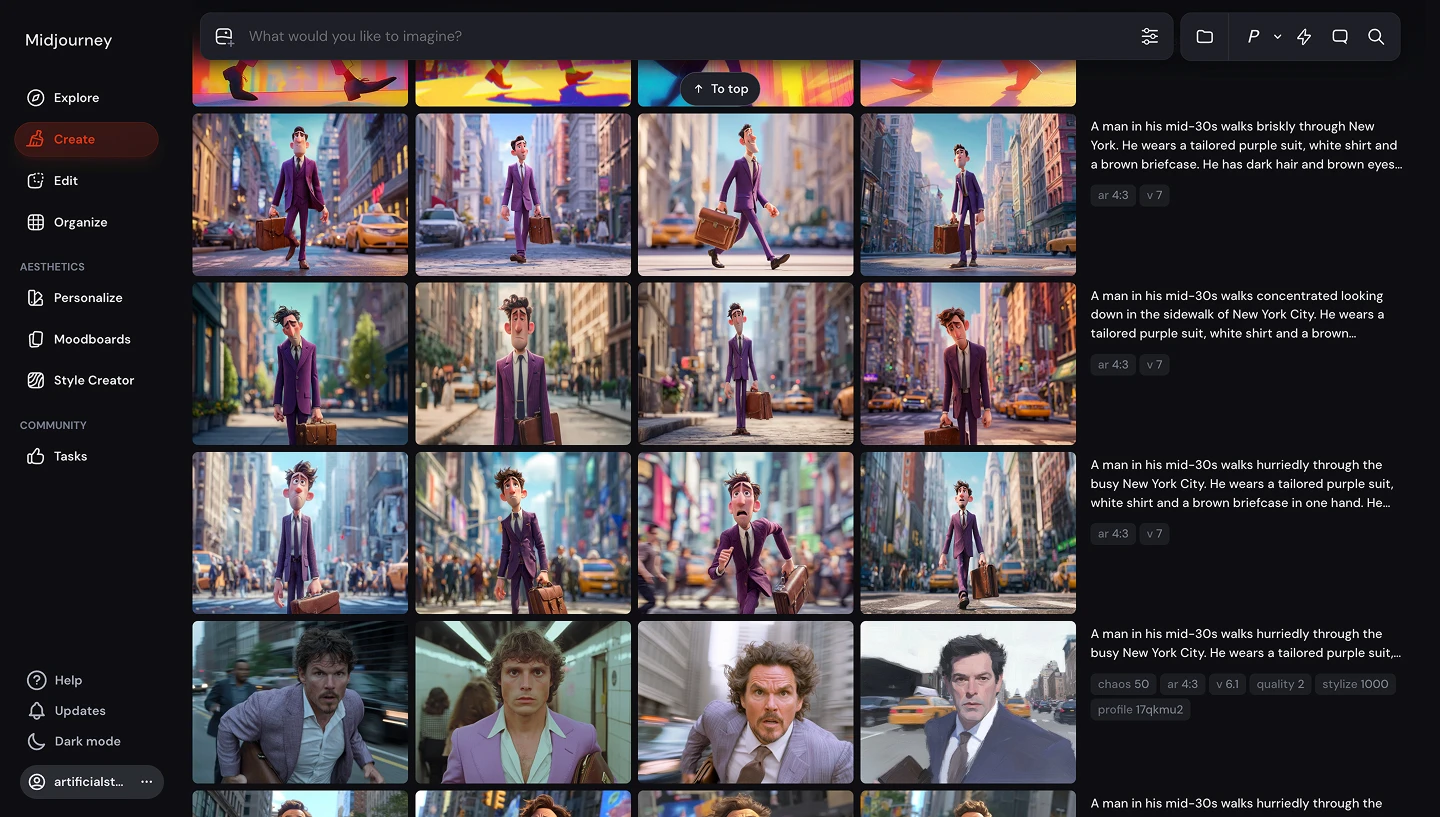
Where it falls short: the built-in editor handles inpainting and panning, but editing an existing photo precisely, the way you would to change a product color or fix a detail for a client, isn't nearly as reliable as dedicated editing models. Animation is the weakest part.
Its V1 video model only animates a still image, with no text-to-video, no audio and no camera control, and a 2026 review from Flowjam notes clips are capped at 21 seconds and limited to 480p. If you're coming from Higgsfield for video, Midjourney won't replace it. There's also no free trial on the website or Discord, so you have to pay before you can test it.
Pricing: plans start at $10 a month for Basic and go up through Standard, Pro and Mega, based on GPU time rather than credits. Video is included in the subscription but uses that GPU time much faster than images.
6. Gemini
Best for people who already pay for Google AI and want to make images and short clips without another subscription.
Google's Gemini app gives you two of the most popular models in the industry in a chat window: Nano Banana Pro and Nano Banana 2 for images, and Veo 3.1 for video. You describe what you want, Gemini generates it, and you keep editing by talking to it. Nano Banana Pro in particular is excellent at keeping details intact and rendering text inside images.
Where it falls short: Gemini is a chatbot with creative features, not a creative tool, and the limits make that clear quickly. According to Google's own help page, the $19.99 Google AI Pro plan allows up to three videos a day with a lighter version of Veo 3.1, and only Ultra, at $249.99 a month, unlocks five a day with the full model. Google also says those limits may change, and they have changed several times since Nano Banana Pro launched. There's no timeline, no project organization, no audio tools beyond what Veo generates, and no way to pick a different model when Google's isn't right for the job.
Pricing: there's a free tier with basic access, then Google AI Plus at $7.99, Pro at $19.99 and Ultra at $249.99 a month.
7. Krea AI
Best for designers who like to experiment in real time and want a strong image upscaler.
Krea is a model hub built around speed. Its real-time generation updates an image as you type or sketch, which makes it one of the most fun tools on this list for exploring ideas. It also has a well-regarded enhancer for upscaling, LoRA training so you can teach it your own style, and access to third-party video models like Veo, Sora and Kling.
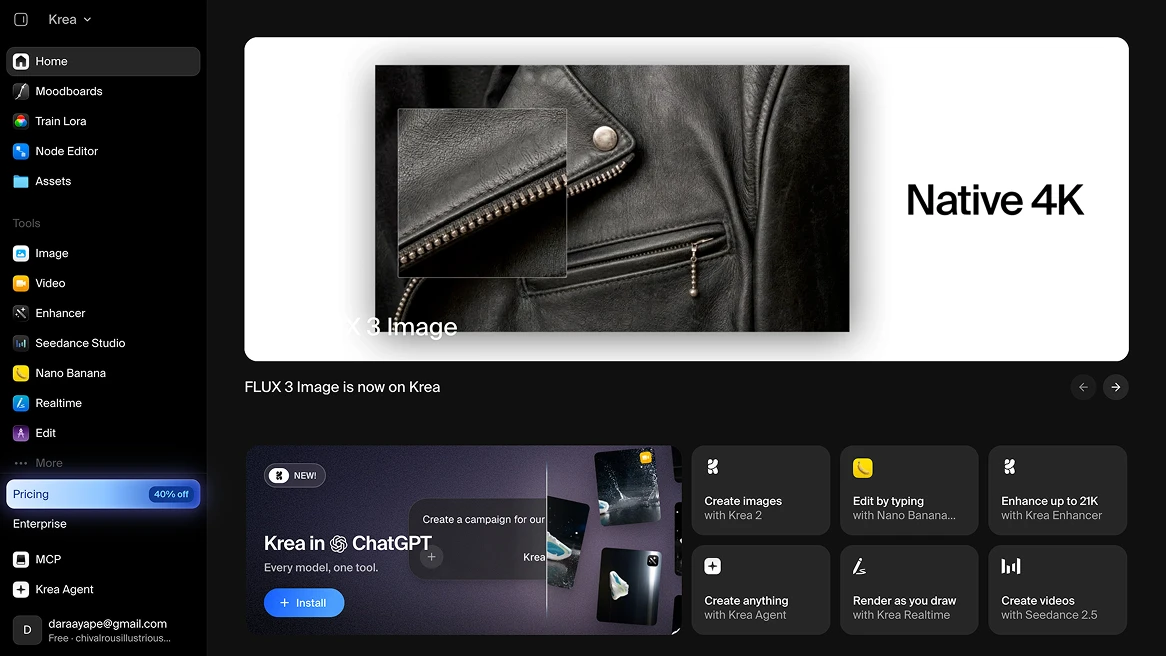
Where it falls short: Krea is powerful, but it's not simple, and its pricing is hard to predict. Everything runs on compute units, and different models use them at very different rates, so a video or a big upscale can drain a month's allowance much faster than you expect.
Costbench lists unpredictable compute consumption as its top hidden cost, and notes that premium video models like Veo, Sora and Kling require at least the Pro plan, even if you have units left on a lower tier. Unused units don't roll over on individual plans. Things like music, voiceovers, sound effects or ready-made marketing assets still mean another subscription.
Pricing: a free plan with 100 compute units a day, then Basic at around $9 to $10, Pro at $35, Max at $70 and Business at $200 a month.
8. Ideogram
Best for posters, logos, social graphics and anything where the text inside the image has to be right.
Ideogram made its name on one thing: typography. Ask for a poster with a headline, a product label or a logo with a specific word, and Ideogram will usually spell it correctly and style it on purpose. It responds well to prompts written like a design brief, its Magic Prompt feature fills in the details when you're vague, and it now has a Character model for keeping a person consistent across images. It's also affordable, with clear per-credit pricing.
Where it falls short: Ideogram is an image tool, full stop. There's no video, no animation and no audio, so it can't replace what most people used Higgsfield for. Even within images, Vantaige's review points out that photorealism and human anatomy are genuine weaknesses, that the Character model drifts on fine details, and that content filters sometimes reject harmless prompts without refunding the credits. On the free plan, everything you make is public.
Pricing: a free tier with a small number of slow weekly credits, then Plus at $20 and Pro at $60 a month, with cheaper annual billing and a Team plan.
9. Adobe Firefly
Best for designers who live in Photoshop and Illustrator and need commercially safe generations for big brands.
Firefly's biggest selling point is that Adobe trains its own models on licensed content, which makes legal teams at large companies much more comfortable. It's also built into the tools designers already use, with Generative Fill in Photoshop and Text to Vector in Illustrator, and the Firefly app itself now generates images, video, audio and vectors.
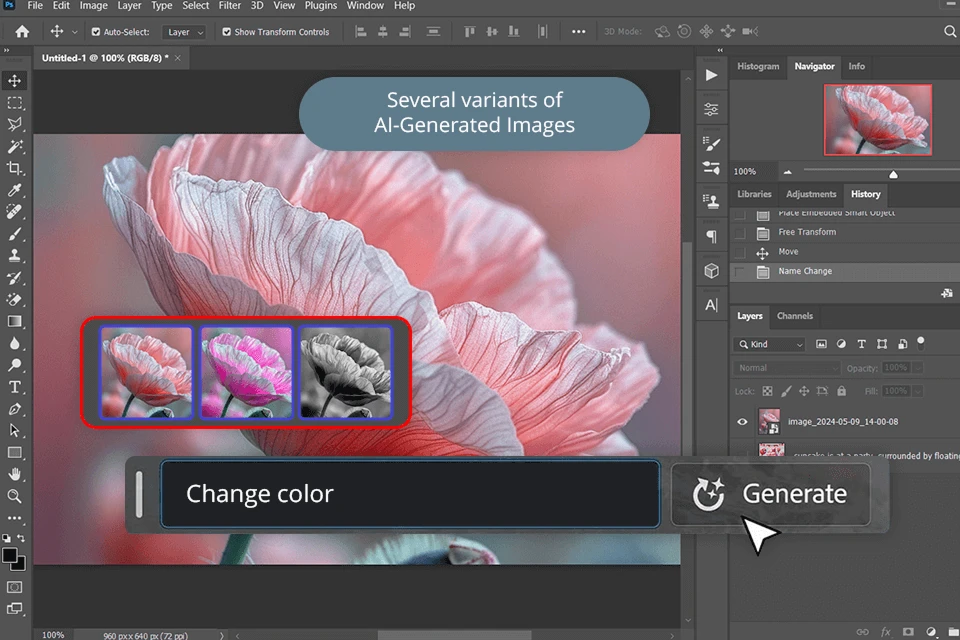
Where it falls short: the plan structure is confusing, even for long-time Adobe customers. Having a Creative Cloud subscription doesn't mean you can use every Firefly feature. In a long-running Adobe Community thread, Adobe confirmed that premium features like generative video require a separate Firefly plan or Creative Cloud Pro, and paying users describe video being locked behind an additional paywall and credits spent on flawed generations. Reviewers on Gartner Peer Insights also note that output reliability is inconsistent compared with competitors.
Pricing: individual Firefly plans range from Standard at $9.99 a month with 2,000 generative credits to Premium at $199.99 a month with 50,000. Credits also come bundled with Creative Cloud plans, with different access depending on the plan.
10. Leonardo AI
Best for game artists and illustrators who want to train their own models, and teams already paying for Canva.
Leonardo started in Sydney in 2022 and was bought by Canva in 2024. It hosts a wide range of image and video models next to its own Phoenix model, has a real-time canvas for sketching ideas, and lets you train custom models on your own style, which is especially popular with game developers who need consistent assets. Its free plan is one of the more generous ones, with 150 fast tokens a day.
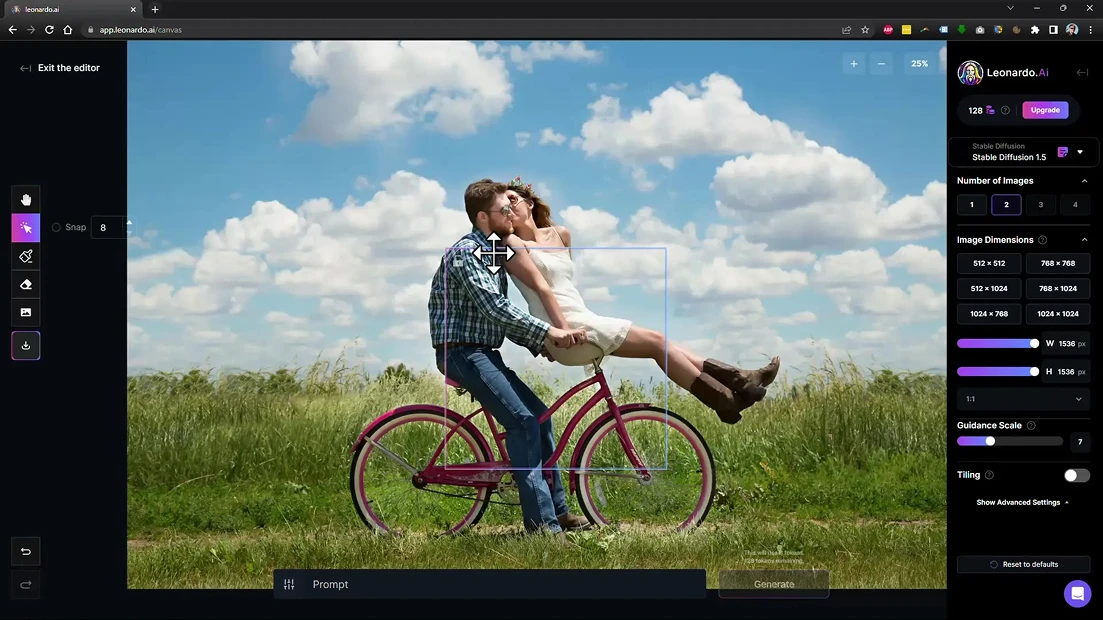
Where it falls short: the most common complaint is that it's hard to know what anything will cost. Every generation spends fast tokens, and the amount changes with the model, size and quality, so Yespress's review notes that users struggle to translate tokens into a predictable number of video clips, and that frontier video models can cost thousands of tokens for a single result.
Since the Canva acquisition, more of Leonardo's technology also goes into Canva's own tools, which leaves some uncertainty about where the standalone product is heading. And like most image-first platforms, it doesn't cover music, voiceovers or sound.
Pricing: free with 150 fast tokens a day, then Essential at $12, Premium at $30 and Ultimate at $60 a month, with token rollover banks on paid plans.
How to choose the right Higgsfield alternative
Start with what you actually make. If your work is only still images, Midjourney, Ideogram or Leonardo may be enough. If you need cinematic video and nothing else, Kling or Runway will get you there, as long as you accept their pricing and learning curve. If you live inside Adobe or Google, Firefly and Gemini are convenient add-ons to what you already pay for.
| Tool | Best for | Main drawback |
|---|---|---|
| Artificial Studio | Full projects across image, video, audio, 3D and design | Fewer stock assets than Magnific |
| Magnific (Freepik) | Stock library plus AI tools | Crowded catalog, hard to predict credit costs |
| Runway | Cinematic control for video teams | Expensive, steep learning curve |
| Kling AI | Realistic video from a single model | Slow queues, billing complaints |
| Midjourney | Beautiful still images | Weak editing, very limited animation |
| Gemini | Google AI subscribers | Tight daily video limits |
| Krea AI | Real-time experimenting and upscaling | Unpredictable compute costs |
| Ideogram | Text and typography in images | Images only, no video |
| Adobe Firefly | Commercially safe work inside Adobe apps | Confusing plans, premium features paywalled |
| Leonardo AI | Training custom styles, Canva teams | Token pricing hard to predict |
If you're leaving Higgsfield, look for published prices per generation, credits that don't vanish at the end of the month, a clear way to cancel, and a platform that covers the whole project so you're not stacking subscriptions again.
That's why we built Artificial Studio the way we did. You get the same top models, plus audio, design and 3D, in an interface you can learn in an afternoon, with credits that never expire and prices you can see before you click. You can start for free, no credit card required.