The 7 best all-in-one AI creative platforms in 2026 (Honestly compared)
Compare the 7 best all-in-one AI creative platforms of 2026 for image, video, audio & 3D. Honest pros, cons and pricing — see which one replaces your whole stack.
The best models are no longer the bottleneck, they're everywhere and most of them are excellent. The problem now is fragmentation: one tool for images, another for video, a third for voiceovers, a fourth for 3D, plus a design app to stitch it all together. Four or five subscriptions, credit systems, and logins.
So the question for any creative team, agency, or solo creator in 2026 is: which platform can actually run my whole workflow?
We compared the seven leading all-in-one AI creative platforms on the criteria that matter when you're deciding for real work: the range of models, pricing and credit transparency, privacy and commercial rights, and whether you can plug it into your own product through an API.
Looking specifically for a Midjourney replacement? That's an image-only decision — we cover it in detail in our Artificial Studio vs. Midjourney comparison.
Quick comparison
| Platform | Image | Video | Audio / Music | 3D | Choose your model | API | From | Free plan |
|---|---|---|---|---|---|---|---|---|
| Artificial Studio | ✅ | ✅ | ✅ | ✅ | ✅ (28+ image models) | ✅ + MCP | $7/mo | ✅ |
| Freepik / Magnific | ✅ | ✅ | Limited | ❌ | ✅ | ✅ | ~$12/mo | ✅ (watermark) |
| Krea AI | ✅ | ✅ | ❌ | ❌ | ✅ | Limited | ~$9/mo | ✅ |
| Leonardo AI | ✅ | ✅ | ❌ | ❌ | ✅ | ✅ | $12/mo | ✅ |
| Lovart AI | ✅ | ✅ | ❌ | ❌ | ❌ (agent picks) | ❌ | ~$19/mo | ✅ |
| Canva Magic Studio | ✅ | Basic | Limited | ❌ | ❌ | ❌ | ~$15/mo | ✅ |
| Adobe Firefly | ✅ | Evolving | ❌ | ❌ | ✅ (partner models) | ✅ | $9.99/mo | ✅ |
1. Artificial Studio, the most complete creative stack
Best for: agencies, freelancers, real estate, e-commerce brands and any team that produces more than just images.
Most "all-in-one" platforms just can do images and video, then stop. Artificial Studio genuinely covers the full production pipeline: 60+ tools and products across image, video, audio, music, 3D objects, branding and marketing, all under a single subscription.
The differentiator is model choice. Instead of locking you into one house model, Artificial Studio gives you the top models from across the industry and lets you route each job to the best one: Seedream, Nano Banana, GPT Image, Recraft, Ideogram, Sora 2, Google Veo, Kling, SeeDance; ElevenLabs for voice and music; Meshy, Tripo and Hunyuan for 3D.
When a new state of the art model ships, it shows up as another option in your toolbox.
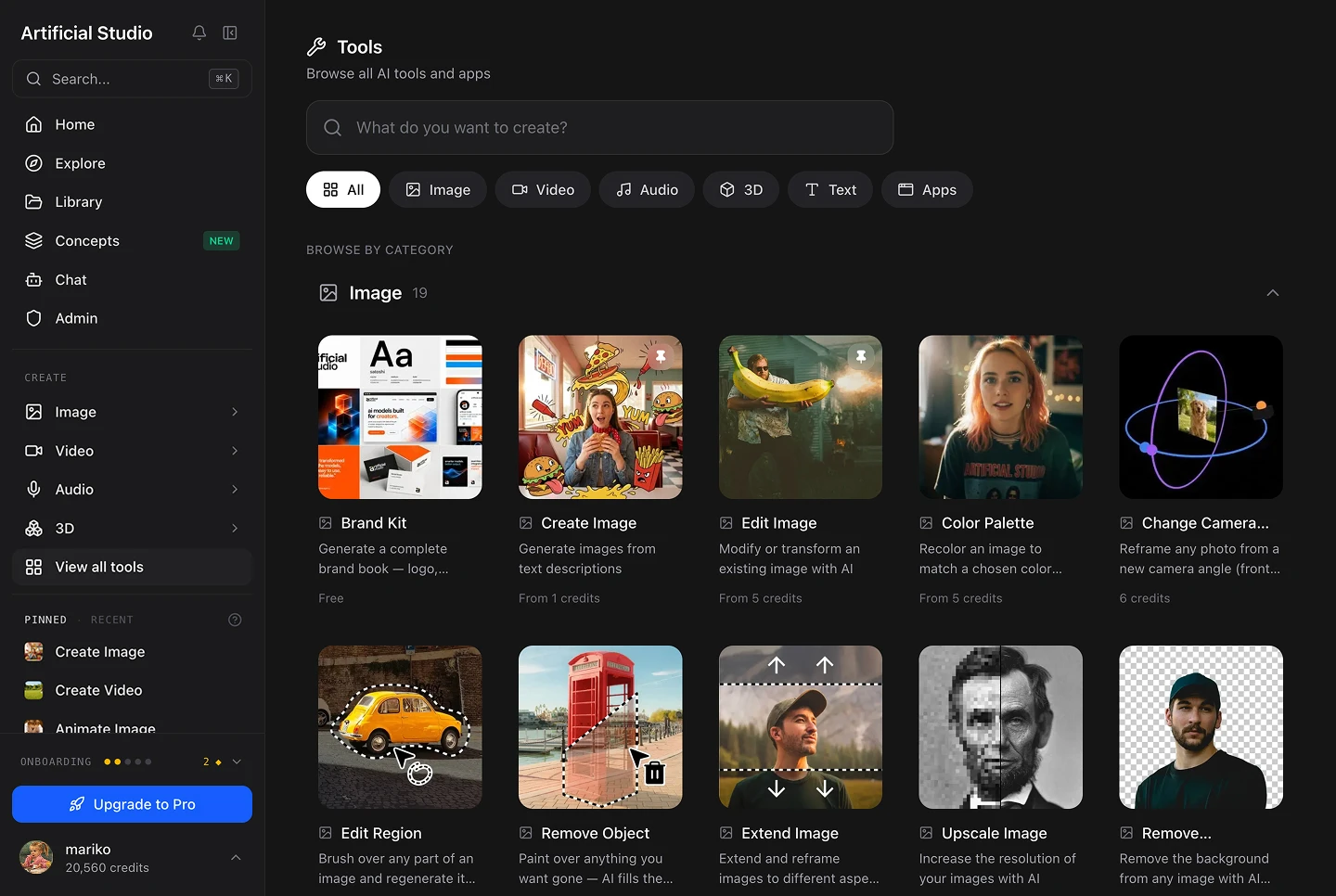
- True end-to-end coverage: Generate a product image, animate it into an ad, add an AI voiceover, translate it into 150+ languages, and build the 3D asset behind it — without leaving the tab.
- A real API and an MCP server: You can ship AI features straight into your own product or call the tools directly inside Claude.
- Private by default: Your work isn't published to a public feed. It's private from the first plan up.
- Commercial use on every plan, including the free one, and a genuinely usable free tier to test before you pay. Every day you get 20 credits free.
- Predictable pricing from $7/month — less than most single-purpose competitors charge for images alone.
The catch: Artificial Studio gives you more surface area than a single-purpose user strictly needs. The fix is simple: start from the job you're doing rather than scrolling the full tool list.
This is the platform that replaces the rest of the stack. Try it free, no credit card required.
2. Freepik / Magnific, the biggest asset library, at a credit cost
Best for: designers who want AI generation plus a massive stock library in the same place.
Freepik acquired Magnific and now runs much of its generative suite under the Magnific brand. It's a legitimately strong all-rounder: multi-model image and video generation (Flux, Google Imagen, Ideogram, Kling, Runway, Veo), a complete editing pipeline, and a stock library of 240M+ vectors, photos and templates that no pure-AI tool can match.
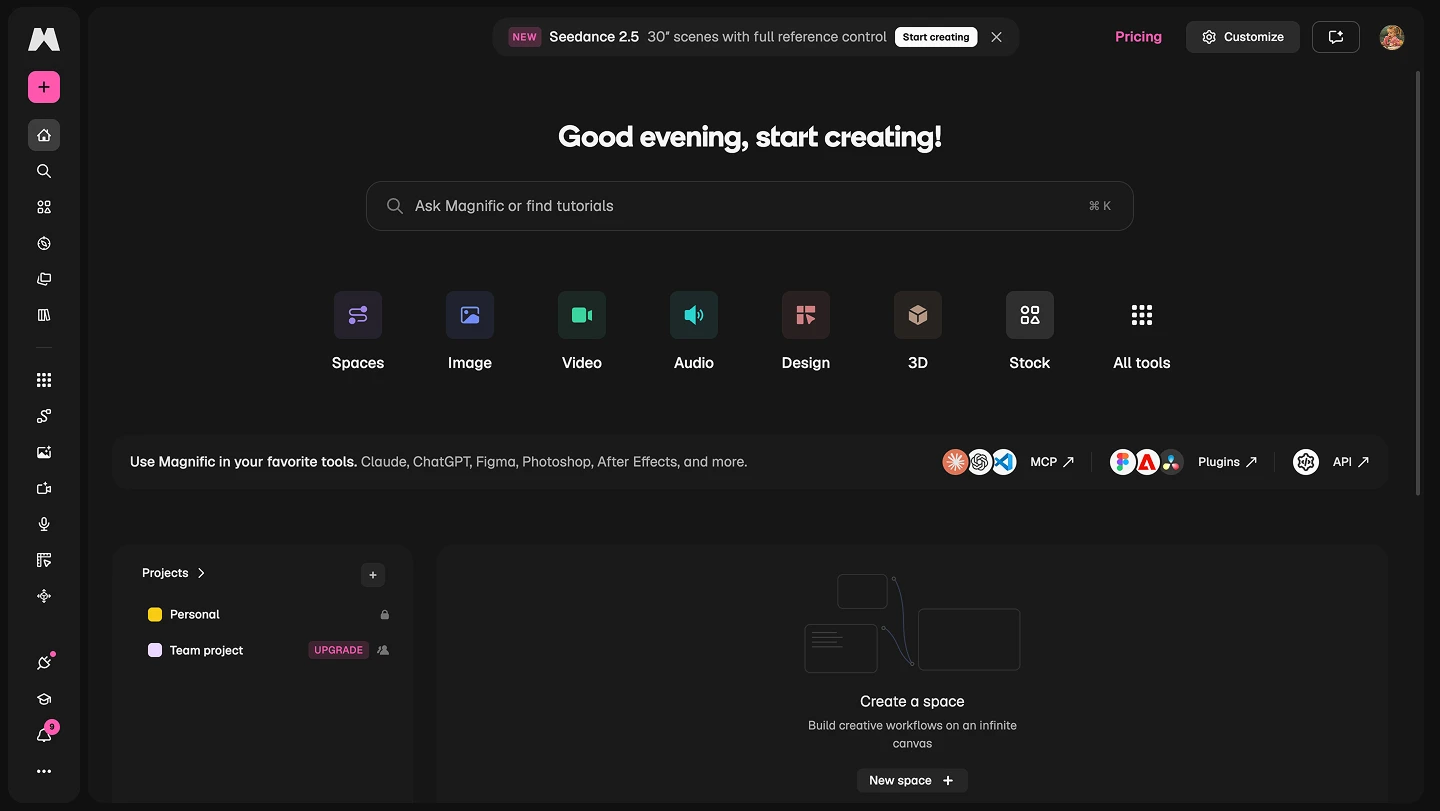
The honest weaknesses: Credits run out fast. Nearly every AI action burns credits, and reviewers note that heavy users "routinely hit their credit ceiling mid-month", with video the most expensive action of all. A dense interface with frequent upsells and credit prompts, and a free tier that's essentially a watermarked demo. Pricing runs roughly $12/month (Premium) to ~$27/month (Pro).
3. Krea AI — the real-time canvas, minus audio and 3D
Best for: visual artists who love an interactive, live-updating generation canvas.
Krea's signature is its real-time canvas, the image updates live as you sketch or type, which makes iterative art genuinely fun. It offers a big menu of image and video models, custom style-model training for brand consistency, and upscaling that reviewers rate among the best available.
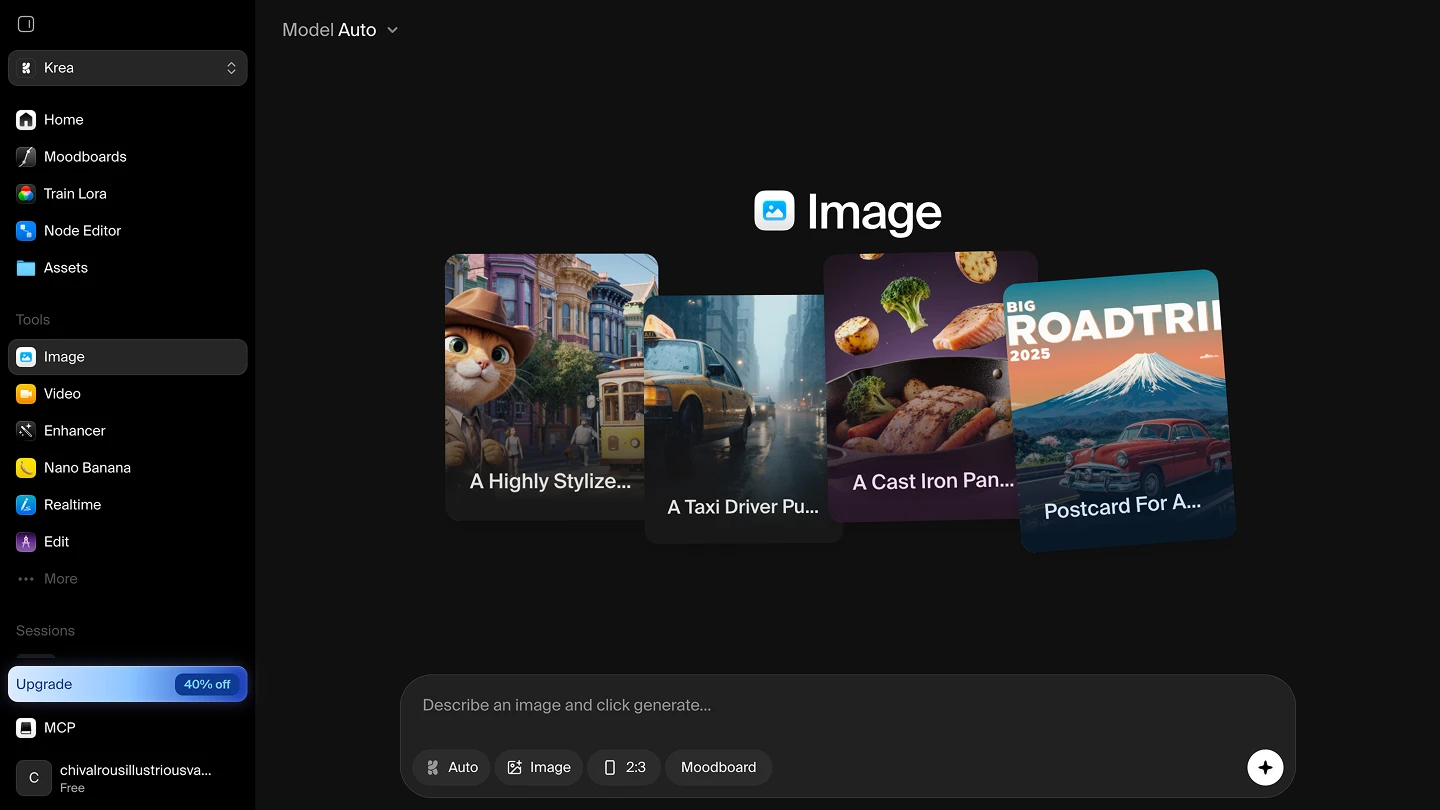
The honest weaknesses: No audio and no 3D. If you need voiceovers, music or 3D assets, you're back to a second subscription wjen using Krea. Text rendering inside images is unreliable, like most diffusion tools, so typography needs an external editor. A limited free tier that experienced users exhaust quickly. Pricing starts around $9/month, with Pro tiers roughly $35/month depending on the plan.
4. Leonardo AI — model variety wrapped in an opaque token system
Best for: hobbyists and creators who want a big model library and character/asset tooling for game and concept art.
Leonardo offers 80+ image models, video generation, an editor, upscaling and custom model training — a deep toolkit for illustration and game-asset work, with an active community.
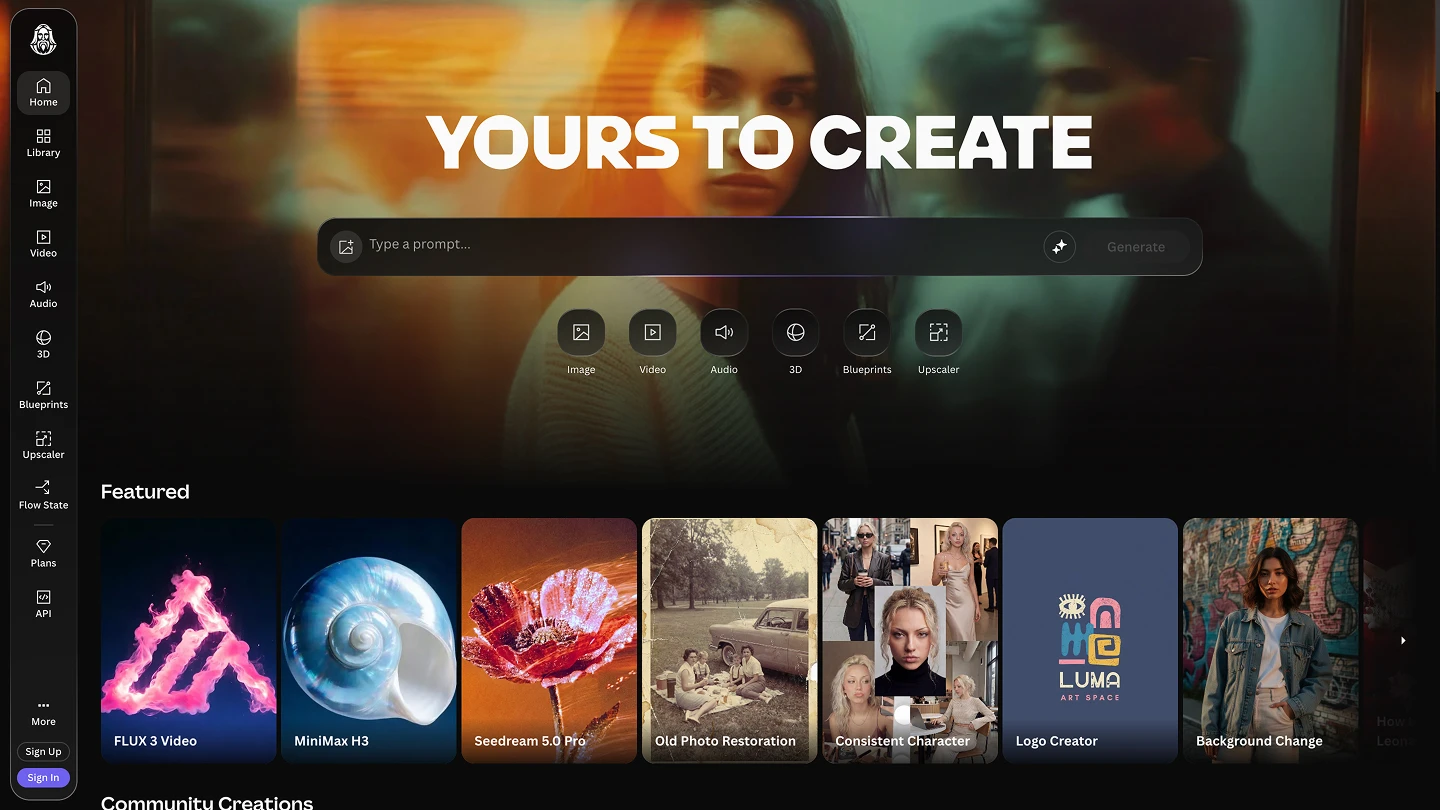
The honest weaknesses: The token system is hard to budget. Costs "vary by model and GPU load" with no published per-model rates, so you can't reliably predict what a project will cost. Unlimited generation only applies to Leonardo's own models in relaxed mode; premium third-party models (Veo 3, Kling, Sora 2, Nano Banana Pro) "always consume tokens at full rate," even on paid plans, and a single 8-second video can cost as much as 300+ images. Free work is public and IP is retained on the free tier. Reviewers report refund and cancellation friction on Trustpilot. No audio and no 3D generation. Pricing: Free, then $12 (Essential), $30 (Premium) and $60 (Ultimate) per month.
5. Lovart AI — a clever design agent with a narrow lane
Best for: non-designers who want to describe a branding or marketing asset and let an AI agent build it.
Lovart is one of the more interesting newcomers: a "design agent" with a ChatCanvas workspace that combines conversation and visual design, and a "chain of thought" that breaks a brief into layout, composition and branding steps automatically. It pulls from GPT Image, Flux, Ideogram and Kling behind the scenes, and it's genuinely beginner-friendly.
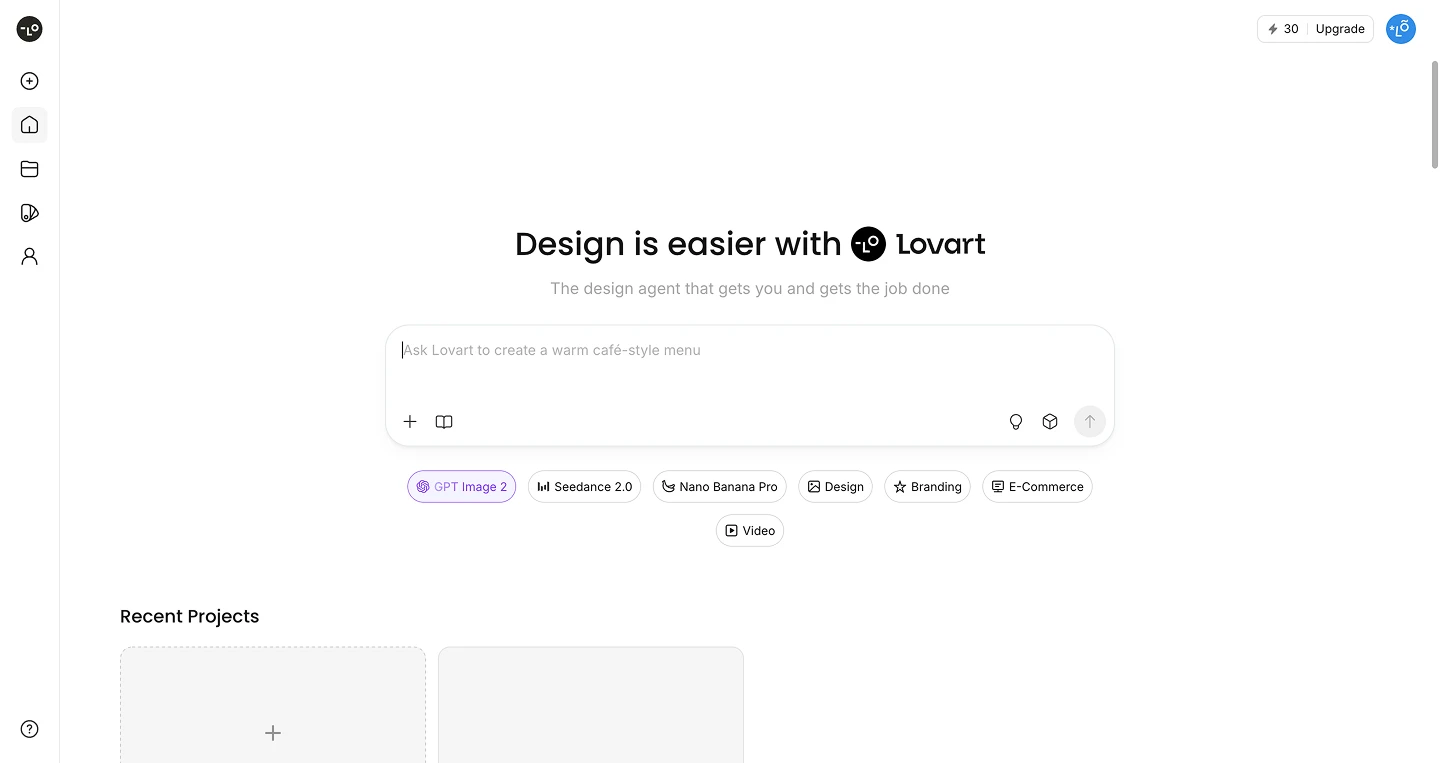
The honest weaknesses: It's tuned for commercial design. Highly stylized illustration and anime "sit outside its comfort zone." Character consistency has a ceiling, subjects drift across longer sequences. Output usually needs finishing in Photoshop, Illustrator or Figma to be production-ready. You don't choose the model per task — the agent decides, which is convenient until you want control. No audio, no 3D, and no API. Credits vanish quickly on larger projects and don't roll over. Pricing runs from ~$19/month (Starter) to ~$169/month (Ultimate), with a limited free tier of 30 daily credits that expire.
6. Canva Magic Studio — the easiest, if you don't need depth
Best for: teams, marketers and non-designers who live inside Canva already and want quick, on-brand assets.
Canva's Magic Studio is the most accessible option on this list. It's bundled into Canva's plans, sits on top of the world's most familiar design editor, includes brand kits and templates, and is fast for social posts and everyday static marketing collateral.
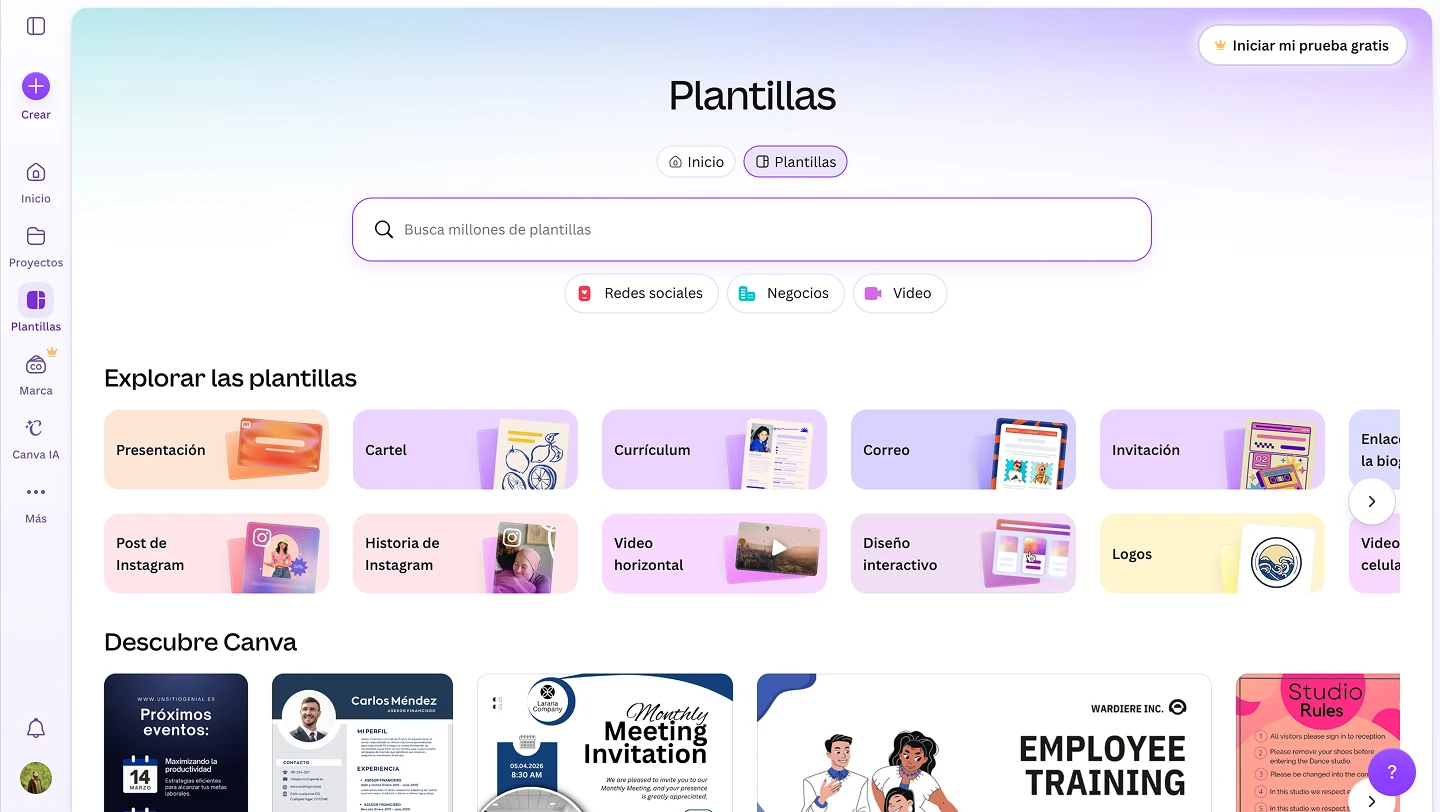
The honest weaknesses: Image quality trails the specialists — reviewers place its Dream Lab output "above DALL·E 3 but behind Midjourney v7," with known issues on close-up faces, hands and small text. No model choice — you can't pick between image models. Shallow video and audio compared to dedicated tools. No API or MCP for programmatic or automation workflows. Failed generations still count against your allowance, and power users report burning through a Pro allowance "in a weekend of experimenting." The old Teams plan moving to Business raised costs meaningfully for small teams (from ~$50 to $250 per person/year).
7. Adobe Firefly — commercial-safe and integrated, but locked in
Best for: teams already committed to Adobe Creative Cloud who prioritize commercial-safety.
Firefly's biggest strengths are trust and integration: commercially-safe generation designed for brands, excellent image quality, native Generative Fill inside Photoshop and Premiere, and — as of recently — partner models like Gemini Flash and OpenAI alongside Adobe's own.
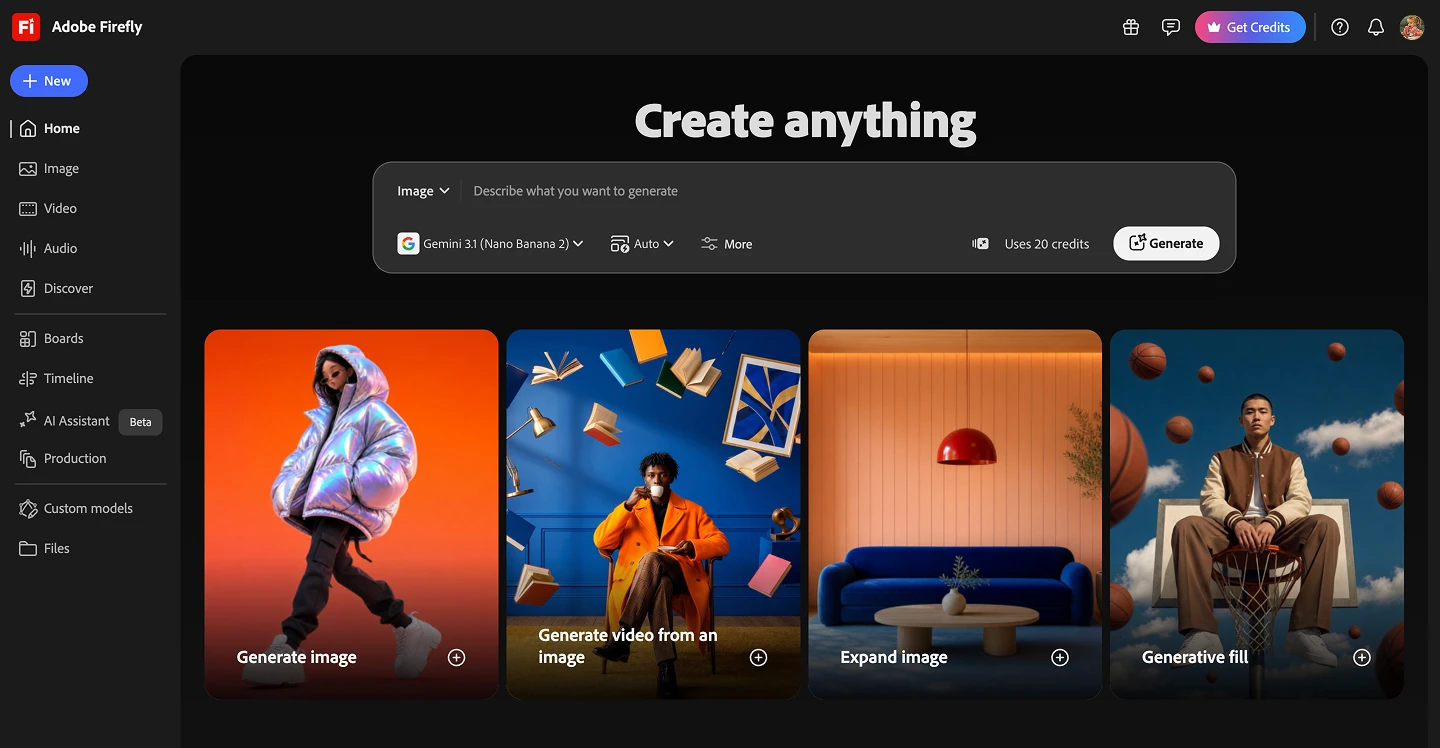
The honest weaknesses: Ecosystem lock-in. The best experience is tied to owning the broader Adobe suite. Generative credits get costly, and advanced features sit behind paid plans. Video generation is still evolving relative to dedicated video platforms. Less flexible and "not as artistic" as more experimental competitors. No real breadth in audio or 3D for a full creative pipeline. Pricing starts at $9.99/month, with a limited free tier.
How to choose (by what you actually do)
- You produce across formats (image + video + audio + 3D + branding + marketing assets): Artificial Studio is the only platform here that covers all of it in one place, with your pick of the top model for each job.
- You want AI plus a giant stock library: Freepik / Magnific.
- You love an interactive, real-time art canvas: Krea AI.
- You want a big model menu for illustration and game art: Leonardo AI — just watch the token math.
- You want to describe an asset and let an agent build it: Lovart, for commercial design specifically.
- You're a non-designer who lives in Canva: Magic Studio, for speed over fidelity.
- You're all-in on Adobe and need commercial-safe output: Firefly.
Most of these tools produce great work. The deciding factor in 2026 is which platform removes the most friction from your day: fewer subscriptions, fewer logins, fewer credit meters, and the freedom to pick the right model for each task instead of being locked to one.
That's exactly the gap Artificial Studio is built to close. If your work spans more than a single format, it's the one platform here that can genuinely replace the rest of your stack. Start for free.