7 Best Magnific (Freepik) Alternatives in 2027
Looking for a Magnific (formerly Freepik) alternative? We compare 7 AI creative platforms by price, features, and who each one is best for in 2027.
Quick summary
Magnific is the new name of Freepik. It combines a stock library of more than 250 million assets with image, video and audio generation, and a node-based canvas called Spaces. It's a strong all-in-one platform. The people who look for an alternative usually have one of three reasons: they feel credits run out too fast, they've had a bad support or billing experience, or they're paying for a stock library they don't use.
Here's the short version of this list:
- Artificial Studio: best for agencies, freelancers and e-commerce teams who want image, video, audio and 3D in one place, inside the app or inside Claude and ChatGPT.
- Adobe Firefly: best if your team already works in Photoshop and the rest of Adobe.
- Krea: best for real-time generation, node workflows and training your own style.
- Higgsfield: best for video-first creators.
- Leonardo.Ai: best for high-volume image work with relaxed generations.
- Envato: best if you mostly used Freepik for stock assets.
- Topaz Studio: best if you only need upscaling and restoration.
Why you can trust this list
This article is written by the team at Artificial Studio. We're one of the tools on this list. We've tried to be fair to everyone, including Magnific: every section says who the tool is for and where it falls short, ours included.
All prices come from each company's official pricing page and were checked in November 2026. They're in US dollars, exclude tax, and can change by country, so check the vendor's page before you subscribe.
What is Magnific (formerly Freepik)?
Freepik was founded in Spain in 2010 as a stock library for vectors, photos, PSDs and icons. In 2024 it bought Magnific, an AI image upscaler, and on April 28, 2026 the whole company rebranded as Magnific. The company reported around $230 million in annual recurring revenue at the time of the rebrand.
Today a Magnific subscription covers the stock library, image, video and audio models from many providers, Spaces (a shared canvas for building workflows), image and video upscalers, a mobile app, an API, plugins, a ComfyUI integration and an MCP server so you can use Magnific inside ChatGPT and Claude. Its own pricing page says it's used by creatives, enterprises, agencies and studios.
What people like about Magnific
The biggest strength is that one subscription covers both stock and AI. A designer can download a vector, generate a product shot, animate it and upscale the result. The model catalog is broad, the Magnific upscaler has a strong reputation, and the higher plans include a Relax mode that lets you generate on many image models without spending credits. On annual plans, credits last the whole year instead of resetting every month. Many long-time users on review sites say it has grown well beyond its stock-library roots.
Why some people look for an alternative
Magnific has a TrustScore of about 3.5 on Trustpilot across more than 2,700 reviews, and the negative reviews tend to repeat the same themes: Credits go faster than expected. Users say it often takes several attempts to get a usable result, failed generations still use credits, and editing and upscaling cost extra. One reviewer said two video upscales used more than a quarter of their annual credits.
- Support and billing. Several reviewers describe slow or template replies, accounts suspended for suspected automation, and refund disputes.
- The rebrand transition. Some long-time Freepik customers reported losing access to plans they had paid for, or billing problems, after the move to Magnific.
- Stock users feel pushed toward AI. People who came for real photos say the site now steers them toward generating instead of searching.
- Learning curve. Even happy users say the tools are great but the site takes time to learn.
Magnific pricing
As of November 2026, Magnific has a free plan with limited daily generations and these paid plans for individuals:
| Plan | Monthly | Annual (per month) | Credits | Notes |
|---|---|---|---|---|
| Premium | $16 | $11 | 240,000 per year | Full stock library and AI tools, no Relax mode |
| Plus | $37 | $27.50 | 600,000 per year | Adds Relax mode and music rights |
| Pro | From $90 | From $66.92 | 1.5M or 4M per year | More Relax mode models, early access |
| Business | Custom | Custom | 45,000 per seat per month, pooled | Up to 100 seats, roles, central billing |
| Enterprise | Custom | Custom | Custom | SSO, compliance, account manager |
Comparison table
| Tool | Best for | Paid plans from | Stock library | What stands out |
|---|---|---|---|---|
| Artificial Studio | Agencies, freelancers, e-commerce | $9/month | No | 60+ tools for image, video, audio and 3D, plus MCP, API and plugins |
| Adobe Firefly | Adobe users | $9.99/month | Sold separately (Adobe Stock) | Unlimited standard image generation on paid plans |
| Krea | Real-time generation and workflows | $9/month | No | Real-time canvas, Nodes, style training, 22K upscaling |
| Higgsfield | Video-first creators | $15/month | No | Large video model catalog |
| Leonardo.Ai | High-volume image work | $12/month | No | Relaxed generations and token rollover |
| Envato | Stock-first designers | About $16.50/month (annual) | Yes, unlimited downloads | Stock and AI under one license |
| Topaz Studio | Upscaling and restoration | $69/month | No | Desktop apps with unlimited local rendering |
1. Artificial Studio
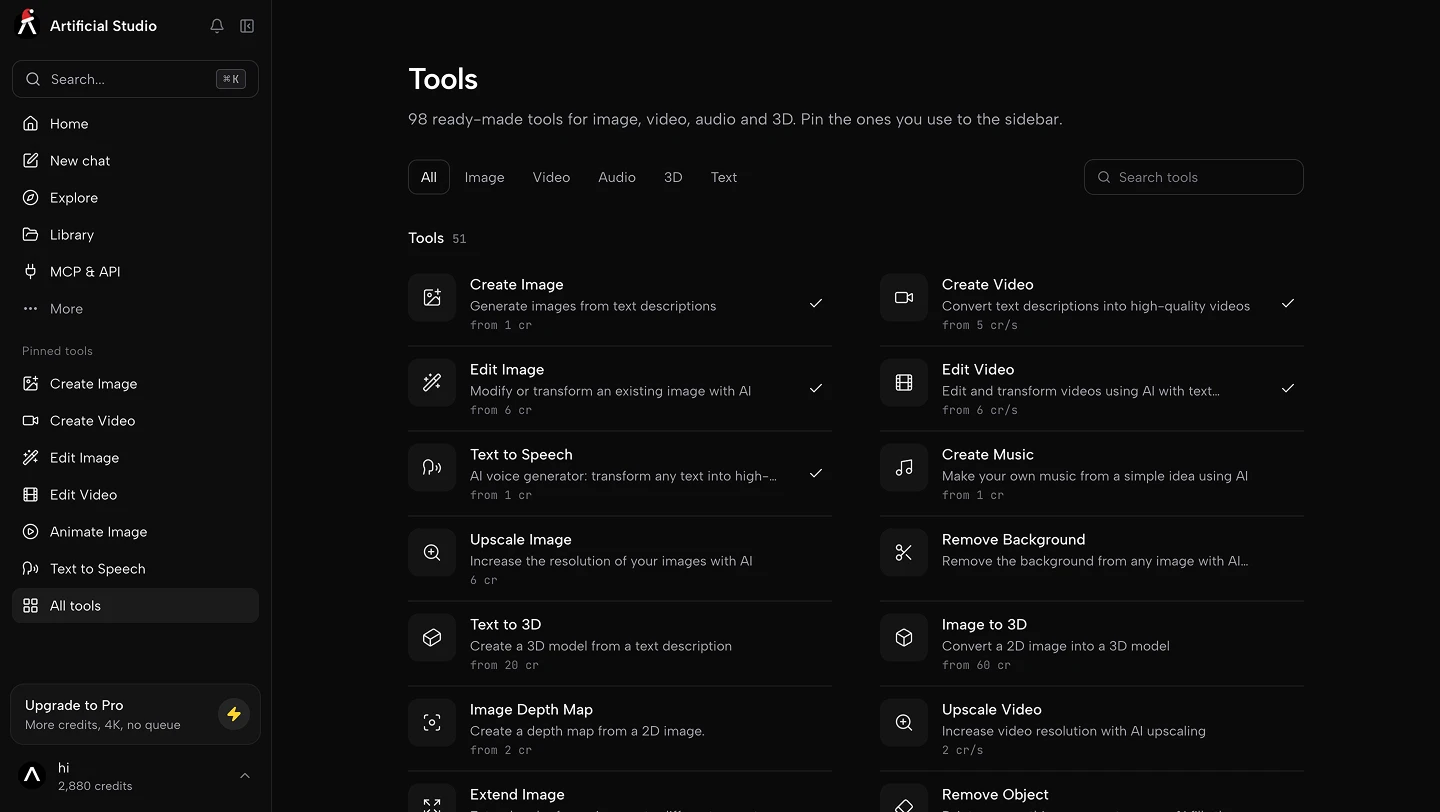
Artificial Studio is an all-in-one AI creative platform with more than 60 tools and 100+ AI models for image, video, audio and 3D. You can open any tool directly, or describe what you need in the AI Chat and let it pick the tool.
It's built for creative agencies, designers, freelancers and e-commerce brands that need to produce a lot of content without hiring more people or paying for four or five separate AI subscriptions. It also has dedicated tools for architects, real estate teams and 3D designers.
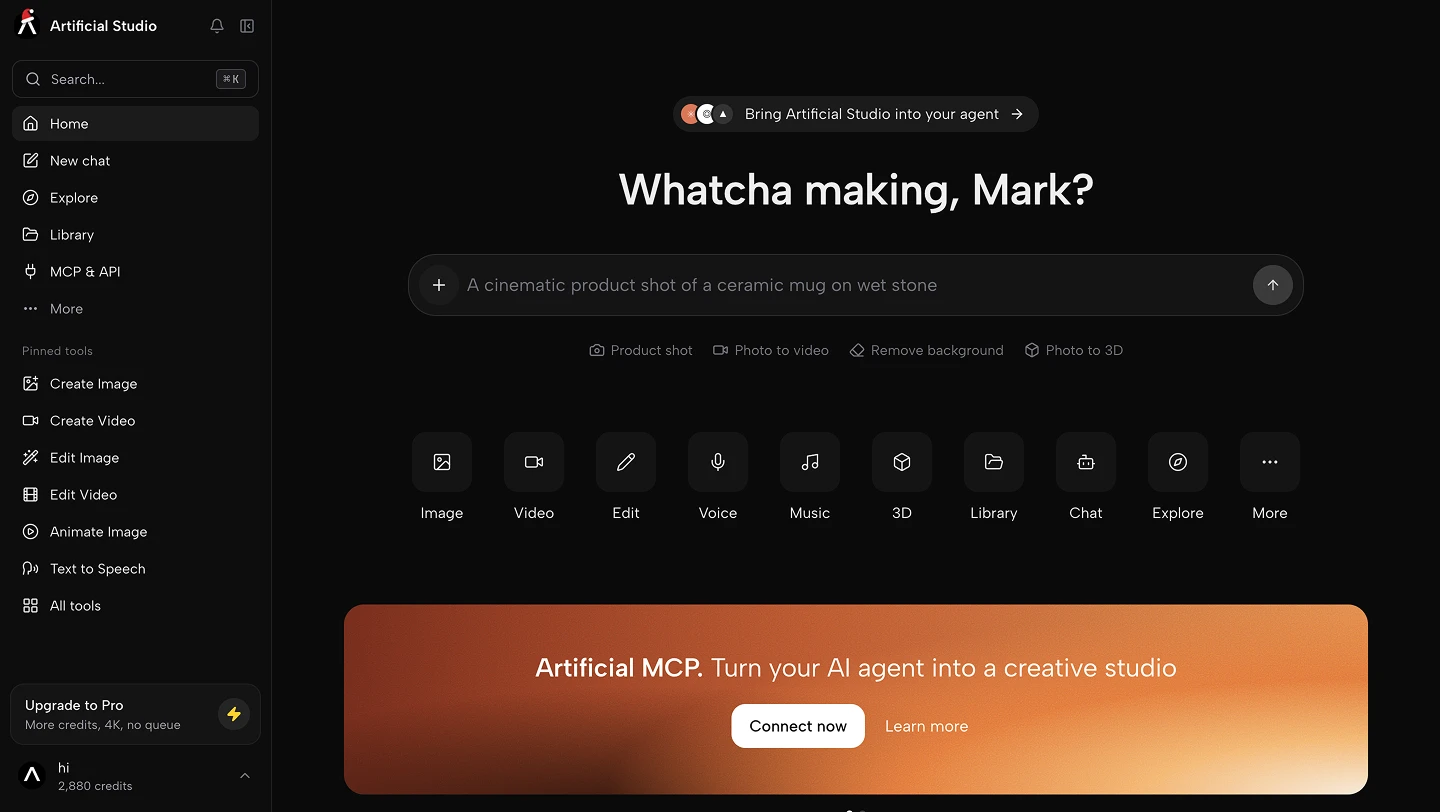
The model list includes Nano Banana, GPT Image, Seedream, Flux, Ideogram and Recraft for images; Kling, Veo 3.1, Seedance, MiniMax and Wan for video; ElevenLabs for voice, music and sound effects; and Tripo, Rodin, Hunyuan 3D and Meshy for 3D. On top of the general tools there are ready-made apps for specific jobs, like putting a garment on a model, placing a product in an ad-ready scene, virtual staging, turning an architectural sketch into a render, or making a logo mockup.
Two things make it different from Magnific. The first is Concepts: you upload four reference images of a style, a character or a product, and Artificial Studio saves it so you can apply it across models like GPT Image, Nano Banana Pro and Seedream. That's how a team keeps assets on brand without re-prompting every time.
The second is that it works where you already are. The MCP server lets you generate images, videos, music and 3D inside Claude, ChatGPT and Cursor with the same account and credits, and there's a REST API with webhooks, an n8n node, a Blender extension, and VST3/AU plugins for Ableton Live and Logic Pro.
Pros
- 20 free credits every day with no subscription and no credit card, usable for images, image editing, text, music and more
- Image, video, audio, music and 3D under one credit balance
- Concepts keep styles, characters and products consistent across models
- MCP for Claude, ChatGPT and Cursor, plus API, n8n, Blender, Ableton and Logic Pro plugins
- Credits never expire on Starter and Creator, and roll over on Pro
- Lower entry price than most platforms on this list
Cons
- No stock library, so it doesn't replace the stock side of Magnific
- Outside of four credit-free image models on Pro and Enterprise, every generation uses credits
- Smaller community than Magnific or Adobe
Pricing: Free plan with 20 credits every day, no credit card required. Starter is $9/month ($7 billed annually) for 1,300 credits, Creator is $19/month for 2,850 credits, Pro is $49/month for 7,350 credits with API access and credit-free models, and Enterprise is $99/month for 14,850 credits with unlimited team members.
💡 Choose it if you run an agency, freelance or sell online and want one platform for every format, especially if you already work with Claude or ChatGPT.
2. Adobe Firefly
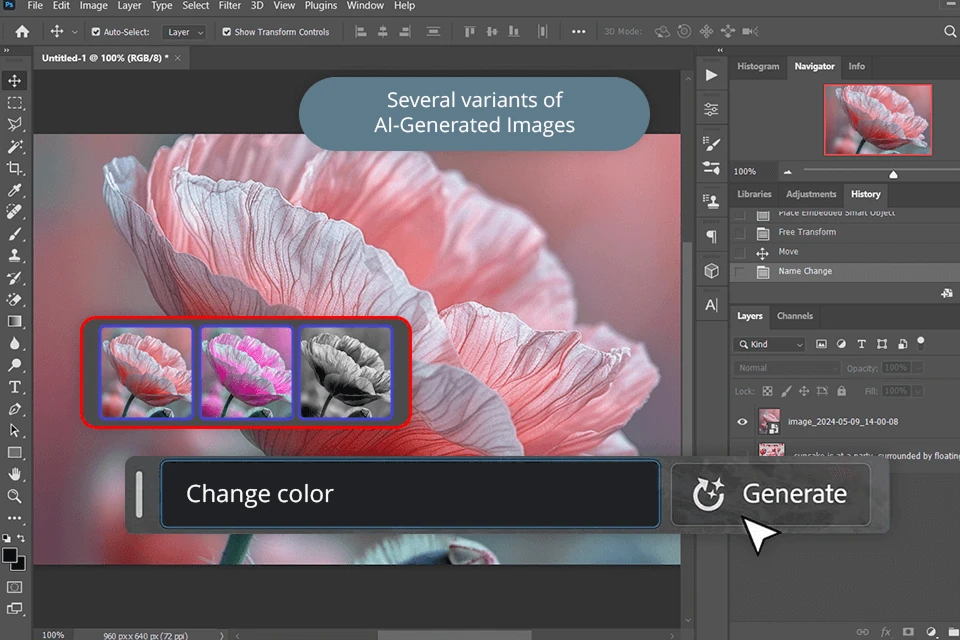
Firefly is Adobe's generative AI app, and it's built into Photoshop, Express and the rest of Creative Cloud. All paid plans include unlimited standard image and vector generations, including Generative Fill and Generative Expand. Credits are only spent on premium features like video, audio translation and partner models from Google, OpenAI and Flux.
Pros
- Unlimited standard image generation on every paid plan
- Works natively inside Photoshop and other Adobe apps
- Access to partner models alongside Adobe's own
Cons
- Stock isn't included; Adobe Stock is a separate subscription
- Video and premium models still run on a limited credit pool
- Most of the value depends on already using Adobe tools
Pricing: Free plan with limited generations. Firefly Standard is $9.99/month, Pro is $19.99/month, Pro Plus is $49.99/month and Premium is $199.99/month.
💡 Choose it if your team already lives in Creative Cloud and mostly needs image generation and editing.
3. Krea
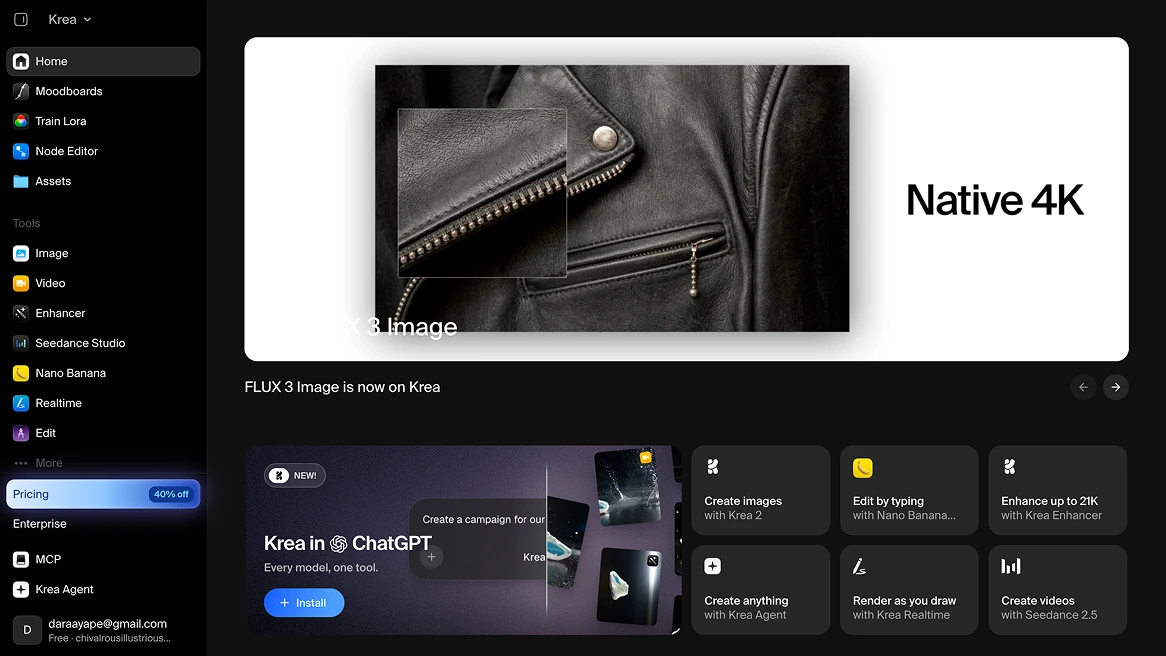
Krea is known for real-time generation: you draw or move shapes and the image renders as you go. It also has its own image model (Krea 3), a large catalog of image, video and 3D models, Nodes for chaining models into workflows, LoRA training to teach it your style, an upscaler that goes up to 22K, and an agent that builds images for you from a description.
Pros
- Real-time canvas that's great for exploring ideas quickly
- Nodes and style training for repeatable workflows
- Generous free tier with daily units
Cons
- On individual plans, monthly units don't roll over
- Some video models are limited on the cheapest plan
- No stock library, and less focus on audio
Pricing: Free plan with 100 compute units per day. Basic starts at $9/month (about $5/month billed annually) for 5,000 units, and Pro, Max, Business and Enterprise plans go up from there.
💡 Choose it if you're a designer who iterates visually and wants to build custom workflows.
4. Higgsfield
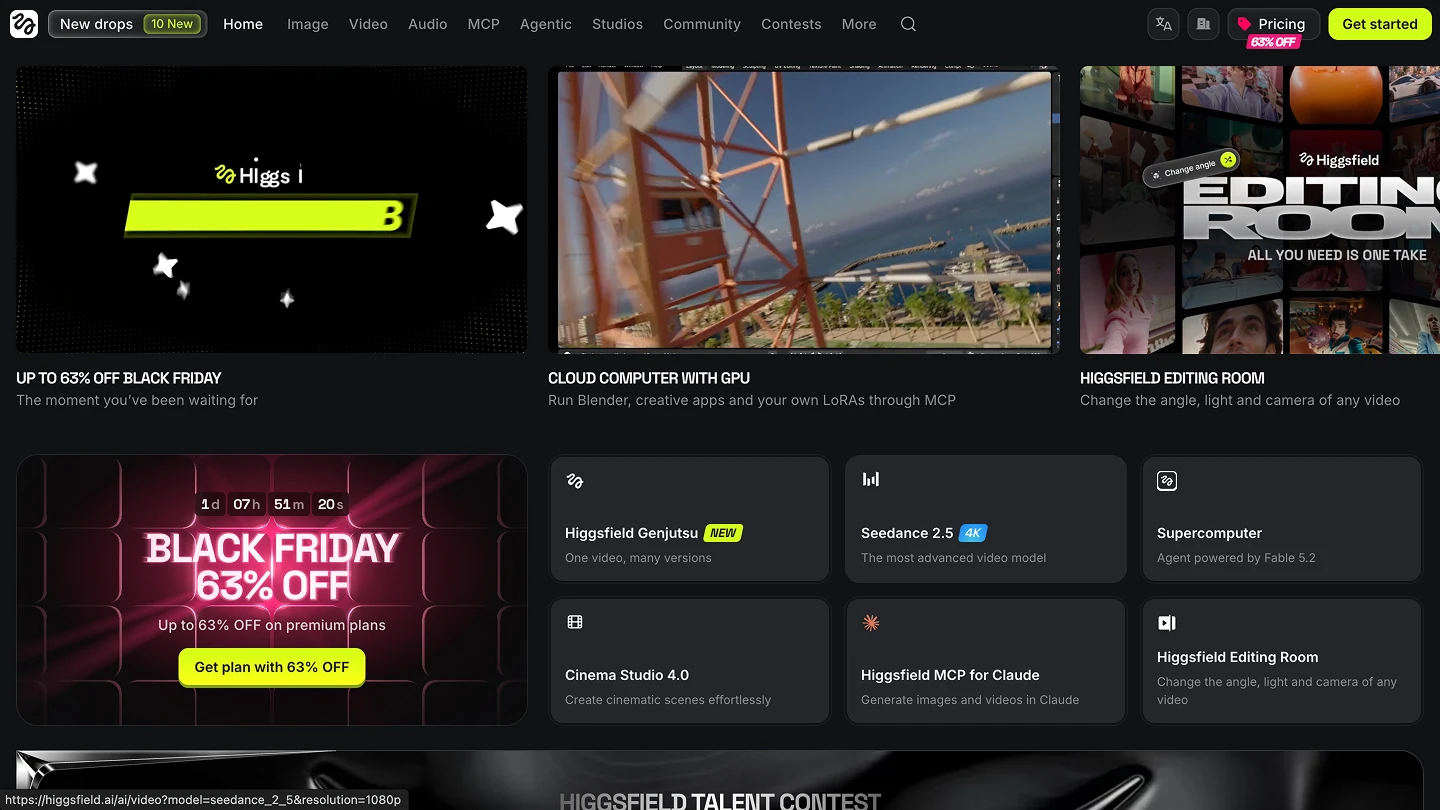
Higgsfield is a video-first platform that gives you access to a large catalog of video and image models under one subscription. The Plus and Ultra plans open every model, so the main difference between them is how many credits you get and how many generations you can run at the same time.
Pros
- Strong focus on video and the latest video models
- Simple plan structure
- Team plans with a shared credit pool
Cons
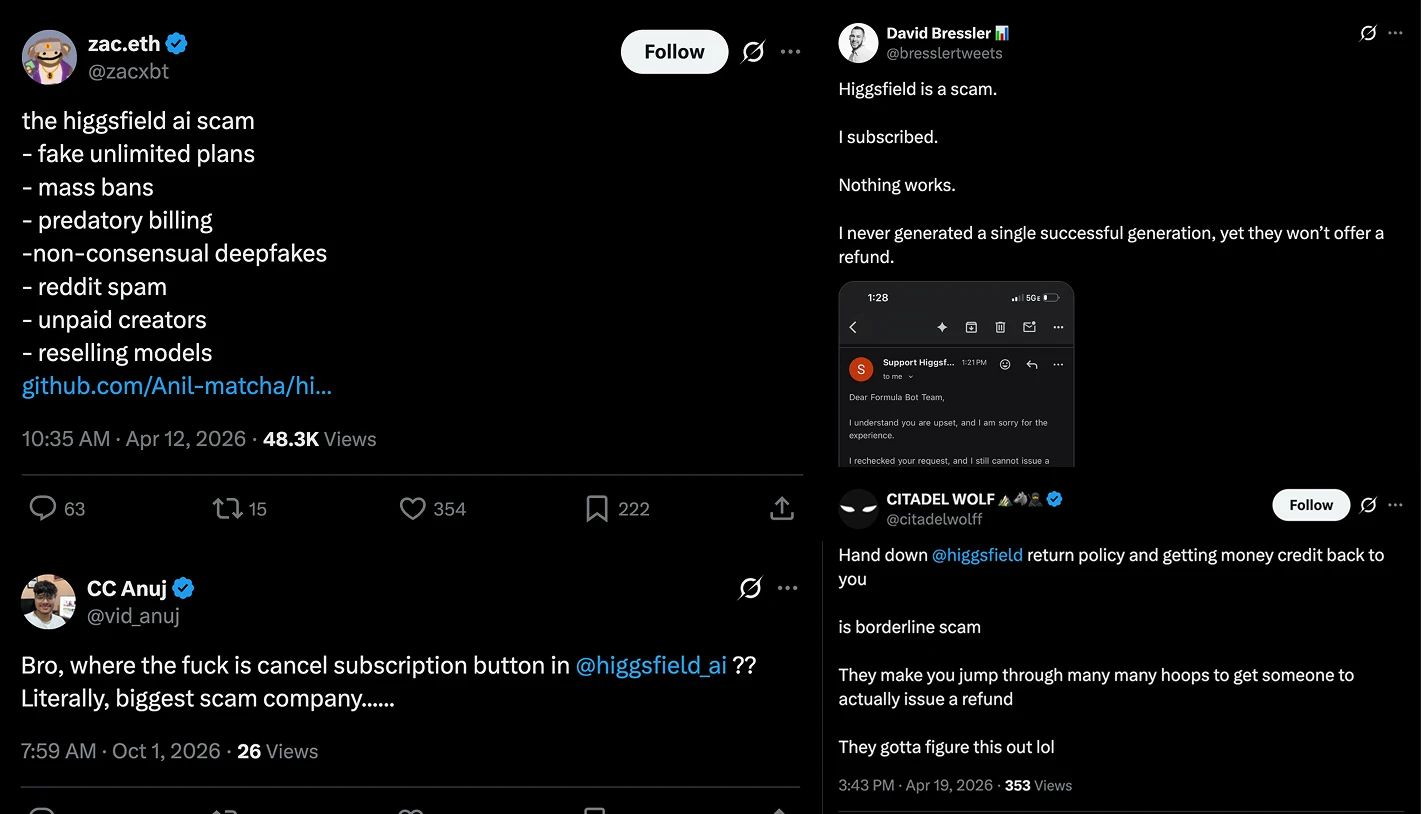
- A long trail of billing complaints: many users on Trustpilot, forums, Discord and social media accuse it of misleading "unlimited" plans, charges after cancelling, and accounts suspended without explanation. Forbes reported on these problems, and the company has acknowledged operational issues.
- Bad UX/UI, complex plataform.
- Monthly credits are fairly small for the price on the lower plans
- Unlimited access applies only on the website, not through its MCP, CLI or Canvas
- Plans and prices change by country
Pricing: Free plan with limited use. Starter is $15/month for 200 credits, Plus is $49/month for 1,000 credits, and Ultra is $129/month for 3,000 credits.
💡 Choose it if all you make is video for social media or ads.
5. Leonardo.Ai
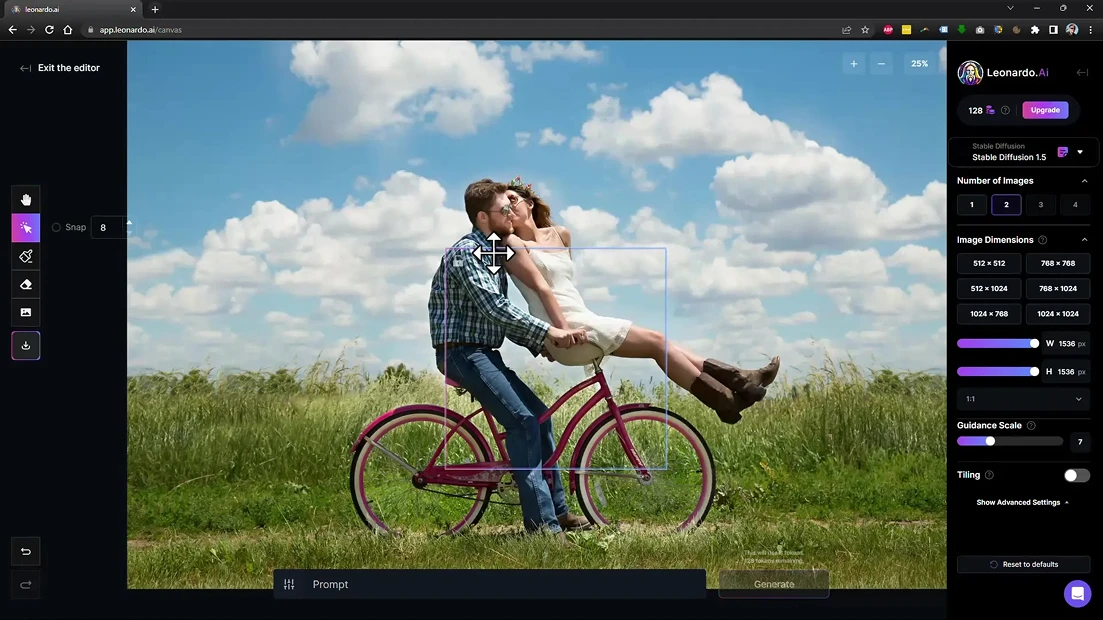
Leonardo is an image-first platform popular for game assets, characters and marketing visuals. Its paid plans include relaxed generations, so on Premium and above you can keep generating on eligible image models after your fast tokens run out, and unused tokens can roll over into a bank.
Pros
- Relaxed generations make high-volume image work cheaper
- Token rollover on premium plans
- Good tools for character and game art
Cons
- The token system is confusing at first
- The API is billed separately from the plans
- Free users' images are public and can be used by others
Pricing: Free plan with 150 tokens per day. Essential is $12/month, Premium is $30/month and Ultimate is $60/month, with team plans available. Leonardo's docs say it's moving toward pay-as-you-go pricing, so check the current model before you subscribe.
💡 Choose it if you generate a lot of images and want relaxed generations without paying for video you don't need.
6. Envato
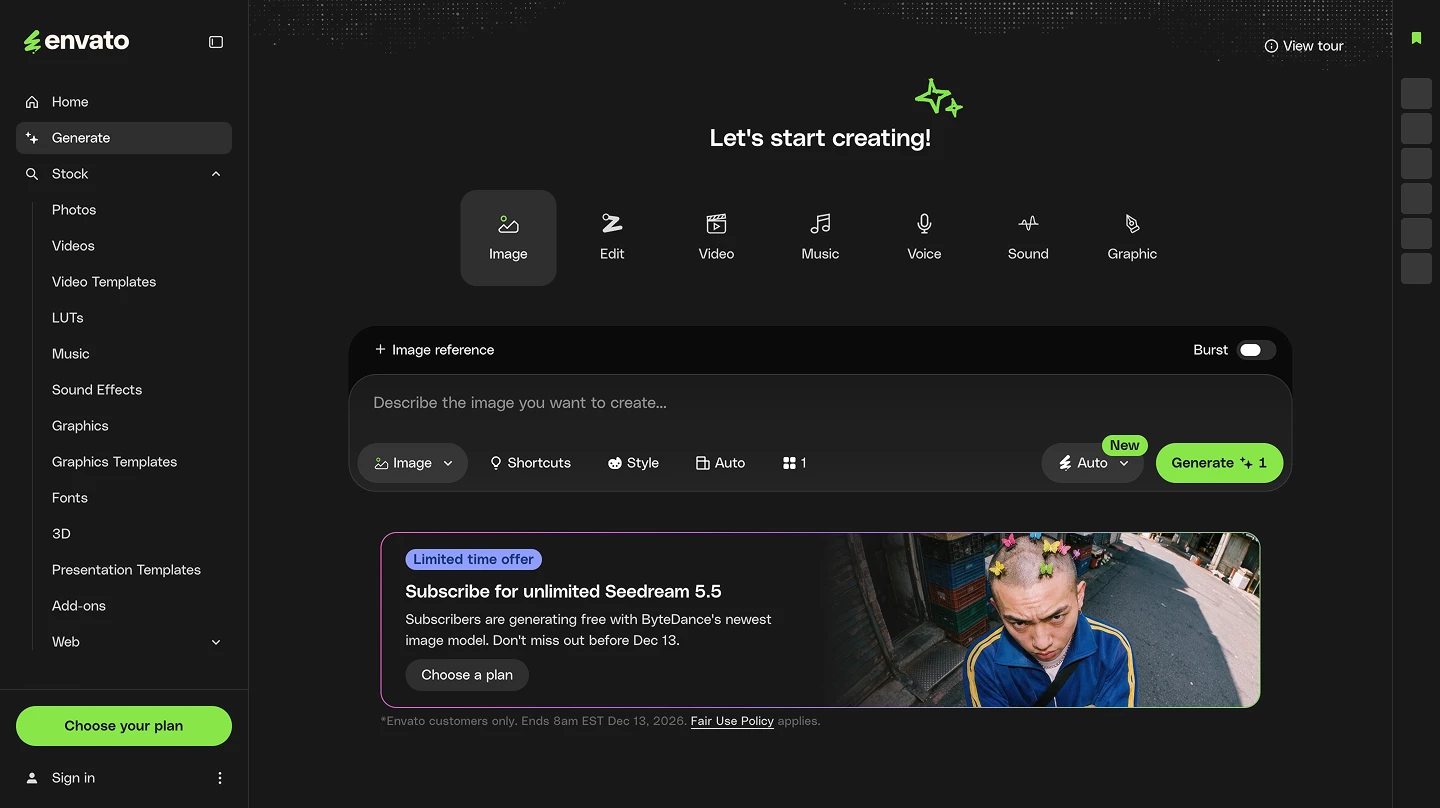
If you used Freepik mainly for stock, Envato is the closest swap. A subscription gives you unlimited downloads from a library of more than 29 million assets, including photos, video, music, fonts, graphics and templates, plus AI tools for images, video, music, voice and mockups, all under one commercial license.
Pros
- Unlimited stock downloads on every plan
- One commercial license for stock and AI-generated assets
- Lower entry price than Magnific for stock-heavy work
Cons
- Since February 2026, AI generations are capped on the base plan, and more AI means a higher tier
- AI credits reset every month
- Cancelled subscriptions aren't refunded
Pricing: The Core plan costs about $16.50/month billed annually. Plus and Ultimate plans add more AI credits.
💡 Choose it if stock is your main use and AI is a bonus.
7. Topaz Studio
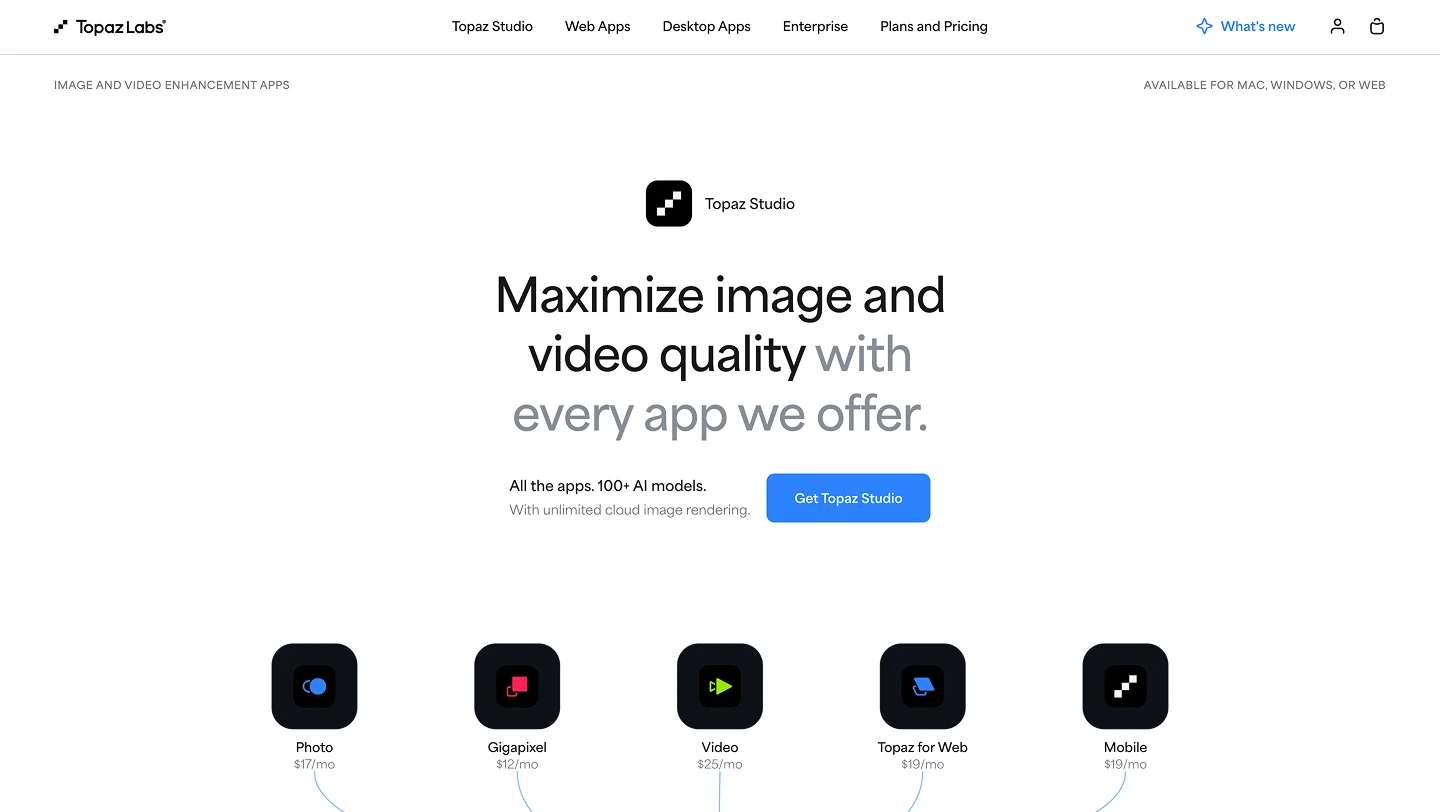
Topaz Labs makes the desktop apps many photographers and video editors use for upscaling, denoising and restoration. Topaz Studio bundles all of them, including Topaz Photo, Gigapixel and Video, with unlimited local rendering on your own computer. Topaz moved to subscriptions only in October 2025.
Pros
- Some of the best upscaling and restoration models available
- Unlimited local rendering on desktop
- Works offline on your own hardware
Cons
- It only enhances, it doesn't generate new content
- No more perpetual licenses
- Magnific's Plus and Pro plans already include Topaz upscalers, so it only makes sense if you're leaving Magnific entirely
Pricing: Topaz Studio is $69/month or $399/year.
💡 Choose it if upscaling was the only reason you used Magnific.
How to choose the right Magnific alternative
Start with what you actually used Magnific for. If it was the stock library, Envato replaces that part most directly. If it was the upscaler, Topaz does that job on its own. If you're inside Adobe all day, Firefly will feel most natural.
If you used Magnific as your main production platform, look at the formats you produce every month. For video-heavy work, compare Higgsfield and Artificial Studio. For image-heavy work with lots of variations, Leonardo's relaxed generations or Krea's workflows are worth testing. If you need images, video, audio and 3D together, want assets to stay on brand across models, or want to generate from Claude or ChatGPT, Artificial Studio covers the most ground for the price.
Whatever you pick, run the same three or four real briefs on the free plan first and watch how many credits each one uses. That tells you more than any pricing table.
Frequently Asked Questions
Is Magnific the same as Freepik?
Yes. Freepik rebranded as Magnific on April 28, 2026. It's the same company, team and accounts, and licenses for content you already downloaded are still valid.
What's the best free alternative to Magnific?
Most tools on this list have a free plan. Krea gives you 100 compute units a day, Leonardo gives you 150 tokens a day, Adobe Firefly has limited free generations, and Artificial Studio gives you 20 free credits every day, with no subscription or credit card, to create and edit images, text, music and more.
Which Magnific alternative includes a stock library?
Envato is the only tool on this list that bundles unlimited stock downloads with AI tools. Adobe offers stock through Adobe Stock, which is a separate subscription.
Can I use these tools inside ChatGPT or Claude?
Some of them. Magnific, Artificial Studio, Krea, Leonardo and Higgsfield all offer MCP access. Artificial Studio's MCP works in Claude, ChatGPT, Cursor and other MCP clients, with the same account and credits as the web app.
Which alternative is best for agencies?
For agencies that need to deliver many formats for many clients, Artificial Studio is built for that use case, with image, video, audio and 3D in one place, Concepts for keeping each client on brand, and an Enterprise plan with unlimited team members. Agencies already standardized on Adobe should look at Firefly's team plans.
Do credits expire on these platforms?
It depends on the platform. On Magnific's annual plans, credits are valid for one year. On Artificial Studio, credits never expire on Starter and Creator and roll over on Pro. On Krea's individual plans, monthly units don't roll over, and Envato's AI credits reset every month.