How to make free YouTube intro music without Epidemic Sound
Make free YouTube intro music without Epidemic Sound. Describe your song, get a unique track in seconds, and own it fully, monetization included.
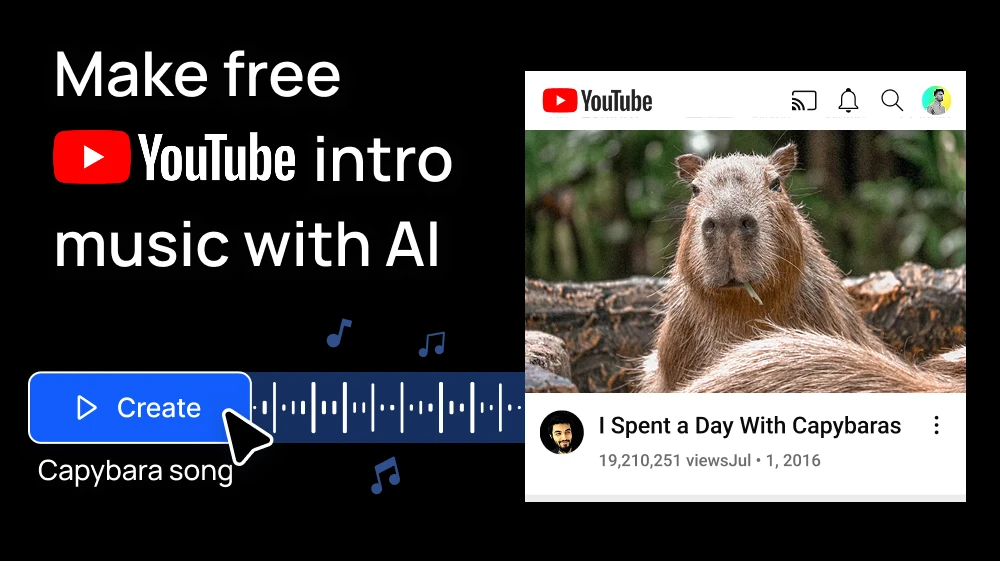
Paying a monthly subscription in Epidemic Sound just for a 10-second intro doesn't add up when your channel is starting.
There's another way: describe the intro you want and let AI write it for you with Create Music on Artificial Studio. The song is unique, it's yours, and you can make it for free!
Step 1: Describe your intro in Create Music
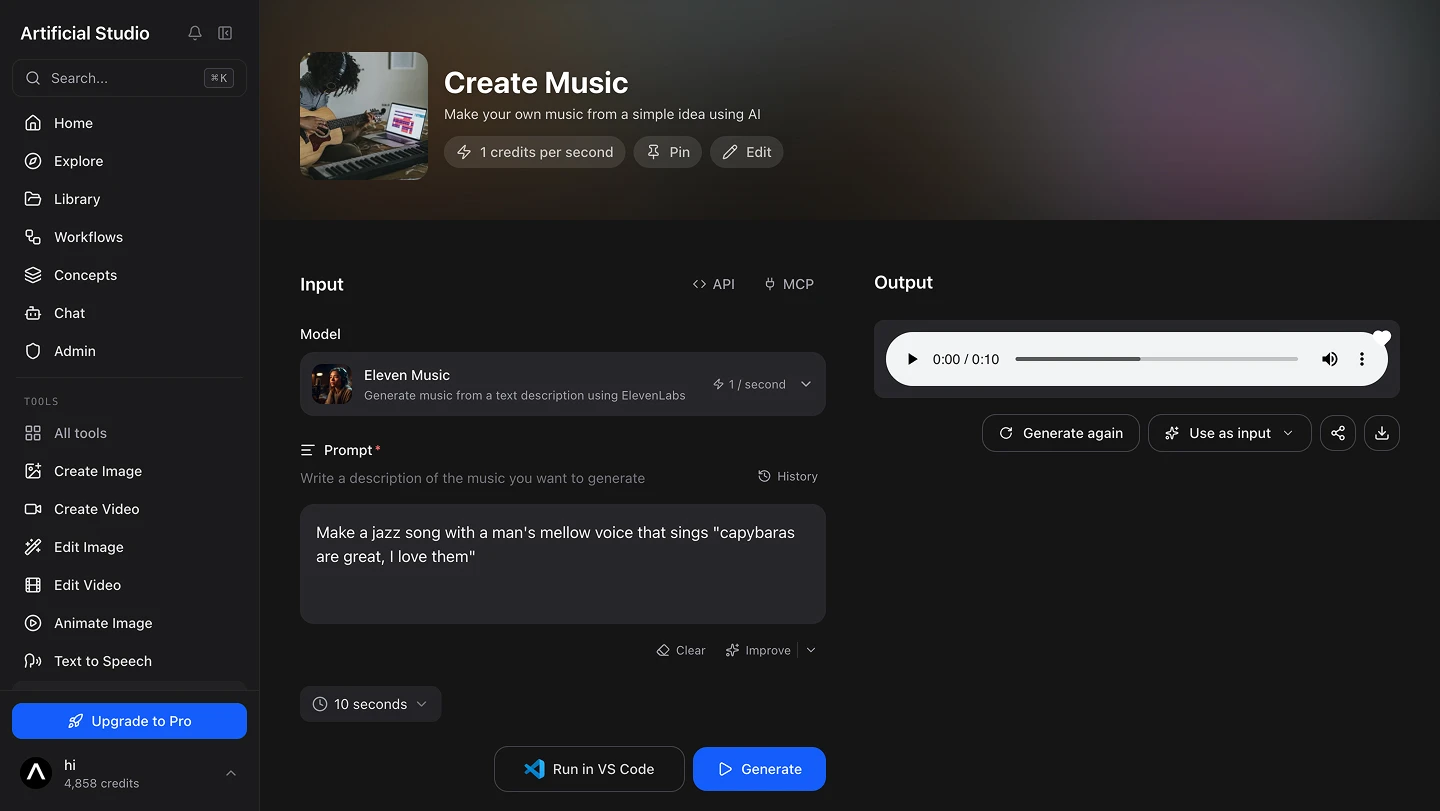
Open the tool, choose the Eleven Music model and write what you want to hear. Name the genre, the mood and, if you want vocals, the voice and the lyrics.
Say you host a video podcast about capybaras. Your intro could be:
Make a jazz song with a man's mellow voice that sings "capybaras are great, I love them"
That one line gives the AI everything it needs: a genre (jazz), a voice (a man, mellow) and a hook your viewers will remember.
💡 Tip: match the intro to your content. A calm jazz tune fits a laid-back podcast; a gaming channel might want "energetic synthwave with heavy drums". Not sure how to phrase it? Press Improve and the tool will polish your prompt.
Step 2: Pick the length and press Generate
You can change the duration. For an intro, set it to 10 or 15 seconds: long enough to set the tone, short enough that viewers don't skip it.
Press the blue Generate button. In a few seconds your song is ready to play and download. Don't love it? Tweak the prompt and generate again.
Artificial Studio gives you 20 free credits every day to try the platform. Create Music with Eleven Music costs 1 credit per second, so a 10-second intro costs 10 credits. That's a full YouTube intro for free, every day, with no credit card.
Step 3: Add it to your video
Drop the file into your editor (Premiere, DaVinci Resolve, CapCut or whatever you use) at the start of your timeline. Add a short fade-out so it blends into your first line.
And while you're working on your branding, you can also make your YouTube thumbnails on the same platform.
You own it, and you can monetize it
This is what matters most if you're leaving Epidemic Sound. The music you create on Artificial Studio is fully yours. You can use it in your intro, in every episode and on any platform, and you can monetize your videos with it.
No license to renew, no subscription to keep paying so your old videos stay covered. You made it, so it stays yours.
Do it directly from Claude
If you already work with Claude, you don't even need to open the tool. Connect the Artificial Studio MCP once and ask for your intro in plain words:
Dreamy, slow 8-bit chiptune lullaby for a quiet ASCII world game. Soft square-wave arpeggios, gentle echo, minimal triangle bass, no drums or very soft ones, nostalgic and calm, seamless loop, instrumental.
Claude picks Create Music, writes the prompt, generates the song and hands you the link to download it. It uses the same credits as the web tool. You can also generate and edit images, videos, music, sound effects and 3D!
The advantage is the conversation. You can ask for three versions and compare them, say "make it a bit faster" or "try it as bossa nova", or ask for an outro in the same style.
To connect it:
- Claude (web or desktop): go to Settings → Connectors → Add custom connector and paste https://api.artificialstudio.ai/mcp.
- Claude Code: run claude mcp add --transport http artificial-studio https://api.artificialstudio.ai/mcp.
The first time you use it, a window opens to sign in to Artificial Studio. No API key needed.