How to generate product mockups with AI — Free Tutorial 2026
Learn how to create professional product packaging mockups with AI in seconds — no Photoshop, no templates, no design skills required. Step-by-step free tutorial.
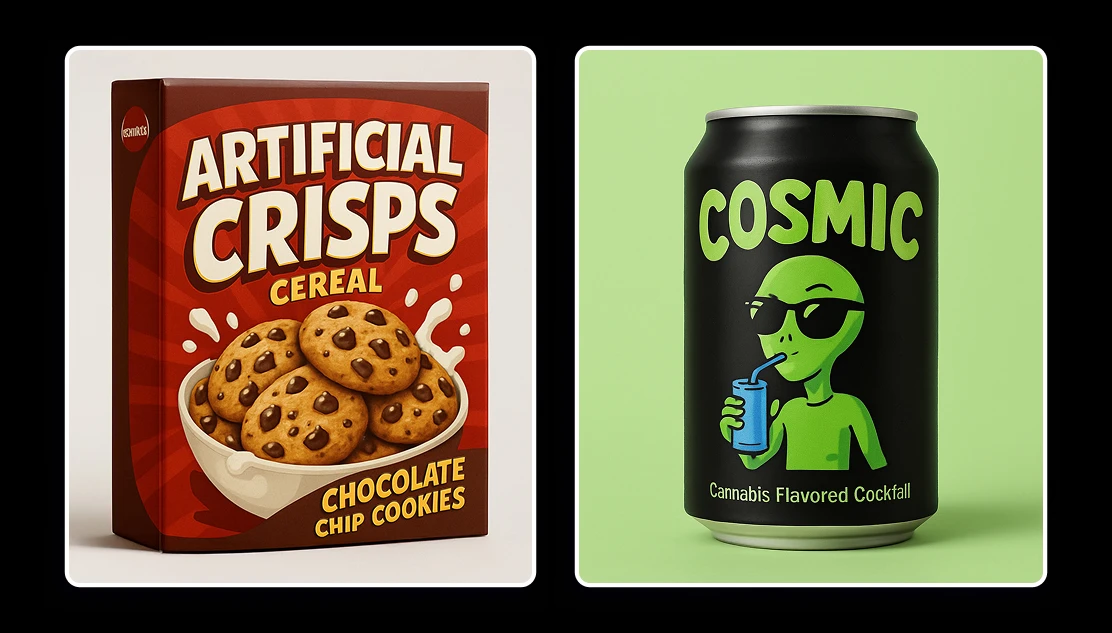
If you've ever spent hours in Photoshop trying to make a label look right on a wine bottle, or paid a designer $200 to mock up a cereal box concept, this tutorial is for you.
What You'll Need
Just two things: a product name and a rough idea of what you want. No design files, templates or Illustrator subscription.
The tool we're using is Artificial Studio's AI Product Packaging Creator — it generates 3D packaging mockups from a text prompt. Bottles, jars, boxes, labels, pouches, cans — all from a single description.
Step 1: Open the Tool
Go to Artificial Studio and open the AI Product Packaging Creator. On the left side you'll see different input fields: product name, industry type, logo style, color scheme, and any additional details you want the AI to include.
Step 2: Fill In Your Product Details
This is where you tell the AI what to make. The more specific you are, the better the output. Here's an example prompt that works well:
Product name: COSMIC. Product Type: can of soda. Packaging Type: can. Brand Style: Playful. Color Scheme: black and green.
Additional details: The image is of a black can of a soda. The can is placed on a light green background. The label on the can is green and reads "Cosmic" in a silly fun font. Below the text, there is a cartoon of a cool green alien wearing sunglasses and holding a blue drink. and on the buttom of the can below it reads in a little font "Cannabis Flavored Cocktail".
You can go as simple or as detailed as you want. Something like "vintage wine label with gold foil" works just fine too. The AI reads the whole description and generates a design that matches the direction — not just a generic template.
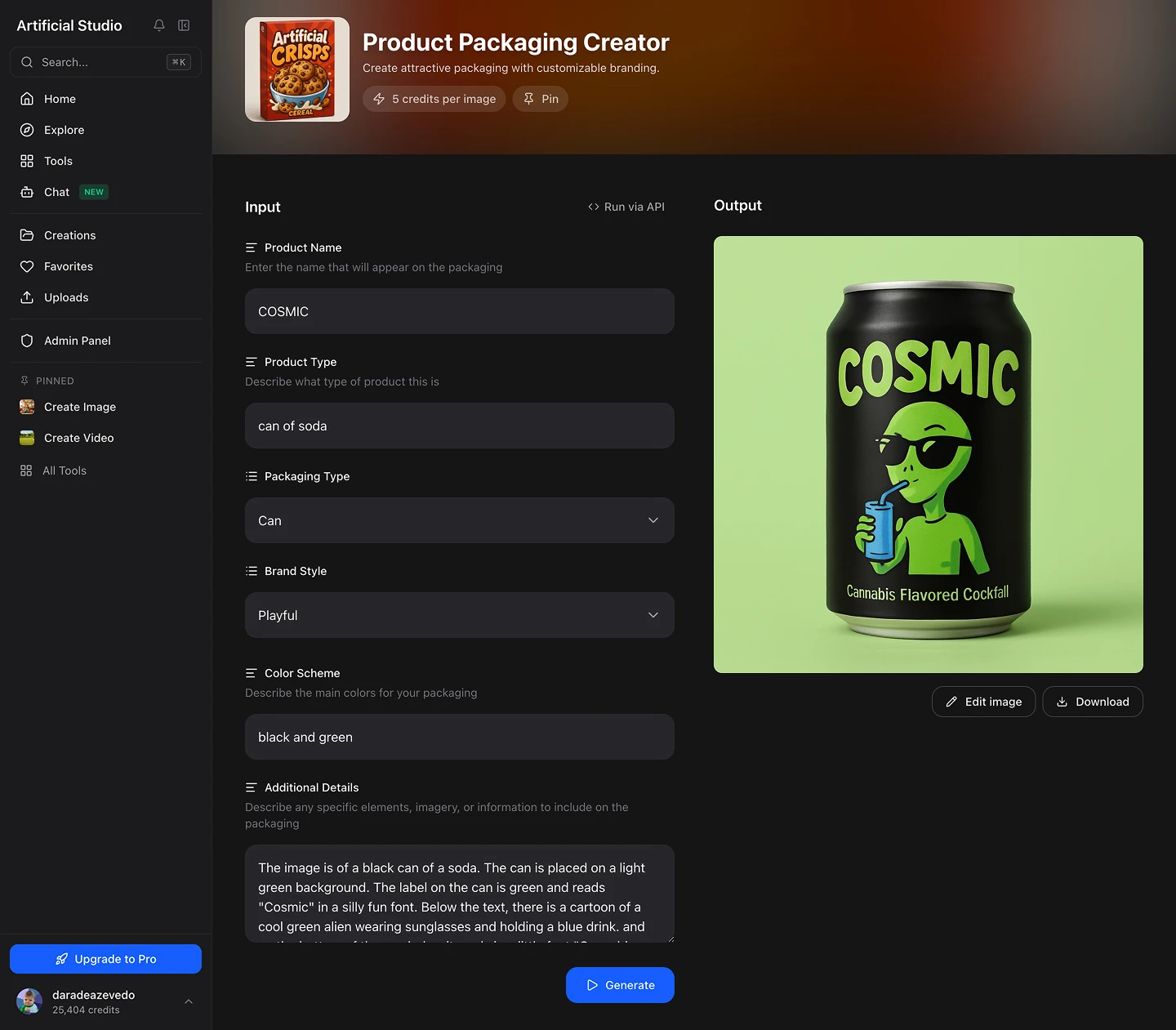
Step 3: Hit "Run"
Once you've filled in the fields, press the Run button. In a few seconds you'll get an image mockup — ready to download in PNG.
If the first result isn't quite right, use the "Improve" button to refine the prompt.
Step 4: Download and Use It
The output is high-resolution and ready to use in social media posts, pitch decks, product pages, Amazon listings, TikTok content, or wherever you need it. No watermarks, and each mockup cost only $0.028 — less than 3 cents per mockup.
Things worth specifying if you have them:
- The type of container (bottle, jar, box, pouch, can, carton)
- The visual style (modern, vintage, minimalist, bold, luxury, playful)
- Your brand colors or a color direction
- The target audience or shelf context (premium, mass market, organic, kids)
What you can make with it
The tool covers a wide range of packaging formats: Box, bottle, pouch/bag, can, jar, tube, label only, wrapped package, custom
Unlike template-based tools like Canva, Packify, or Recart, you're not limited to pre-made layouts. The AI generates each mockup from scratch based on your prompt — which means every output is unique and on-brand, not something 10,000 other brands have already used.
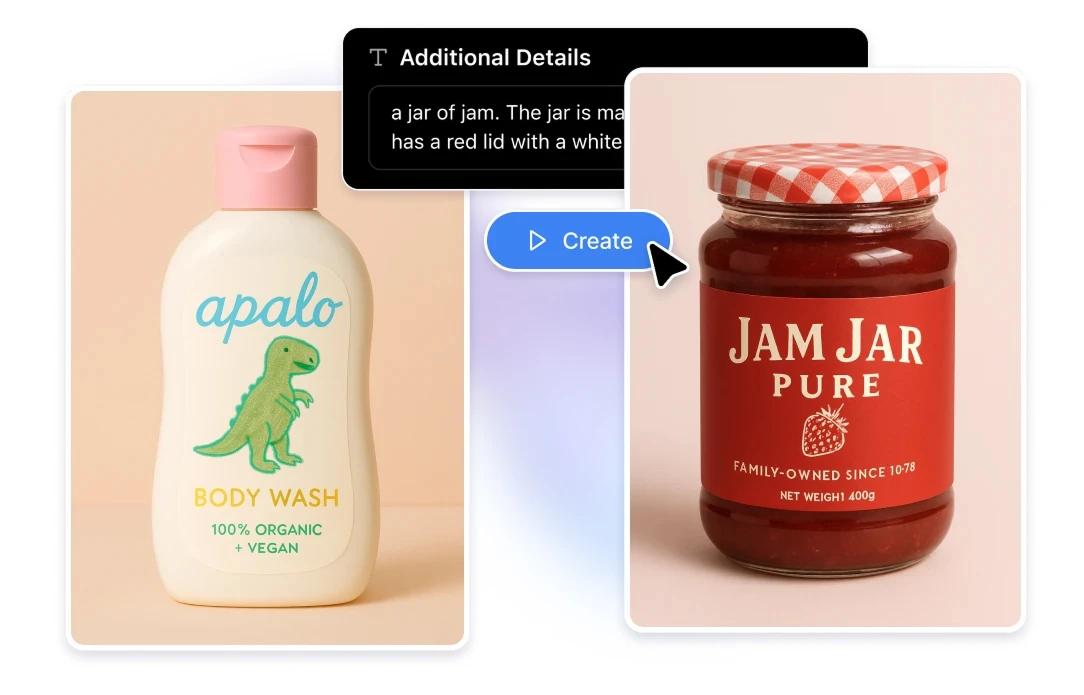
When this is useful
A few situations where this workflow saves serious time and money:
You're validating a product concept. Before committing to a print run, you can generate 10 packaging directions in 3 minutes and test them with your audience on Instagram or in a survey. Zero design costs at the concept stage.
You need content fast. Launching a new SKU next week and need visuals for your product page and social? This gets you there without scheduling a photo shoot or waiting on a designer.
You're pitching to retailers or investors. A polished 3D mockup makes a pitch deck look significantly more credible than a flat image or a rough sketch.
You're running ads. Each mockup variation can be used to test different visual directions in Facebook or Instagram ads before you invest in physical samples.
One more thing: the API
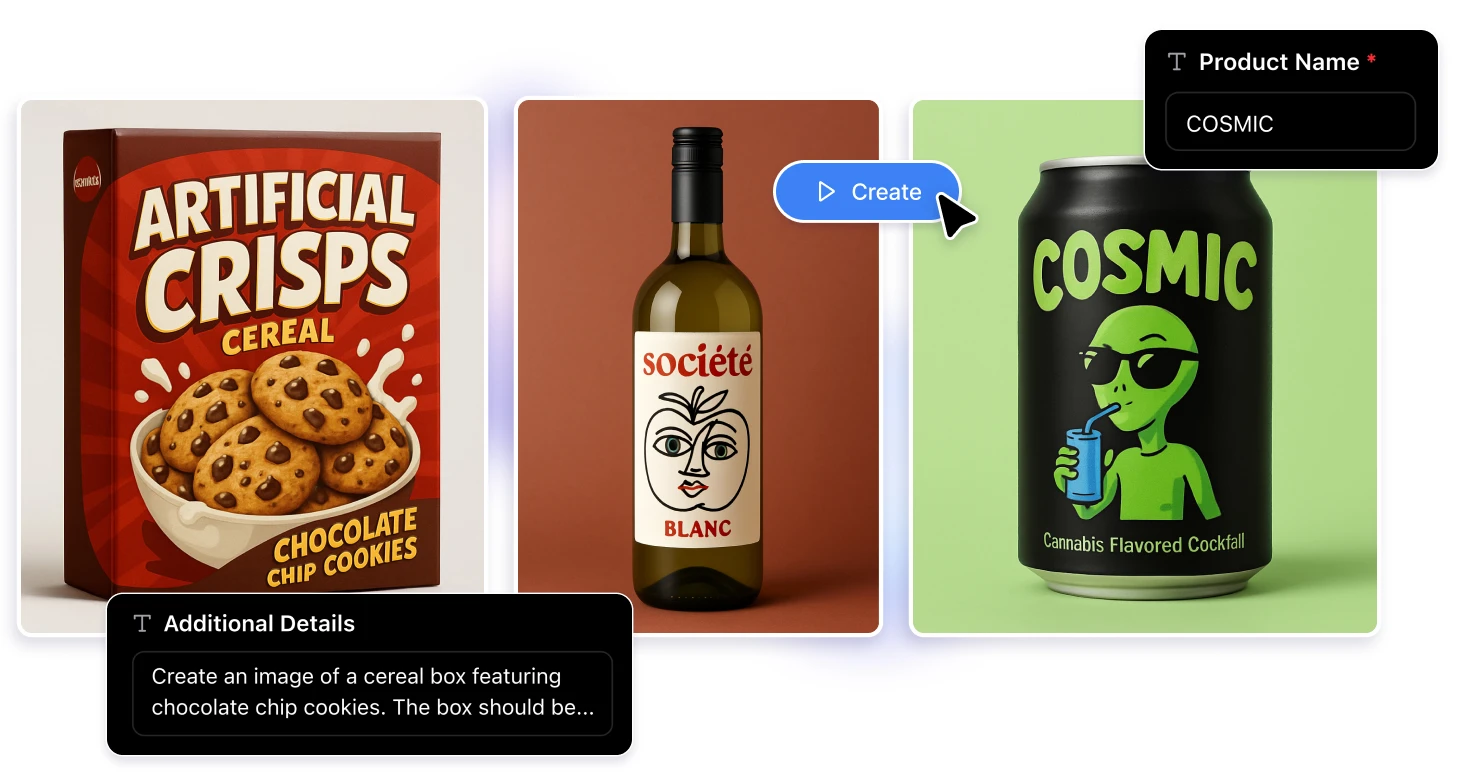
If you're building an e-commerce platform, a print-on-demand store, or a marketing tool and need to generate packaging mockups programmatically at scale, Artificial Studio has an API that gives you direct access to this tool. You can automate mockup generation for entire product catalogs without touching the interface.
That's outside the scope of this tutorial, but worth knowing if you're thinking at scale.