How to turn yourself into an Anime character for free with AI — Tutorial 2026
Turn any photo into a high-quality anime portrait that actually looks like you — face shape, hair, eye color, clean linework and cel shading. Free AI tutorial, no drawing skills needed.
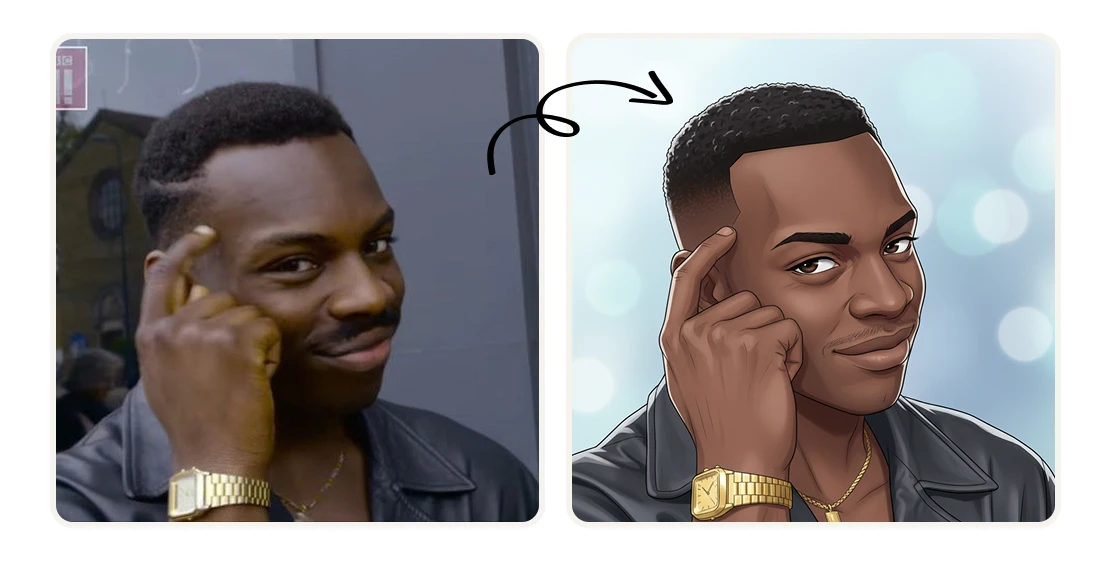
Artificial Studio's Anime Portrait Generator preserves your actual likeness — face shape, hair color, eye color — and renders it in high-quality anime style with clean linework and cel shading. Here's the exact tutorial:
Step 1: Open the Tool
Go to Artificial Studio's Anime Portrait Generator. You'll see a single upload area. No style options or sliders — just upload and generate.
Step 2: Upload Your Photo
Click the upload area and select your photo — PNG or JPG. A few things that improve the result:
- Frontal or 3/4 angle (avoid side profiles)
- Good lighting on your face — natural light or indoor light, no harsh shadows
- Face clearly visible, not too far from the camera
- Simple background helps but isn't required
The AI reads your face shape, hair, and eye color to preserve your likeness in the anime output.
Step 3: Hit "Generate Image"
Press the yellow Generate Image button. 8 credits per generation, $0.046 at the standard plan rate, less than 5 cents.
In seconds you'll get a high-quality anime portrait: your features translated into clean linework and cel shading, the same art style you'd expect from a professional anime illustration. Not a filter. An actual rendered portrait.
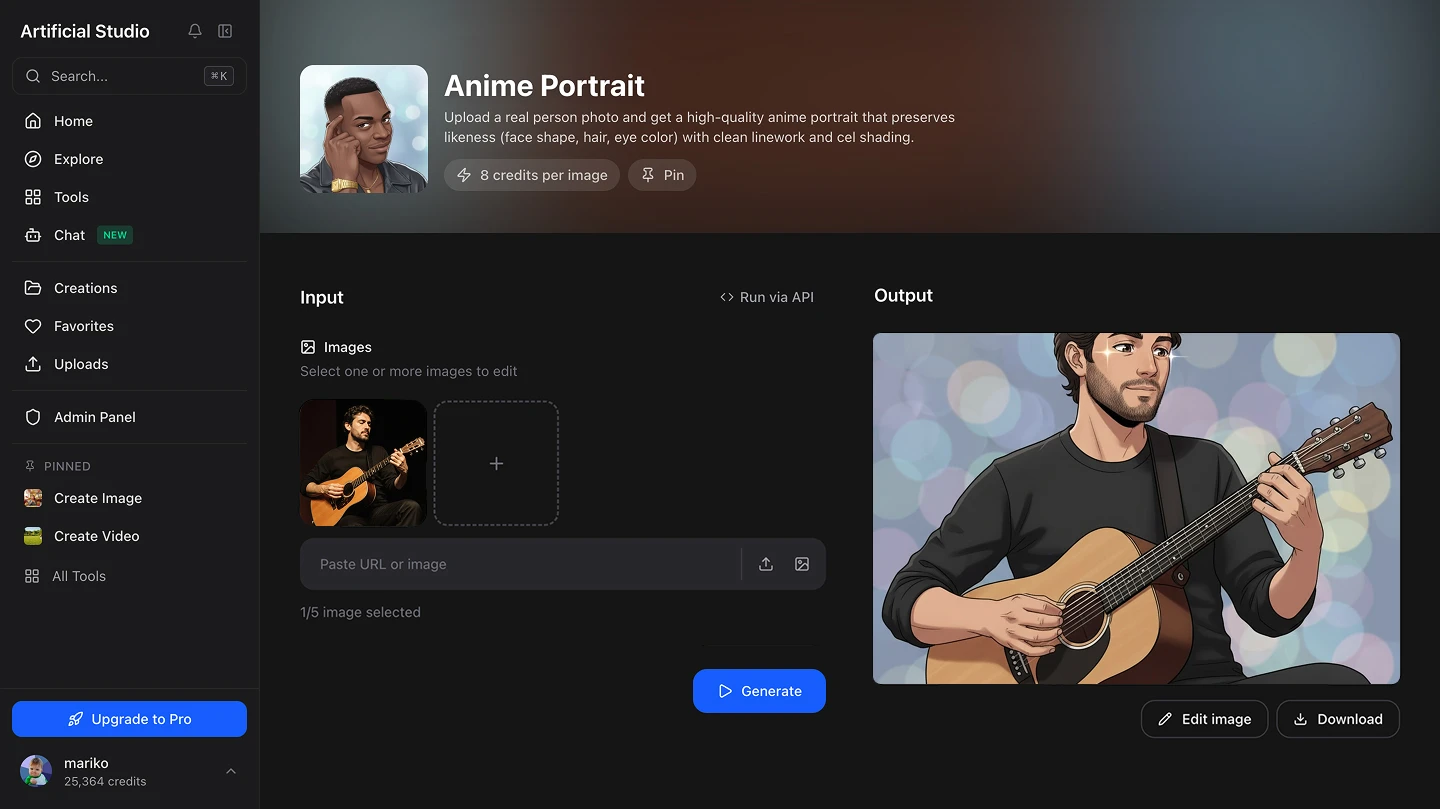
Step 4: Download and Use It
Download the image and use it wherever you need it. High-resolution, ready to upload directly to any platform.
What to do with it
Profile picture on Discord, Twitch, or X. The most common use case. An anime portrait immediately stands out in a feed or a server full of real photos and generic avatars. It's personal — it looks like you — without being a photo.
Twitch and YouTube channel branding. If you create content, an anime version of yourself works as a channel avatar, overlay element, thumbnail asset, or emote base. It's instantly recognizable as your character without requiring you to hire an illustrator.
TikTok and Instagram content. The before/after format — your real photo next to the anime version — performs consistently well as content. It's visual, it's shareable, and it invites people to try it themselves.
Personalized gift. An anime portrait of someone makes a genuinely original gift — printed on a poster, a mug, a phone case, or framed. Far more personal than anything you'd find in a store.
Gaming avatar. If you play games with custom avatars — Steam, Roblox, RPGs — an anime portrait of yourself is a natural fit for a profile picture or in-game character reference.
Personal branding for creators. Writers, musicians, podcasters, and independent creators who want a visual identity that isn't a real photo often use illustrated avatars. An anime portrait gives you that — recognizable, consistent, and on-brand.
Why this is different from a filter
Instagram and Snapchat anime filters apply a generic transformation over your face in real time. They don't capture your actual features — they overlay a style on top of whatever's in the frame.
The Artificial Studio tool generates a full illustration from your photo. It reads your face shape, your hair, your eye color, and reconstructs them in anime art style from scratch. The output is a standalone image, not a filtered version of your photo. That's why the likeness holds — and why it looks like it was actually drawn, not processed.