How to mock up a logo on merch without Photoshop
Mock up a client's logo on t-shirts, mugs, bags and more for free with AI, no Photoshop or mockup templates needed. Ready for your client presentation in seconds.
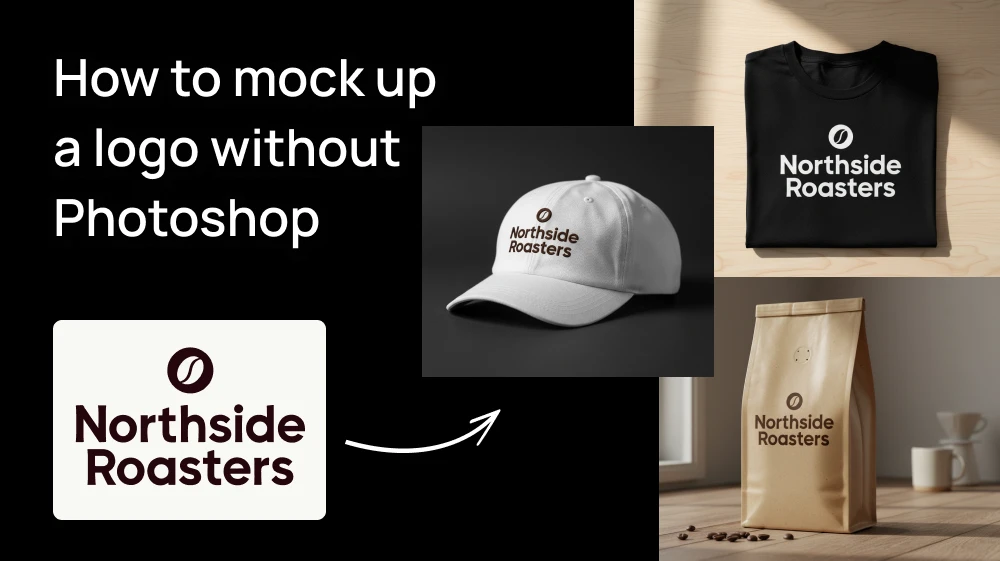
You know the client won't really get it until they see it on something real. A t-shirt, a coffee cup, a tote bag. So you search for a free PSD mockup, download it, open Photoshop, find the smart object, paste the logo, fix the warp, and repeat for every product.
There's a simpler way. You upload the logo, describe the product you want to see it on, and the AI creates the product and puts the logo on it for you.
Step 1: Upload the logo to the Logo Mockup Generator
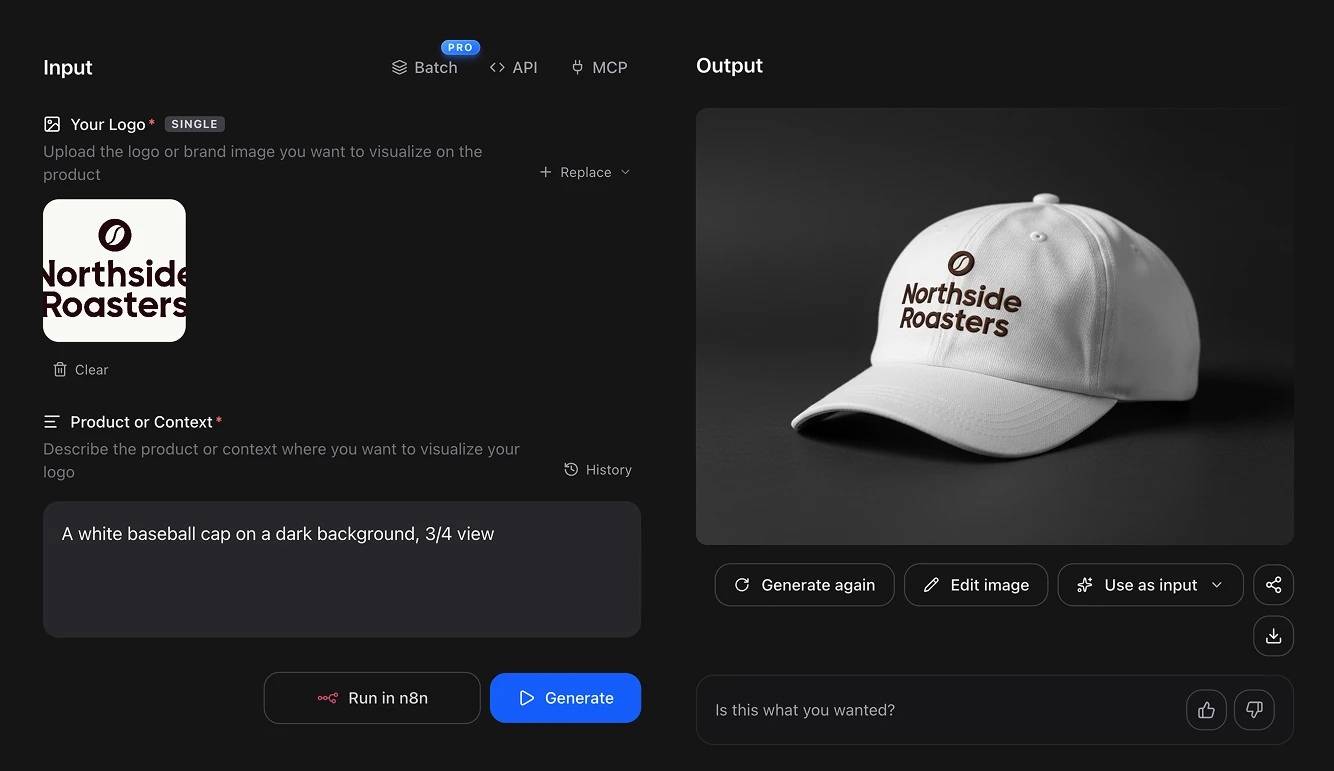
Open the Logo Mockup Generator and upload your logo. Click the upload area to pick it from your computer, or just paste it with Ctrl+V. You can also upload any brand image you want to see on a product.
Step 2: Describe the product
In the Product or Context field, write what the mockup should be in plain English. Then press the blue button "Generate" and the mockup will be ready ina. few seconds.
You don't need a long prompt, just the product, where it is and how it should look. For example:
A white baseball cap on a dark background, 3/4 view
Black cotton t-shirt folded on a light wooden table, logo printed in white on the chest, soft natural light, top view.
Canvas tote bag hanging on a wooden chair in a bright café, logo printed in dark green in the center of the bag, warm afternoon light.
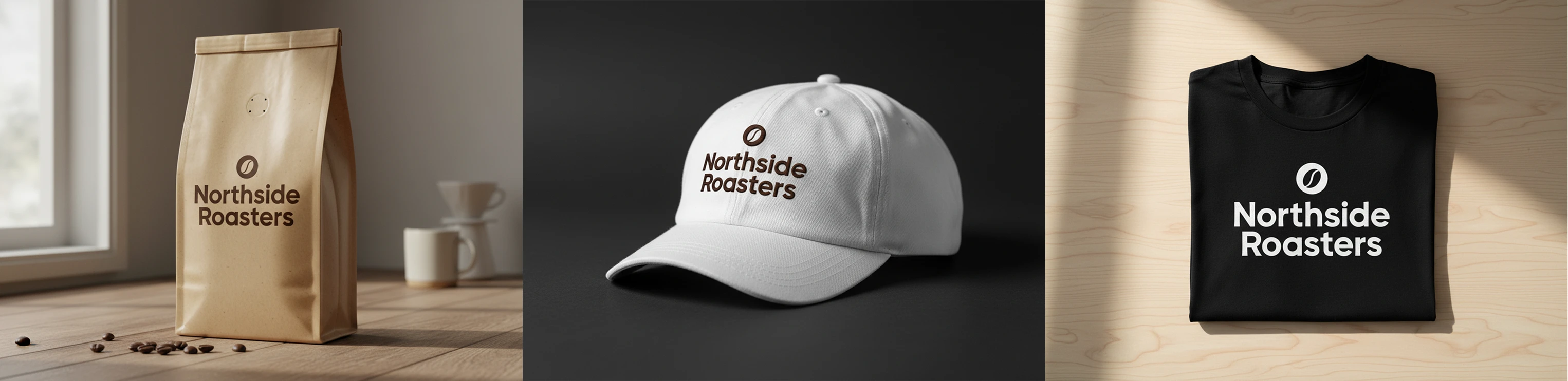
💡 Think about what the client actually sells or uses. A coffee shop will connect more with a takeaway cup than with a hoodie, and a law firm with a business card or an office sign more than with a cap.
If you're presenting several logo options or working on more than one brand at the same time, the PRO plan has a Batch option so you can generate all the mockups at once.
This process is FREE
Artificial Studio gives you 20 FREE credits every day, and each logo mockup costs 8. So you can make two mockups a day at no cost, forever, without putting in a card.
Compare that to the usual setup: a Photoshop subscription, a mockup marketplace subscription for the good templates, and the time it takes to adjust each one by hand.
Doing it without opening the browser at all
Artificial Studio has an MCP server, so the same tool is available directly inside Claude, Cursor, ChatGPT, Gemini, n8n and others. Paste the logo into the chat you're already in, ask for the product you want, and the mockup comes back there.
Through n8n you can wire it into a flow: drop the final logo into a project folder, and a full set of mockups on t-shirts, mugs, bags and signage is waiting for you, ready to put into the client presentation.
Why mockups sell the logo
Most clients aren't designers. Shown a logo on a white artboard, they judge it as a drawing, and that's when the feedback turns into "can you make it bigger" or "I'm not sure about the color." Shown the same logo on a shirt their team will wear or a cup their customers will hold, they start imagining the business with it, and that's usually what gets the approval.
The problem is that building those mockups was always the boring part of the job. Finding templates that fit, buying the ones that look good, and fixing perspective in Photoshop at midnight before a presentation is not what anyone gets into design for.
Take the last logo you finished, open the Logo Mockup Generator, and see it on the first product that comes to mind. Your free credits reset tomorrow either way!