How to photograph Halloween costumes for Etsy without a model for FREE
Photograph Halloween costumes for Etsy without hiring a model. Upload a flat photo of the costume and get a clean studio shot in seconds, for free.
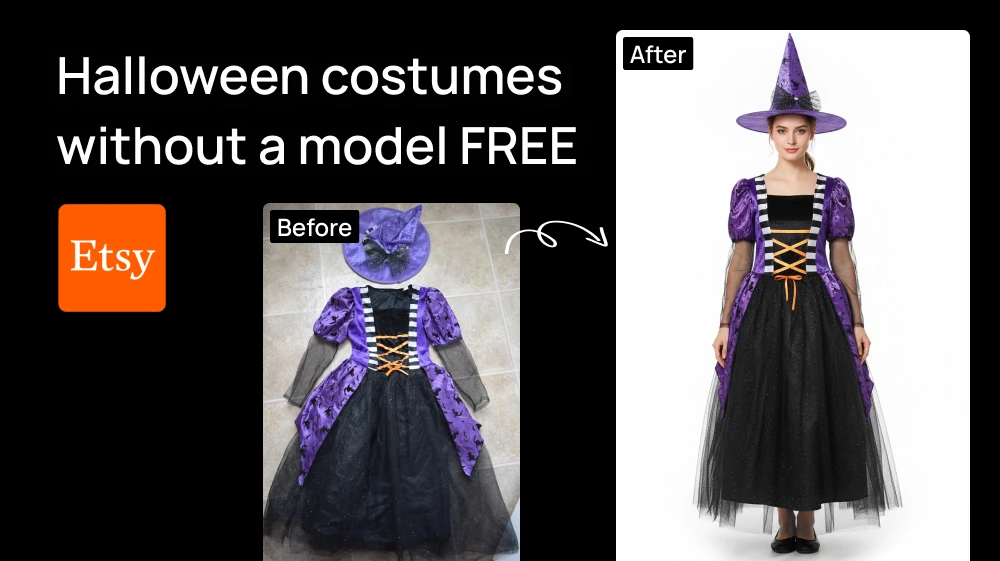
You don't need to hire a model or ask a friend to pose in your Halloween costumes for Etsy photos. Just upload a photo of the costume and get a clean studio shot of a model wearing it in seconds, for free.
Step 1: Upload the costume in our Auto Model Outfit
Open the tool and upload your photo. There's no prompt to write and nothing to configure.
The AI puts the costume on a generic model against a clean studio background, the way a catalog shot looks.
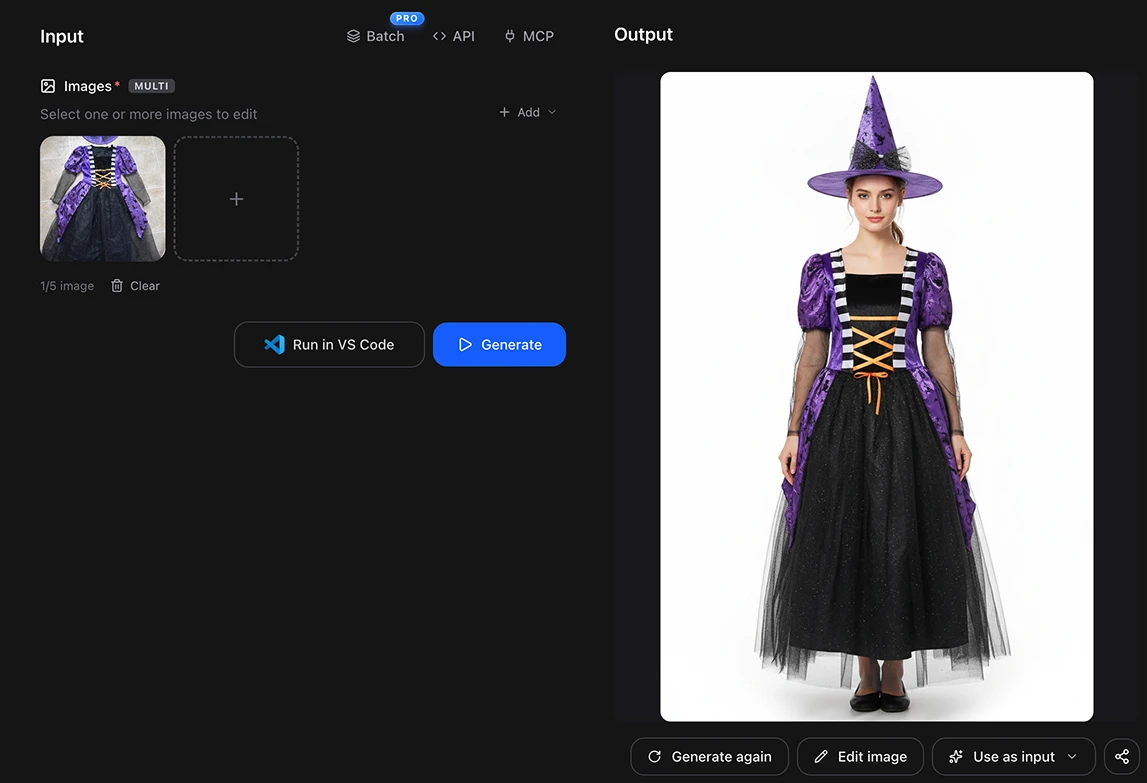
💡 The photo will look better if you hang it on a door and make sure the whole piece is in frame. A hanging garment already shows its drape, and the result comes back closer to how it really falls.
Step 2: Generate
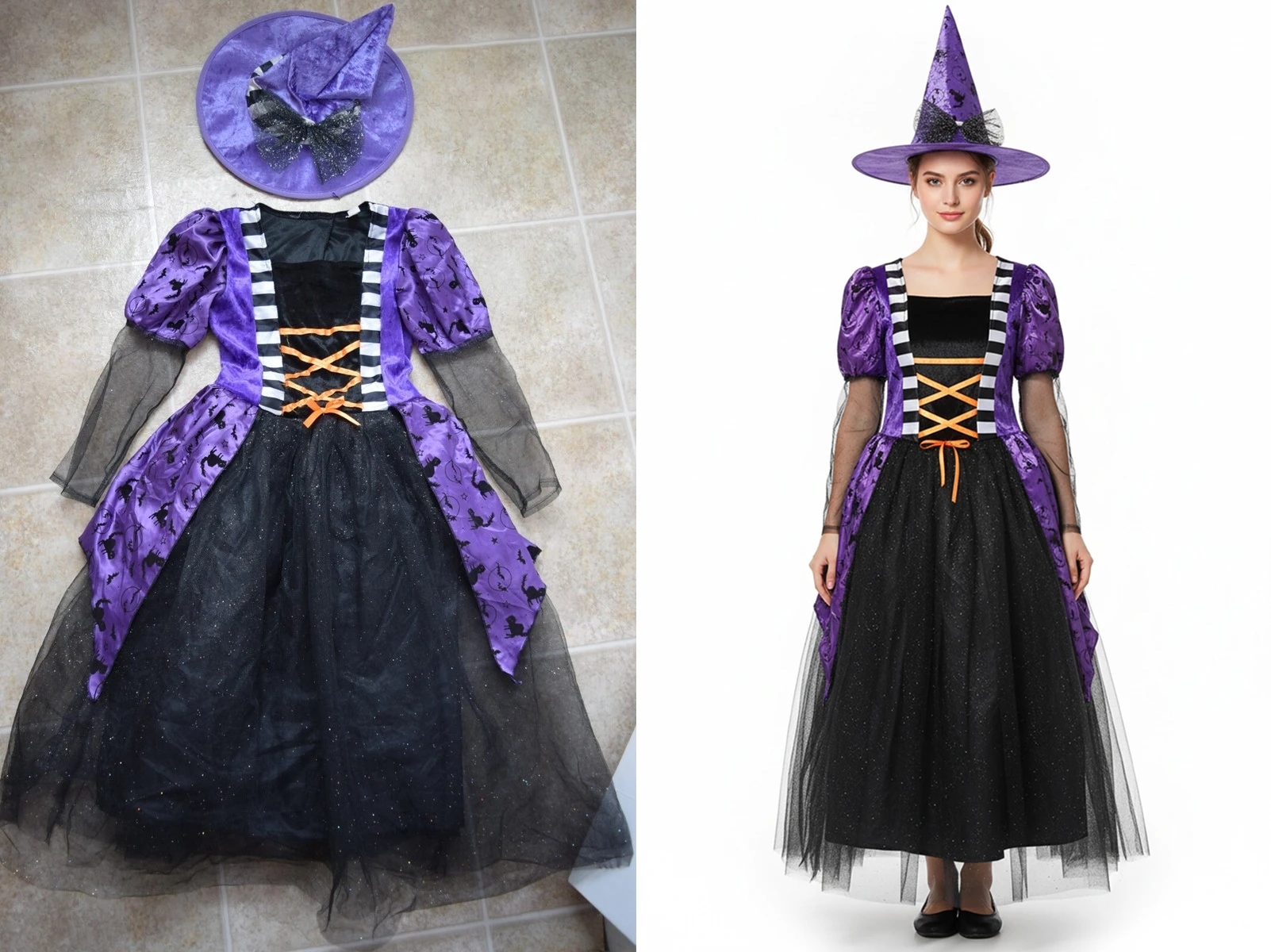
Hit Generate and the image comes back in a few seconds.
Run it two or three times. You'll get different models and poses each time, and a listing with several shots converts better than one with a single photo. If you want a different pose or angle, you'll get even better results with a photo of the costume taken from that angle.
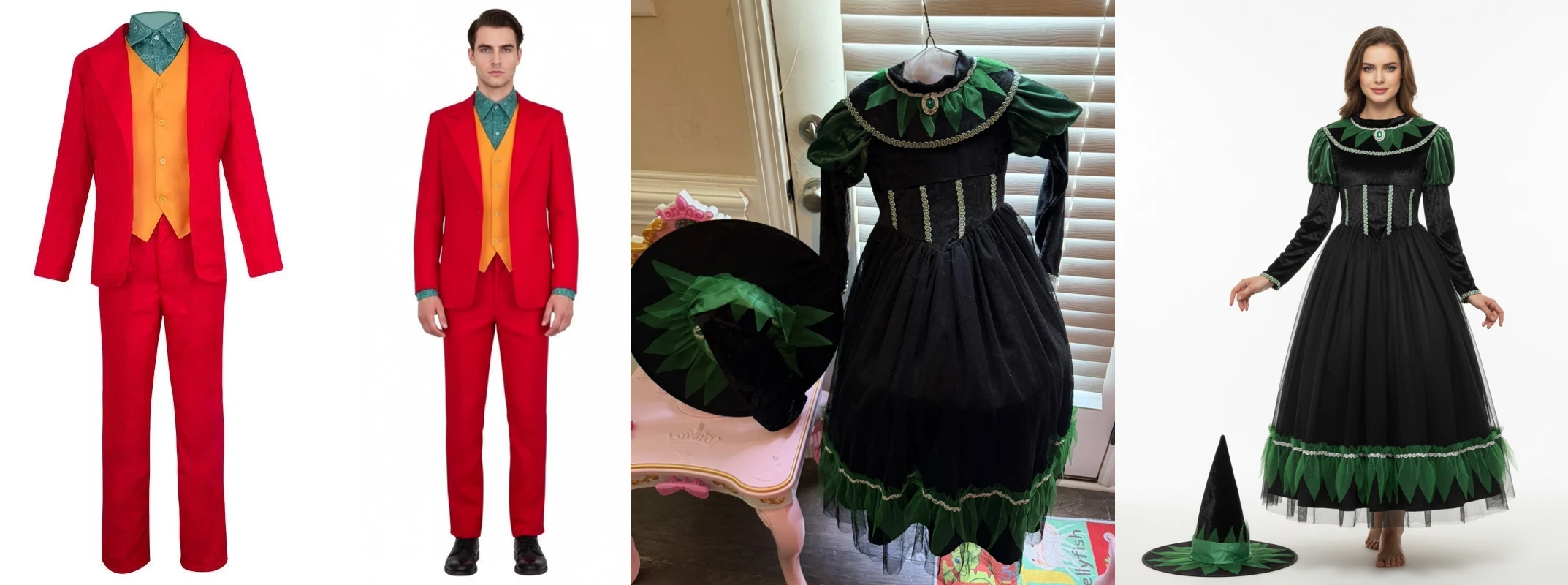
If you'd rather show yourself wearing it use Virtual try on
You upload a photo of a person along with the garment, and it shows how it would look on them.
It's useful if you want your own face in the listing, or if a customer asks how something would fit them specifically. If you don't want to use a photo of a person, Auto Model Outfit is still your best option
This process is free
Artificial Studio gives you 20 free credits every day, and Auto Model Outfit costs 8. So you get two costume shots a day at no cost, forever, without putting in a card. Virtual Try On fits inside the same daily allowance.
💡 If you're listing a whole collection before October and don't want to wait, credits are cheap: 1,300 credits for $9, which is about 160 costume photos.
Doing it without opening the browser at all
Artificial Studio has an MCP server, so both tools are available directly inside Claude, Cursor, ChatGPT, Gemini, n8n and others. Ask for the shot in the chat you're already in and the image comes back there.
Through n8n you can wire it into a flow: a costume photo lands in a folder, and the studio shots come out the other end, ready to upload.
Take a photo of the costume, open Auto Model Outfit, and see it on a model before you finish reading this. Your free credits reset tomorrow either way.