How to make on-model photos for Depop and Vinted for free
Show your clothes on a model for Depop and Vinted for free with AI. Upload one photo of the item and get a studio model shot in seconds. AI tutorial 2026
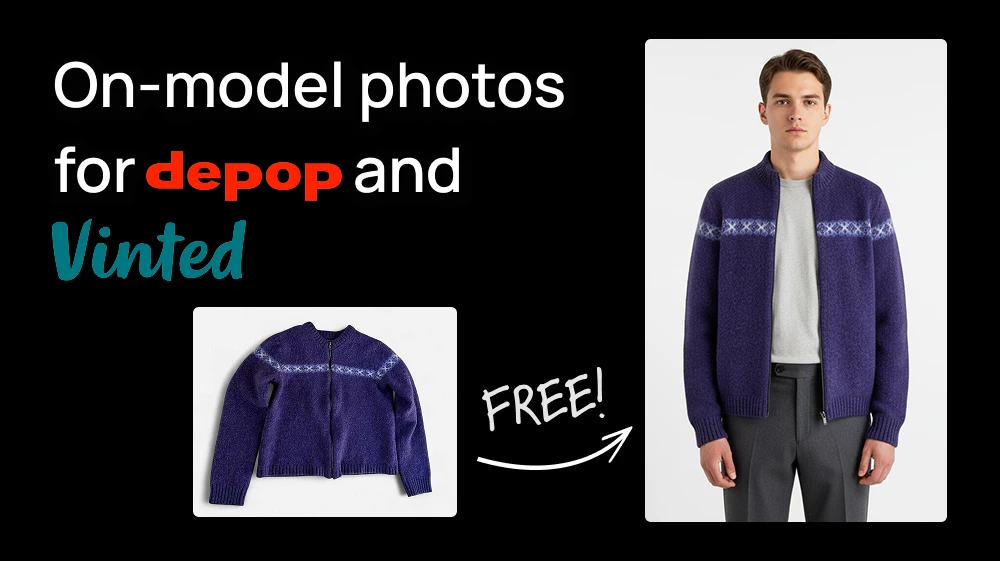
Turn a flat photo of your clothes into an on-model photo for your Depop and Vinted listings, for free with AI. No model, photographer or mirror selfies.
Upload one photo of the garment to Show your garment on a model, hit Generate, and the AI puts it on a model in a clean studio shot in a few seconds. It costs 8 credits, so you can make two a day for free.
Step 1: Upload your garment to Show your garment on a model
Open the tool and upload the photo of your item. Click the upload area to pick it from your computer, or just paste it with Ctrl+V.
💡 Lay the item flat on a plain surface or hang it against a plain wall, smooth out the wrinkles and keep the whole garment in the frame. If the background is busy, run the photo through Remove Background first. It's free.
Step 2: Generate
There's no prompt to write. Hit Generate and the AI detects what the garment is, a dress, a jacket, a pair of jeans, and picks a model and a pose that suit it. The photo is ready in a few seconds.
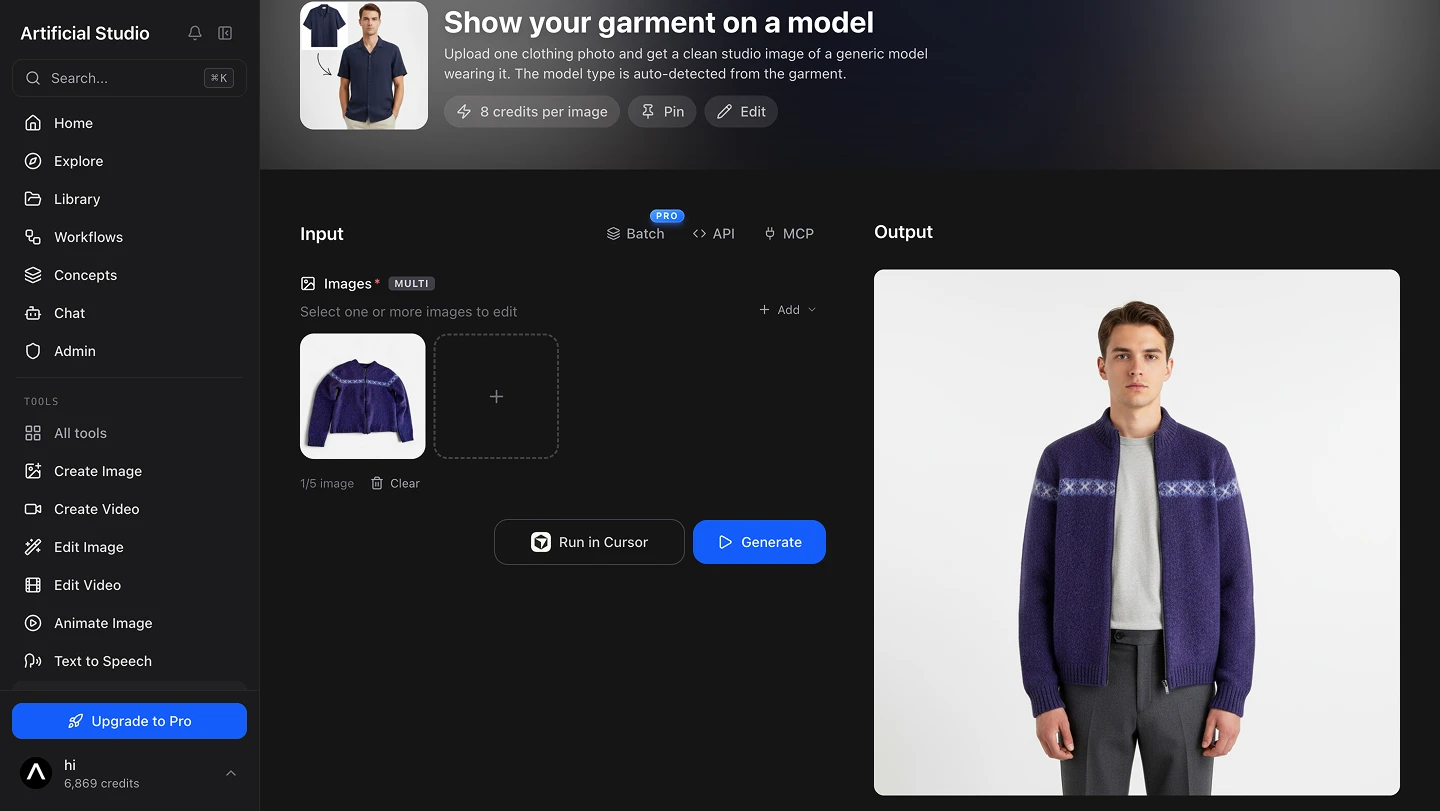
Each generation picks a new pose, so run it two or three times and keep the one that shows the item best.
💡 If you're clearing out a whole wardrobe, the PRO plan has a Batch option so you can upload all your items at once.
Step 3: Add it to your listing
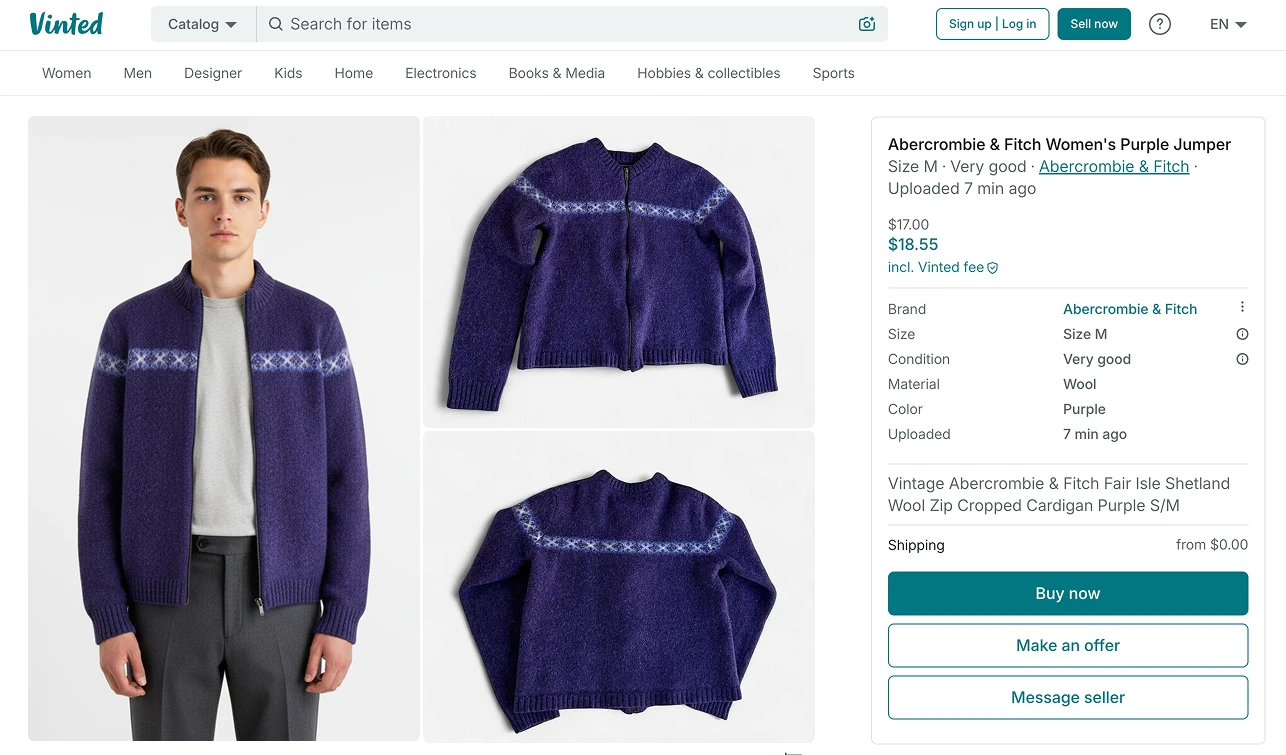
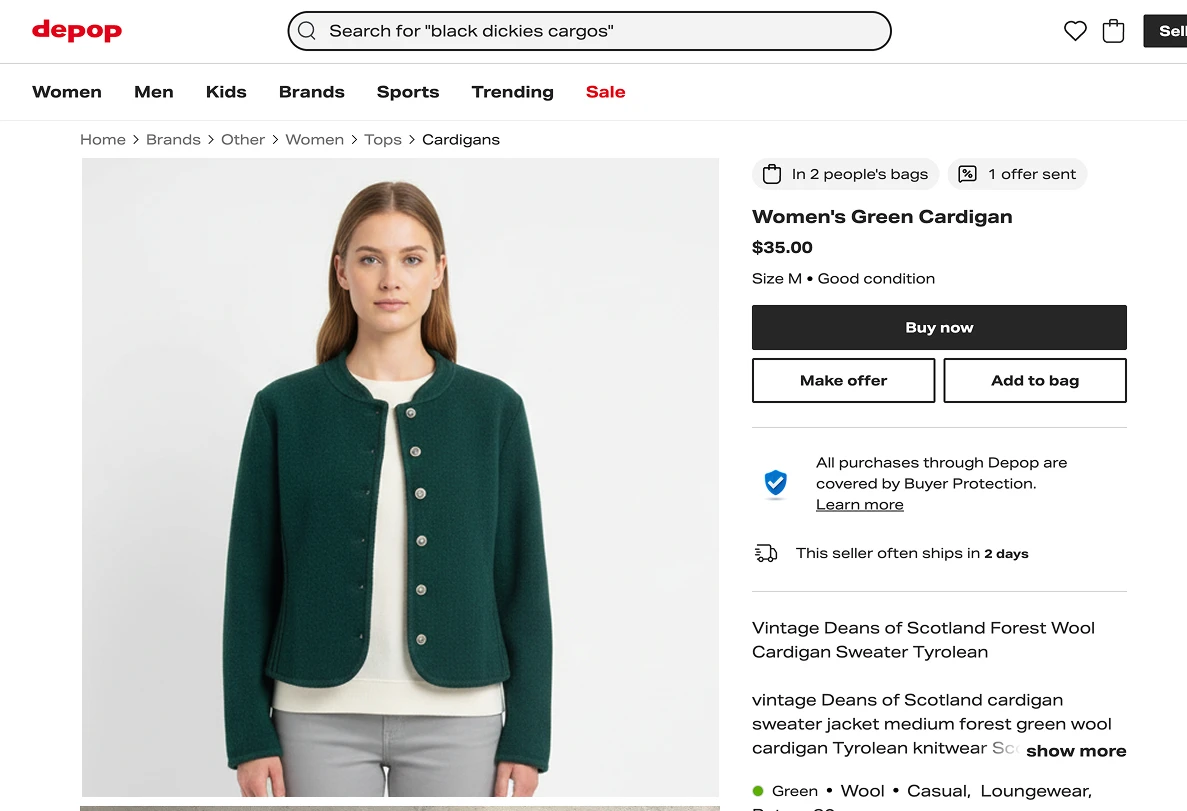
Use the model photo as the first image of your listing, the one that makes people stop scrolling. Then add your own photos of the item: front, back, label and any flaws.
Buyers need to see the exact item they're paying for, so keep your real photos in the listing too. Never use the AI image to hide a stain or a hole, it's the fastest way to get a return and a bad review.
Want to show the clothes on yourself instead? Use Try on Clothes: upload a photo of you and a photo of the garment, and the AI dresses you in it.
This process is FREE
Artificial Studio gives you 20 FREE credits every day, and each model photo costs 8. So you can make two listing photos a day at no cost, forever, without putting in a card.
Compare that to the usual setup: paying a photographer and a model for clothes you're selling for $15 each.
Doing it without opening the browser at all
Artificial Studio has an MCP server, so the same tool is available directly inside Claude, Cursor, ChatGPT, Gemini, n8n and others. Paste the photo of your item into the chat you're already in, ask to see it on a model, and the image comes back there.
Through n8n you can wire it into a flow: drop the photos of everything you want to sell into a folder, and the model photos are waiting for you in another one, ready to upload.
Why on-model photos sell clothes faster
Clothes are hard to judge lying flat. A dress on a bed is just a shape of fabric, and the buyer has to guess the length and the fit. On a person, they see it straight away and start picturing themselves in it.
On resale apps you're competing with dozens of listings of almost the same item, and buyers decide in a second which one to tap. The one with a person wearing the piece usually wins that second.
Take the last thing you put up for sale, open Show your garment on a model, and see it on a model in a few seconds. Your free credits reset tomorrow either way!