How to make white background photos for Amazon (free)
Make white background photos for Amazon for free with AI. Upload your product photo and get a pure #FFFFFF main image in seconds. No photographer.
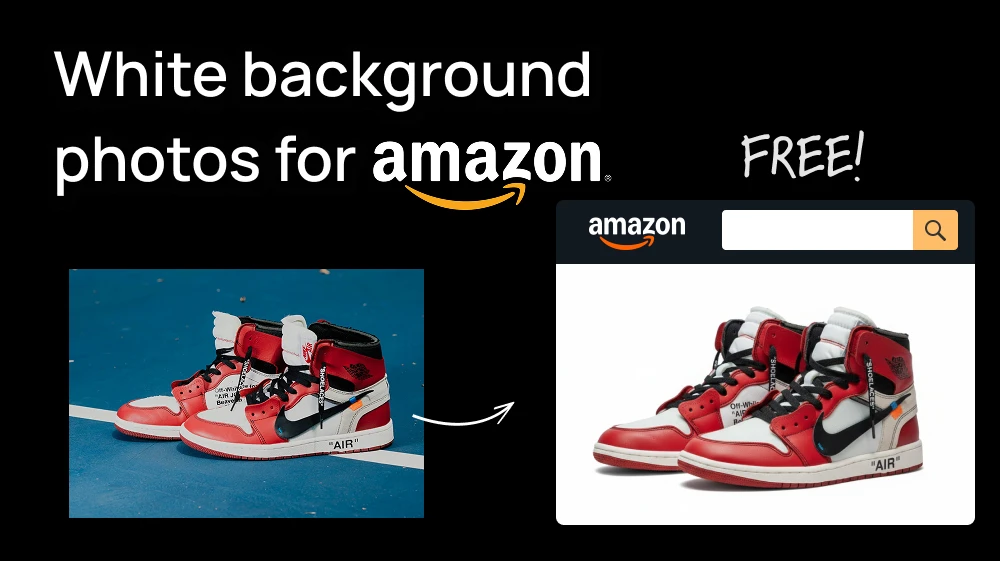
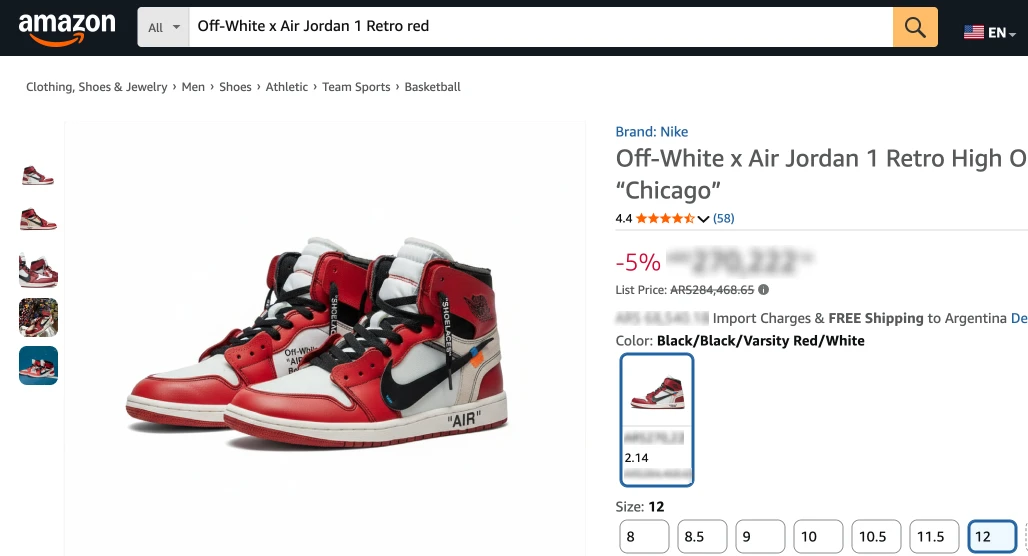
Amazon requires the main image of every listing to have a pure white background. If it doesn't, the image can be rejected or your product can be pulled from search until you fix it.
There's a simpler way than editing in Photoshop or Figma. Upload your photo to the White Background Generator, hit Generate, and the AI places your product on a clean white background. You can make two a day for free.
Step 1: Upload your photo to the White Background Generator
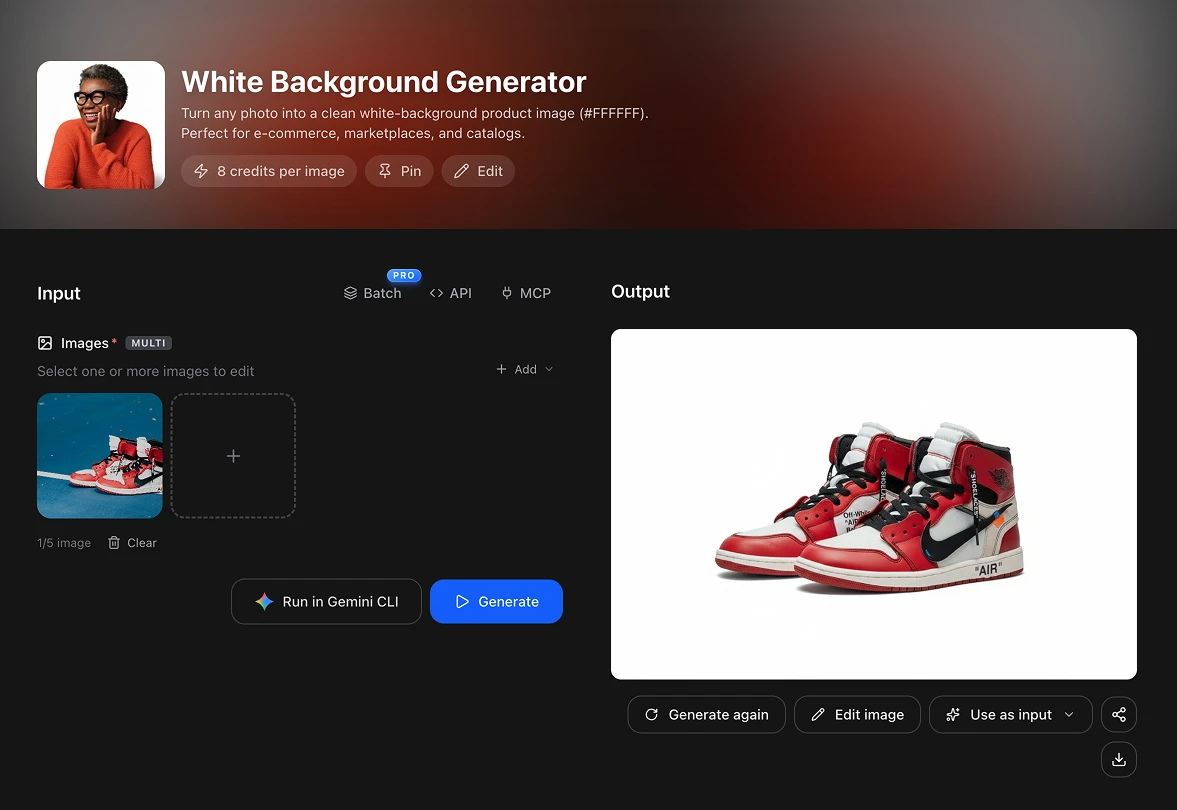
Open the White Background Generator and upload the photo of your product. Click the upload area to pick it from your computer, or just paste it with Ctrl+V.
💡 Shoot the product in good light, with the whole item in the frame and nothing covering it.
Step 2: Hit Generate
There's no prompt to write. Press the blue Generate button and the AI removes the original background and places your product on pure white (#FFFFFF) in a few seconds.
If you're preparing a whole catalog, the PRO plan has a Batch option so you can upload all your products at once.
Step 3: Check it against Amazon's rules before you upload
The white background is the rule most sellers get wrong, but it's not the only one. Before you upload your main image, check it against Amazon's product image guide:
- Pure white background: RGB 255, 255, 255. The tool already does this for you.
- The product fills 85% of the image. If it looks small, crop the image closer around it.
- The whole product is in the frame, with nothing cut off, shown once and as one unit.
- No text, logos, badges or props that don't come with the product.
- Size: at least 500 pixels on the longest side to upload, and 1,000+ for zoom. Amazon asks you not to artificially enlarge small images, so start from a good photo.
- Format: JPEG is recommended. PNG, TIFF and non-animated GIF also work.
The image has to show your real product. Use the tool to clean the background, never to change the product's color, shape or size, or to hide a defect.
This process is FREE
Artificial Studio gives you 20 FREE credits every day so you can get to know the platform, and each white background photo costs 8. So you can make two main images a day at no cost, forever, without putting in a card.
Compare that to the usual setup: a light box and studio lights, a product photographer charging per photo, or a Photoshop subscription and an afternoon cutting out every product by hand.
Doing it without opening the browser at all
Artificial Studio has an MCP server, so the same tool is available directly inside Claude, Cursor, ChatGPT, Gemini, n8n and others. Paste the photo of your product into the chat you're already in, ask for a white background, and the image comes back there.
Why the main image matters so much on Amazon
The main image is the one shoppers see in search results, next to dozens of competitors selling almost the same thing. It's the first and often the only thing they look at before deciding which listing to click.
It also decides whether you show up at all. If your listing has no main image that meets the requirements, Amazon can remove it from search until you upload a compliant one. A clean white background protects you from that and makes your product look as professional as the big brands next to it.
Take the product you're about to list, open the White Background Generator, and see it on pure white in a few seconds. Your free credits reset tomorrow either way!