Fashion Designer
Fashion Designer

Fashion Designer

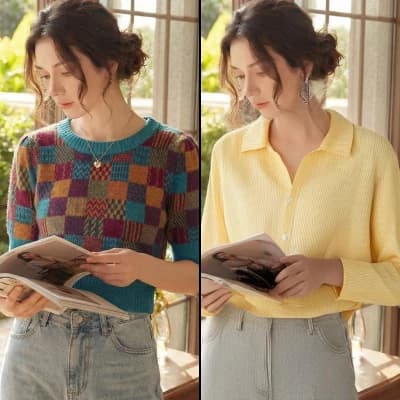
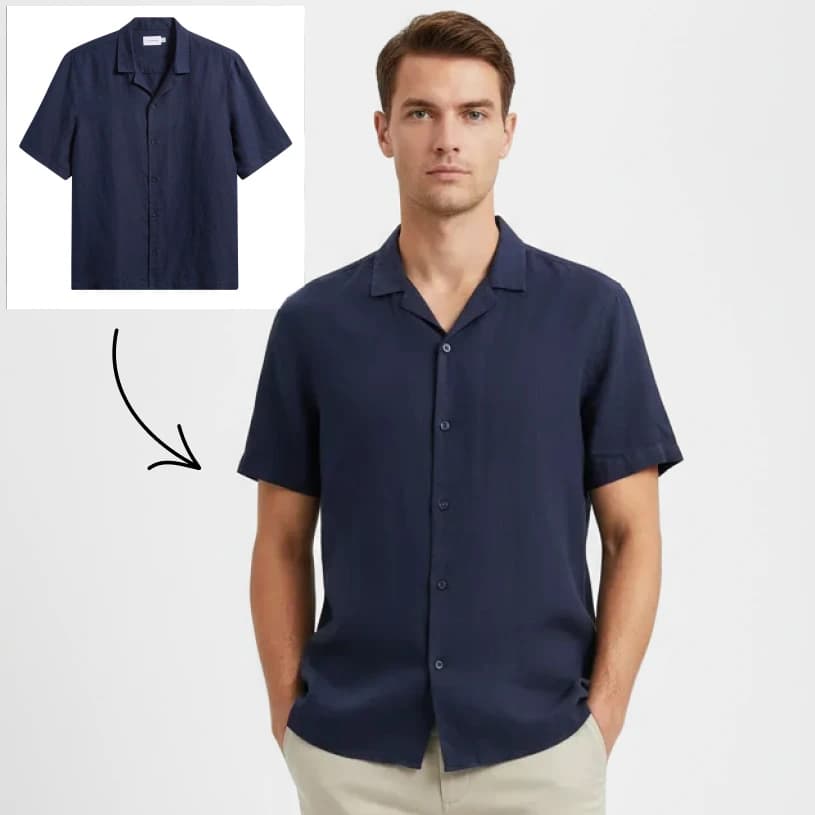
Generate clothing designs based on your style and trend inputs.
5 credits per image
Input
Design Description
Describe the clothing design you want to create (style, color, materials, etc.)
Clothing Type
Display Style
Output
Click "Generate" to start creating...
Examples

How to use AI Fashion Designer - Create Custom Clothing Designs

1

Describe Your Design Vision

Enter detailed descriptions of your clothing design ideas in the design description field. Include style preferences, colors, patterns, and any specific fashion trends you want to incorporate.

2

Select Clothing Type

Choose the specific type of garment you want to design from the available clothing categories. This helps the AI understand the structure and style requirements for your piece.

3

Choose Display Style

Pick your preferred display style to determine how your fashion design will be presented and visualized in the final output.

Why use AI Fashion Designer - Create Custom Clothing Designs?

Instant Fashion Design Creation

Transform your fashion ideas into professional clothing designs within seconds. No drawing skills required - just describe your vision and watch it come to life. Perfect for fashion students, designers, or anyone exploring creative clothing concepts.

Endless Creative Possibilities

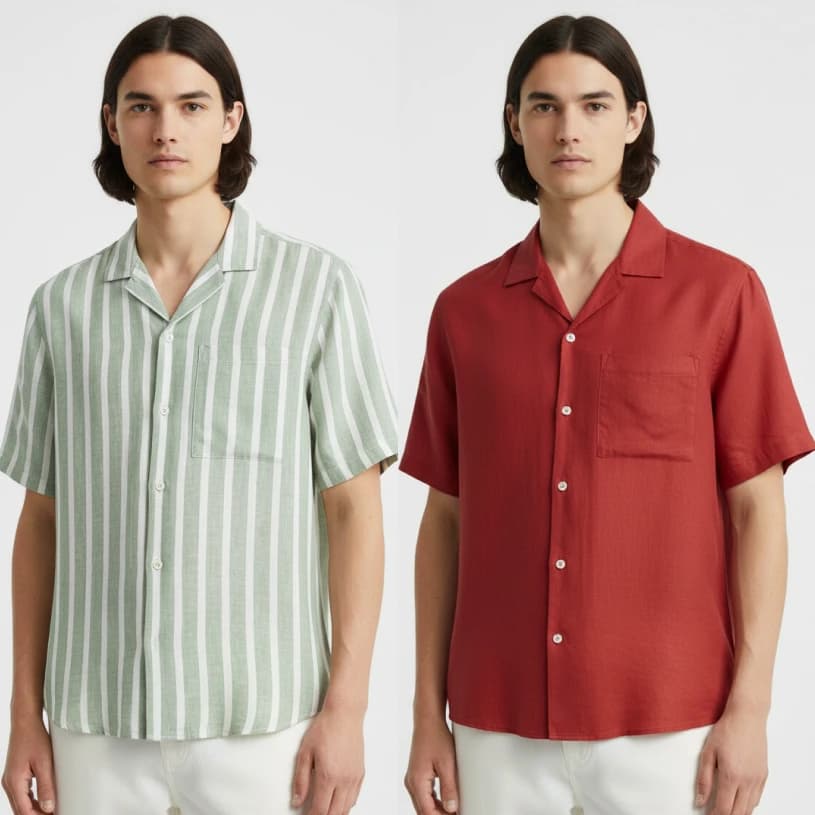
Experiment with unlimited design variations, color combinations, and style elements. Generate multiple iterations of the same concept to explore different directions. Mix and match trends, textures, and silhouettes to create unique fashion pieces.

Professional Quality Results

Get high-quality fashion designs that look professionally crafted. The AI understands fashion terminology, current trends, and design principles to create realistic and stylish clothing concepts suitable for portfolios or presentations.

Frequently Asked Questions

How much does the Fashion Designer AI cost?
Artificial Studio uses a credit-based system for all AI tools. Visit the pricing page for current rates and credit packages that work best for your fashion design needs.
What clothing types can I design?
The Fashion Designer supports various clothing categories through the clothing type selector. You can create designs for different garments, from casual wear to formal attire, based on the available options in the tool.
How does the AI fashion designer work?
Simply describe your design vision in detail, select your preferred clothing type, and choose a display style. The AI analyzes your inputs and generates custom clothing designs that match your specifications and style preferences.
Can I use the generated designs commercially?
Yes, you can typically use AI-generated fashion designs for commercial purposes, including portfolios, presentations, and design inspiration. However, check the terms of service for specific usage rights and any restrictions.
How long does it take to generate a fashion design?
Fashion designs are typically generated within a few seconds after submitting your inputs. The AI processes your design description and preferences quickly to deliver your custom clothing design.
What should I include in my design description?
Be detailed about colors, patterns, textures, style elements, target audience, and fashion trends. Mention specific design features like necklines, sleeves, silhouettes, or decorative elements to get more accurate results.
Can I create designs for different seasons?
Absolutely! Include seasonal preferences in your design description. You can specify summer dresses, winter coats, spring jackets, or fall accessories to get seasonally appropriate fashion designs.
Is this tool suitable for fashion students?
Yes, the Fashion Designer AI is excellent for fashion students exploring design concepts, creating portfolio pieces, or experimenting with different styles before committing to physical prototypes.

Related AI Tools