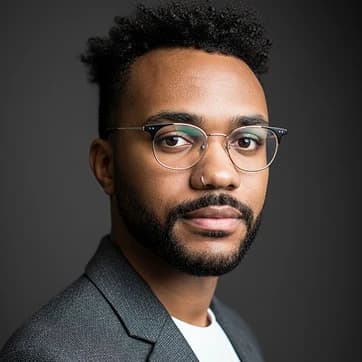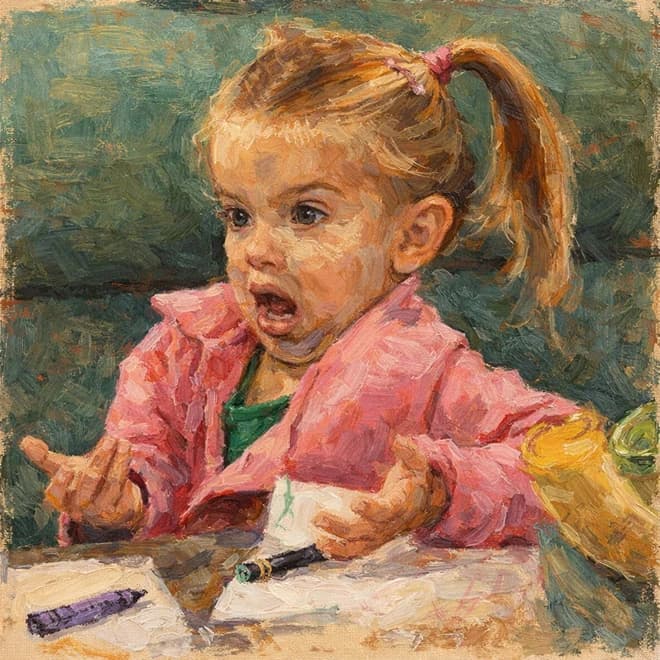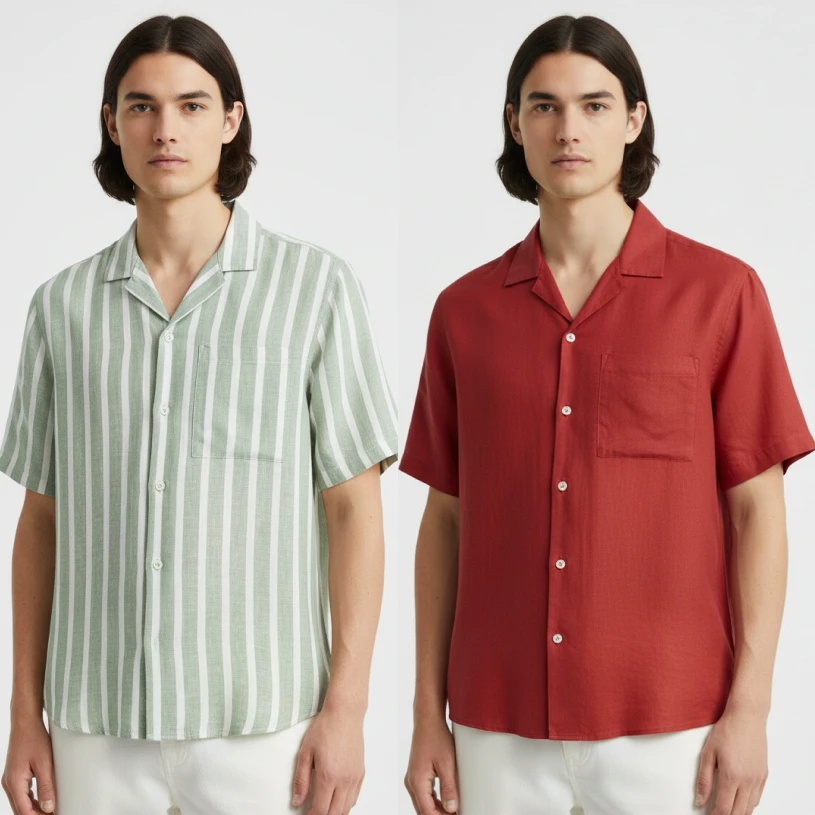
Change outfits with text

Change outfits with text

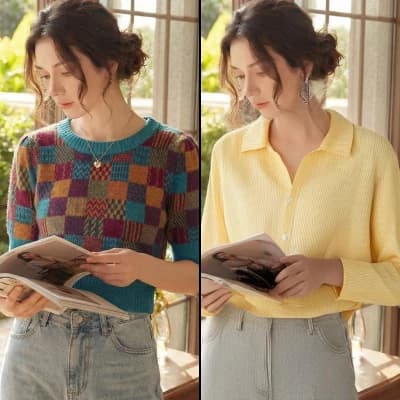
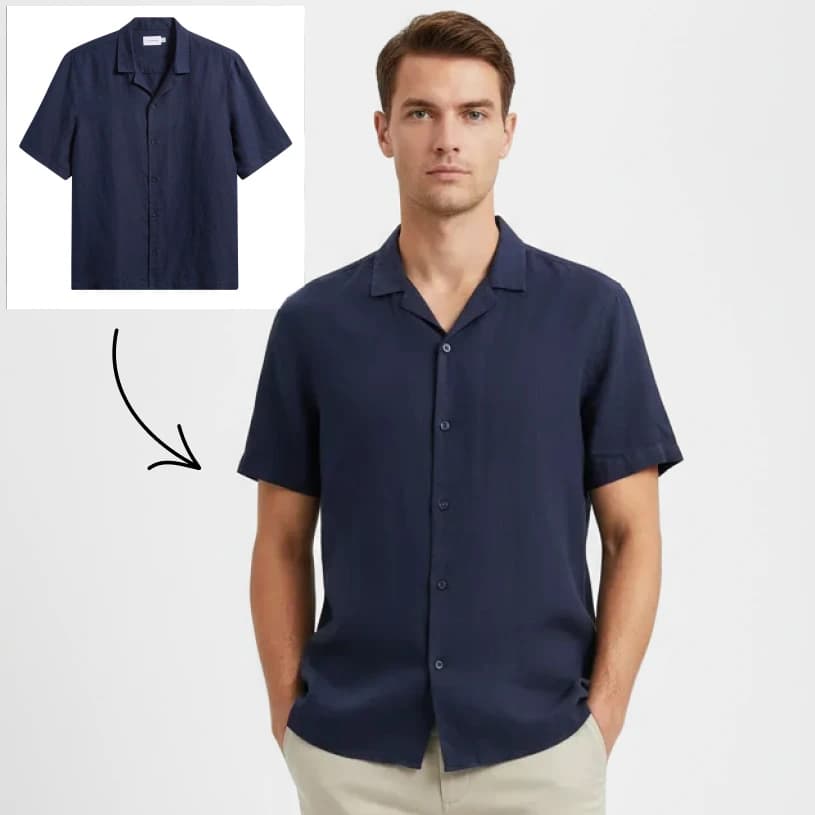
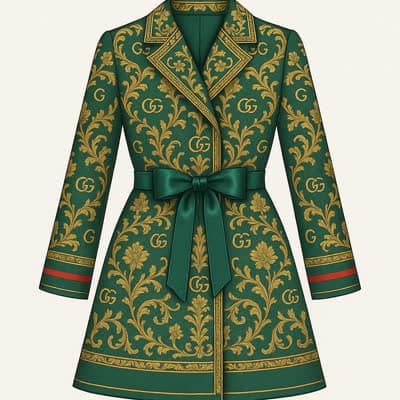
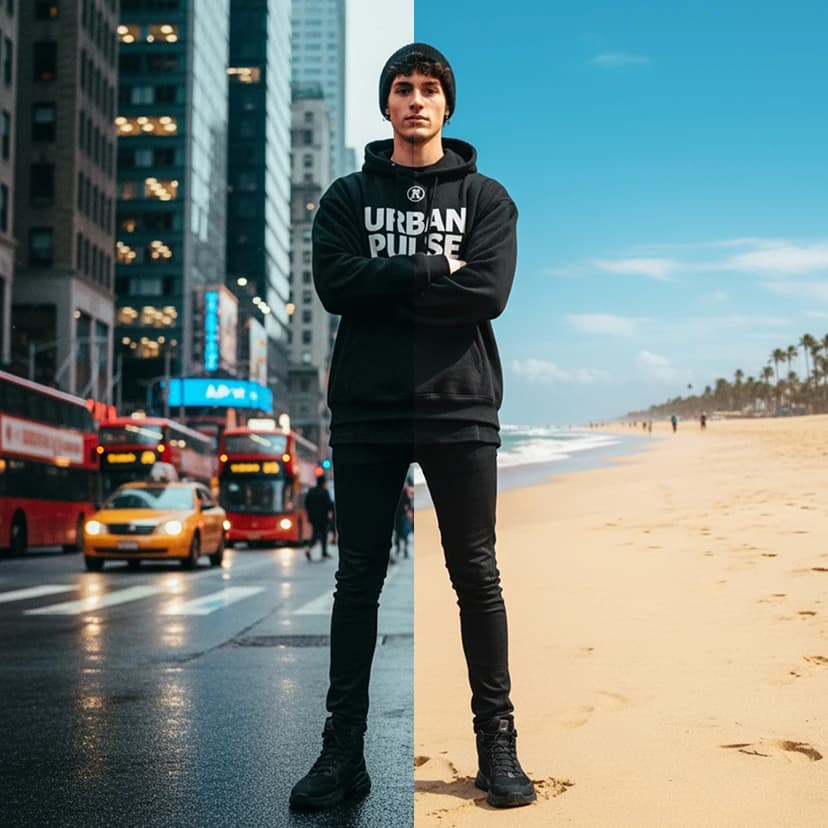
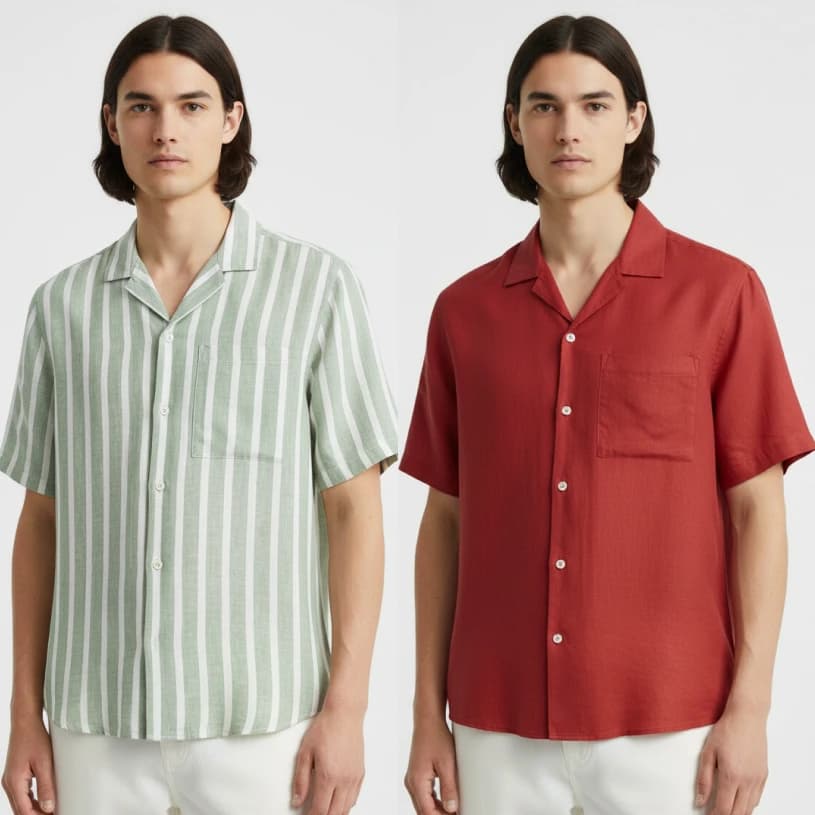
Edit any outfit using plain-text instructions. Change colors, fabrics, and garments while keeping the person's face, pose, and background intact — perfect for fashion previews.
8 credits per image
Input
Prompt
Describe the changes you want to make
Images
Select one or more images to edit
Output
Click "Generate" to start creating...
Examples

How to use Change Outfits with AI Text Instructions

1

Upload Your Photo

Start by uploading an image of a person wearing clothes you want to modify. The AI will analyze the current outfit and prepare it for editing.

2

Write Your Instructions

Enter plain-text instructions describing how you want to change the outfit. Specify colors, fabrics, garment types, or style modifications you'd like to see.

3

Generate Your New Look

Click generate and watch as the AI transforms the outfit according to your instructions while keeping the person's face, pose, and background completely intact.

Why use Change Outfits with AI Text Instructions?

Preserve Person's Identity

Unlike other editing tools, this AI keeps the person's face, pose, and background completely unchanged while transforming only the clothing. This ensures natural-looking results that maintain the original photo's composition and the subject's appearance.

Simple Text-Based Editing

No complex photo editing skills required - just describe what you want in plain English. Whether you want to change a red dress to blue, swap jeans for a skirt, or transform casual wear into formal attire, simple text instructions do all the work.

Perfect for Fashion Previews

Ideal for fashion designers, retailers, and stylists who need to quickly visualize how different outfits would look on models or customers. Create multiple variations without expensive photo shoots or wardrobe changes.

Frequently Asked Questions

How much does it cost to change outfits with AI?
Artificial Studio uses a credit-based pricing system. Visit the pricing page for current rates and credit packages available.
How does the AI outfit changer work?
Simply upload a photo and write text instructions describing how you want to change the outfit. The AI analyzes your prompt and transforms the clothing while keeping the person's face, pose, and background intact.
What types of outfit changes can I make?
You can change colors, fabrics, garment types, and styles using text descriptions. Transform dresses to pants, change shirt colors, swap casual for formal wear, or modify any clothing element you can describe in words.
Will the person's face and pose stay the same?
Yes, the AI is specifically designed to preserve the person's face, pose, and background while only modifying the clothing. This ensures natural-looking results that maintain the original photo's integrity.
How long does outfit editing take?
The AI typically processes outfit changes in just a few seconds. Processing time may vary slightly depending on image complexity and current server load.
Can I use the edited photos commercially?
Yes, you can use the generated images for commercial purposes according to Artificial Studio's terms of service. This makes it perfect for fashion previews, marketing materials, and professional projects.
What image formats are supported?
The tool supports common image formats. For best results, use clear, well-lit photos where the person and their outfit are clearly visible.
Can I make multiple outfit changes to the same photo?
Yes, you can generate multiple variations by running different text prompts on the same base image. This is perfect for comparing different outfit options or creating a complete fashion lookbook.

Related AI Tools