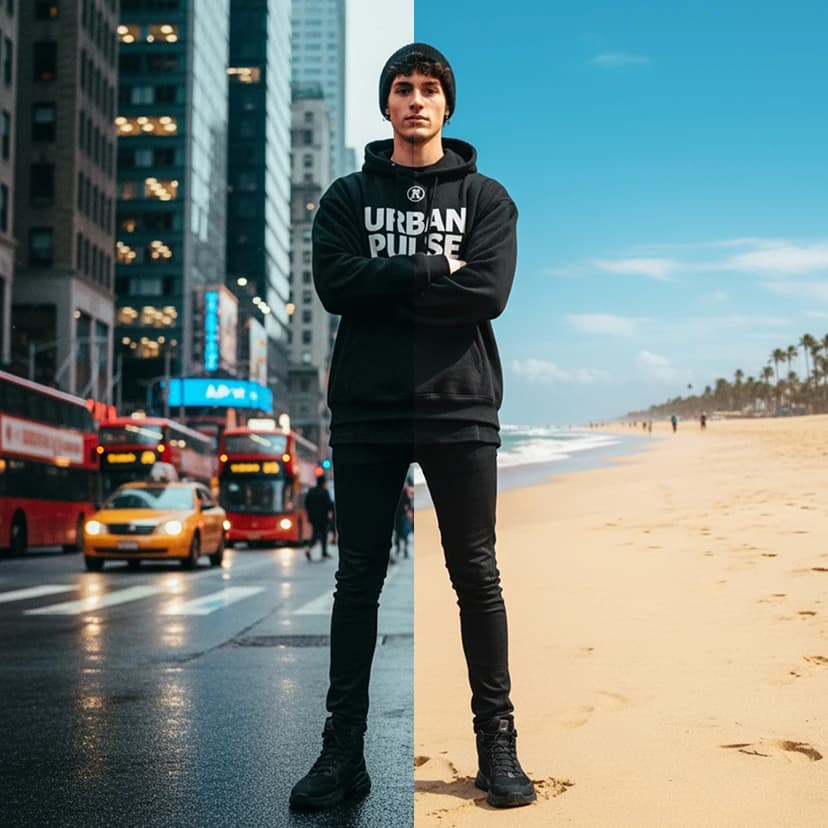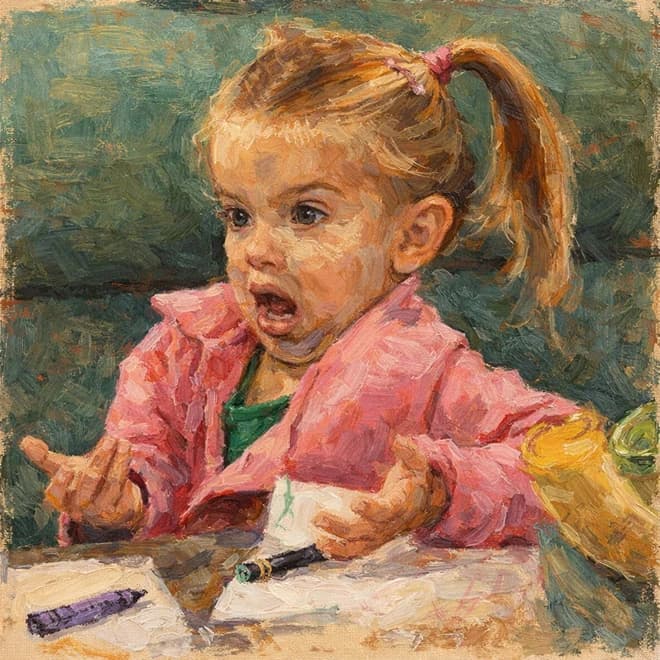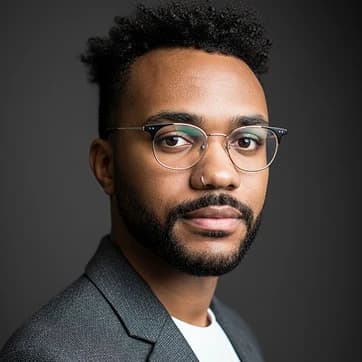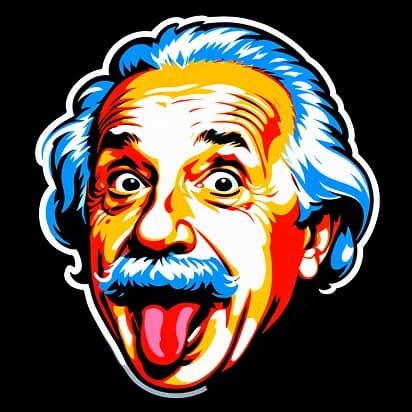
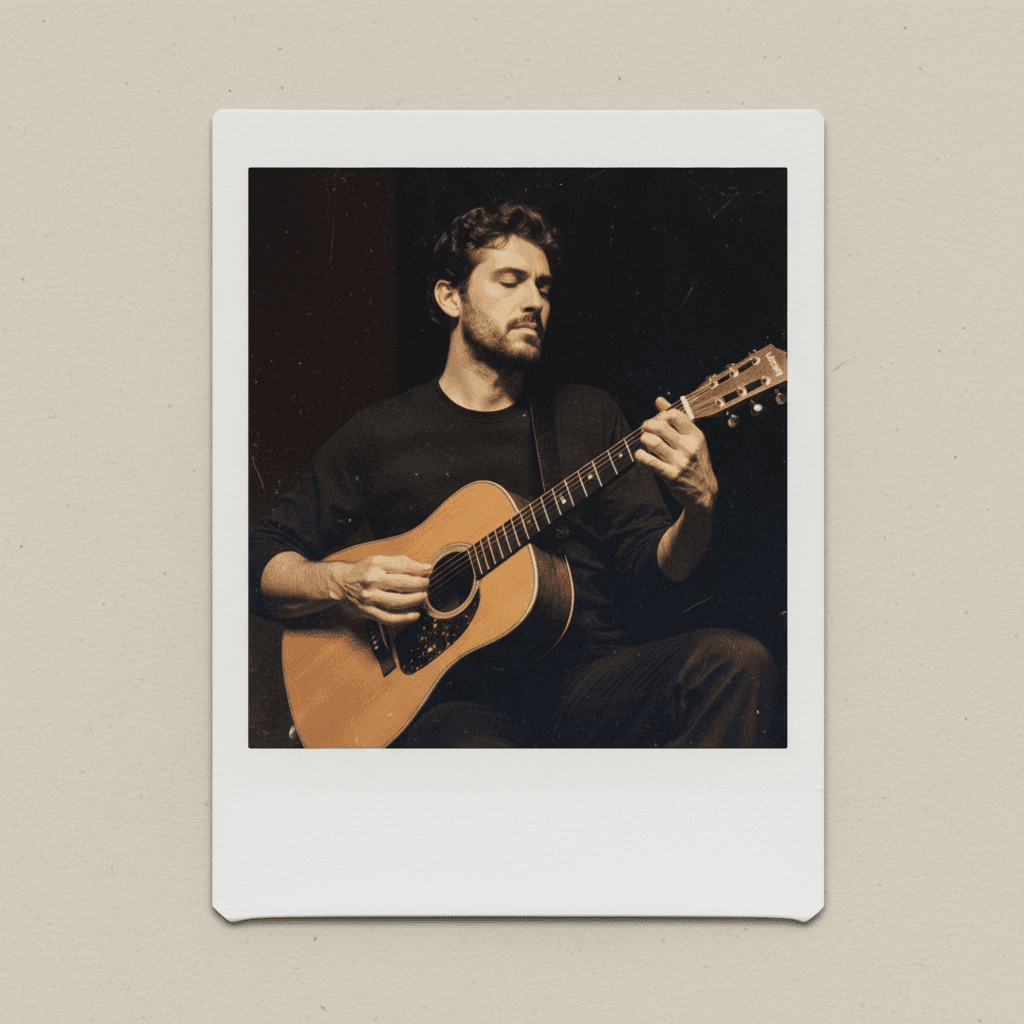
Turn your photo into a classic polaroid

Turn your photo into a classic polaroid

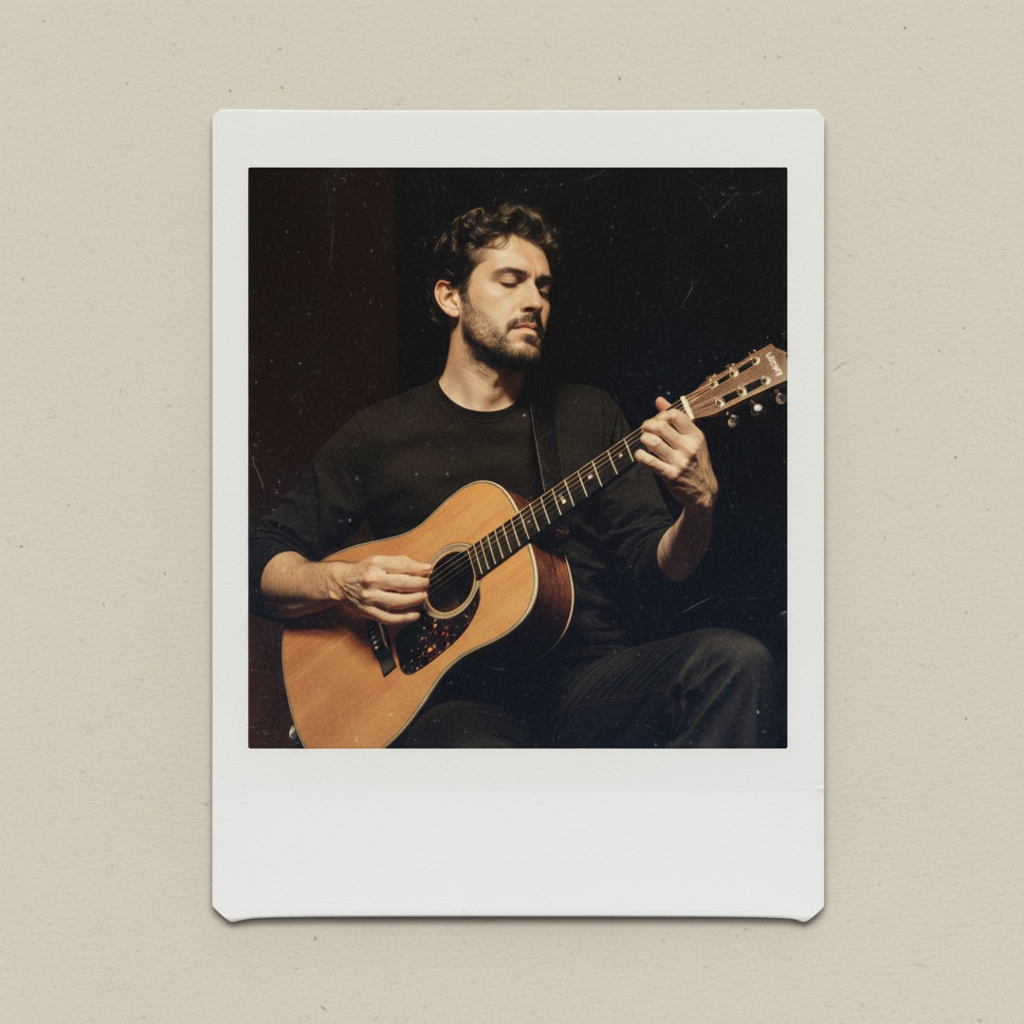
Polaroid Maker transforms any picture into a timeless polaroid snapshot, complete with vintage borders and subtle film charm—perfect for adding a retro touch to your memories and social posts.
8 credits per image
Input
Images
Select one or more images to edit
Output
Click "Generate" to start creating...
Examples

How to use Polaroid Photo Maker

1

Upload Your Photo

Select any digital photo from your device that you want to transform into a classic polaroid style.

2

Apply Polaroid Effect

The AI instantly processes your image, adding authentic vintage borders and subtle film characteristics.

3

Download Your Polaroid

Save your newly created polaroid-style image, ready to share on social media or print for nostalgic memories.

Why use Polaroid Photo Maker?

Authentic Vintage Aesthetic

Get the classic polaroid look with genuine vintage borders and subtle film grain effects. Your photos will have that timeless, nostalgic quality that made polaroids iconic in photography history.

Perfect for Social Media

Create eye-catching retro content that stands out on Instagram, TikTok, and other platforms. The polaroid aesthetic adds character and nostalgia that engages audiences and enhances your visual storytelling.

Instant Transformation

Transform any modern digital photo into a vintage polaroid snapshot in seconds. No need for expensive film cameras or darkroom processing - get authentic results with just one click.

Frequently Asked Questions

How much does the polaroid maker cost?
Artificial Studio uses a credit-based pricing system. Visit the pricing page at artificialstudio.ai/pricing for current rates and available packages.
What image formats does the polaroid maker support?
The tool accepts common image formats including JPEG, PNG, and other standard photo file types. Upload any digital photo to get started with the polaroid transformation.
How does the polaroid photo maker work?
Simply upload your photo and the AI automatically applies the classic polaroid effect with vintage borders and film characteristics. The process is fully automated and requires no additional input from you.
Can I use the polaroid images commercially?
Yes, you can use the generated polaroid images for commercial purposes according to Artificial Studio's terms of service. This includes social media marketing, advertising, and other business applications.
How long does it take to create a polaroid photo?
The polaroid transformation typically takes just a few seconds to complete. The AI processes your image quickly, delivering your vintage-style polaroid almost instantly.
Does the tool maintain photo quality?
Yes, the polaroid maker preserves your original photo's quality while adding the authentic vintage aesthetic. You'll get a high-resolution polaroid-style image suitable for both digital sharing and printing.
Can I create polaroids from any type of photo?
The tool works with portraits, landscapes, objects, and any other type of photograph. Whether it's a selfie, family photo, or artistic shot, you can transform it into a classic polaroid style.
What makes this different from photo filters?
Unlike simple filters, this AI tool creates authentic polaroid effects with proper vintage borders, film grain, and color characteristics that match real polaroid photographs. The result looks genuinely retro rather than digitally filtered.

Related AI Tools