
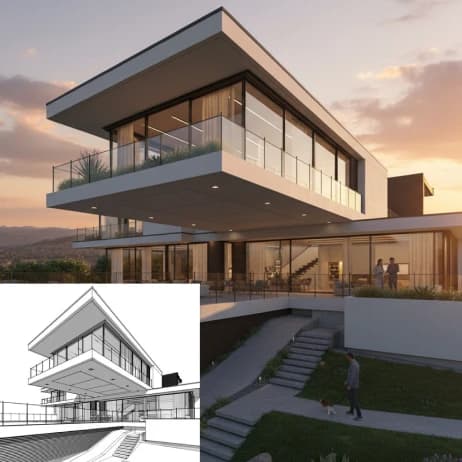
Sketch to Render AI
Related AI Tools
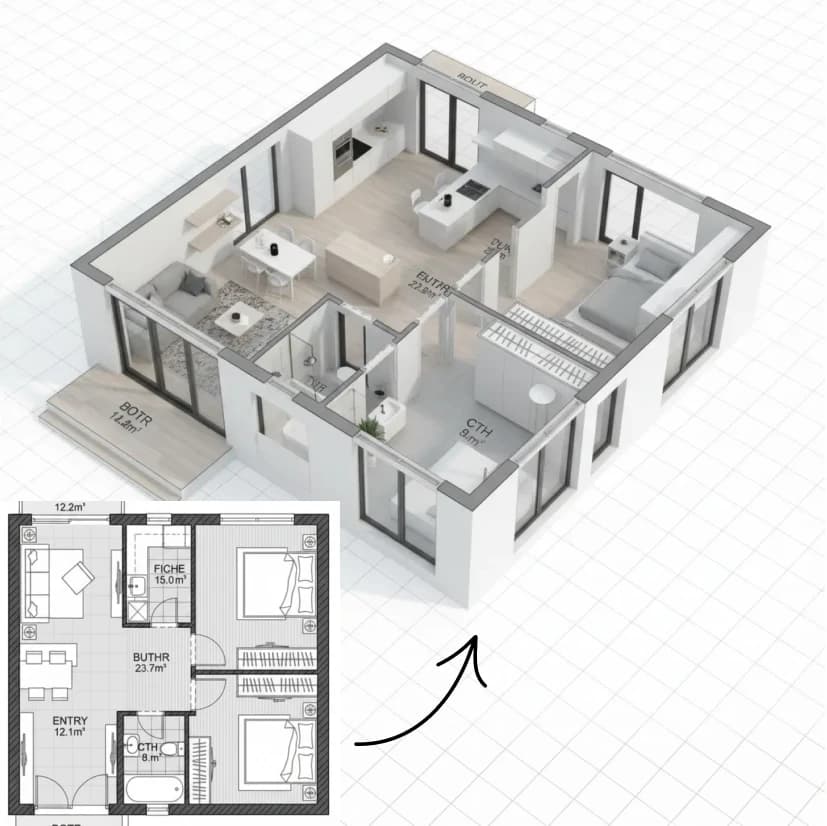

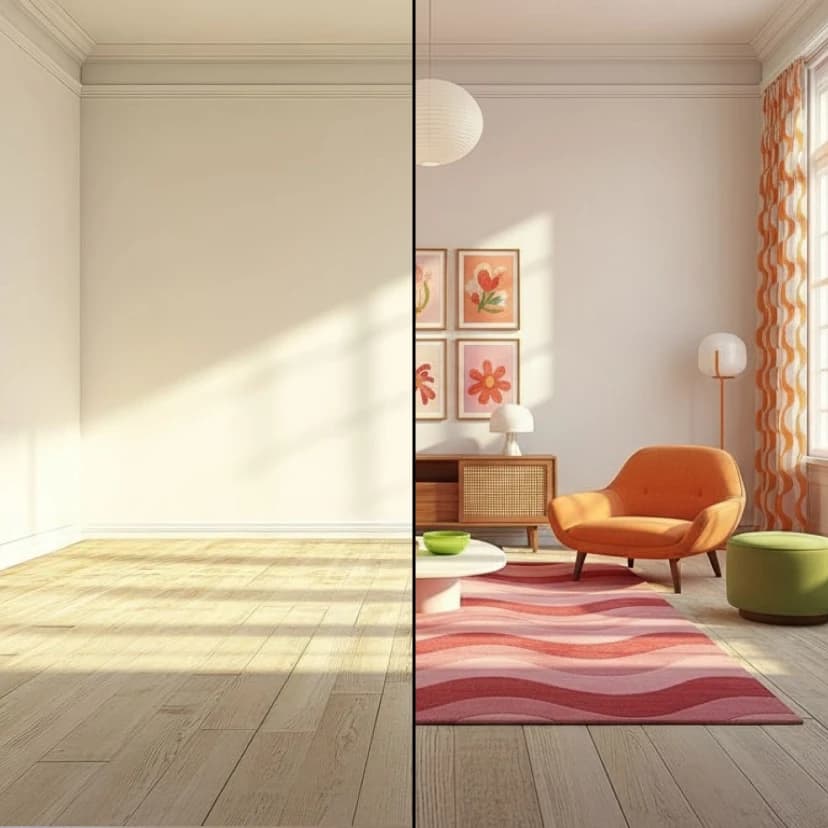
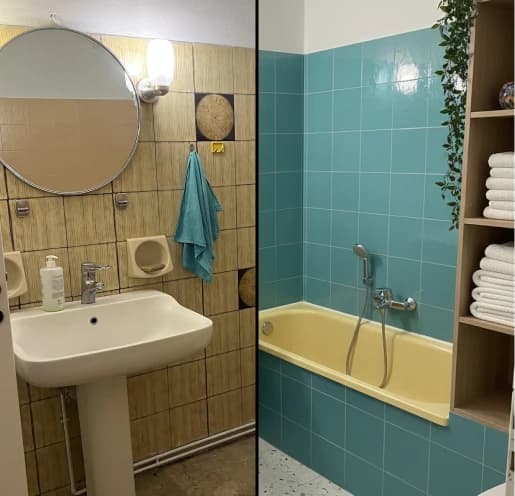



How to use Transform Architectural Sketches into Photorealistic Renders
Upload Your Sketch or Floor Plan
Start by uploading your architectural sketch or floor plan from your gallery. The AI supports various drawing formats and design layouts.
Choose Your Rendering Style and Time
Select your preferred rendering style from available options and set the time of day to control lighting conditions. This affects shadows, ambient light, and overall mood.
Add Custom Modifications
Use the additional modifications field to specify any custom details, materials, or special requirements for your render. Click generate to create your photorealistic architectural visualization.
Why use Transform Architectural Sketches into Photorealistic Renders?
Professional Architectural Visualization
Transform rough sketches and floor plans into polished, photorealistic renders that showcase your design vision clearly. Perfect for presentations, client meetings, and project proposals where visual impact matters.
Customizable Lighting and Atmosphere
Control the time of day and lighting conditions to create the perfect ambiance for your architectural render. Whether you need bright daylight for exterior views or warm evening lighting for interiors, adjust settings to match your vision.
Multiple Rendering Styles
Choose from various rendering styles to match your project needs and aesthetic preferences. From modern minimalist to classic traditional, find the perfect visual style that complements your architectural design.