Voice Isolator
Voice Isolator

Voice Isolator

Remove background noise from audio and isolate the voice
1 credits per second
Input
Audio
Upload the audio file you want to clean
Output
Click "Generate" to start creating...
Examples

How to use AI Voice Isolator Tool

1

Upload Your Audio File

Select the audio file you want to clean up. The tool accepts common audio formats for voice isolation.

2

Choose Eleven Voice Isolator Model

Select the AI model that will process your audio and isolate the voice from background noise.

3

Download Clean Audio

Let the AI remove background noise and download your isolated voice audio file in seconds.

Why use AI Voice Isolator Tool?

Crystal Clear Voice Extraction

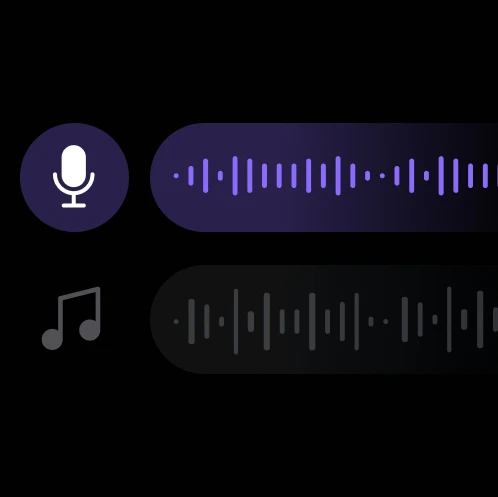
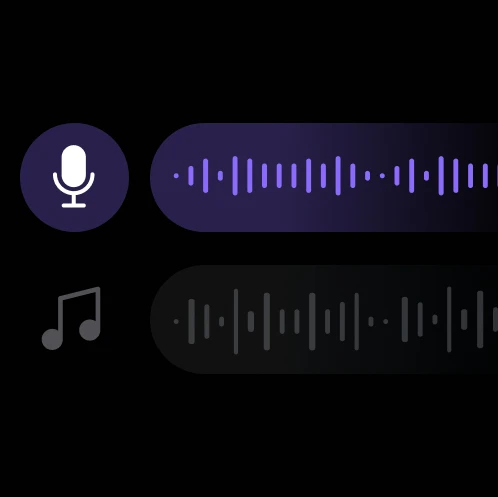
Advanced AI technology removes unwanted background noise while preserving the natural quality of the voice. Perfect for cleaning up interviews, podcasts, and recordings made in noisy environments.

Professional Audio Quality

Transform amateur recordings into professional-grade audio suitable for broadcasting, presentations, and content creation. The AI maintains voice clarity while eliminating distracting sounds.

Fast and Efficient Processing

Get your cleaned audio files in seconds without the need for complex audio editing software. Simply upload your file and let the AI do the heavy lifting for you.

Frequently Asked Questions

How much does voice isolation cost?
Artificial Studio uses a credit-based system for all AI tools. Visit the pricing page for current rates and available credit packages.
What audio formats are supported?
The voice isolator works with common audio formats. Upload your file and the system will automatically detect and process compatible formats.
How does the voice isolation work?
The AI analyzes your audio file and uses the Eleven Voice Isolator model to separate voice frequencies from background noise. Simply upload your audio and select the model to begin processing.
How long does voice isolation take?
Voice isolation typically takes a few seconds to complete, depending on the length and complexity of your audio file. The AI processes files quickly for immediate results.
Can I use the isolated voice commercially?
Yes, you can use the processed audio files for commercial purposes. The voice isolation tool helps you create professional-quality content for business use.
What types of background noise can be removed?
The AI can remove various types of background noise including ambient sounds, static, hum, and other audio interference while preserving the original voice quality.
Is the original voice quality preserved?
Yes, the AI is designed to maintain the natural quality and characteristics of the original voice while removing only the unwanted background elements.
Can I isolate multiple voices from one recording?
The tool is optimized for isolating a primary voice from background noise. For recordings with multiple speakers, the AI will focus on the most prominent voice signal.

Related AI Tools