How to make PBR textures for Blender and Unreal without Substance
Make PBR textures for Blender and Unreal without Substance. Upload a surface photo and get normal, roughness, height and color maps in seconds. Free. (148 characters)
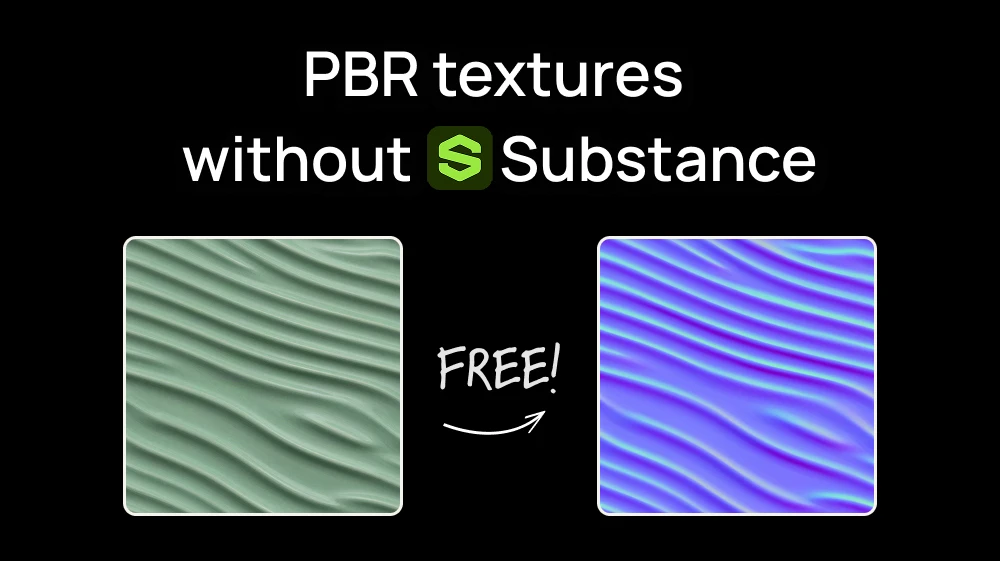
Substance is the industry default for PBR materials, but it means an Adobe subscription and a big learning curve.
There's a faster way: take a photo of a real surface (a brick wall, a wooden table, a concrete floor) and turn it into a full PBR material with the Normal Map Generator on Artificial Studio. No install, no node graphs, and you can do it for free.
Step 1: Open the Normal Map Generator
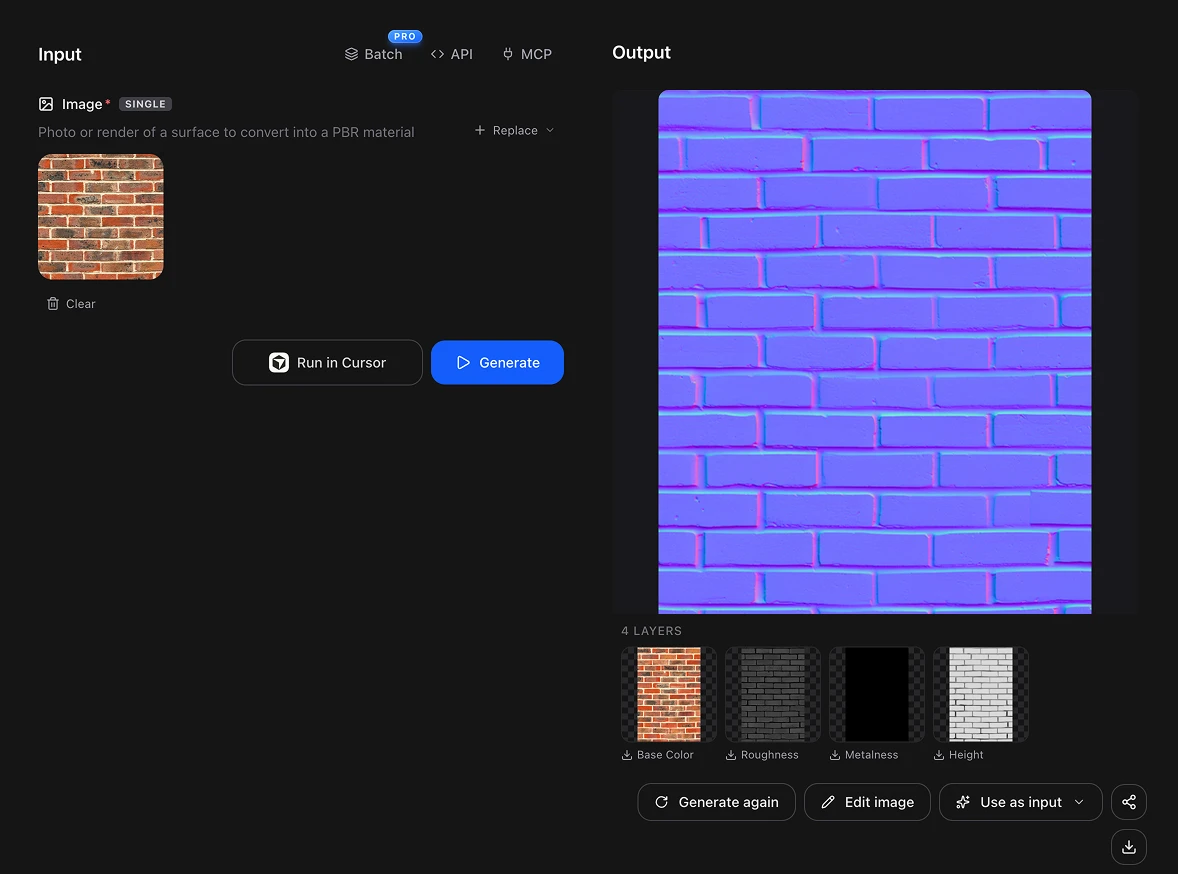
Upload a photo of a surface. Brick, bark, cobblestone, cracked concrete, plaster and woven fabric work best.
💡 Tip: shoot the surface straight on, with soft, even light and no hard shadows. The AI reads depth from brightness, so a strong shadow can be mistaken for a groove.
Need it to tile? The maps keep whatever your photo has. Upload a seamless image and the maps come out seamless; upload a photo with visible edges and they won't repeat cleanly.
What is a PBR texture?
A PBR (Physically Based Rendering) texture isn't one image. It's a set of maps that tell the engine how a surface reacts to light:
- Base color: the pure color of the material, without baked-in shadows.
- Normal: the fine relief (grain, pores, cracks) without adding geometry.
- Height: how far each point sits up or down, for real displacement.
- Roughness: which parts are glossy and which are matte.
- Metalness: which parts behave like metal.
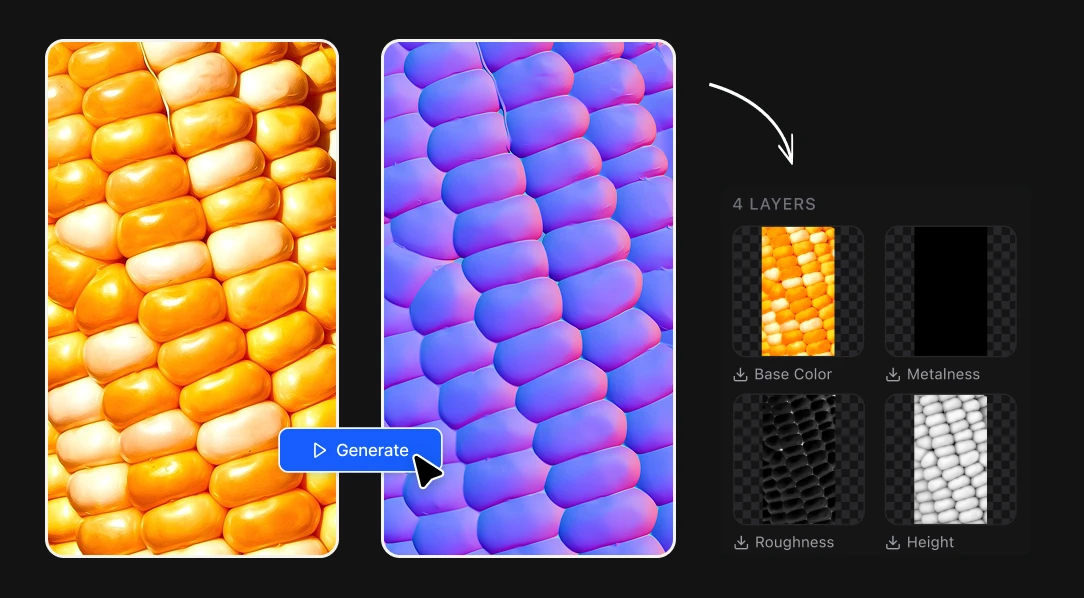
The tool gives you all five from one photo, in one pass.
Step 2: Press Generate, is free!
Press the blue Generate button. No prompt, no settings. In seconds you get the five maps: normal, base color, roughness, metalness and height. It is free!
Download them. They are standard image files, ready for any 3D software.
Step 3: Use the maps in Blender or Unreal
In Blender
- Select your object and add a material. Blender creates a Principled BSDF for you.
- The fast way: enable the Node Wrangler add-on, select the Principled BSDF and press Ctrl+Shift+T. Pick all five maps and Blender wires them up for you.
- The manual way: connect base color to Base Color, roughness to Roughness and metalness to Metallic. Send the normal through a Normal Map node into Normal, and the height through a Displacement node into the Material Output.
- Set every map except base color to Non-Color, or the lighting will look off.
Need the 3D model too, not just the material? Here's how to generate 3D models with Claude and Blender.
In Unreal Engine
- Drag the five maps into the Content Browser.
- Open roughness, metalness and height and uncheck sRGB.
- Create a Material and connect base color, metalness, roughness and normal to their matching pins.
- If the relief looks inverted, open the normal texture and check Flip Green Channel. Unreal reads normals differently from Blender.
No photo? Describe the material instead
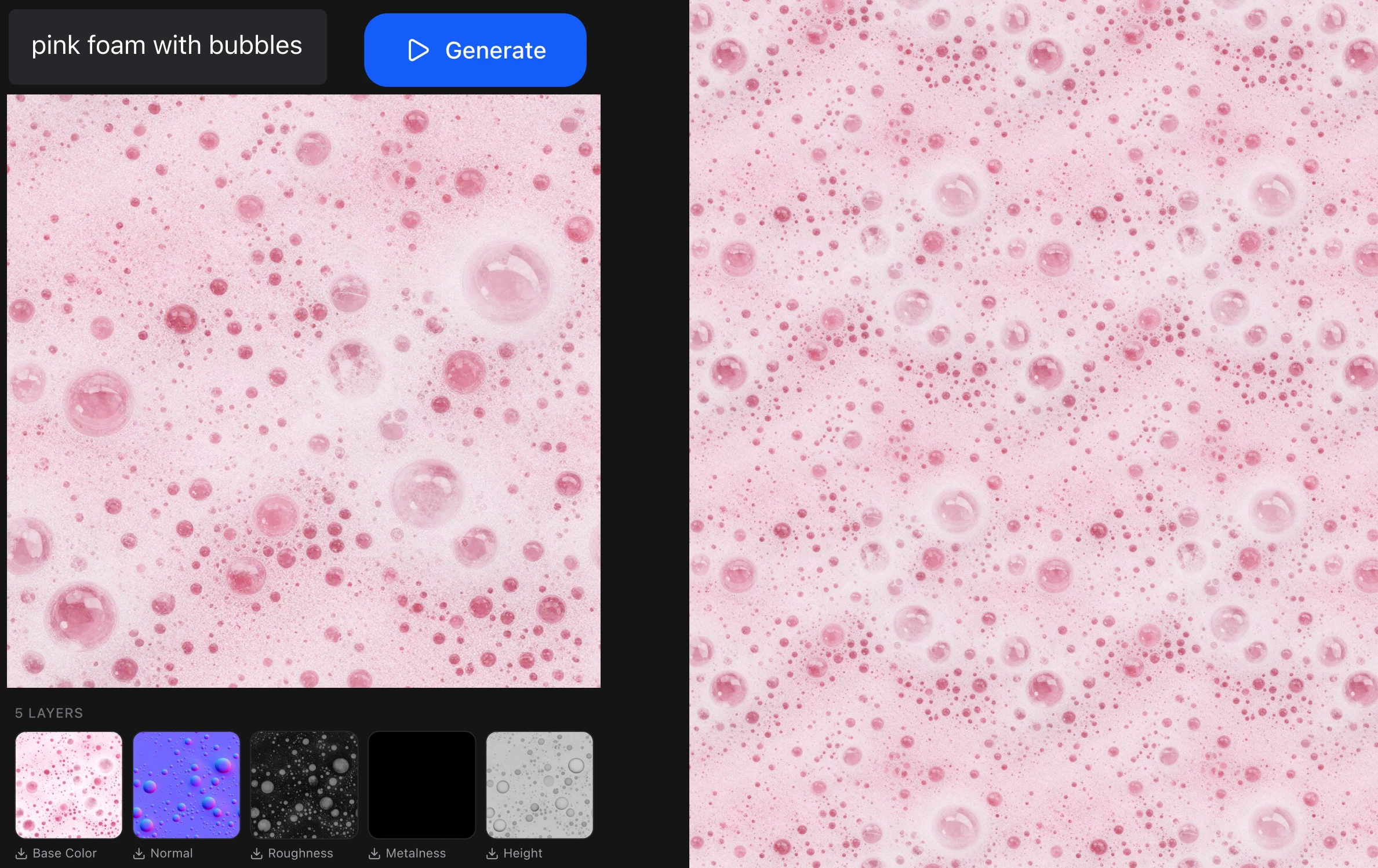
If you don't have a photo of the surface, use the Seamless Texture Generator. Write what you want ("weathered oak planks", "worn brass", "cracked desert clay") and you get a tileable texture with the same five PBR maps, up to 4K.
It costs 17 credits at 1K and 34 at 4K.
This process is FREE
Artificial Studio gives you 20 free credits every day to try the platform. The Normal Map Generator costs 10 credits per megapixel, so a 1024×1024 photo costs about 10 credits. That's two PBR materials a day for free, with no credit card.
Substance is still the right tool for complex, layered materials. But for turning a real surface into a material for your scene, a photo and one click are enough. Go make your first PBR texture. Your free credits reset tomorrow either way!