

Image to 3D
Related AI Tools

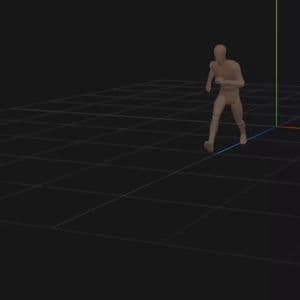
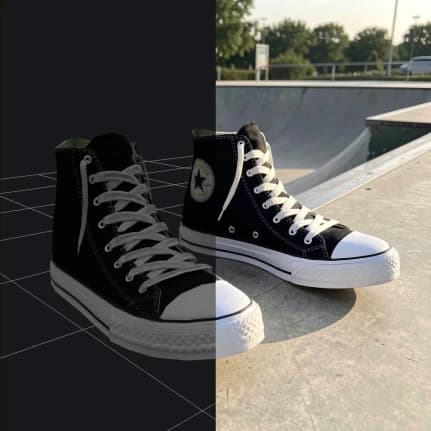

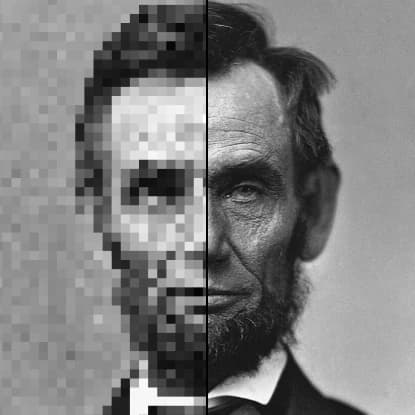





How to use Convert Images to 3D Models with AI
Upload Your Image
Select and upload any 2D image, photo, or artwork that you want to convert into a 3D model.
Choose AI Model
Select from advanced AI models like TripoSR or Hunyuan 3D v2.1 for optimal conversion results.
Generate 3D Model
Click generate and watch as AI analyzes your image and creates a detailed 3D model object.
Why use Convert Images to 3D Models with AI?
Advanced AI Technology
Powered by cutting-edge models like TripoSR and Hunyuan 3D v2.1 for superior image-to-3D conversion. These specialized algorithms understand depth, geometry, and object structure to create realistic 3D models from flat images.
Instant 3D Creation
Transform any 2D image into a 3D model in seconds without requiring 3D modeling skills or expensive software. Perfect for designers, developers, and creators who need quick 3D assets for their projects.
Versatile Applications
Use your generated 3D models for game development, product visualization, 3D printing, AR/VR applications, or digital art projects. The models work seamlessly across different platforms and software.
6 AI 3D models in one account
Image to 3D runs 6 models from 5 labs, including Trellis 2, Rodin 2.5 Fast, Idol Max Turbo, Tripo H3.1 and Hunyuan 3D v3.1 Pro. One account and one credit balance cover all of them, so there is no separate subscription for each model. A run costs what the table shows; see what a credit costs on the pricing page.
| Model | Made by | Price | Use |
|---|---|---|---|
| Trellis 2State-of-the-art 3D model generation with high-quality geometry and textures | Trellis | 60 credits per object | Use Trellis 2 |
| Rodin 2.5 FastFast 3D prototyping from an image by Hyper3D | Hyper3D | 20 credits per object | Use Rodin 2.5 Fast |
| Idol Max TurboGame-ready textured mesh in about 20 seconds by Sperid Labs | Sperid Labs | 20 credits per object | Use Idol Max Turbo |
| Hyper3D Low PolyClean low-poly textured meshes for games by Hyper3D | Hyper3D | 40 credits per object | Use Hyper3D Low Poly |
| Tripo H3.1High-quality textured 3D models from an image by Tripo | Tripo | 60 credits per object | Use Tripo H3.1 |
| Hunyuan 3D v3.1 ProDetailed geometry and textures from an image by Tencent | Tencent | 75 credits per object | Use Hunyuan 3D v3.1 Pro |