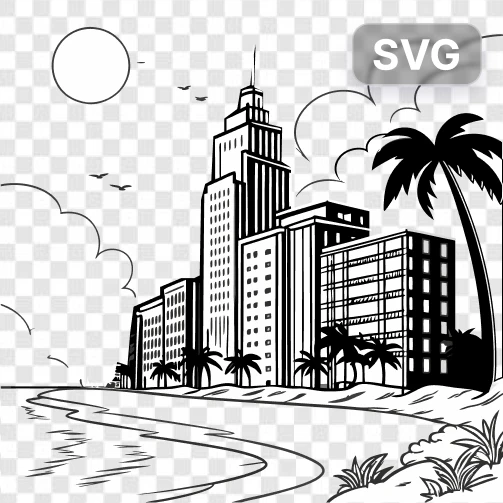
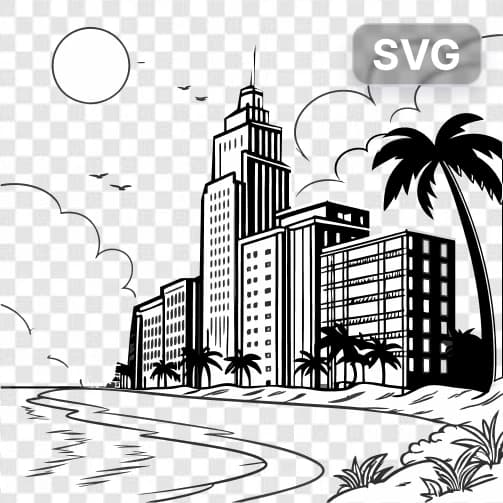
SVG Creator
How to use AI SVG Creator - Generate Vector Graphics from Text
Enter your text prompt
Describe the SVG vector graphic you want to create in clear, detailed text.
Select SVG Creator model
Choose the SVG Creator model to process your text prompt and generate your vector graphic.
Generate and download
Click generate to create your SVG file, then download the scalable vector graphic for immediate use.
Why use AI SVG Creator - Generate Vector Graphics from Text?
Infinitely Scalable Graphics
SVG files maintain perfect quality at any size, making them ideal for logos, icons, and graphics that need to work across different screen sizes and print materials. Never worry about pixelation or quality loss when scaling your designs.
Instant Vector Creation
Transform text descriptions into professional vector graphics in seconds without needing design software or technical skills. Create logos, icons, illustrations, and graphics that would typically require expensive design tools or professional designers.
Web-Ready Format
Generate SVG files that are perfect for websites, apps, and digital projects with small file sizes and crisp rendering. SVG graphics load quickly and display beautifully on all devices, from mobile phones to large desktop screens.
Frequently Asked Questions
How much does it cost to create SVG graphics?
What file formats does the SVG Creator support?
How does the AI SVG Creator work?
Can I use the generated SVG graphics commercially?
How long does it take to generate an SVG graphic?
What types of SVG graphics can I create?
Can I edit the SVG files after generation?
What's the difference between SVG and regular images?
Related AI Tools