Image to SVG
Image to SVG

Image to SVG

Convert images into scalable vector graphics (SVG)
1 credits per image
Input
Image
Select an image to convert to SVG
Output
Click "Generate" to start creating...
Examples

How to use Convert Images to SVG Vector Graphics

1

Upload Your Image

Select and upload the image you want to convert to SVG format. The tool works best with clean, high-contrast images like logos and icons.

2

Choose Conversion Model

Select the Image to SVG model that best suits your conversion needs and image type.

3

Generate SVG

Click convert and let the AI transform your raster image into a scalable vector graphic. Download your SVG file when ready.

Why use Convert Images to SVG Vector Graphics?

Infinite Scalability

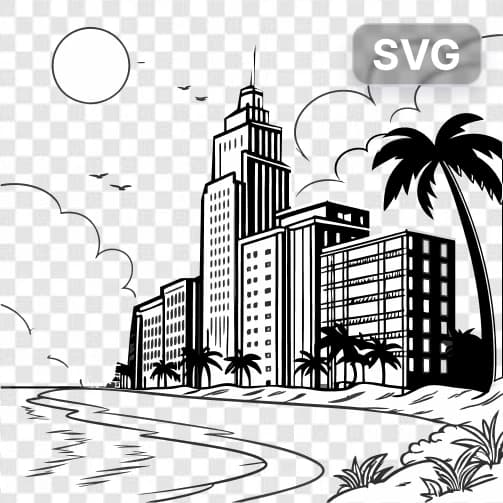
SVG files maintain perfect quality at any size, from tiny icons to billboard-sized graphics. Unlike raster images, vectors never lose clarity when scaled up or down. This makes them ideal for responsive web design and print materials.

Smaller File Sizes

Vector graphics are often much smaller than high-resolution raster images, especially for simple designs. This leads to faster website loading times and reduced bandwidth usage. SVG files are also editable with code, making them developer-friendly.

Professional Quality Output

Convert logos, icons, and graphics into crisp, professional vector formats suitable for any application. Perfect for branding materials, web graphics, and designs that need to work across multiple platforms and sizes.

Frequently Asked Questions

How much does it cost to convert images to SVG?
Artificial Studio uses a credit-based system for all tools. Visit the pricing page at artificialstudio.ai/pricing for current rates and credit packages.
What image formats can I convert to SVG?
The tool accepts common image formats including JPEG, PNG, and other standard raster formats. Upload your image and the AI will convert it to scalable vector graphics.
How does the image to SVG conversion work?
Simply upload your image and select the conversion model. The AI analyzes your image and traces it into vector paths, creating a scalable SVG file that maintains the visual essence of your original image.
Can I use the SVG files commercially?
Yes, you can use the generated SVG files for commercial purposes. The converted vectors are yours to use in logos, websites, marketing materials, and any other business applications.
How long does the conversion take?
The image to SVG conversion typically takes a few seconds to complete. Processing time may vary slightly depending on image complexity and current server load.
What types of images work best for SVG conversion?
Simple images with clean lines, logos, icons, and graphics with solid colors convert best to SVG. Complex photographs with many gradients may not produce optimal vector results.
Can I edit the SVG file after conversion?
Yes, SVG files are editable in vector graphics software like Adobe Illustrator, Inkscape, or even in code editors since SVG is an XML-based format. You can modify colors, shapes, and paths as needed.
What's the difference between SVG and regular image formats?
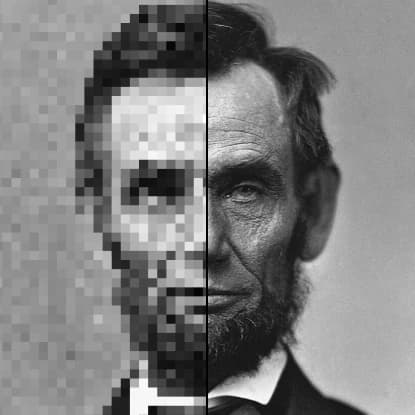
SVG is a vector format that uses mathematical descriptions of shapes, making it infinitely scalable without quality loss. Regular formats like JPEG and PNG are raster images made of pixels that become pixelated when enlarged.

Related AI Tools