Cartoon Sketch Portraits

Cartoon Sketch Portraits

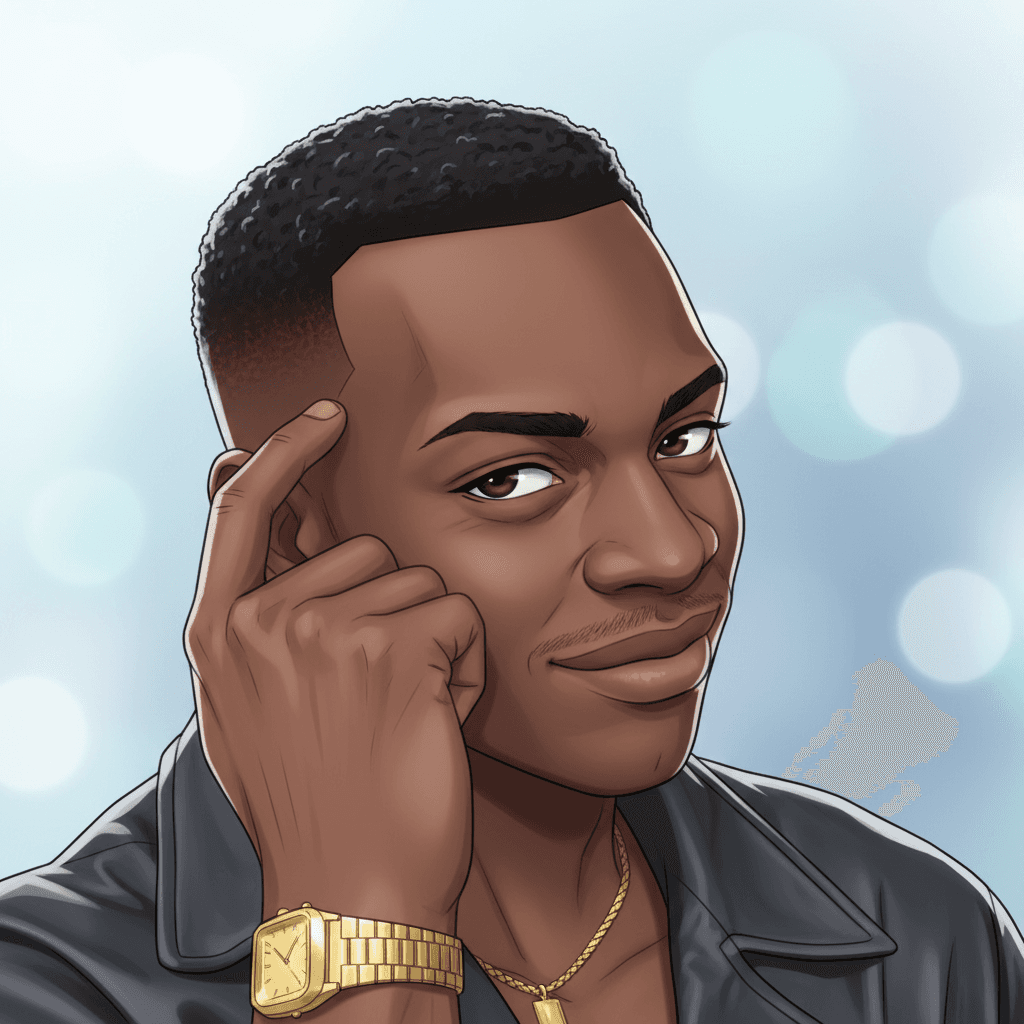
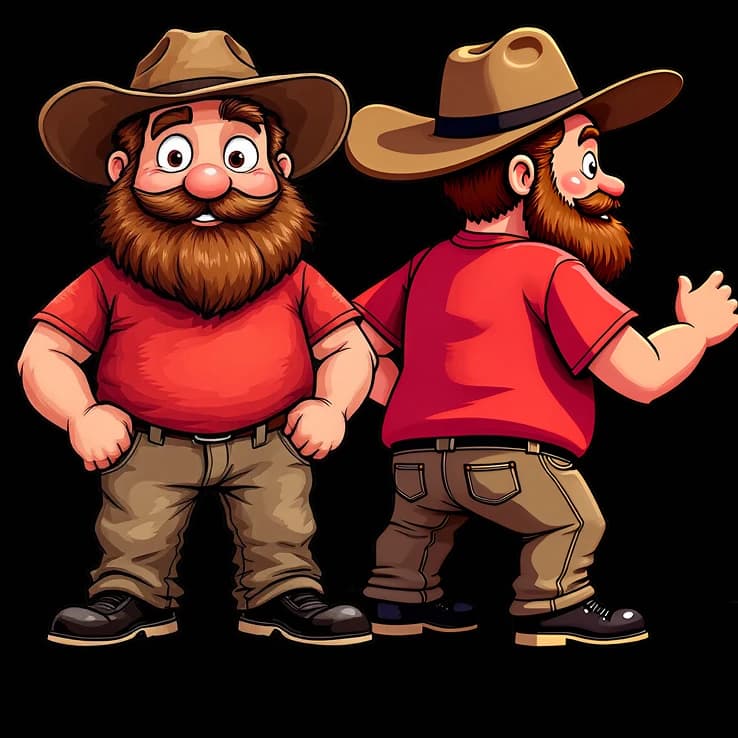
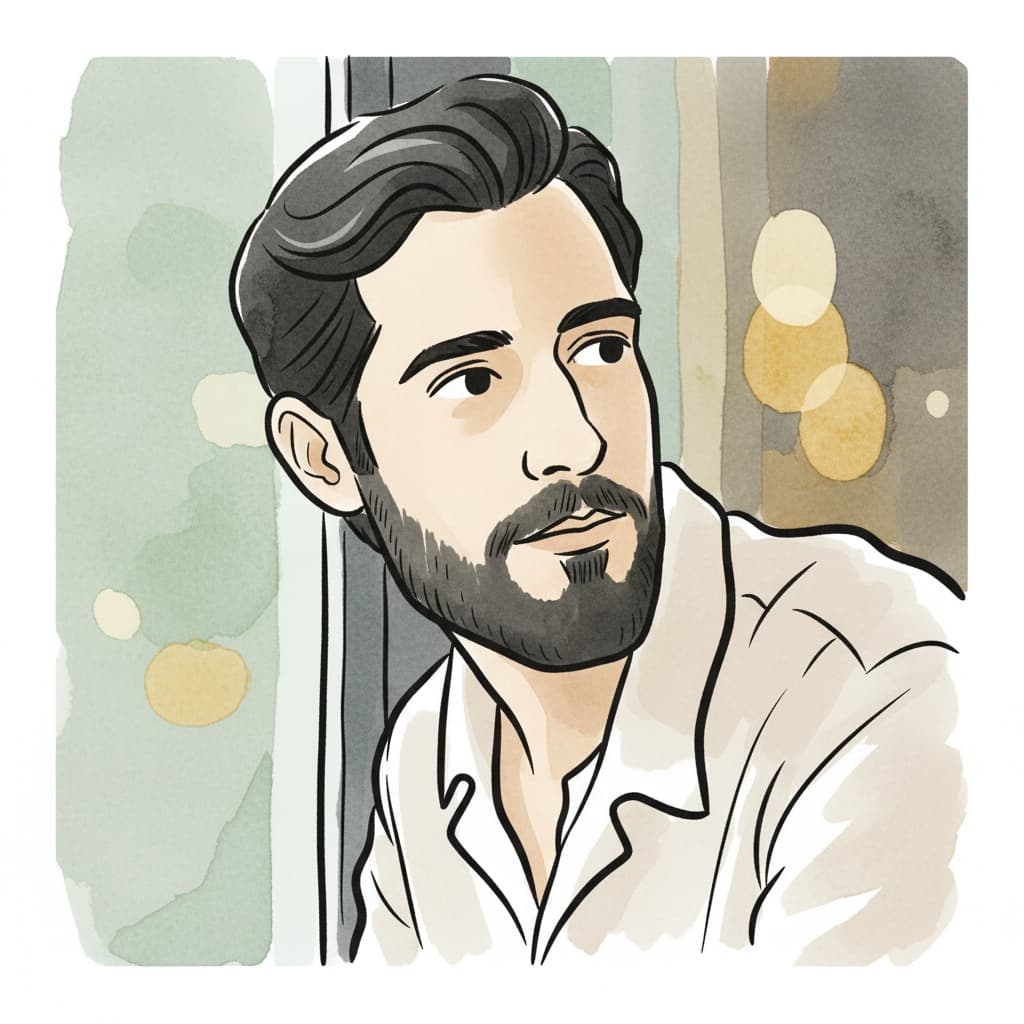
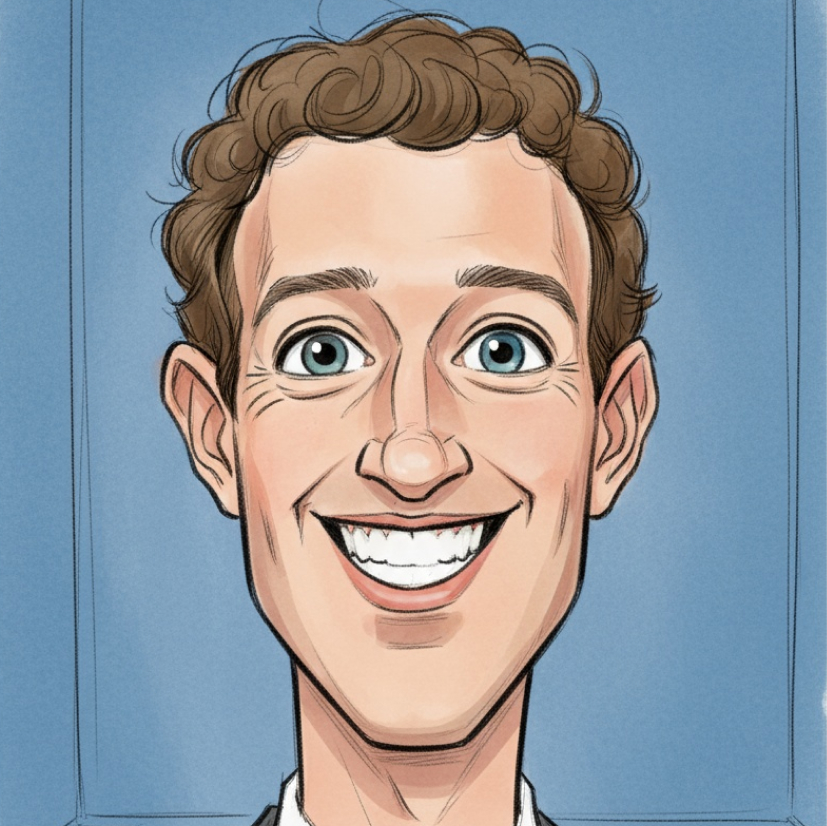
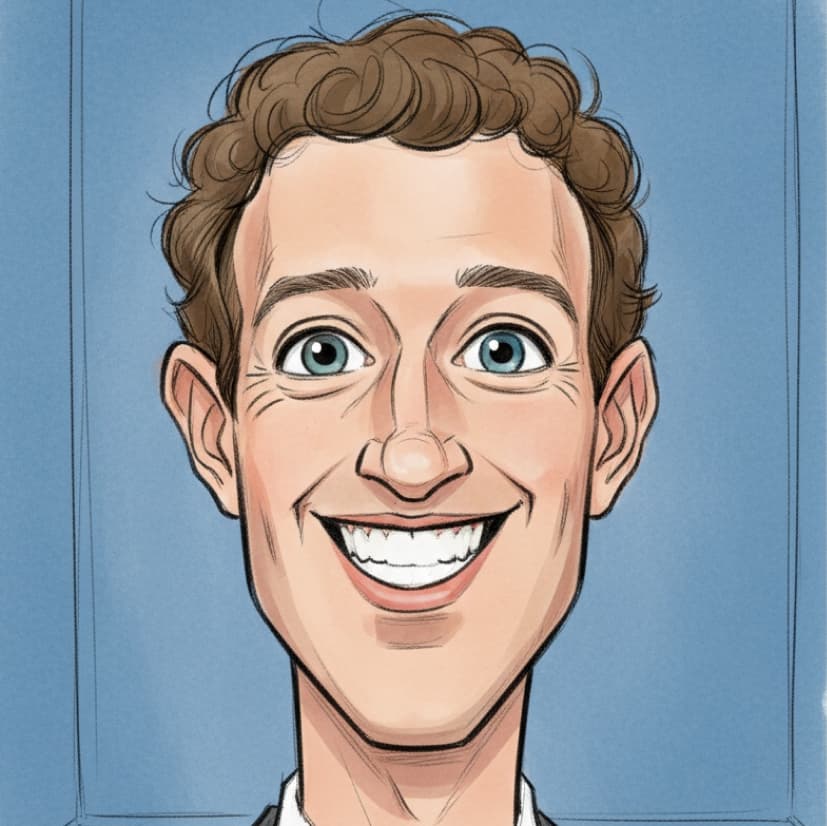
Upload a photo and transform it into a lively cartoon caricature portrait with expressive eyes, dynamic sketch lines, and watercolor-like coloring.
8 credits per image
Input
Images
Select one or more images to edit
Output
Click "Generate" to start creating...
Examples

How to use Cartoon Portrait Generator

1

Upload Your Photo

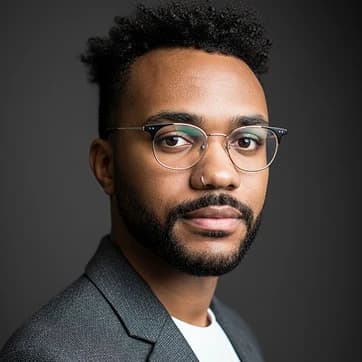
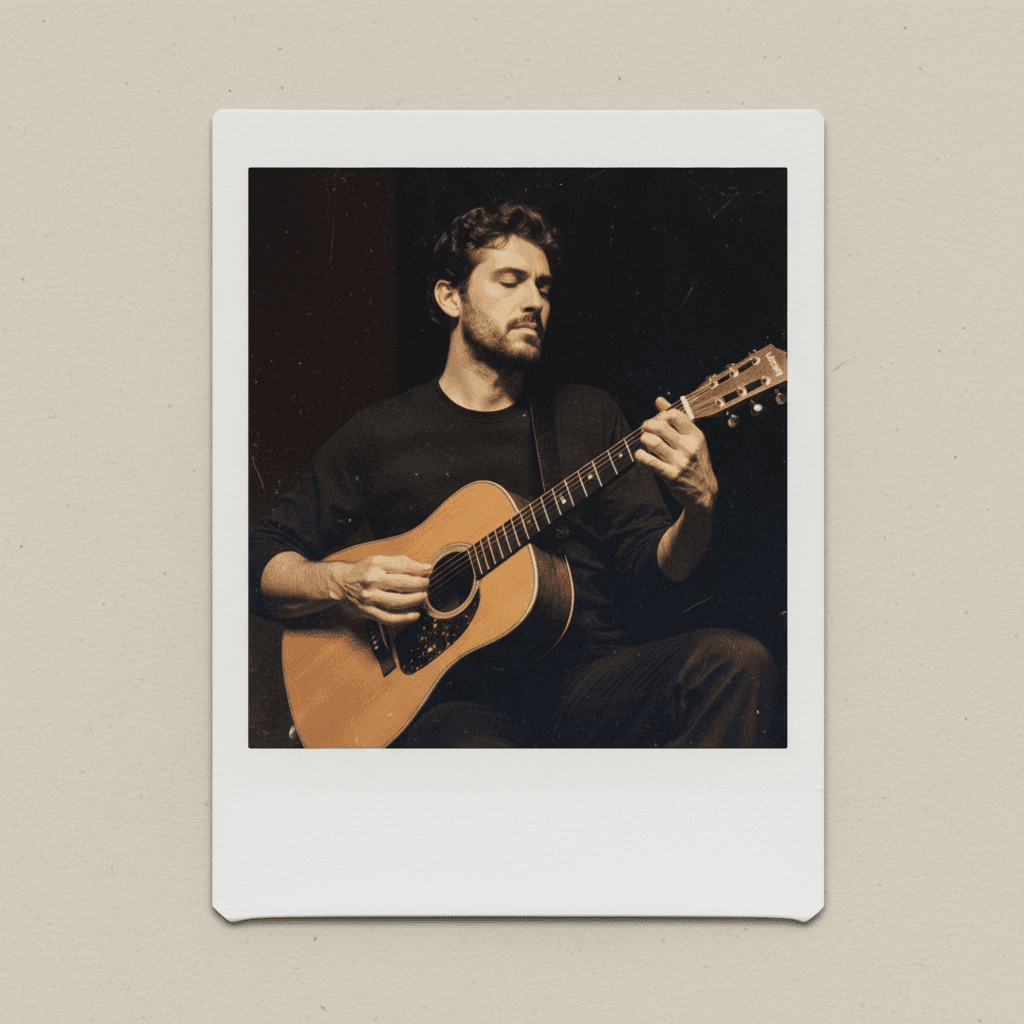
Select and upload any portrait photo you want to transform into a cartoon caricature. The AI works best with clear, well-lit photos of faces.

2

AI Creates Your Cartoon

Our AI automatically transforms your photo into a lively cartoon portrait with expressive eyes, dynamic sketch lines, and watercolor-like coloring effects.

3

Download Your Cartoon Portrait

Once processing is complete, download your new cartoon caricature portrait and use it for social media, gifts, or creative projects.

Why use Cartoon Portrait Generator?

Professional Cartoon Style

Get high-quality cartoon portraits with expressive eyes and dynamic sketch lines that capture personality and character. The AI creates detailed caricatures with watercolor-like coloring that brings your photos to life in an artistic way.

Instant Transformation

Convert any portrait photo into a cartoon caricature in seconds without needing artistic skills or expensive software. The automated process handles all the complex illustration work while maintaining the subject's recognizable features.

Versatile Creative Uses

Perfect for social media avatars, gift creation, profile pictures, creative projects, or personal art collections. The cartoon portraits work great for both personal and professional branding purposes.

Frequently Asked Questions

How much does it cost to create cartoon portraits?
Artificial Studio uses a credit-based pricing system. Visit the pricing page for current rates and available credit packages.
What image formats can I upload for cartoon conversion?
You can upload common image formats including JPEG, PNG, and other standard photo formats. The tool works best with clear portrait photos.
How does the cartoon portrait generator work?
Simply upload a portrait photo and the AI automatically transforms it into a cartoon caricature. The system adds expressive eyes, dynamic sketch lines, and watercolor-like coloring effects to create a lively artistic portrait.
Can I use the cartoon portraits commercially?
Yes, you can use the generated cartoon portraits for commercial purposes. The AI-created artwork becomes yours to use for business branding, marketing materials, or any commercial application.
How long does it take to generate a cartoon portrait?
The cartoon portrait generation typically takes a few seconds to complete. Processing time may vary slightly depending on image size and server load.
What makes a good photo for cartoon conversion?
Clear, well-lit portrait photos with visible facial features work best. Front-facing photos with good contrast and minimal background distractions typically produce the most impressive cartoon results.
Can I create cartoon portraits of multiple people?
The tool is optimized for single-person portraits to ensure the best cartoon caricature results. For group photos, consider cropping individual faces or using each person separately for optimal cartoon effects.
What style of cartoon does the generator create?
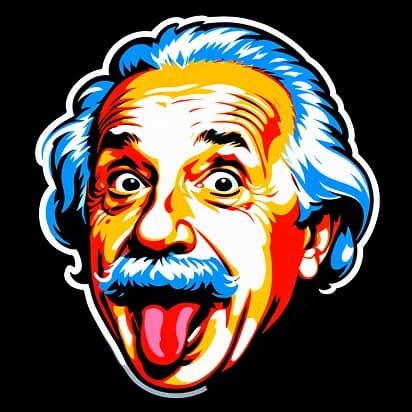
The AI creates lively cartoon caricature portraits with expressive eyes, dynamic sketch lines, and watercolor-like coloring. The style emphasizes personality and character while maintaining recognizable features of the original photo.

Related AI Tools