How to deliver more creative campaigns without hiring more designers
Learn how creative agencies are replacing Runway, Canva, and Photoshop with one AI platform: ArtificialStudio.ai
Every small creative agency knows this pain: clients want fast content at the same price. You can't just keep hiring juniors and Freelancers. And raising prices means losing clients. You need to register at Artificial Studio
The answer is rethinking which parts of your production workflow need an AI.
A growing number of small and mid-size agencies are using AI to handle the repetitive, time-consuming parts of creative production and redirecting their designers to the work that requires taste and strategy.
Here's the workflow breakdown:
Workflow 1: Video production without a production budget
Hiring a production crew, booking locations, casting talent, post-production... Small-to-mid clients simply don't have that budget. AI changes this equation completely.
Turn a text brief into a video
With this tool you describe what you want and get a video back. No location, no actors, no logistics. For clients that need social video content but don't have a $15k production budget, this is the difference between delivering something and delivering nothing.
It's not going to replace a fully directed brand film. But for digital content that needs to move and perform? It gets the job done.
Animate photos and illustrations into video
Take any image like a product shot, a brand illustration, people talking — and turn it into a short animated video with just a text prompt. The Animate Image tool handles the motion. What you get is ready for Instagram or TikTok.
You can even generate the source image first using the Create Image tool, then pipe it straight into Animate Image.
Generate music and sound effects for your ads
This is the part nobody talks about but everyone wastes time on. Scrolling through Epidemic Sound or Artlist for 45 minutes trying to find something that vaguely fits the mood. With the create Music tool, you just describe what you want. Something like "jazz music and a man singing ”capybara are awesome”." and you get a custom track. Then, if your video has a specific moment that needs a sound effect — the capybara falls — the Sound Effects tool generates it from a text description.
Workflow 2: Campaign asset production at volume
Repetitive stuff like social posts, product ads, thumbnails — is where a lot of creative time disappears. AI doesn't replace the creative direction. It replaces the execution of that direction.
Generate social media posts at scale
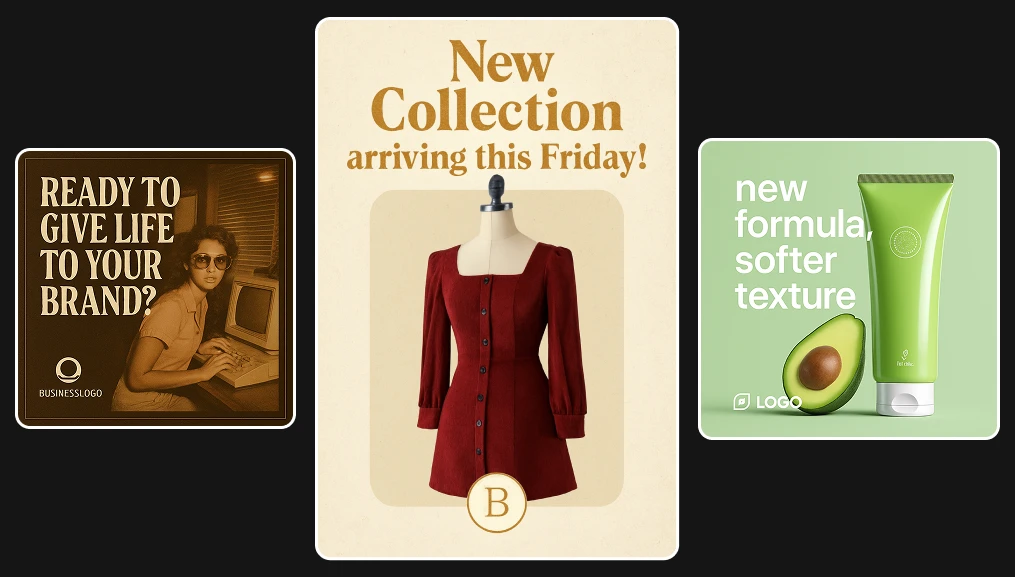
Instead of a designer spending an hour per post in Figma or Canva, the Social Media Post Generator takes a brief and produces branded, text-integrated images ready to publish. A marketer or account manager can run this directly without touching a design tool.
The output isn't generic — it carries the brief's styling and messaging. For agencies managing five or ten clients across multiple platforms, this alone can recover a significant chunk of production time every week.
Turn a product photo into a professional ad
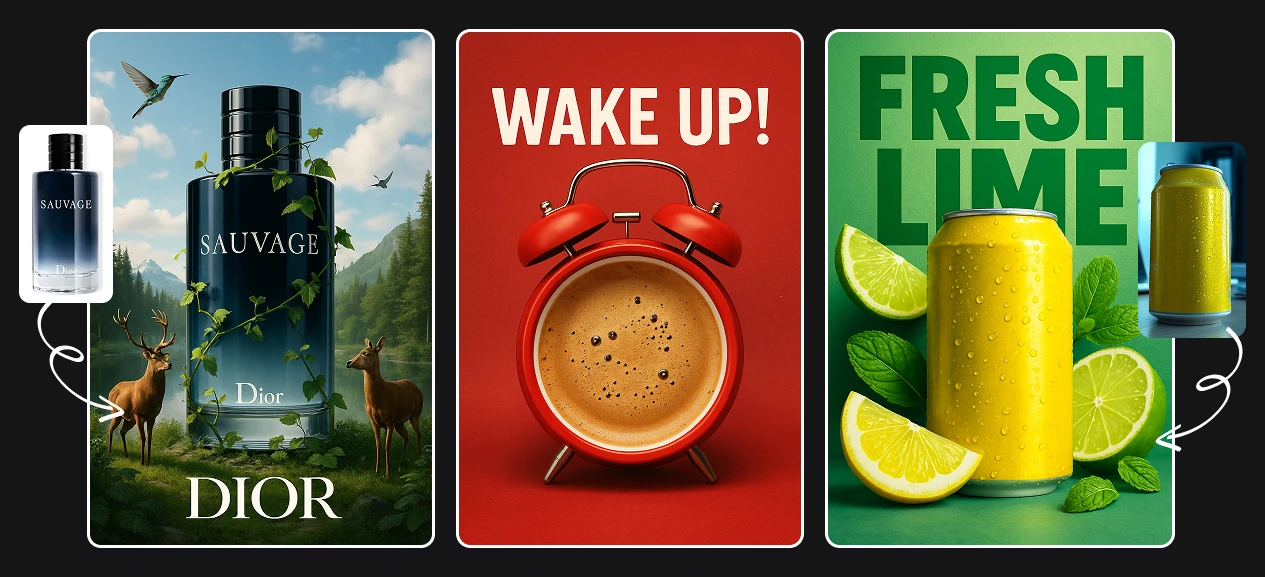
The ad tool takes a product image and generates a full advertising visual: background, lighting, composition. Opening Photoshop and spending an hour on a single execution now takes a few seconds. This is especially useful for e-commerce clients who need a constant stream of product ads across channels.
Workflow 3: Branding and rebranding work
Branding is often a high-margin service, but the early rounds of exploration take time that doesn't always get billed fully. Here's where AI accelerates the parts of the process clients care less about (iterations) so you can spend more time on the parts they care most about (direction and presentation).
Generate logos in minutes
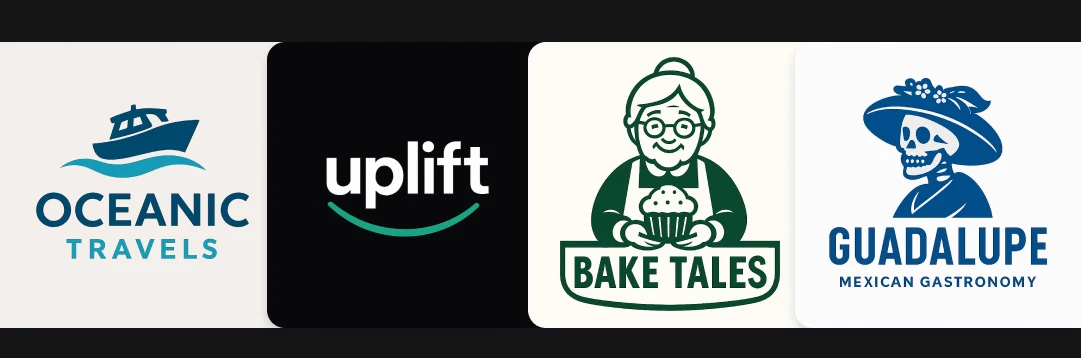
The logo generator lets you input the business name, industry, visual style, and brand colors to get professional logo concepts instantly. For startups and small businesses, it's also dramatically faster than putting them through Canva or Looka and watching them pick something they'll regret in two years.
Show the logo applied to the real world
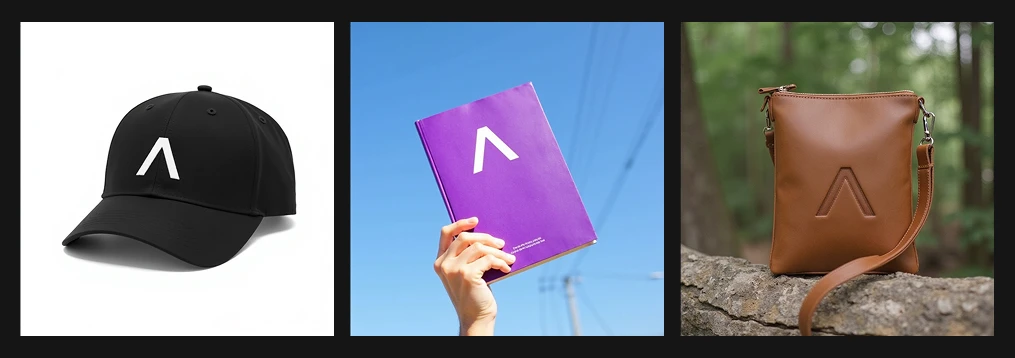
Clients always want to see logos "on stuff." This mokcup generator places the logo on products, materials, and environments without any manual Photoshop work. You can put together a full brand application slide in the time it used to take to set up a single smart object. This makes a brand presentation feel polished and it costs you almost nothing to produce.
Generate packaging concepts fast
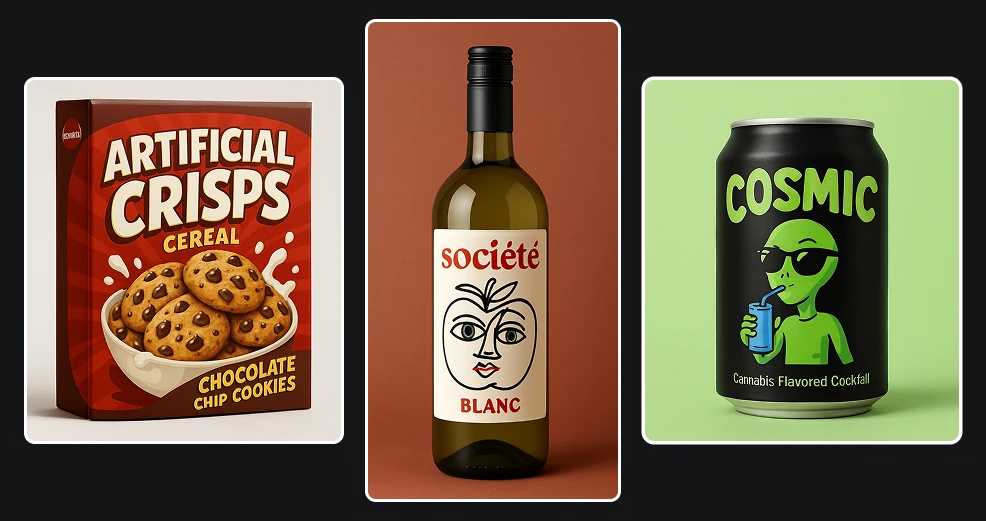
Packaging is one of the most time-intensive deliverables. This AI tool generates high-resolution packaging visuals from a brief: product name, style direction, colors, format (bottle, jar, bag, label). You can show a client five packaging directions in the time it would have taken to finish one in Illustrator. No Adobe license required! ;)
Additional tools worth having in your stack
These show up constantly in agency production:
Video Translate — Translate video content into 150+ languages while preserving the original speaker's voice and syncing mouth movement to the new language. For agencies with clients expanding into new markets, this eliminates the cost of re-shooting.
Style Transfer — Apply the visual style of one image to another. Useful for maintaining a consistent visual identity across different pieces of content without recreating the look from scratch every time.
YouTube Thumbnail Designer — Thumbnail design is one of those tasks that gets triaged to whoever has five minutes. Having a dedicated tool that actually produces good output means your designers stop getting pulled off real work for it.
Event Poster Generator — What used to take a few hours in Illustrator or Figma now takes a minute. Especially useful for agencies that handle event clients and need to produce a lot of variations fast.
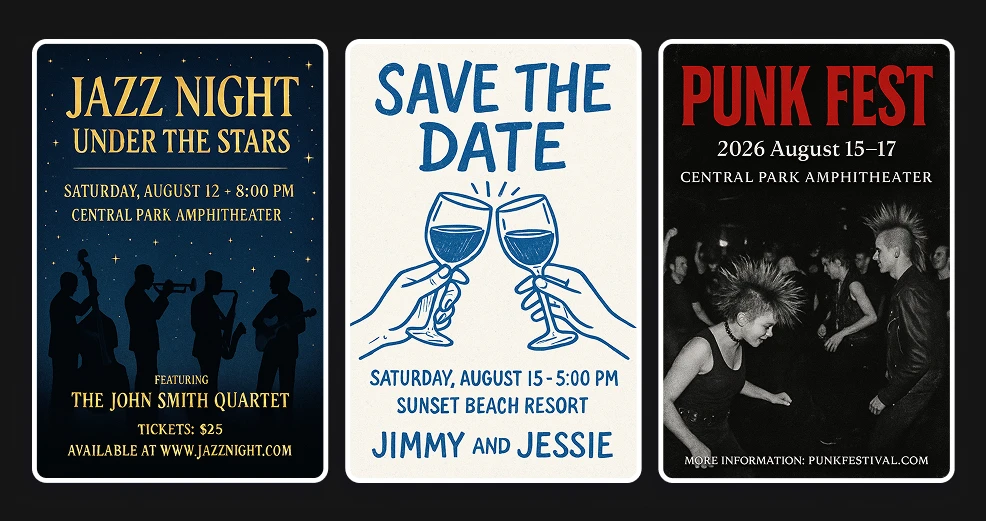
Custom Invitation & Card Designer — AI-designed invitations and cards for weddings, corporate events, product launches, or any client that needs something that feels personal and premium without the custom design cost.
Billboard Ad mockup — Generate a photorealistic billboard mockup in seconds. Great for campaign pitches when you want to show the client how an outdoor execution would look without commissioning actual production.
Video Background Remover — Put a character or subject from any video in the classic green background with one click. Useful for repurposing footage across different campaign contexts without reshooting.
Character Replace — Swap out actors or characters in existing video without reshooting. Useful for adapting content to different markets or campaign variations.
Extend Video — If a client gives you limited footage, this extends it by generating additional frames. A practical fix when assets are scarce and reshooting isn't an option.
Smart Product Scene — Upload a product photo and the tool automatically generates a professional advertising scene around it. No prompt needed. One click and you have a first version to show the client.
The result is producing two or three times the output without adding a single seat.
Most agencies are still running the same production model they were running five years ago. With all these AI tools, the creative team can focus on strategy, direction, and the decisions that clients are really paying for.
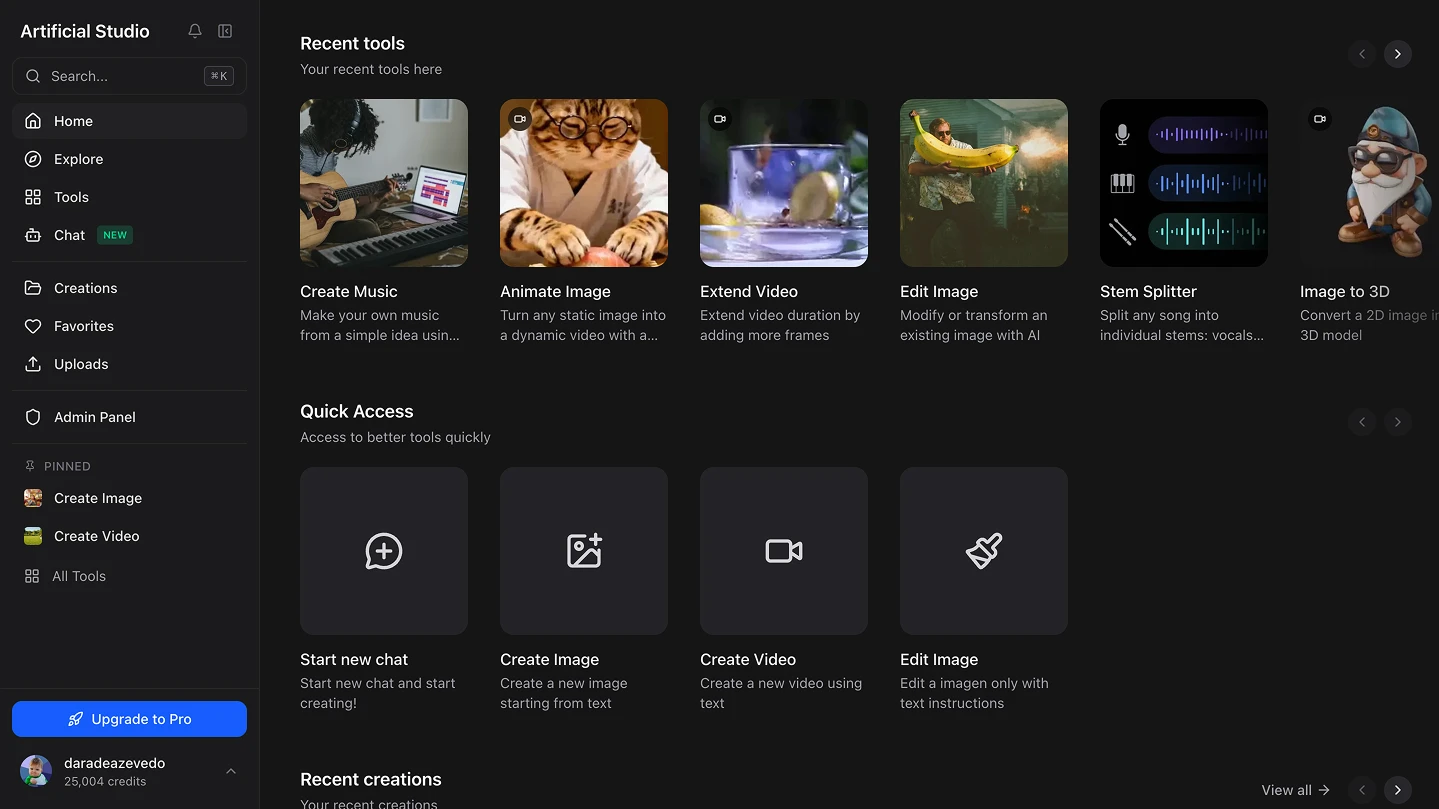
Artificial Studio is built specifically for this, a platform with 50+ tools covering video, image, audio, and branding — all in one place. The subscription that replaces Runway, Canva, Epidemic Sound, Looka, and several Photoshop tools at once. The team doesn't get smaller. The output gets bigger.