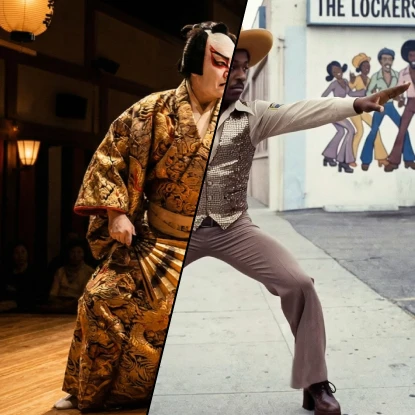
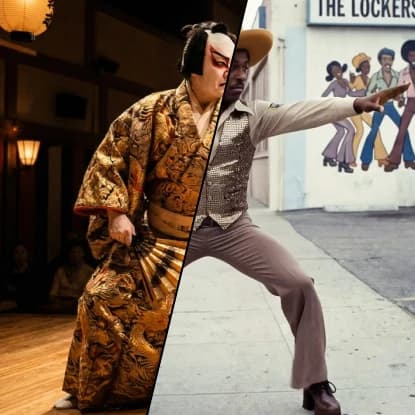
Motion Transfer
Related AI Tools

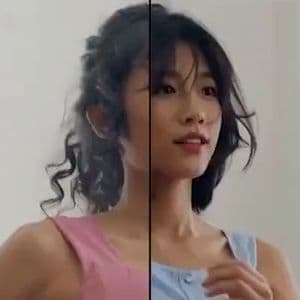

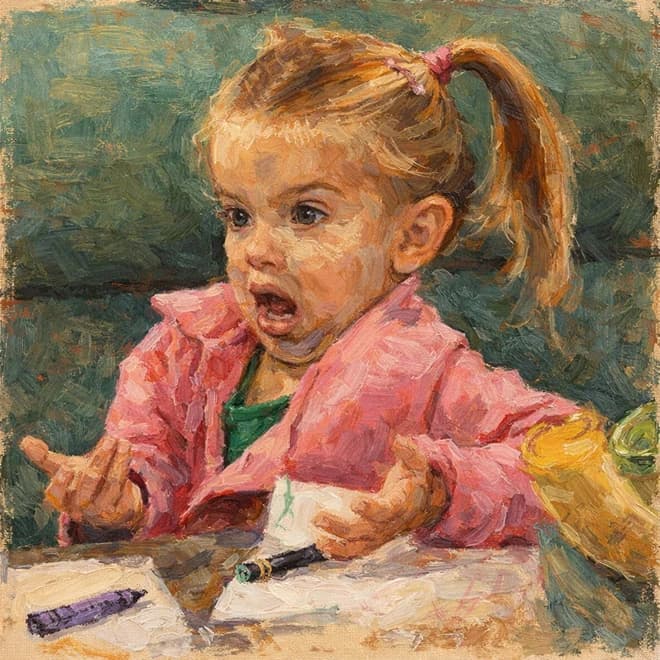


How to use AI Motion Transfer Tool
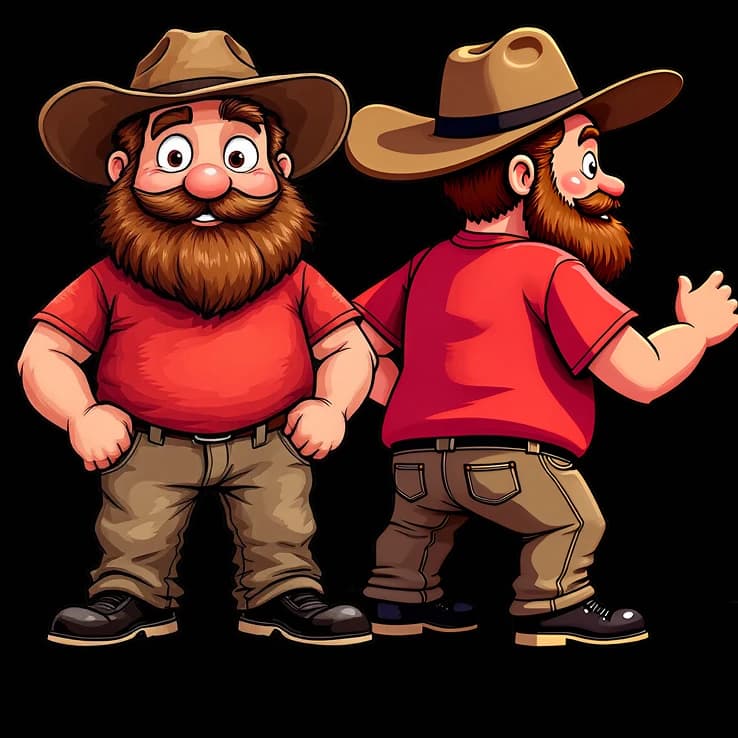
Upload Character Image
Start by uploading the character image you want to animate with transferred motion.
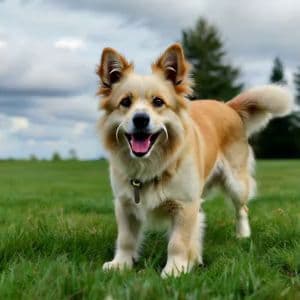
Add Reference Video
Upload the reference video containing the movements you want to transfer to your character.
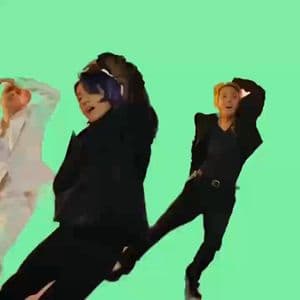
Select Model & Generate
Choose from available Kling models and let AI transfer the motion to create your animated video.
Why use AI Motion Transfer Tool?
Realistic Motion Transfer
Advanced AI analyzes movement patterns from reference videos and applies them naturally to your character images. The technology preserves the original character's appearance while seamlessly integrating new movements, creating believable animations.
Multiple Model Options
Choose from various Kling models including 3.0 Pro, 3.0 Standard, 2.6 Pro, and 2.6 Standard to match your quality and performance needs. Each model offers different capabilities for motion transfer precision and output quality.
Creative Animation Freedom
Transform static character images into dynamic videos by borrowing movements from any reference footage. Perfect for creating character animations, dance videos, action sequences, or bringing artwork to life with realistic motion.