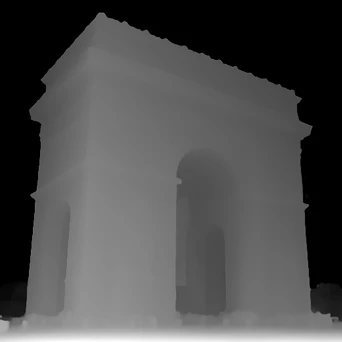
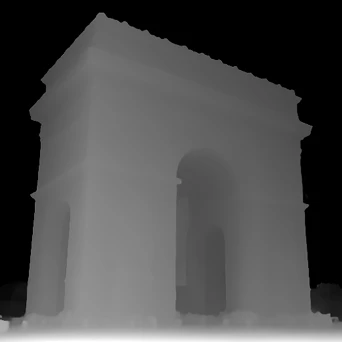
Image Depth Map
Related AI Tools
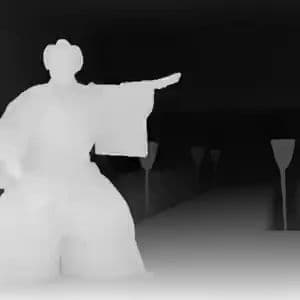



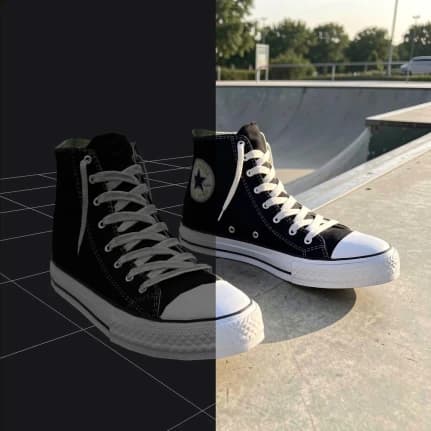





How to use AI Depth Map Generator
Upload Your Image
Select and upload any 2D image you want to convert to a depth map. Common image formats are supported for processing.
Choose Model Settings
Select the depth map model that best suits your image type and desired output quality.
Generate Depth Map
Click generate and let the AI analyze your image to create an accurate depth map showing the spatial relationships in your photo.
Why use AI Depth Map Generator?
Professional 3D Effects
Transform flat images into depth-aware content perfect for 3D applications, AR/VR projects, and stereoscopic effects. The AI accurately identifies foreground and background elements to create realistic depth information.
Easy Integration
Generated depth maps work seamlessly with 3D software, game engines, and visual effects applications. Use them for portrait mode effects, 3D reconstruction, or as input for other AI tools that require depth information.
Accurate Depth Detection
Advanced AI models analyze your images to create precise depth maps that capture fine details and spatial relationships. Perfect for photography enhancement, content creation, and technical applications requiring depth data.