Remove text from any image

Remove text from any image

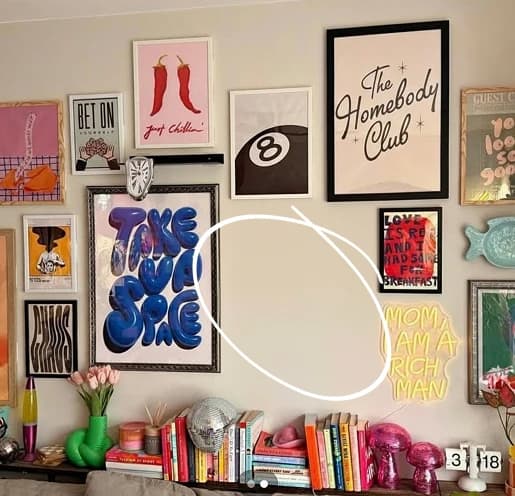
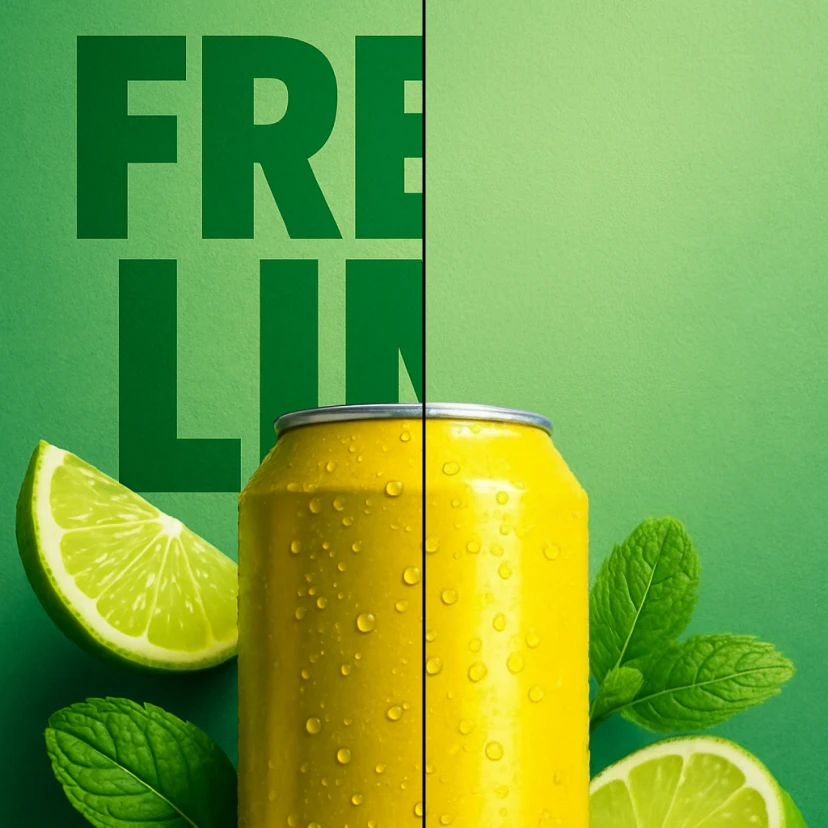
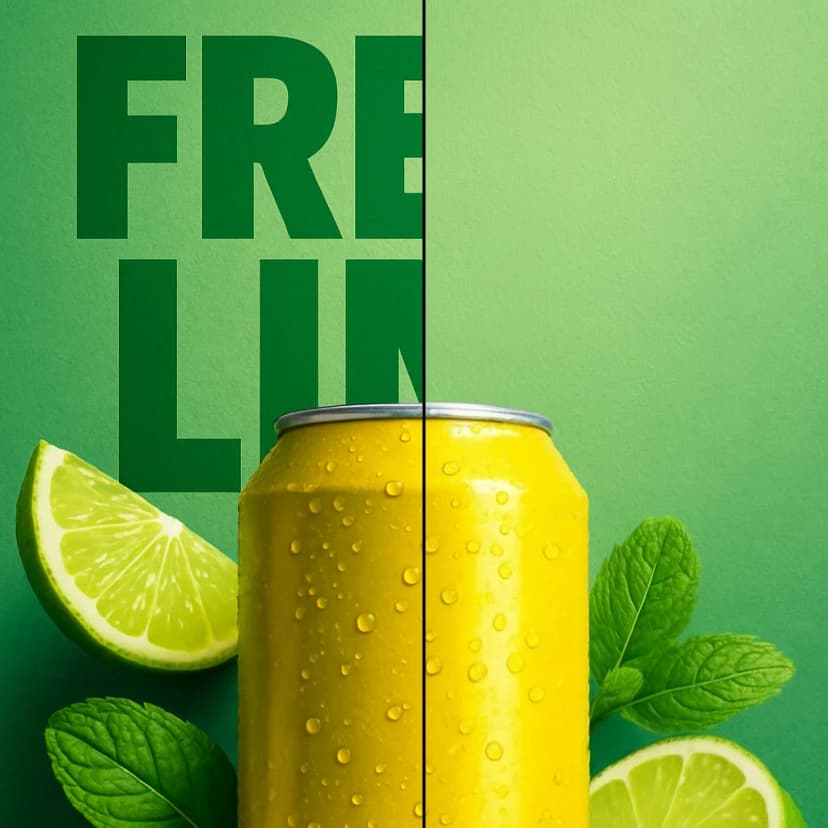
Remove unwanted text from any image while keeping the background clean and natural. Perfect for cleaning posters, flyers, or product photos.
8 credits per image
Input
Images
Select one or more images to edit
Output
Click "Generate" to start creating...
Examples

How to use Remove Text from Any Image with AI

1

Upload Your Image

Select and upload the image containing unwanted text that you want to remove. The tool accepts common image formats.

2

AI Processing

Our AI automatically detects and removes text while intelligently reconstructing the background to maintain a natural appearance.

3

Download Clean Image

Get your processed image with all text removed and the background seamlessly restored in just seconds.

Why use Remove Text from Any Image with AI?

Preserve Natural Backgrounds

Advanced AI technology removes text while intelligently reconstructing backgrounds to maintain realistic textures and patterns. Your images look naturally clean without obvious editing marks or artifacts.

Perfect for Marketing Materials

Clean up posters, flyers, and promotional materials by removing outdated text or unwanted watermarks. Ideal for repurposing existing designs or preparing images for new campaigns.

Professional Photo Restoration

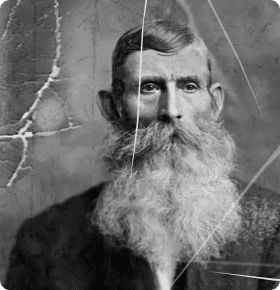
Remove text overlays from product photos, vintage images, or social media content. Perfect for e-commerce sellers, graphic designers, and content creators who need clean base images.

Frequently Asked Questions

How much does it cost to remove text from images?
Artificial Studio uses a credit-based pricing system. Visit the pricing page for current rates and credit packages.
What image formats are supported for text removal?
The tool works with common image formats including JPEG, PNG, and other standard file types. Upload your image to check compatibility.
How does the AI text removal work?
Simply upload your image and the AI automatically detects and removes all text elements. The system uses advanced algorithms to reconstruct backgrounds naturally, maintaining the original image quality and appearance.
Can I use the edited images commercially?
Yes, you can use the processed images for commercial purposes. However, ensure you have proper rights to the original image before editing.
How long does text removal take?
The AI processing typically takes just a few seconds to complete. You'll receive your clean image quickly without waiting.
Will the background look natural after text removal?
Yes, our AI specializes in maintaining natural-looking backgrounds. The technology intelligently reconstructs the areas where text was removed, preserving textures, patterns, and lighting.
Can I remove text from complex backgrounds?
The AI works effectively on various background types, from simple solid colors to complex patterns and textures. It adapts to different image styles for optimal results.
What types of text can be removed?
The tool can remove various text elements including watermarks, captions, logos, and any written content overlaid on images. It works on both printed and digital text.

Related AI Tools