Create passport photos online

Create passport photos online

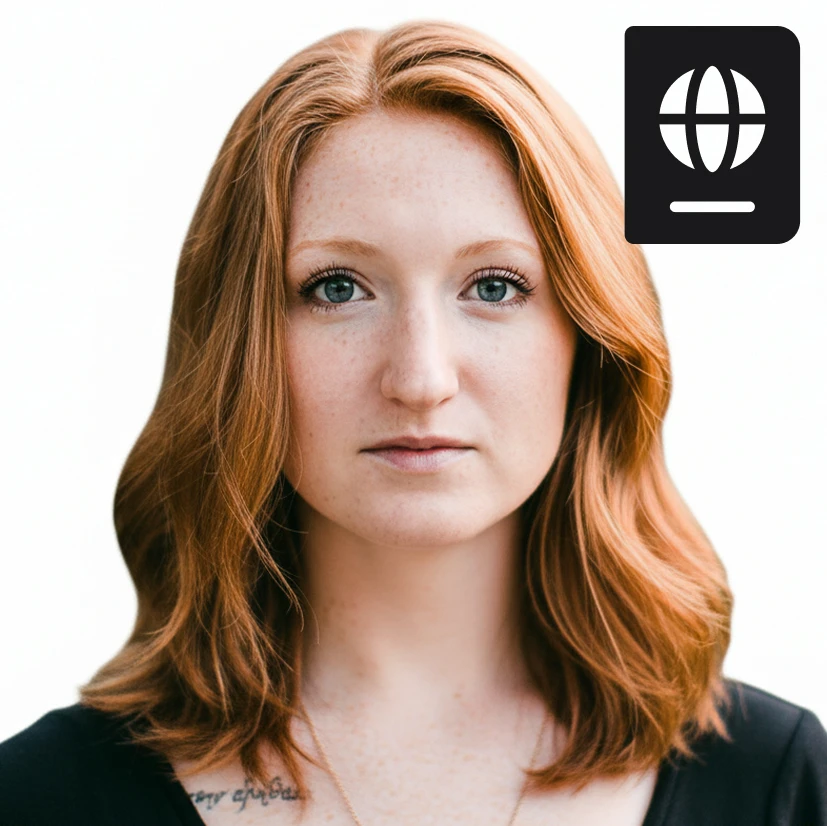
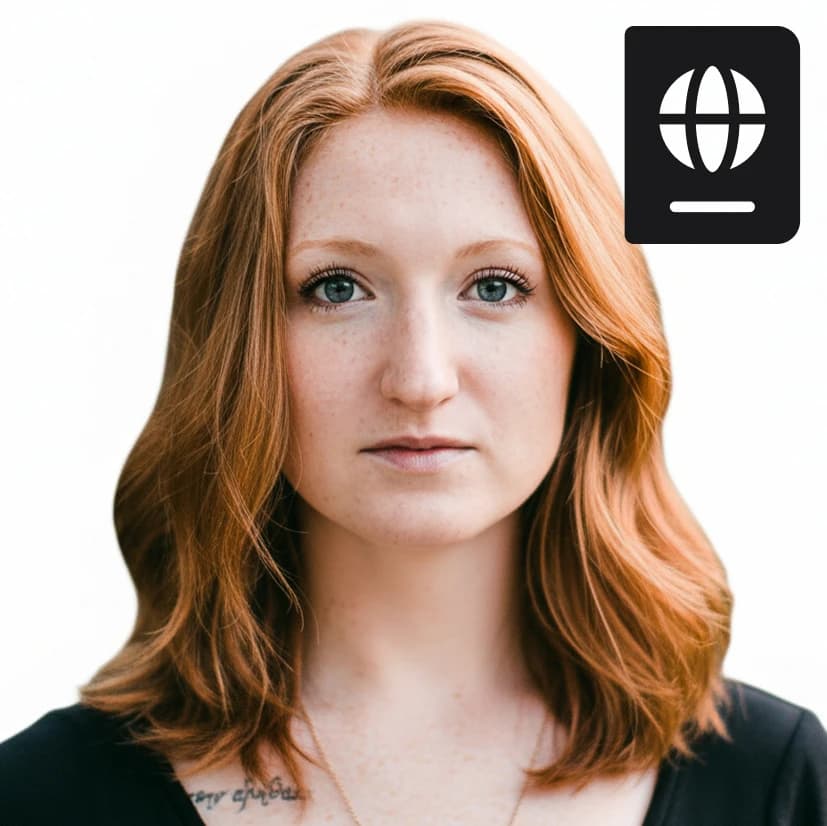
Turn any photo into a compliant passport or ID photo. Automatically crop, resize, and clean the background for official use.
8 credits per image
Input
Images
Select one or more images to edit
Output
Click "Generate" to start creating...
Examples

How to use Create Passport Photos Online

1

Upload Your Photo

Upload any photo you want to convert into a passport photo. The tool accepts standard image formats and works with various photo types.

2

Automatic Processing

The AI automatically crops your photo to passport dimensions, removes or cleans the background, and ensures compliance with official requirements.

3

Download Your Passport Photo

Get your professionally formatted passport photo ready for official documents, visa applications, or ID cards.

Why use Create Passport Photos Online?

Official Compliance Guaranteed

Automatically formats photos to meet passport and ID photo requirements including proper dimensions, background, and positioning. Eliminates the guesswork and ensures your photos meet official standards for government documents.

Professional Background Cleaning

Removes messy backgrounds and replaces them with clean, compliant backgrounds suitable for official documents. No more worrying about background requirements or photo booth visits.

Instant Results

Skip the photo booth lines and expensive studio visits. Create professional passport photos from any existing photo in seconds, saving both time and money while ensuring quality results.

Frequently Asked Questions

How much does it cost to create passport photos?
Artificial Studio uses a credit-based system for all tools. Visit the pricing page at artificialstudio.ai/pricing for current rates and credit packages.
What photo formats can I upload?
The tool accepts common image formats including JPEG, PNG, and other standard photo file types. Upload any clear photo of yourself for best results.
How does the passport photo generator work?
Simply upload your photo and the AI automatically handles the rest. It crops to passport dimensions, removes or cleans the background, and ensures the photo meets official requirements for passport and ID documents.
Are the photos compliant with official requirements?
Yes, the tool automatically formats photos to meet standard passport and ID photo requirements including proper sizing, background, and positioning standards used by government agencies.
How fast is the processing?
Passport photo creation typically takes a few seconds. The AI quickly analyzes your uploaded photo and generates a compliant passport photo ready for download.
Can I use these photos for official documents?
Yes, the generated passport photos are designed to meet official requirements for passports, visas, ID cards, and other government documents. Always check specific requirements for your intended use.
What if my original photo has a busy background?
The tool automatically removes or cleans busy backgrounds and replaces them with compliant backgrounds suitable for official documents. This eliminates common rejection reasons for passport photos.
Do I need to pose in a specific way?
For best results, use a photo where you're facing forward with a neutral expression. The AI will handle cropping and formatting, but starting with a clear, front-facing photo ensures optimal results.

Related AI Tools