How to make designs to sell on Redbubble without Photoshop (free)
Make designs to sell on Redbubble without Photoshop. Create the artwork with AI, remove the background for free and upscale it to print size, all in your browser.
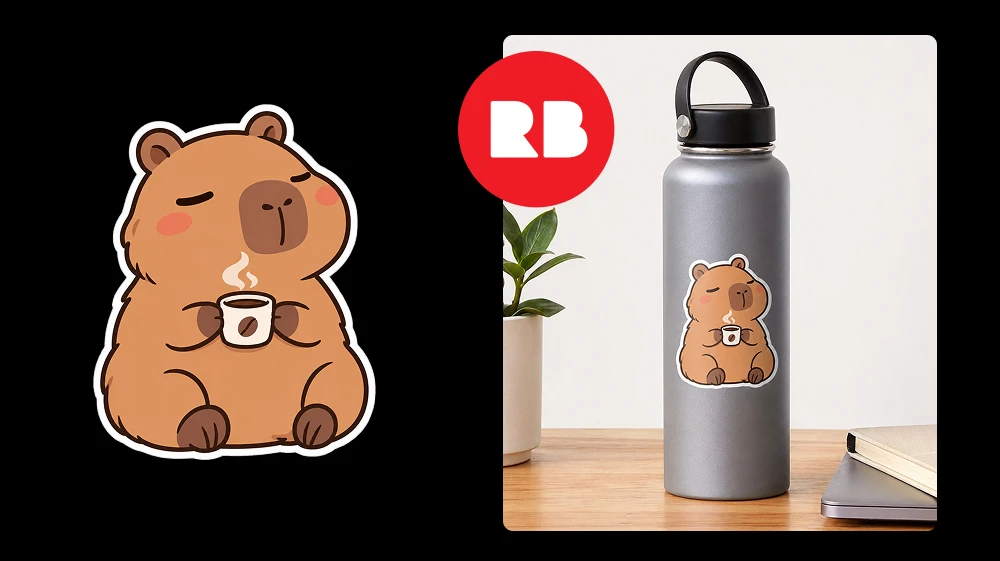
Redbubble prints your design on t-shirts, stickers, mugs and posters, ships it and pays you a cut. What you need is the design: a high-resolution PNG with a transparent background, big enough to print sharp on every product.
Making that file means a subscription to Photoshop or Illustrator and hours of work. With Artificial Studio you can do everything in your browser: create the artwork, remove the background and upscale it to print size. And you can do it for free.
Step 1: Create the design in Create Image
Open Create Image and describe the design you want to sell. Think of it as a product, not just an image. Name the subject, the style and how it should look on its own, without a scene behind it.
For example:
A sleepy capybara holding a tiny cup of coffee, cute cartoon style, thick clean outlines, flat pastel colors, isolated on a plain background, sticker design
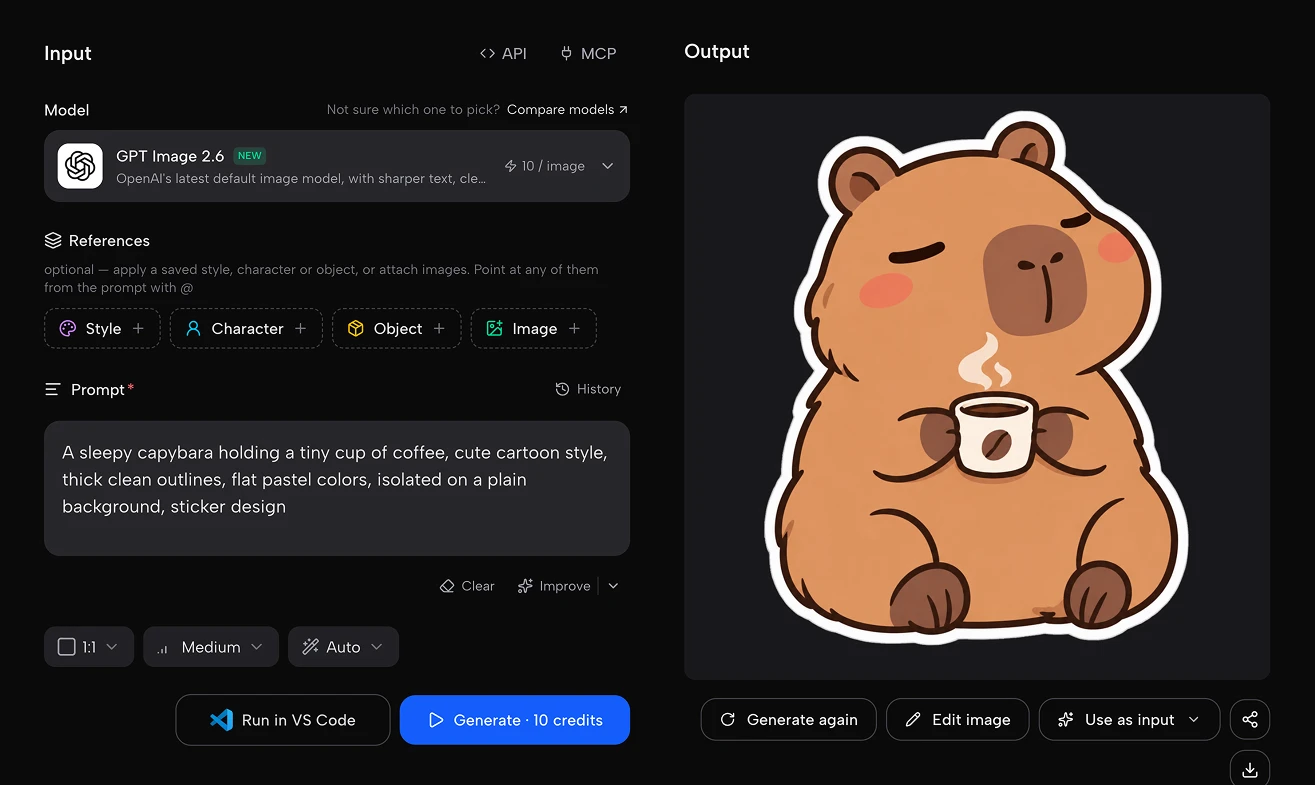
Choose the model based on the design:
- GPT Image 2.6: our pick for most designs. It has a Background option: set it to Transparent and the design comes out ready, with no background to remove.
- Ideogram 4.6: the best choice when the design is mostly text, like a quote or a funny phrase on a t-shirt.
- Nano Banana 2.1: great for detailed illustrations, and it can generate at up to 4K.
💡 Designs that sell on print-on-demand are simple: one clear subject, bold shapes, thick outlines and a few colors. Tiny details and soft gradients look great on screen but get lost on a sticker or a t-shirt.
Not quite right? Change a word or two and generate again. Make several versions and keep the best.
Step 2: Remove the background (free)
If your image didn't come out with a transparent background, open Remove Background, upload your design and press Generate. It's completely free, every time. In seconds you'll get a PNG with a transparent background.
This matters more than it seems. Redbubble needs a transparent background to cut stickers to the shape of your design, and to print t-shirts without a white box around the artwork.
💡 Zoom in before you download. Redbubble recommends checking for stray pixels around the design, because every leftover dot gets printed too.
Step 3: Upscale it to print size
AI images usually come out at around 1024×1024 pixels, too small to print sharp. Redbubble recommends 2800×2800 pixels for stickers so the design works on every sticker size, and t-shirts and posters need even bigger files. When you upload a design, Redbubble shows you the recommended size for each product.
Open Upscale Image, upload your PNG and press Generate. The AI increases the resolution and sharpens the edges, so the design prints clean instead of blurry. It costs 6 credits per megapixel, about 6 credits for a 1024×1024 design. If it's still under the size you need, upscale it again.
Step 4: Upload it to Redbubble
Go to your Redbubble account, click Add New Work and upload the PNG. Redbubble places your design on every product automatically. Go through them one by one: turn off the products where it doesn't fit, and adjust the size and position on the ones you keep.
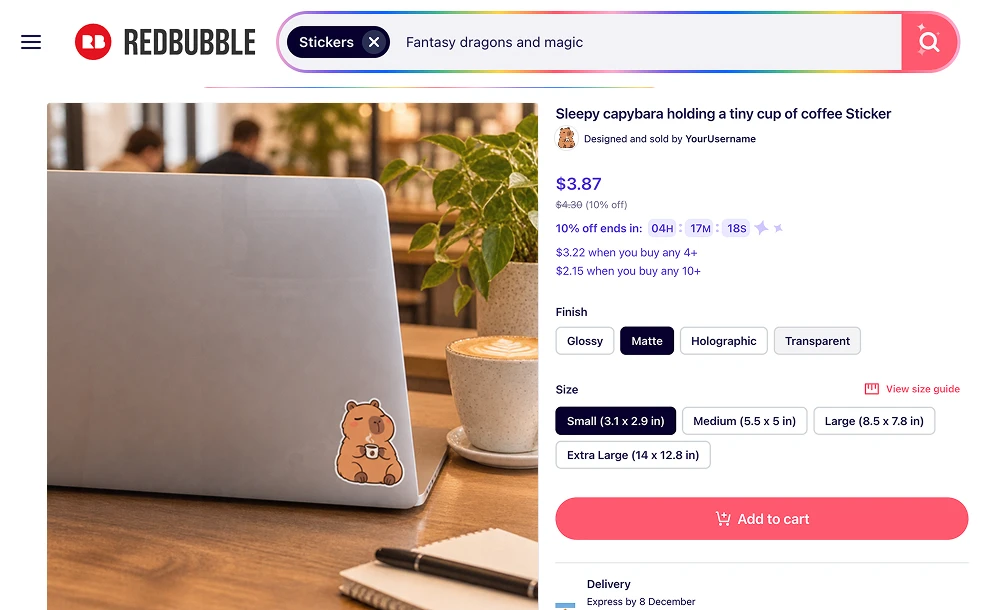
Then write a clear title, a short description and the tags your buyers would search, like capybara sticker, cute coffee gift or kawaii animal. Tags are how people find your design on Redbubble.
Step 5: Promote it with mockups
Redbubble makes product previews for you, but they all look the same as everyone else's. To promote your designs on Instagram, Pinterest or TikTok, make your own lifestyle mockups with the Logo Mockup Generator: upload the design and describe the scene, like:
A black baseball cap on a cream background, 3/4 view
this image as a small sticker in the corner of the laptop on a desk in a cozy café
A natural cream canvas tote bag with this image. The tote rests on a rustic wooden bakery counter, with a crusty sourdough loaf and a baguette peeking out of the top, a light dusting of flour on the counter. Soft warm morning window light, shallow depth of field, editorial lifestyle product photography, photorealistic.
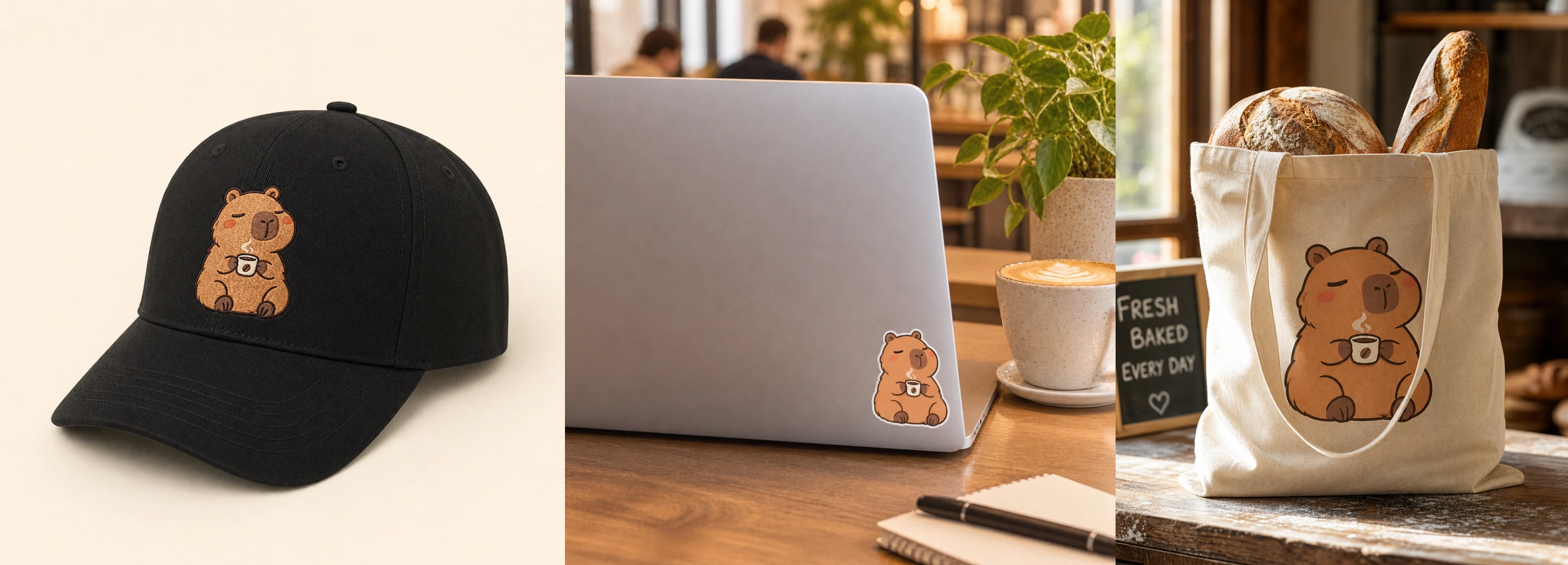
We show how in How to mock up a logo on merch without Photoshop.
Turn one design into a collection
One design rarely makes a shop. A collection of designs in the same style does, because buyers who like one often buy two or three. Artificial Studio has three tools that help:
- Keep the same style. Save 4 of your designs as a Style in Concepts and apply it to every new one, so the whole shop looks like it was made by the same artist. We explain how and why here.
- Make color variants. Use Color Palette to turn one design into a pastel, a dark and a holiday version. Here's how to do it without Photoshop.
- Add all-over prints. Leggings, scarves and duvet covers need a repeating pattern. Make one with the Seamless Texture Generator, as in our guide to making them for Spoonflower.
What you can sell (and what you can't)
The designs you create on Artificial Studio are yours, including the right to sell them. But Redbubble has its own rules, and some designs get taken down no matter how you made them:
- No brands, logos or trademarks you don't own.
- No famous characters, from movies, cartoons, games or anime.
- No real people, like celebrities or public figures.
Stick to original ideas: your own characters, animals, jokes, quotes and niches. They're also the ones that compete less with the millions of designs already on Redbubble. Before uploading a large catalog, check Redbubble's current content guidelines.
Who this is for
This is for artists and illustrators who want to sell their style on products without learning Photoshop, for side hustlers building a print-on-demand shop as a second income, and for small creators who want merch for their audience. It's also useful for sellers already on Redbubble who need to publish more designs, faster, without spending hours on each file.
The problem it solves is time. On print-on-demand, the shops that sell are the ones with many designs. If each one takes an afternoon in Photoshop, you'll publish a few a month. With this process, you can make a design in minutes.
Do it from Claude
Building a whole collection? Ask Claude to do it with the Artificial Studio MCP:
Make 10 sticker designs of cute animals drinking coffee, in a kawaii cartoon style with thick outlines and pastel colors. Use GPT Image 2.6 with a transparent background, then upscale each one and give me the links.
Claude writes each prompt, generates the designs, upscales them and gives you the download links. It uses the same credits as the web tools.
To connect it:
- Claude (web or desktop): go to Settings → Connectors → Add custom connector and paste https://api.artificialstudio.ai/mcp.
- Claude Code: run claude mcp add --transport http artificial-studio https://api.artificialstudio.ai/mcp.
The first time you use it, a window opens to sign in to Artificial Studio. No API key needed.
Running a print-on-demand business at scale? The same tools are available through the Artificial Studio API.
This process is FREE
Artificial Studio gives you 20 free credits every day, with no card required. A design with GPT Image 2.6 costs 10 credits, removing the background is free and upscaling a 1024×1024 design costs about 6 credits. That's 16 credits, so you can make one Redbubble-ready design every day for free.
Want to fill your shop faster? With $9 you get 1,300 credits, enough for about 80 designs, ready to upload. That's about 11 cents per design.
Your free credits reset tomorrow either way!