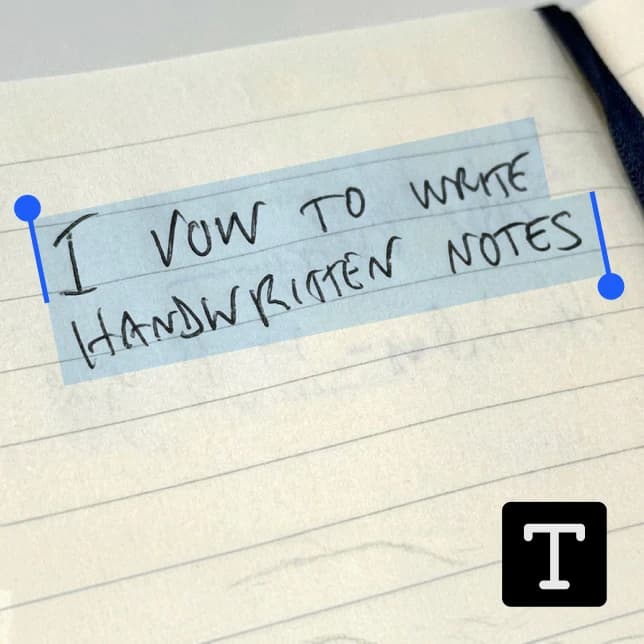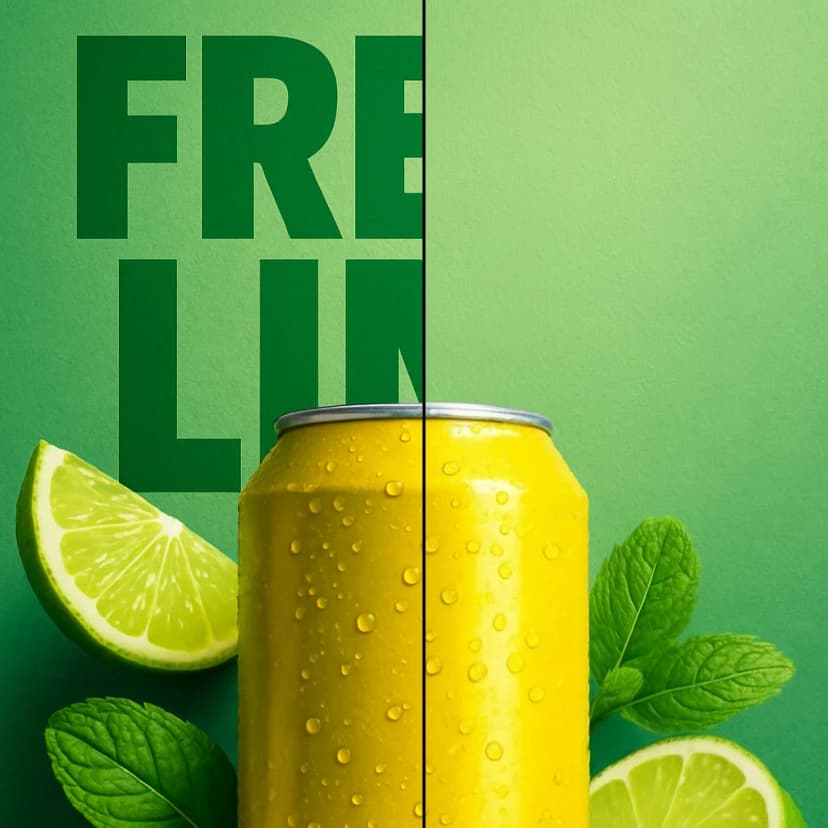
Image to Text
Image to Text

Image to Text

Generate detailed descriptions of images using AI
1 credits per text
Input
Image
Upload the image you want to describe
Output
Click "Generate" to start creating...
Examples

How to use AI Image to Text Generator

1

Upload Your Image

Select and upload the image you want to analyze from your device. The tool supports common image formats for analysis.

2

Choose AI Model

Select the Florence 2 model for optimal image description generation. This advanced AI model provides detailed and accurate text descriptions.

3

Generate Description

Click generate and receive a comprehensive text description of your image within seconds. The AI analyzes visual elements, objects, scenes, and context.

Why use AI Image to Text Generator?

Advanced AI Analysis

Powered by Florence 2, our tool provides sophisticated image understanding capabilities. It identifies objects, scenes, actions, and contextual details with remarkable accuracy. Perfect for accessibility, content creation, and automated workflows.

Detailed Text Output

Generate comprehensive descriptions that capture both obvious and subtle elements in your images. The AI describes composition, colors, emotions, settings, and relationships between objects. Ideal for creating alt text, captions, or content summaries.

Instant Processing

Transform your images into text descriptions in seconds using cutting-edge computer vision technology. No manual analysis required - simply upload and receive professional-quality descriptions. Streamline your workflow with automated image understanding.

Frequently Asked Questions

How much does the image to text tool cost?
Artificial Studio uses a credit-based pricing system. Visit the pricing page for current rates and credit packages that suit your needs.
What image formats are supported?
The tool supports common image formats including JPEG, PNG, and other standard formats. Upload your image and the AI will analyze it regardless of the specific format.
How does the AI image description work?
Simply upload your image and select the Florence 2 model for analysis. The advanced AI examines visual elements, objects, scenes, and context to generate detailed text descriptions automatically.
Can I use the generated descriptions commercially?
Yes, you can use the AI-generated image descriptions for commercial purposes. This makes the tool perfect for businesses, content creators, and professionals who need automated image analysis.
How long does it take to generate image descriptions?
The AI typically processes images and generates detailed text descriptions within a few seconds. Processing time may vary slightly based on image complexity and server load.
What makes Florence 2 special for image analysis?
Florence 2 is an advanced computer vision model that excels at understanding complex visual scenes. It can identify objects, describe relationships, analyze composition, and provide contextual understanding beyond simple object detection.
Can the tool describe emotions and actions in images?
Yes, the AI can identify and describe emotions, actions, poses, and interactions between people or objects in your images. It provides comprehensive analysis including both static elements and dynamic content.
Is this tool useful for accessibility purposes?
Absolutely! The generated descriptions are perfect for creating alt text for websites, accessibility compliance, and helping visually impaired users understand image content. The detailed descriptions ensure comprehensive accessibility support.

Related AI Tools