AI SVG Maker: Generate Vector Graphics from Text in Seconds
Turn text prompts into scalable vector graphics instantly. Artificial Studio's AI SVG maker supports 5 artistic styles and exports files ready for website, Illustrator, Figma, or print.
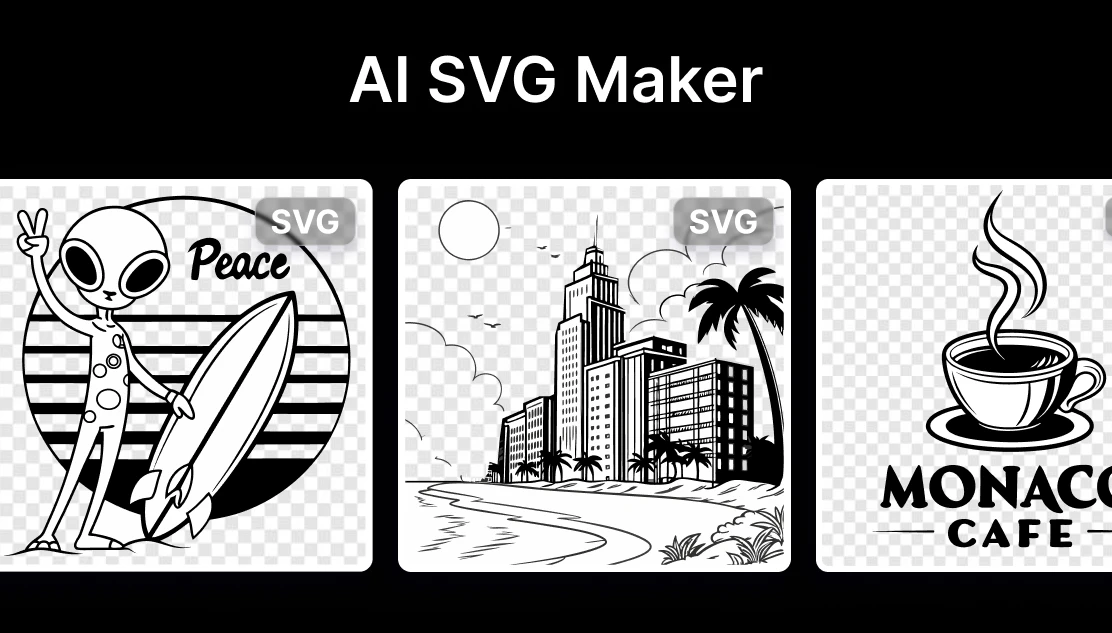
Logos, icons, illustrations, infographics: anything that needs to look sharp at any size, needs to be a Scalable vector graphic. The problem has always been that creating SVGs required either proficiency in tools like Adobe Illustrator or Figma, or a budget to hire a designer.
With an AI SVG maker, you describe what you want in plain text and get a vector file back in seconds. No design software or technical knowledge.
How to generate SVGs with Artificial Studio
Artificial Studio's AI SVG maker is powered by Recraft V3, one of the most capable text-to-vector models available. Here's how to use it:
Step 1 — Open the tool: Go to Artificial Studio's AI SVG Maker and open the SVG Creator.
Step 2 — Write your prompt: Describe the image you want in plain text. Be specific about style, subject, and mood. For example: "A minimalist mountain landscape with a rising sun, clean lines, flat design style." The more detail you give, the closer the output will be to what you're imagining.
Step 3 — Choose a style: Select from five distinct artistic styles
- Vector illustration — clean, modern, flat design
- Engraving — detailed, textured, vintage feel
- Line art — minimal, elegant outlines
- Line circuit — technical, geometric, ideal for tech brands
- Linocut — bold, high-contrast, handcrafted aesthetic
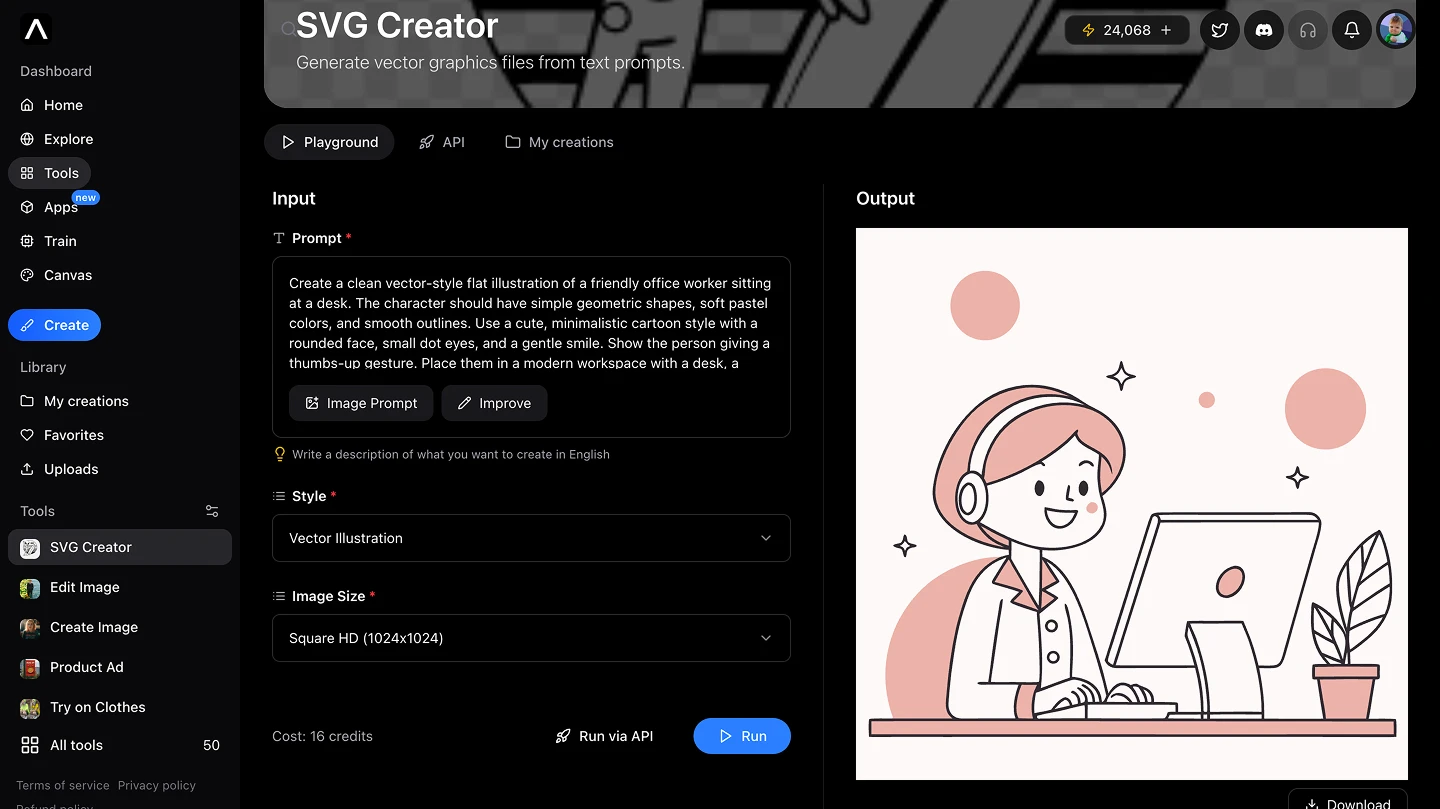
Step 4 — Generate and download: Click Run. The AI generates your SVG in seconds. Download the file — it will have a .svg+xml extension. If you want to continue editing it in Figma, simply remove the +xml part from the extension so it reads as .svg. It's immediately ready to use!
Why SVGs? The format that never breaks
SVGs are resolution-independent. They're built from mathematical coordinates rather than pixels, which means they look perfectly sharp at any size — from a 16px favicon to a 10-foot billboard. An SVG never pixelates like a PNG or a JPEG.
They're also lightweight. A complex SVG illustration is often a fraction of the file size of a comparable raster image, which matters for web performance and page speed.
And they're editable. An SVG is essentially code — you can open it in a text editor, modify colors, shapes, and text, or import it into any design tool and work with the individual elements.
Practical use cases where SVGs are the right choice:
Logos and brand identity — a logo needs to work at the size of a business card and the side of a building. SVG is the only format that handles both. Any professional logo deliverable should include an SVG file.
Website and app icons — icon sets for digital products are always SVG. They scale across device resolutions, can be animated with CSS, and can be restyled dynamically to match light and dark modes.
Infographics and data visualizations — complex illustrations that need to be embedded in web pages, presentations, or reports. SVG infographics stay sharp when zoomed and can be made interactive.
Print-on-demand products — t-shirts, mugs, tote bags, posters. Print services require vector files because they need to scale the design to fit the product without quality loss. An AI SVG maker can generate a design concept in seconds that goes directly to a print supplier.
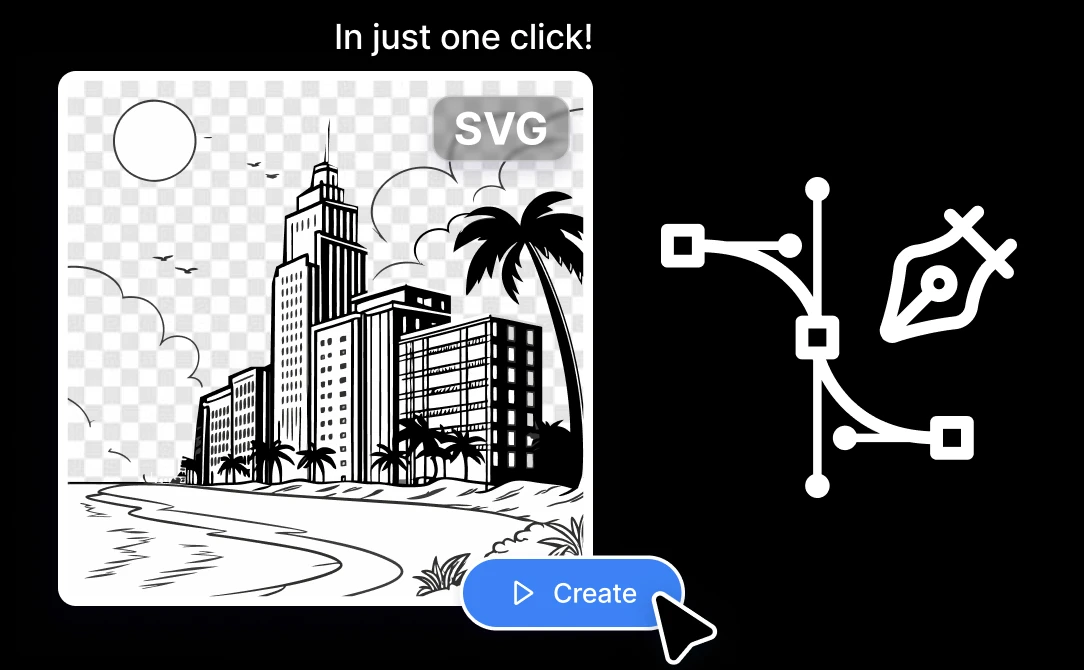
Marketing materials — landing page illustrations, email header graphics, social media assets that need to be repurposed across different dimensions. Having the SVG source file means you can resize and recolor without going back to square one.
Presentations and pitch decks — custom illustrations that match brand colors and style, without paying a designer for one-off assets.
How Artificial Studio compares to other AI SVG Makers
SVG.io converts text prompts into SVG illustrations quickly, but the output styles are limited and the platform is single-purpose. There's no broader creative toolkit around it — you generate the SVG and then you're on your own for everything else.
Recraft.ai (the standalone product, separate from the Recraft V3 model available in Artificial Studio) offers a designer-focused workspace with branded illustration and icon set creation. It's a solid tool for designers who need consistent visual systems, but it requires familiarity with design workflows and comes with its own subscription cost.
SVGStud.io offers AI-based SVG generation with iterative refinement and a library of existing assets. Useful for exploration, but limited in the range of styles and output quality compared to Recraft V3.
The Noun Project is a library of human-designed icons and illustrations, not an AI generator. It's a different product category — useful for finding existing assets, but not for generating something custom from a prompt.
Artificial Studio with Recraft V3 stands apart because the SVG tool isn't isolated. It sits inside a platform with 50+ creative tools — meaning the SVG you generate can immediately be used with the Logo Mockup Generator to see it applied to products, combined with the Social Media Post Generator for branded content, or exported alongside video and audio assets for a complete campaign. You're not paying for an SVG tool. You're paying for a creative platform that includes one of the best AI SVG makers available.
10 Prompts to Try with the AI SVG Maker
1. Style: Vector illustration
"minimalist vector logo of a mad looking cool brown monkey with sunglasses, flat design, white background, centered, no text, high contrast"
2. Style: Engraving
"an alien in a flying saucer. The alien is smiling."
3. Style: Vector illustration
"developer man sitting in his deck with his computer doing some code, working remotely from his house, there is a plant next to him, and the images is seeing everything from his back, cartoon illustration for tech website"
4. Style: Vector illustration
"A colorful vector illustration of a lighthouse in bright pink and yellow colors, with stairs leading up to it surrounded by clouds, hills, suns, and a sky-blue background, in the style of Joan Cornella. The design is minimalistic and has bold shapes, creating an abstract background. It features flat illustrations, geometric patterns, and vibrant color palettes, reflecting Japanese aesthetics and digital art styles. This artwork creates a visually appealing scene that evokes emotions like joy or wonder."
5. Style: Vector illustration
"logo of a cup of coffee with a steam rising from it. The cup is outlined in black and has a handle on one side. Below the cup, the word "Monaco Café" is written in a bold, sans-serif font. The overall design is simple and clean, with a modern and minimalist aesthetic."

6. Style: Vector illustration
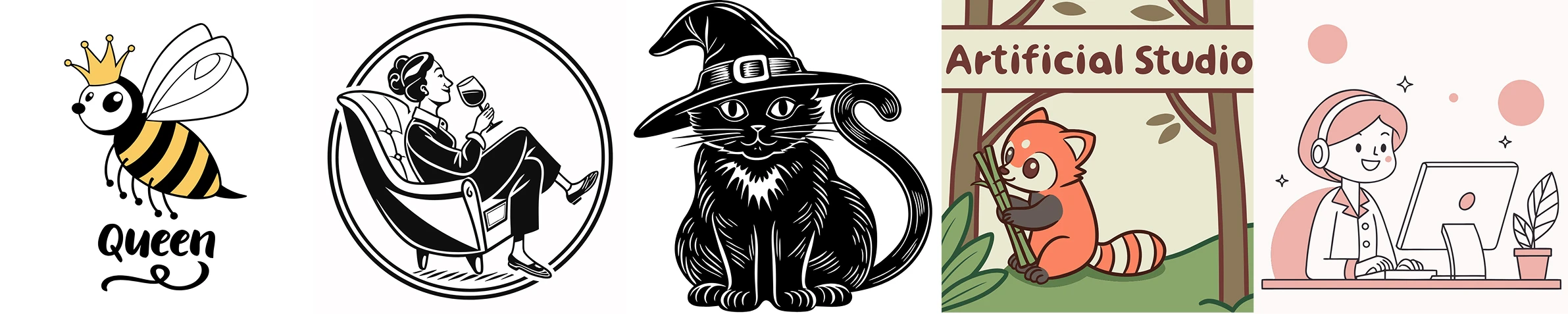
"A cute vector illustration of a queen bee featuring bold black outlines, yellow and black stripes, and small wings. The bee is wearing a golden crown with round tips, giving it a royal and playful look. Below the bee, the word ‘queen’ is written in a stylish, bold script font. Logo style"
7. Style: Vector illustration
"A black and white vector style illustration featuring a character with two legs, sitting in a club armchair while enjoying a glass of wine, reminiscent of traditional notary illustrations. There is a second person next to them in another armchair. logo style."
8. Style: Linocut
"a black silhouette of a black cat wearing a witch hat. The cat is sitting on its hind legs with its front paws resting on the ground. The hat is black with a pointed brim and a silver buckle on the front. The overall style of the image is simple and cartoon-like."
9. Style: Line Circuit
"a red panda eating a bamboo in front of a poster that says 'Artificial Studio"
10. Style: vector illustraion
"Create a clean vector-style flat illustration of a friendly office worker sitting at a desk. The character should have simple geometric shapes, soft pastel colors, and smooth outlines. Use a cute, minimalistic cartoon style with a rounded face, small dot eyes, and a gentle smile. Show the person giving a thumbs-up gesture. Place them in a modern workspace with a desk, a small plant, and a computer monitor. Use a soft pink background with subtle abstract elements like circles, clouds, and small sparkles. The overall aesthetic should be cheerful, professional, and visually consistent with modern SaaS website illustrations"
Creating professional SVGs used to mean either learning Illustrator or hiring someone who had. Neither option is fast or cheap. An AI SVG maker removes both barriers — describe what you need, choose a style, and have a production-ready vector file in seconds.