How to translate your videos into another language with AI (and use them in YouTube)
Stop skipping foreign-language clips. AI video translation keeps the original voice, syncs the mouth, and delivers a clip in seconds for your Youtube channel
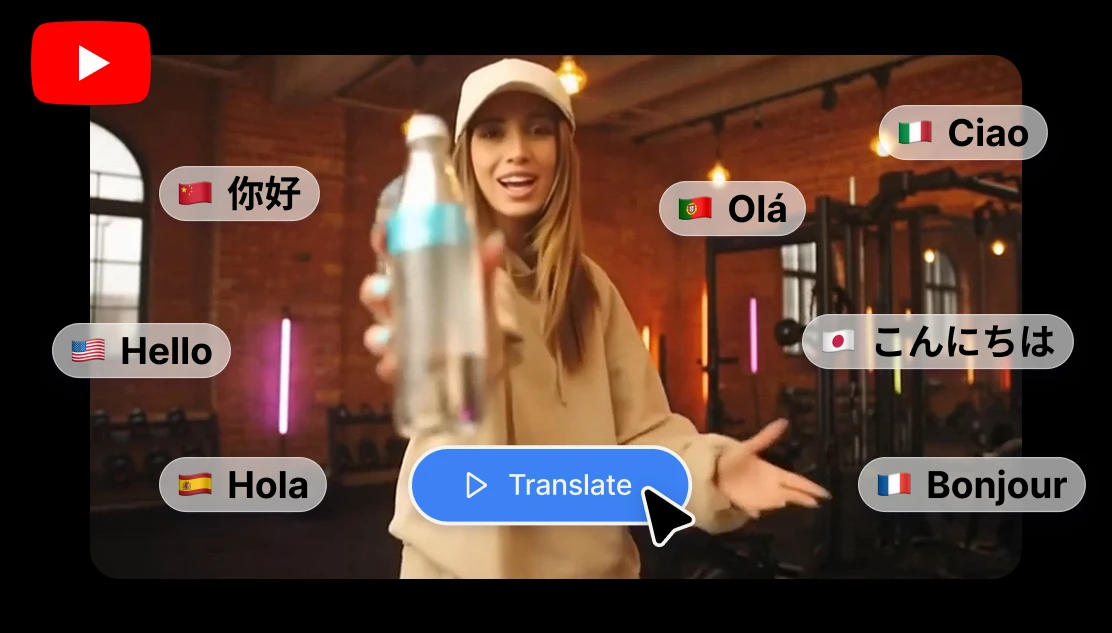
You're editing a video. You found the perfect clip — a politician speaking, a news anchor breaking a story, a historian explaining something your audience would love. The footage is exactly what you need. There's just one problem: they're speaking in German, French or Korean.
A few years ago, that clip was basically unusable. Now it takes about 30 seconds with the Artificial Studio's Video Translate tool.
The old way was a pain (and still didn't work perfectly). If you've ever tried to use a clip in a foreign language, you know it was a long process. You either had to find a bilingual friend willing to do you a favor, post on Fiverr and wait three days, try to find the subtitled clip or try to decipher what it's saying so you can put captions yourself. If none of that works, then skip the clip entirely and find a worse alternative.
And even when you did hire someone to dub it? The lip sync was always slightly off. The voice didn't match the energy of the original speaker. It felt dubbed because it was.
But you can maintain the same voice in another language without lose the emotion, the delivery or the feel of the original moment.
What AI Video Translation actually does now
Artificial Studio's Video Translate tool doesn't just transcribe and dub. It takes the original speaker's voice, translates what they're saying into the language you choose, regenerates the audio in that same voice, tone and pacing, and then syncs the mouth movements to match the new audio.
The result is a clip where the person appears to be speaking your target language. Not a voiceover on top of the original. Not a subtitle. The actual person, speaking differently.
It's the kind of thing that would have required a post-production team and a significant budget a couple of years ago.
How to use it
The process is straightforward.
1. Go to Artificial Studio's Video Translate tool
2. Upload the video clip with the speaker you want to translate
3. Select the new language
4. Let the AI process it for a couple of seconds
That's it. In a few seconds you get back a new clip with same speaker, same feel, new language, mouth in sync. No hiring. No waiting. No explaining what tone you need to a freelancer. You get the clip back ready to drop into your timeline. Here is an example:
Original Video ↓
Translated Video! ↓
This is for anyone who makes videos in a second language, or anyone targeting multilingual audiences. But honestly, the use case that catches most people off guard is content creators who use third-party clips. Think about the channels that rely on footage of real people speaking:
- Breaking news and current events channels: Political speeches, press conferences, eyewitness accounts from around the world. Half of what's happening globally is happening in a language that isn't English. Now you can use that footage without losing the authenticity of the original moment.
- History and documentary-style content: Archival footage, interviews with foreign figures, speeches. You don't have to choose between accuracy and accessibility.
- Political commentary: If you cover international politics, being able to use clips of foreign leaders speaking in English (or whatever language your audience speaks) changes what kind of content you can make.
- Curiosity and educational channels: The kind of channels that cover "what's happening in [country]" or explain cultural differences. Suddenly you have access to a much broader pool of primary source material.
- Multilingual creators: If you're publishing the same content in multiple languages, you no longer need to record yourself twice.
If you make content that involves footage of real people speaking, it's worth trying once. Find a clip you've been avoiding because of the language barrier and run it through.
Don't forget the Youtube Thumbnail!
You've done the work. You've got compelling translated footage. The video is coming together. Now you need a thumbnail that gets people to click.
YouTube Thumbnail Designer lets you create thumbnails without needing Photoshop skills or a designer on call. Upload a reference image (could be a photo of you, a screenshot from the video, or something that matches the topic), describe the title and the visual style you want, and the AI generates a thumbnail that's built to grab attention in a feed.
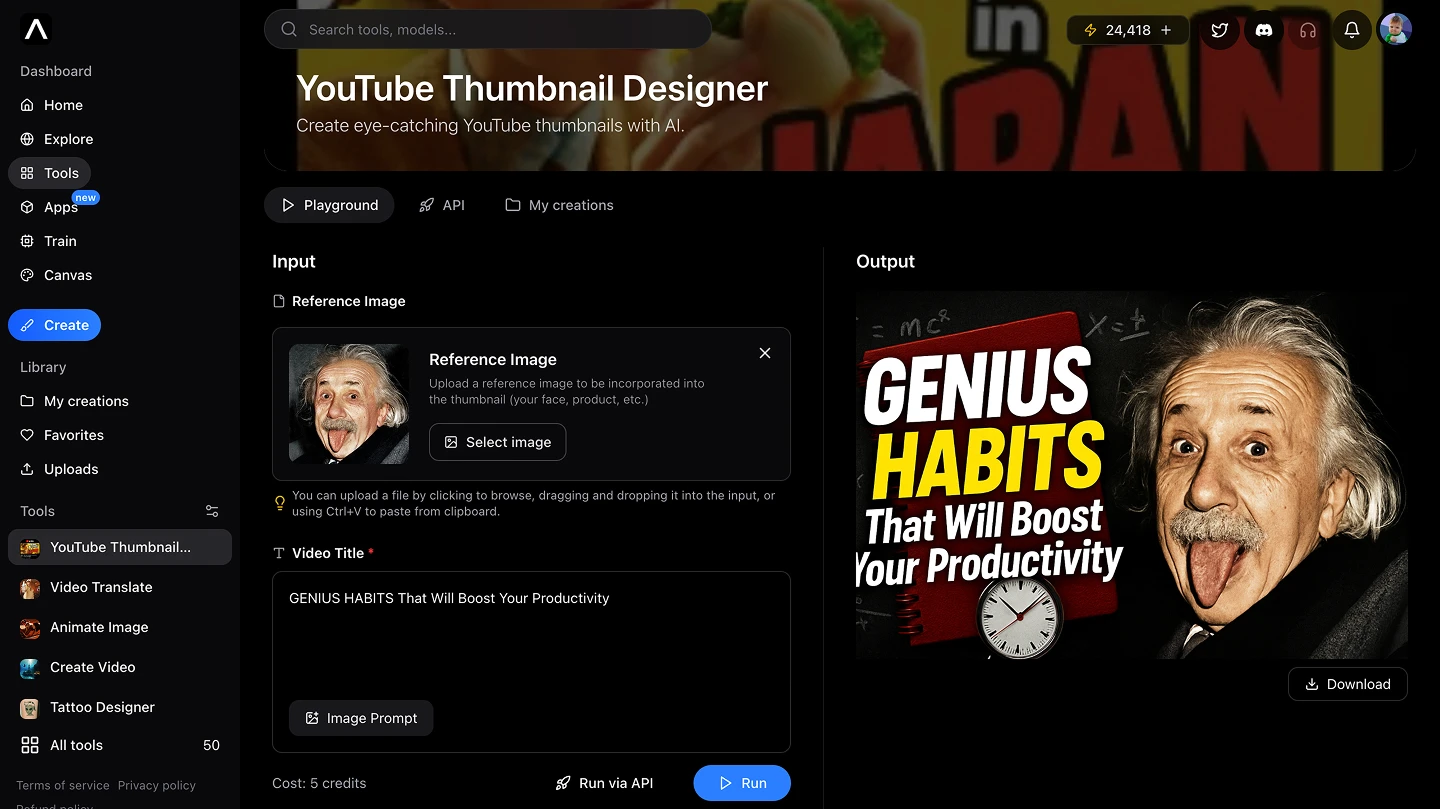
For news and politics channels especially, this matters. Your thumbnail is competing with every other video in the sidebar. It needs to look sharp and immediately communicate what the video is about.
Artificial Studio for Youtubers
Artificial Studio has over 50 AI tools. The platform covers the full stack of what a creator or freelancer actually needs: video generation and editing, image creation and editing, music and sound effects, voice generation, AI thumbnails, social media post generators, product ads, logo design, marketing assets — all in one place without jumping between a dozen different subscriptions.
For YouTubers specifically, a few that tend to be useful in the same workflow:
Video Upscaler — if the clip you found is lower quality, upscale it before using it
Video Background Remover — cut out subjects from clips when you need them on a green background
Sound Effects — fill in audio gaps or add atmosphere
Audio to Subtitles — auto-generate subtitles for accessibility or repurposing
The point is that you don't need to leave the platform mid-project to find a different tool for the next step!
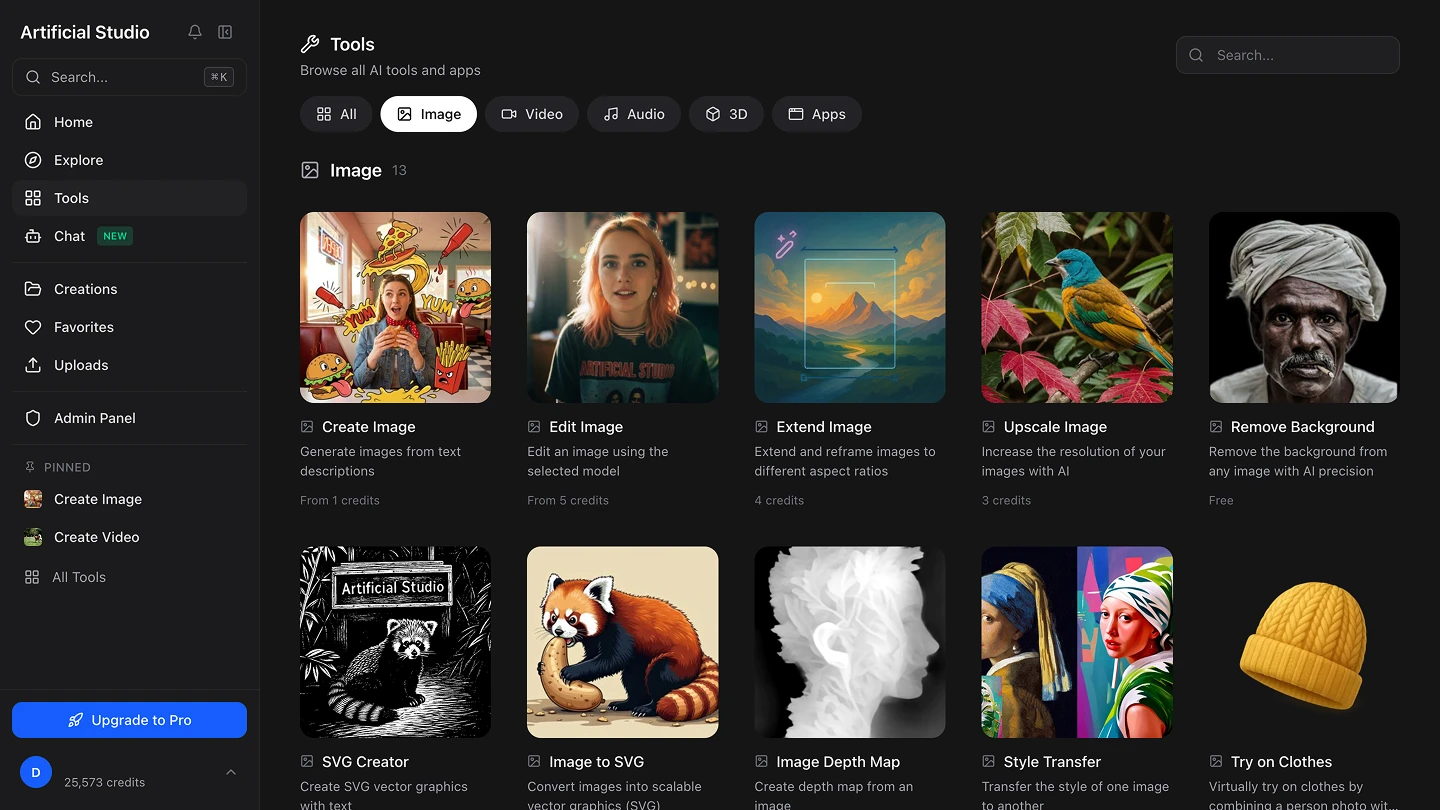
Artificial Studio is an AI creative platform with 50+ tools for video, image, audio, music, and marketing. You can try the Video Translate tool here and explore the full toolkit at ArtificialStudio.ai